Custom properties
To obtain greater benefit from quantity take-off from the Revit BIM model, it is possible to create "Custom properties". Custom properties are similar to Revit project parameters, but they can be created and modified in Arquimedes and are applied to all categories. These custom properties can be applied to types or to instances.
This tool is accessed from the options button in the "Item assignment and quantity take-off" window.

The definition of "Custom properties" can be shared between the different linked Revit projects within the same Arquímedes project (but not their values).
Custom properties can be used in:
- Combinations used to obtain quantity take-off details.
- Measurement filters.
- Subtype discriminators.
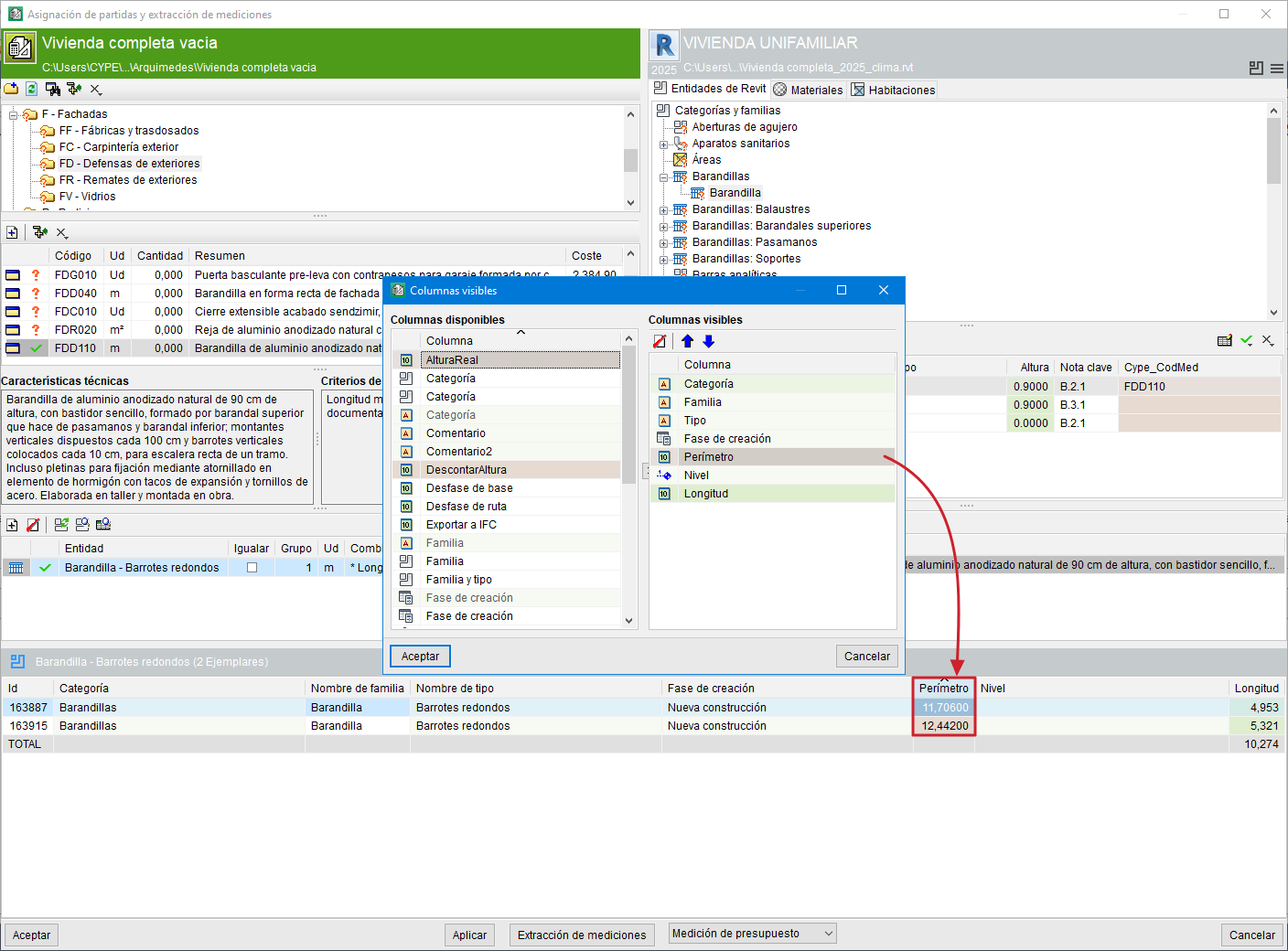
Custom properties can be displayed and their values modified in:
- The columns of instance lists.
- The type and instance properties window.