Dialogue and options toggle buttons

- Dialogue toggle button
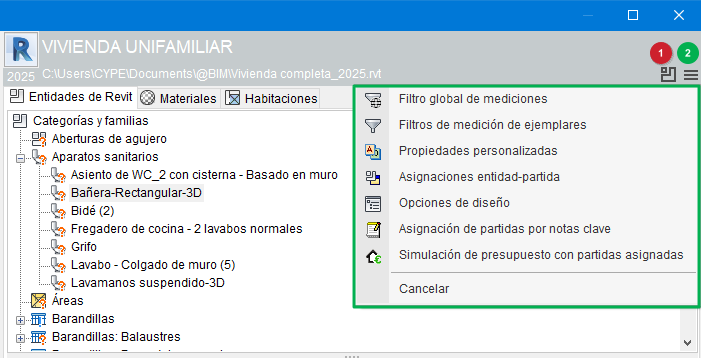
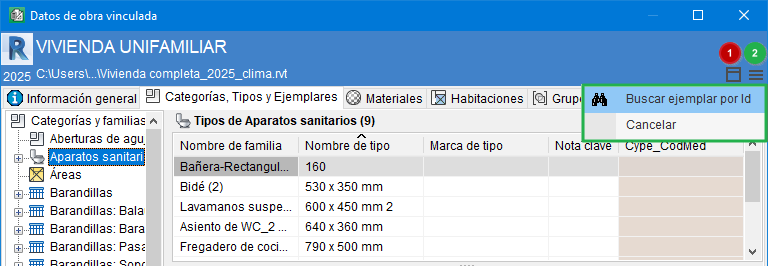
To make it easier to toggle between the dialogues "Item assignment and quantity take-off" and "Linked project data", this button (identified in the adjacent image with the red number 1) is available in both dialogues. The F7 key also performs the same function of switching between the two dialogues. - Options button
This button (identified in the image with the green number 2) is the access point to the different options in each of these dialogues:
- In the "Item assignment and quantity take-off" dialogue, the button allows access to the "Global measurement filter", "Design options" and "Item assignment by keynotes", among others.
- In the "Linked project data" dialogue, the button allows access to the option "Search instance by Id".
- In the "Item assignment and quantity take-off" dialogue, the button allows access to the "Global measurement filter", "Design options" and "Item assignment by keynotes", among others.