Error checks in the extraction of quantities from Revit
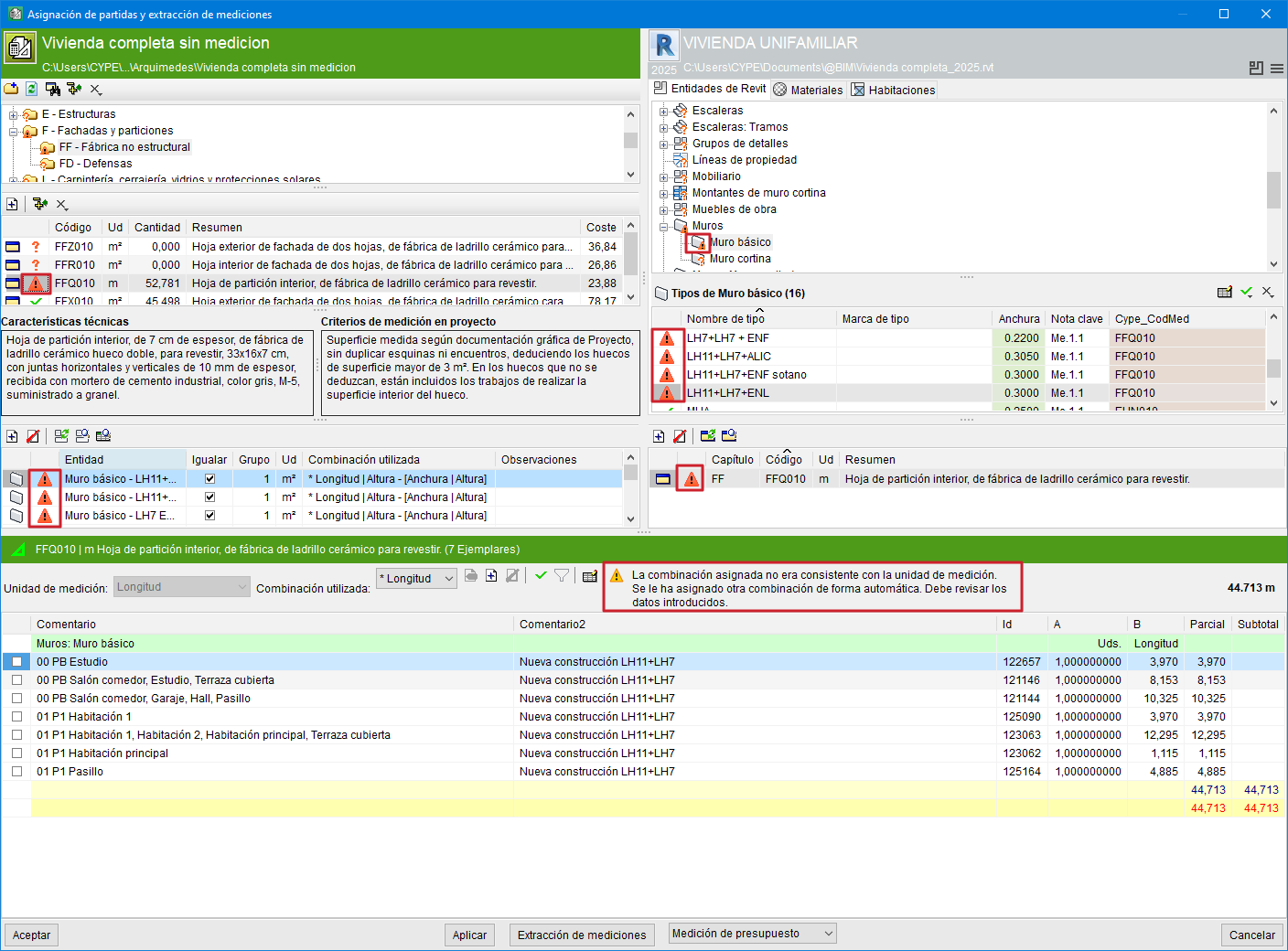
With the aim of minimising errors in the extraction of quantities from the BIM elements of a Revit model, when an error is detected, both the item and the linked Revit entity are marked with a red warning symbol  and a warning message is displayed.
The warnings that may appear as a result of the checks carried out are:
- The assigned combination was not consistent with the unit of measurement. Another combination has been assigned automatically. You must review the data entered.
This situation is usually due to the user having modified the unit of measurement of the item in Arquímedes after having extracted its quantity from Revit. In this case, Arquímedes automatically assigns another parameter combination. The user must review it and click the "Verify" button located in the configuration area of the quantity detail table if they wish to verify it.
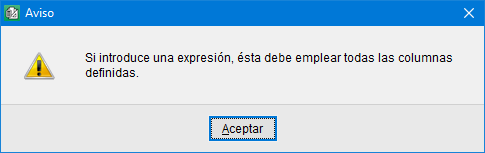
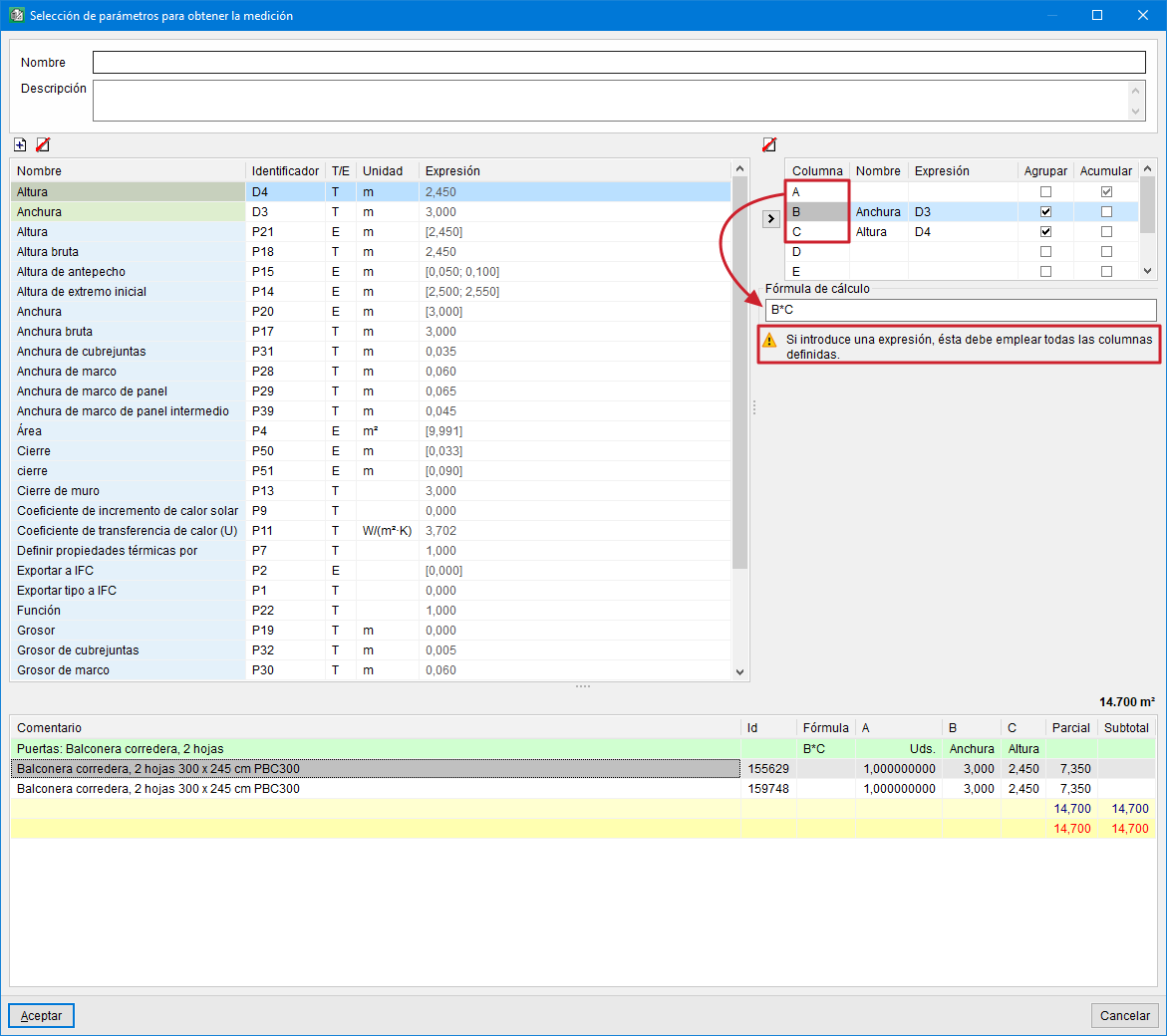
- If you enter an expression, it must use all the defined columns.
This may appear when defining the calculation formula for the user combination in the quantity extraction. If the formula is incorrect, when clicking the "Accept" command button in the dialogue "Selection of parameters to obtain the quantity", a warning is shown and the creation of that user combination is prevented until it is corrected.
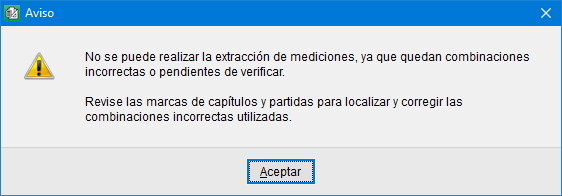
- "The quantity extraction cannot be carried out, as there are incorrect combinations or combinations pending verification"
When clicking the "Quantity extraction" button, it is also checked whether there are any incorrect combinations or combinations pending verification, and the quantity extraction is not allowed until all incorrect combinations have been reviewed. These combinations are marked with the red warning symbol in the chapters and in the items so that they can be easily located.