Options for working with the Revit model within the Arquimedes environment
If any of the projects currently open in Arquimedes are linked to a Revit model, the options under "Connect to Revit" in the "File" menu allow you to retrieve information and work with the Revit model to extract or update its quantities.
Registering links with Revit
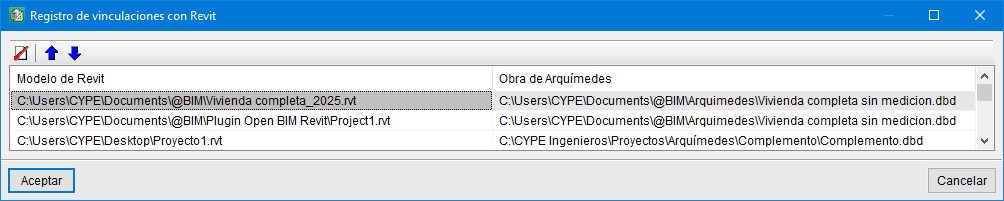
When any of the projects open in Arquimedes is linked to a Revit model, the "Revit link log" option displays a list of Revit models linked to Arquimedes projects.
You can remove the selected link using the "Delete selected element from the list" button.
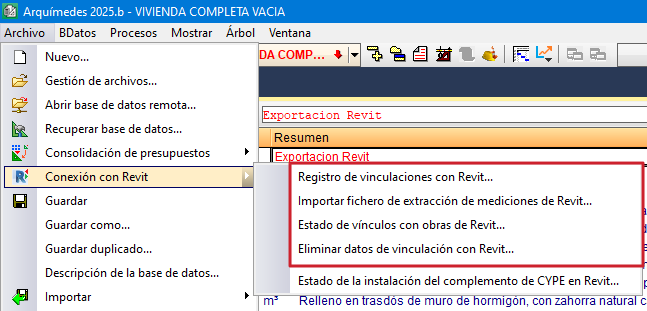
Import a file containing quantities extracted from Revit
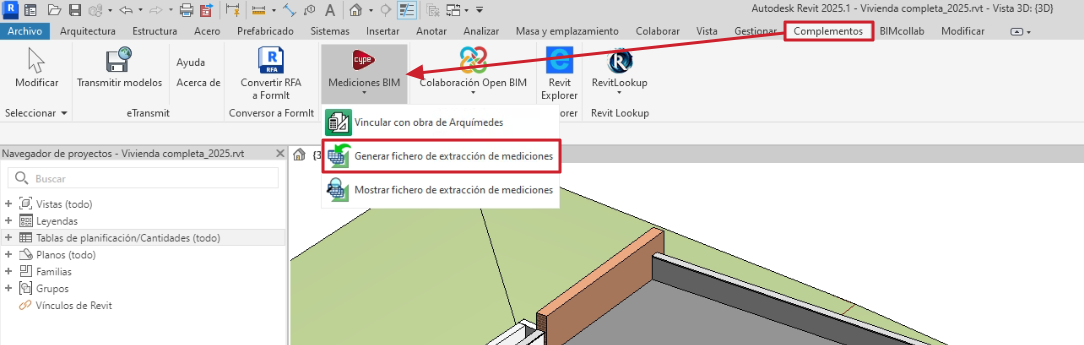
When you click on the "Generate quantities extraction file" option in the "Revit Add-ins" tab, a file is created with the same name as the Revit project, with the .mcsv extension. This file is located in the same directory as the Revit project, contains all the information from the BIM model and can be imported by the person carrying out the bill of quantities in Arquimedes. Therefore, you do not need to have the Revit program installed.
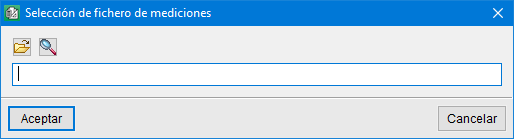
To import the .mcsv file into Arquimedes and extract the quantities from the Revit model, click on the "Connect to Revit" option in the File menu, then on "Import Revit quantities extraction file" and locate the .mcsv file.
When clicking "Accept", the "Assign items and extract quantities" dialogue box will appear.
Status of links to Revit projects
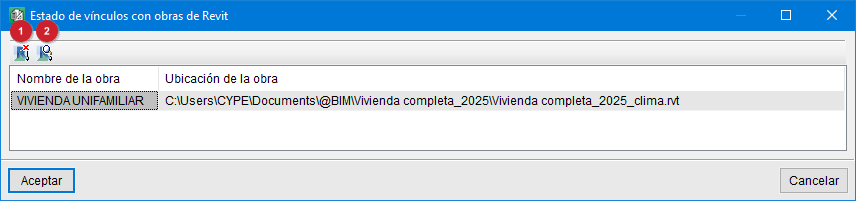
When any of the open bill of quantities in Arquimedes is linked to a Revit project, the "Status of links to Revit projects" option—accessed via the "File" menu by selecting "Connection with Revit"—displays the location of the Revit project or projects linked to the current Arquimedes project.
If the user duplicates or moves the Revit project, they can relink it to an Arquimedes bill of quantities using the "Change the location of the Revit model" button (1).
The "Unlink Revit job" button (2) removes the link between the Revit model and the Arquimedes bill of quantities.
Removing linking data from Revit
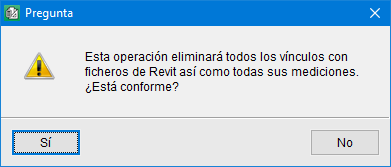
To remove the link information to Revit models from the selected project, use the "Delete Revit link data" option, which can be accessed via the File menu and then by selecting "Connection with Revit". This operation removes all links to Revit files.
A shortcut for extracting or updating quantities when a Revit model has been linked to an Arquimedes bill of quantities is to open the "Assign items and extract quantities" dialogue by clicking on the "Quantity extraction" icon, located at the top of the "Cost breakdown structure" window in Arquimedes.
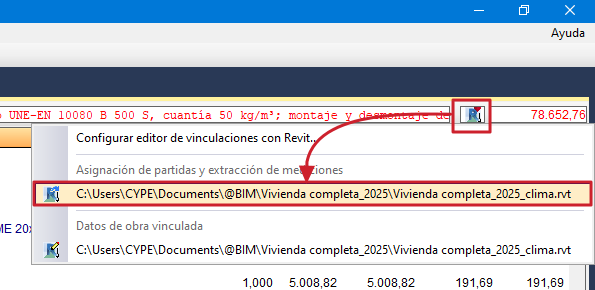
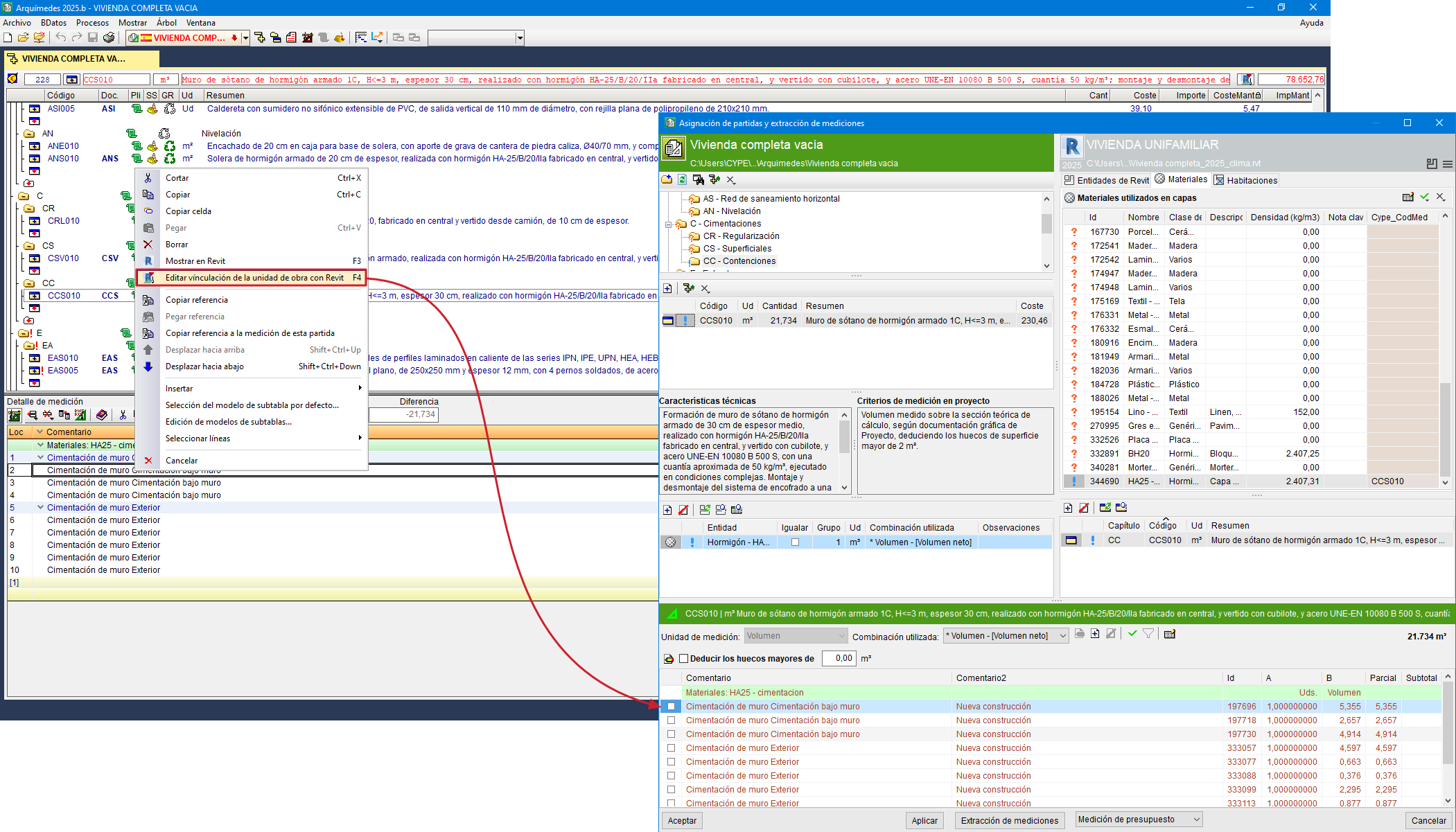
Edit the link between the item and Revit from a quantity table
The "Edit link between the item and Revit" option is found in a context menu that appears when you right-click on a quantity line in the "Cost breakdown structure" window. This option displays the instance corresponding to the selected quantity line in Revit, making it easier to locate.
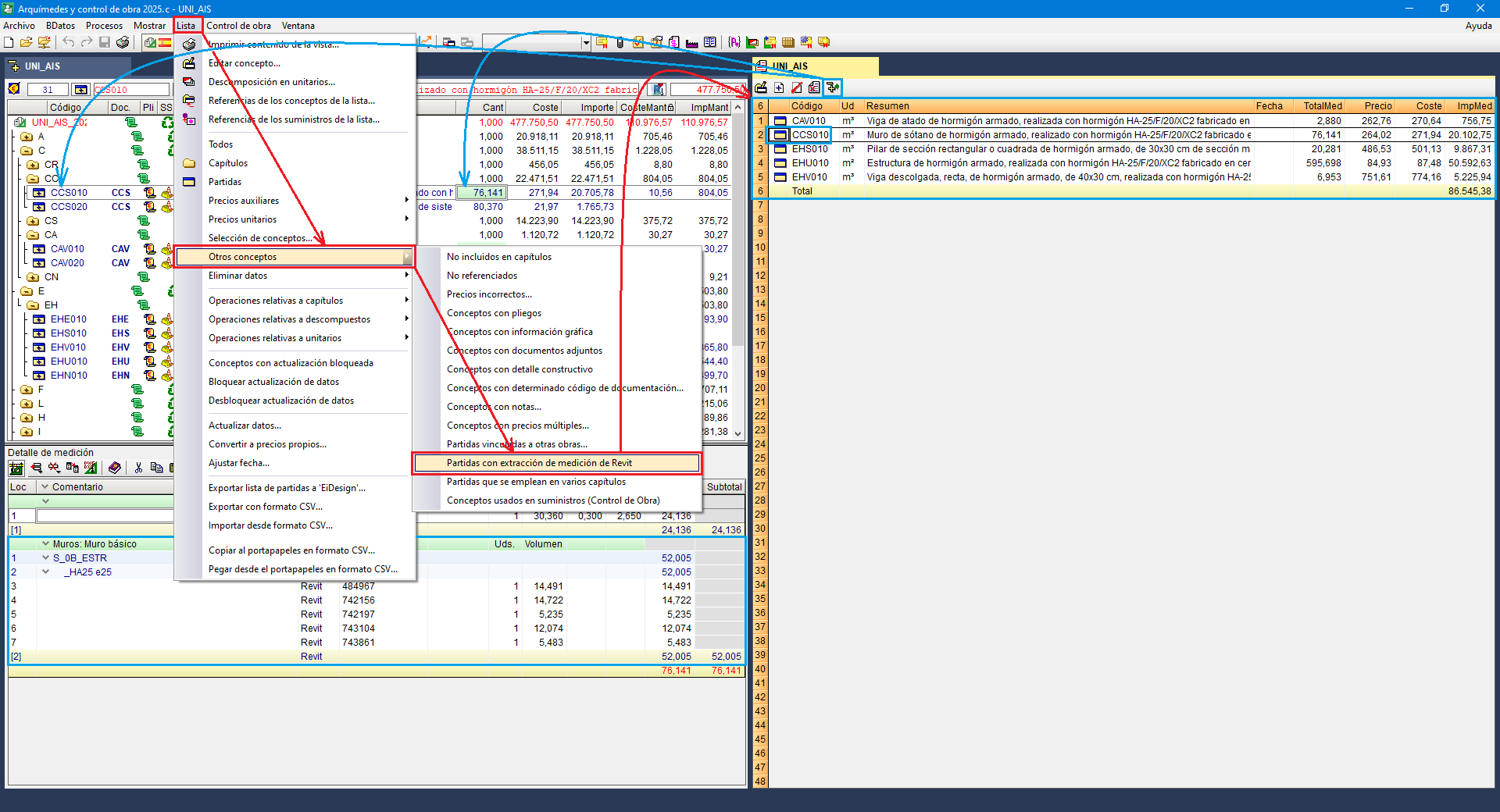
Report of items with Revit quantity extraction
The "Job items with quantities extracted from Revit" option, which can be accessed via the "List" menu by selecting "Other concepts", allows you to view on screen the items for which quantities have been obtained from a quantity take-off file generated by the MedBIM - Revit plugin.