Generation of reinforcement rebars to native Revit entities
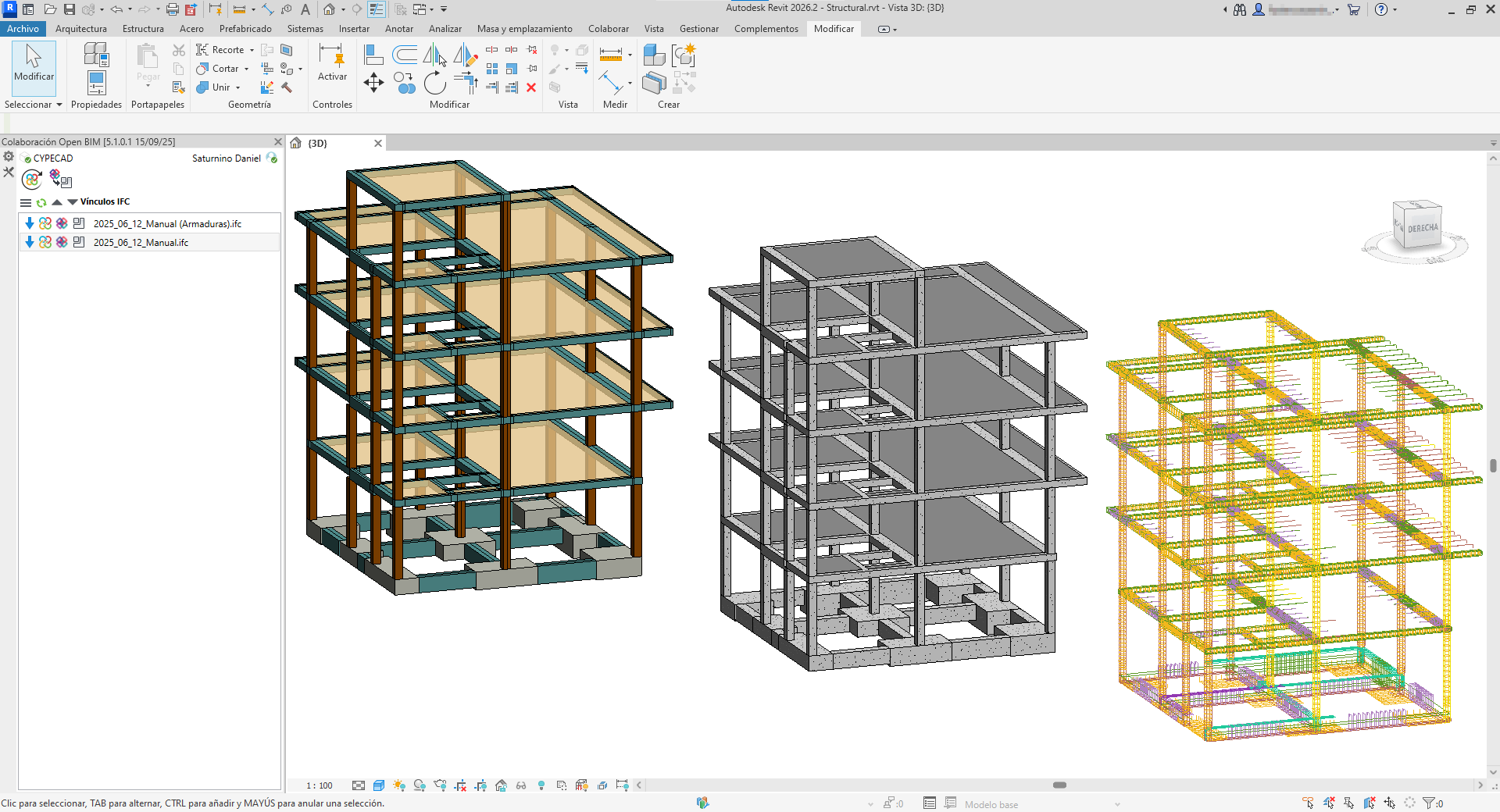
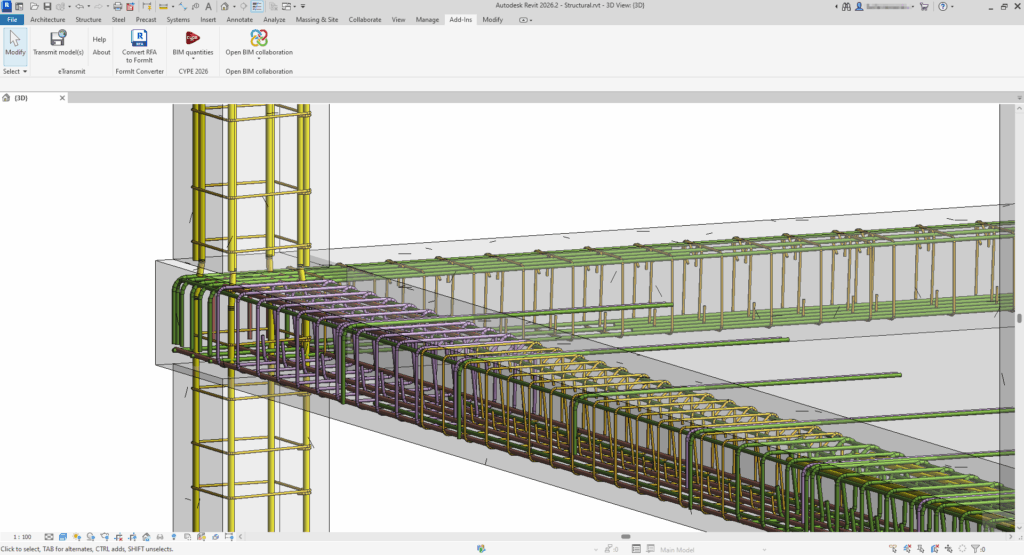
The "Generation of native Revit elements based on a IFC" module extends its features with the "Generation of reinforcement rebars to native Revit entities" tool. This tool converts reinforcement models (included in a project on the BIMserver.center platform) to native Revit entities.
| Note: |
|---|
| To convert reinforcement (generated in CYPECAD) to native Revit entities, you must check the following boxes in CYPECAD, under the "Export" option in the "BIMserver.center" menu: "Reinforcement" + "One IFC file with all the floors" and/or "One IFC file per floor" + "Include the description of the bars in BVBS format in the IFC files". For more information, please refer to this link. |
Converting reinforcement to native Revit elements using the new tool requires prior conversion of the host structural elements, such as beams, columns, floor slabs, footings or any other structural element containing reinforcement.
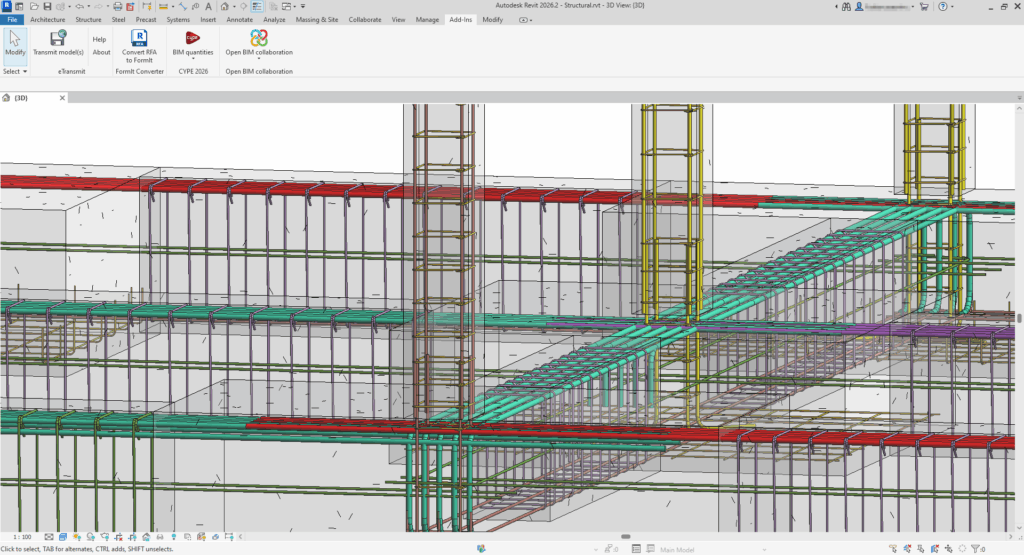
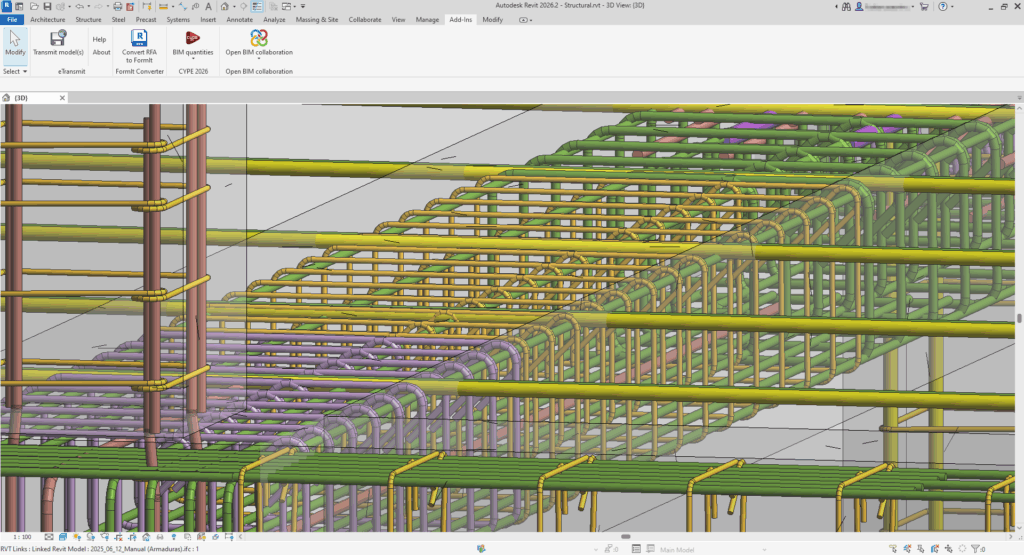
How to use the "Generation of reinforcement rebars to native Revit entities" tool
After selecting the "Extract link content and assign it to families" in a structural reinforcement IFC link option, a dialogue box with the same name opens, the operation of which is described below:
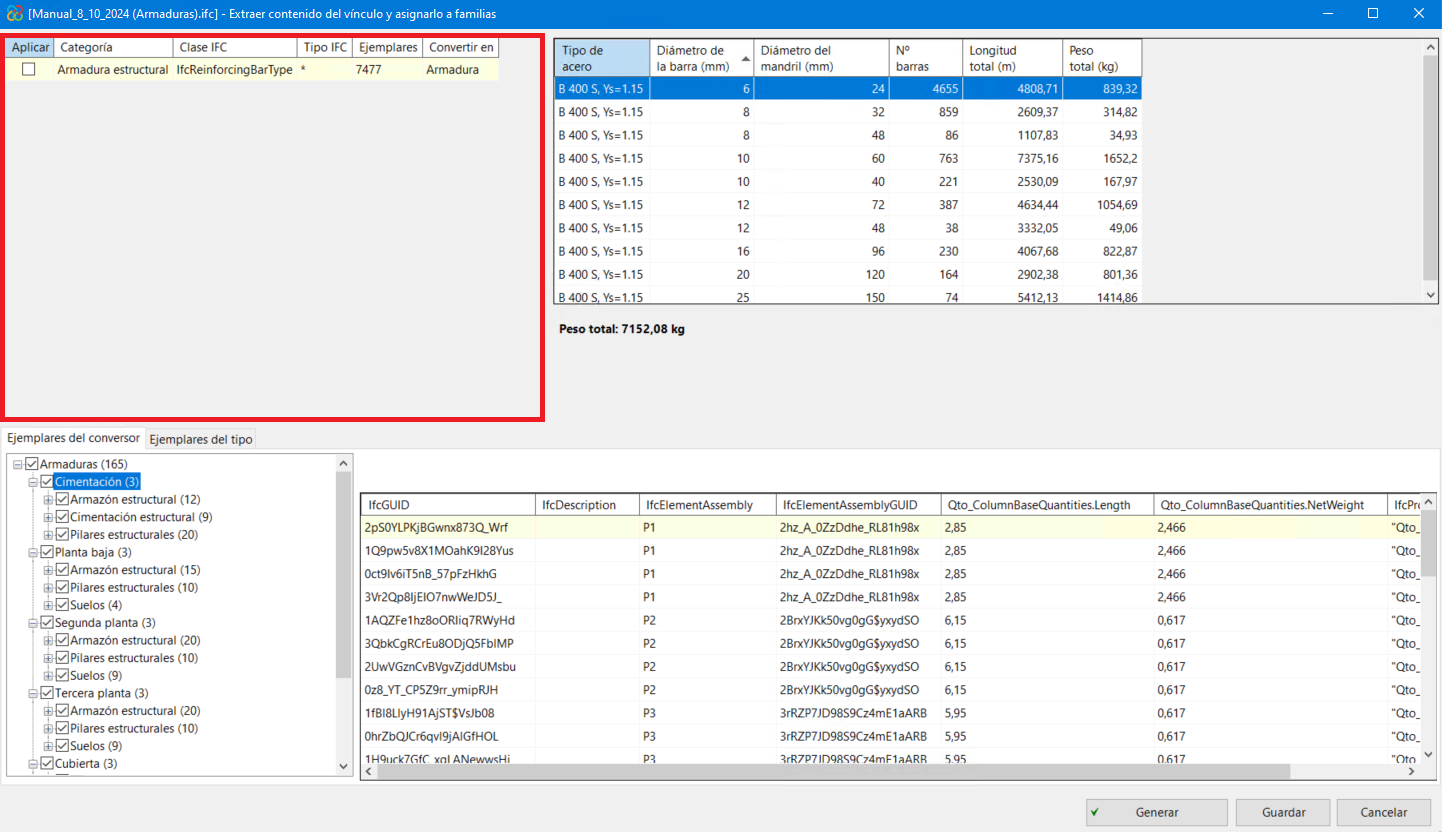
- Main section
In the main section, the categories to be converted to native entities are shown. In this case, as it is a reinforcement IFC, only the category "Structural reinforcement" will be shown. In the same way, the IFC class and the number of existing specimens in the IFC are shown.
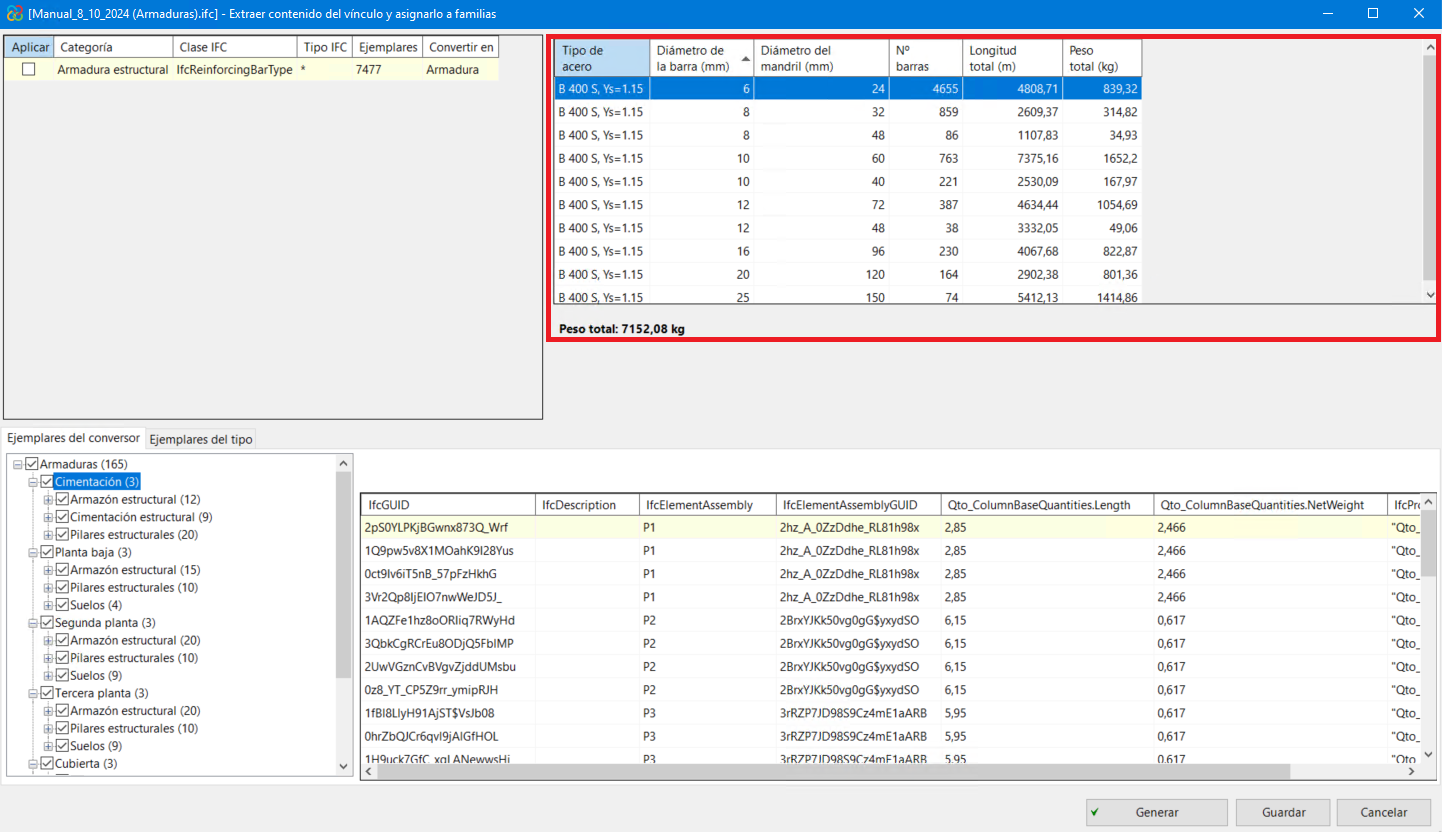
- Quantities/amounts information panel
Information on steel quantities is presented here. This information is classified by steel type, bar diameter and mandrel diameter. At the bottom of the table, there is also a summary of the total weight of steel expressed in Kilograms.
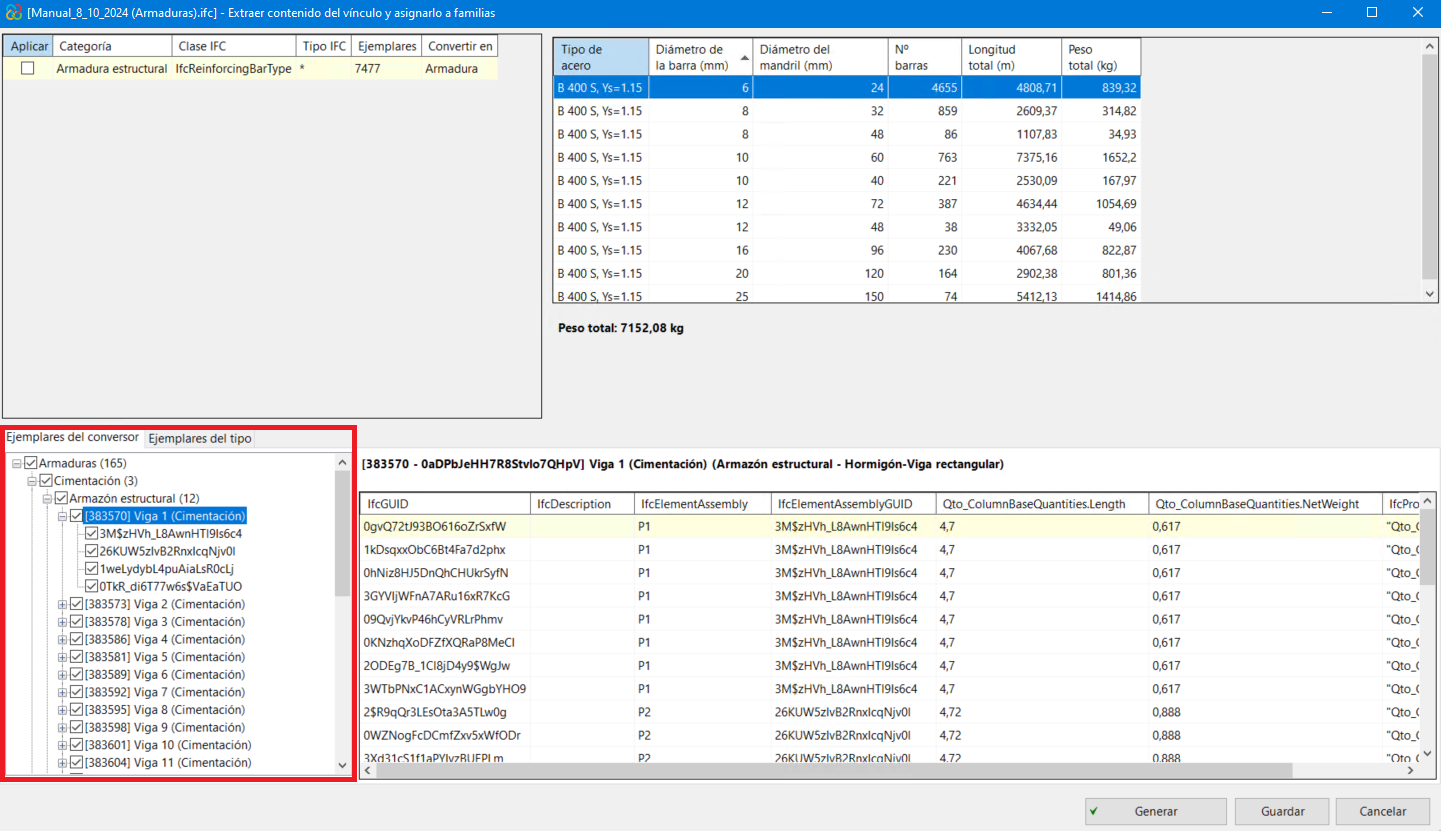
- Converter examples
In the bottom-left panel, the hierarchy of the converter examples is shown. This hierarchy is set in descending order:
- General reinforcement (covering the whole model).
- Floors or levels in the model (foundations, ground floor and following floors).
- Categories of Revit structural elements belonging to each level (structural framing, structural columns, etc.).
- Single structural element.
- Reinforcement assemblies (sets or groups of bars forming the total reinforcement of a structural element).
- General reinforcement (covering the whole model).
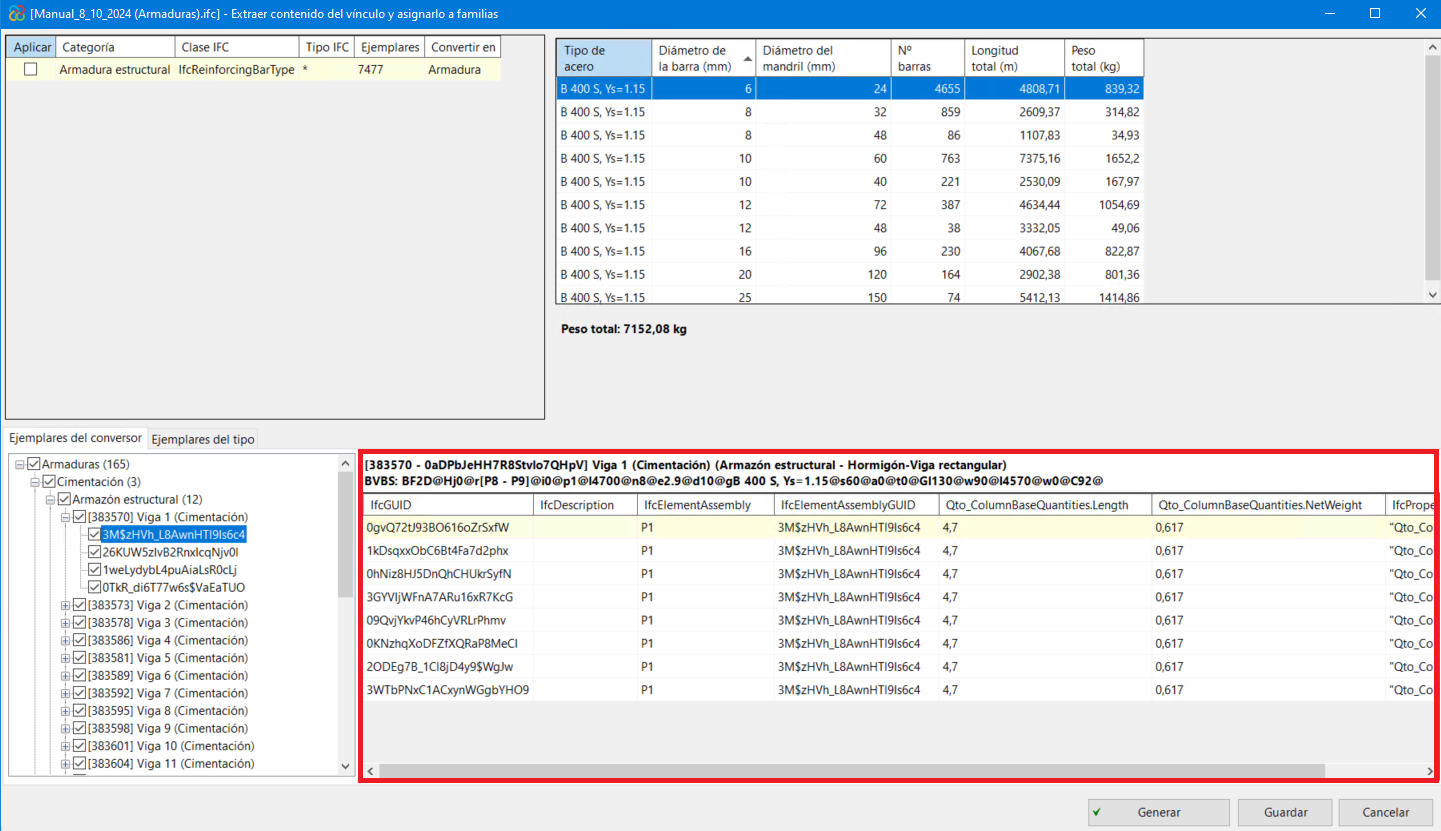
- In the bottom-right panel, the information concerning each bar in each assembly is shown.