IFC options
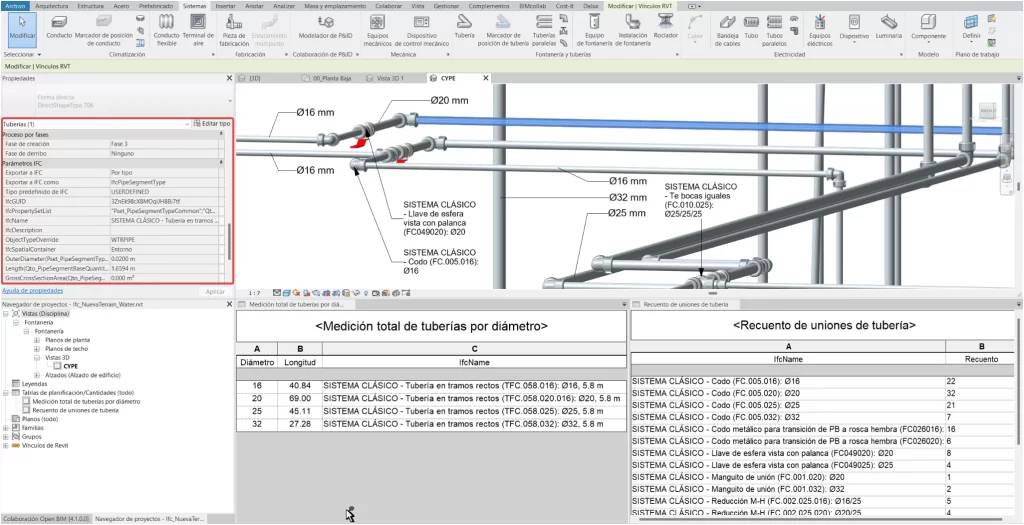
With the "IFC options" tool, users can customise and optimise the conversion of objects to and from IFC. The availability of objects belonging to Revit's categories allows users to tag objects or to carry out analyses using planning tables, among other things.
This way, the BIM workflow of projects that are modelled in Revit and analysed with CYPE's programs is optimised, and it focuses on the possible detailed models generated from the applications belonging to the manufacturer's systems.
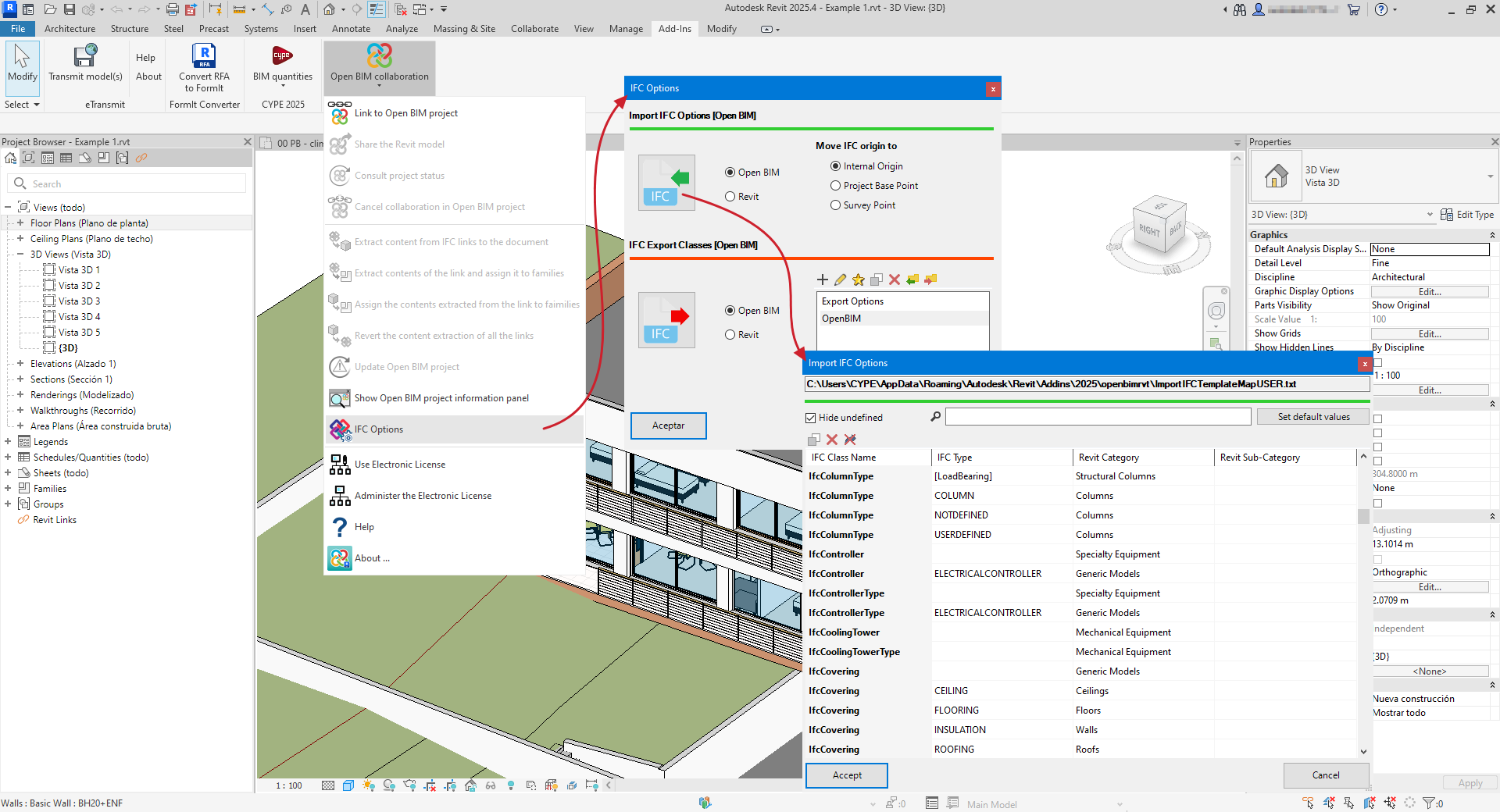
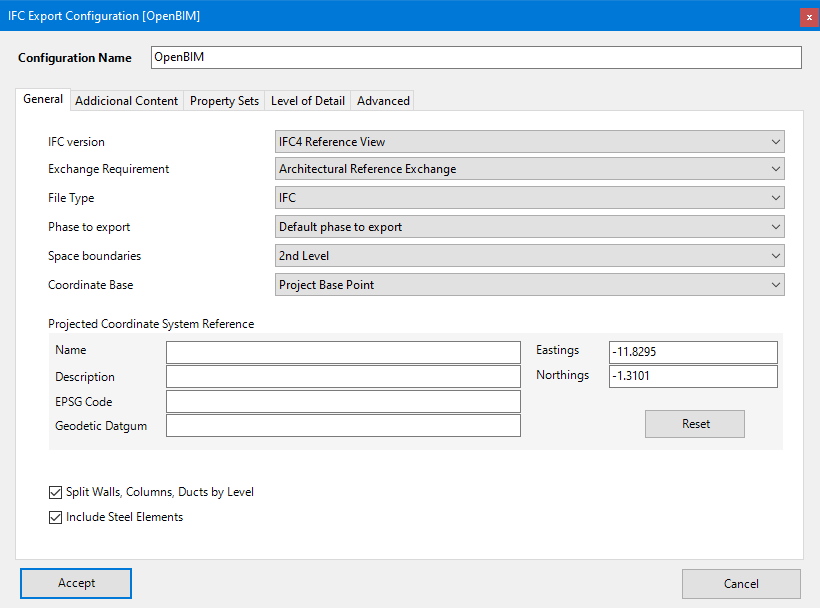
The "IFC options" feature complements Revit (accessible via File > Export > IFC > Modify configuration), and allows the import and export options defined in that setup to be overridden.
If "Revit" is selected in "IFC options", the plug-in uses the same configuration file as Revit. If "Open BIM" is selected, the plug-in suggests a mapping aligned with the needs of CYPE tools. This mapping can be modified, although it is already prepared to work seamlessly with CYPE tools without needing adjustments.
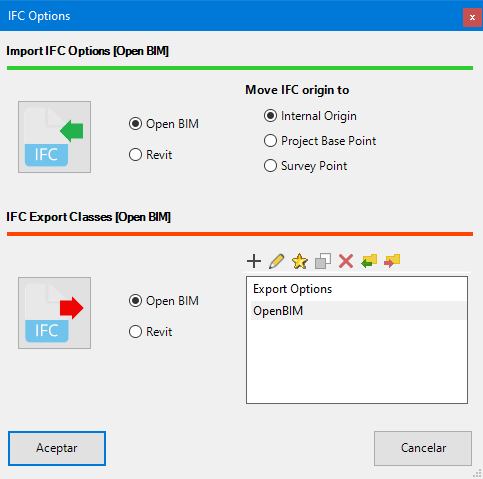
The "IFC import options" allow elements from IFC links to be assigned to native Revit categories, even though they cannot be modified while remaining within the IFC link. This enables the creation of filters and the use of schedules with those elements.
You can also select the point at which the origin of the IFCs from the selected contributions is inserted during import. Once loaded, these links can be moved to reference points in two ways:
- Moving them all at once,
- Moving each one individually.
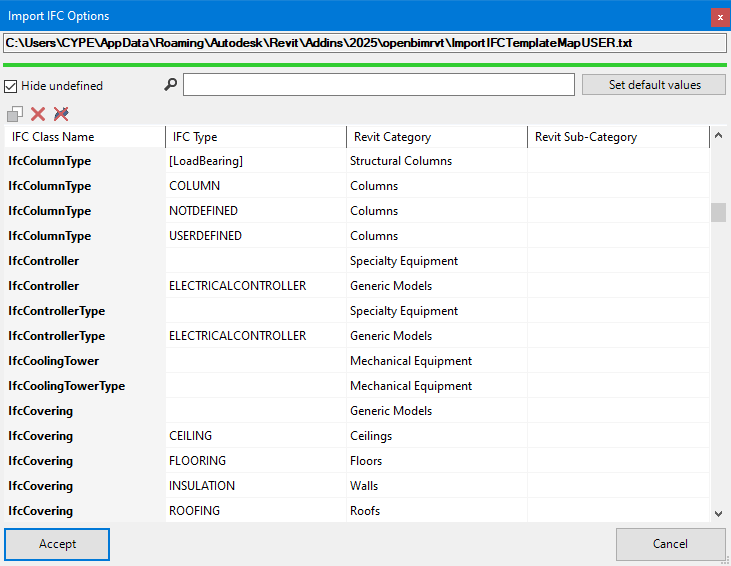
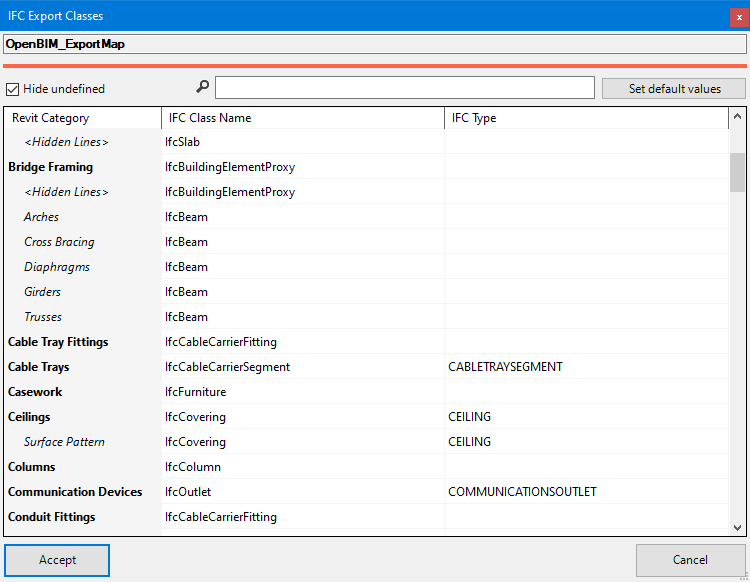
On the other hand, the "IFC export classes" allow you to review and modify the IFC classes associated with native Revit elements at the time of exporting an IFC model through the plug-in.