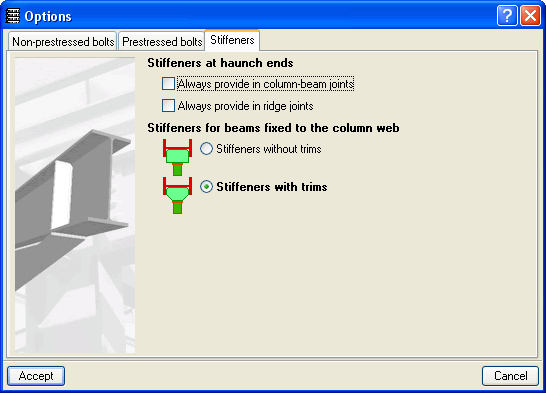
As well as the joints included in the new Joints III. Welded. Building frames with rolled and welded steel I sections module, it is also possible to design in CYPECAD I section (rolled or welded) columns and beams contemplated in modules: Joints I. Welded. Warehouses with rolled and welded steel I sections and Joints II. Bolted. Warehouses with rolled and welded steel I sections. In this first 2010 version of CYPE programs, the connections of modules Joints I and Joints II can only be designed in CYPECAD at the end of the last column span. However in future updates of the 2010 version, it will be possible to resolve connections in other spans of the column. In Metal 3D and in the Integrated 3D structures of CYPECAD, it is possible to design all the joints implemented in the Joints I, Joints II and Joints III modules.
The connections between elements belonging to Integrated 3D structures and steel beams and columns of CYPECAD can also be designed, as long as their type is included amongst the resolved connections of one of the Joints modules (Joints I, Joints II or Joints III).
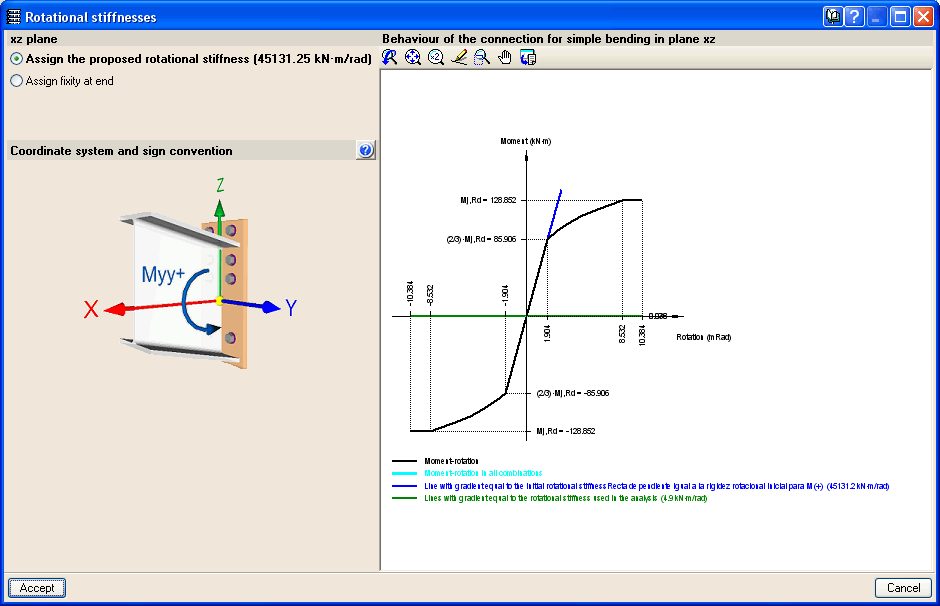
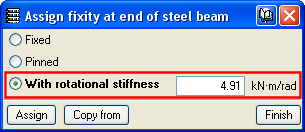
Now that bolted connections can be designed in CYPECAD (those contained in the Joints II module), it is possible to assign a rotational stiffness at beam ends (Beam Definition tab > Beams/Walls> Fixity at beam end).
The new Joints menu has been included in the Results tab, where the options for connection design, joint consultation and rotational stiffness at beam ends can be edited.