Update history​​

CYPELEC

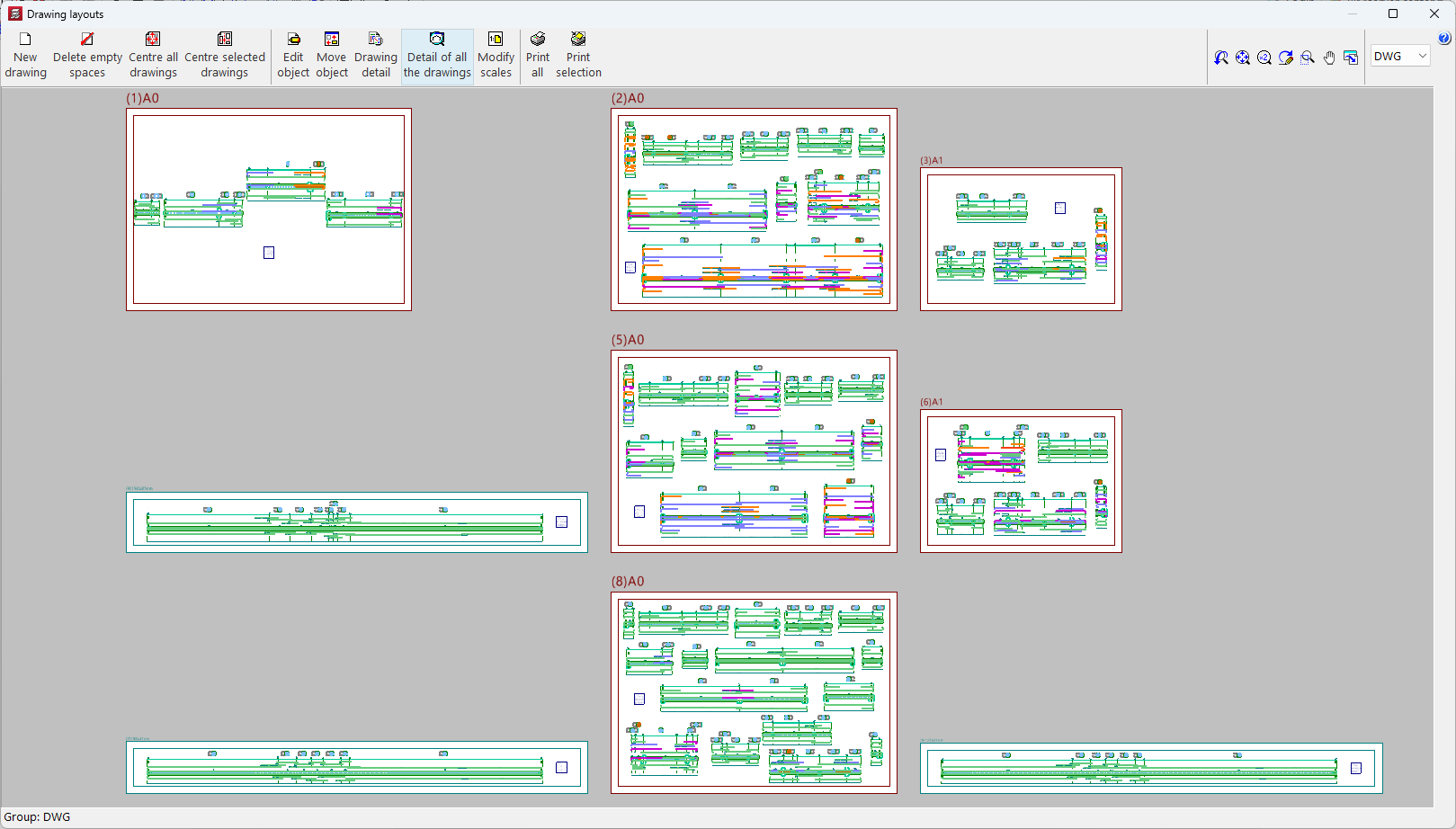
As of version 2025.c, the "Drawing layouts" panel uses hardware acceleration for drafting drawings. This implementation allows users to represent and move the model more smoothly.

This panel is present in several CYPE programs, although hardware acceleration is much more noticeable in programs and projects with multiple elements (CYPECAD, CYPE 3D, CYPECAD MEP, etc.).
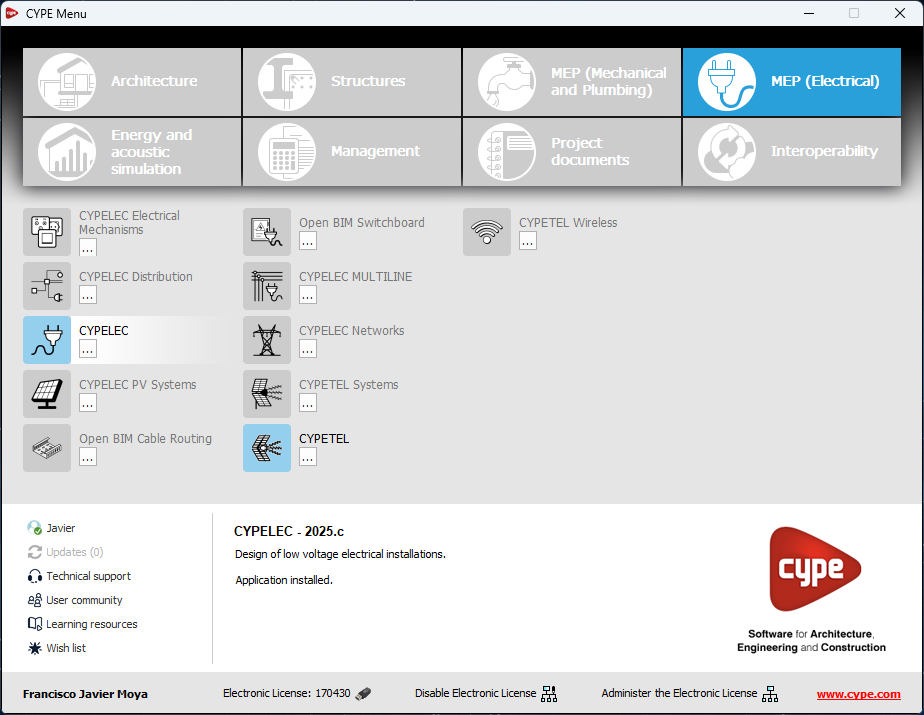
As of version 2025.c of "CYPELEC" (for REBT, NF and RETIE), the following programs are integrated:

  • CYPELEC Grounding IEC
  • CYPELEC Grounding IEEE

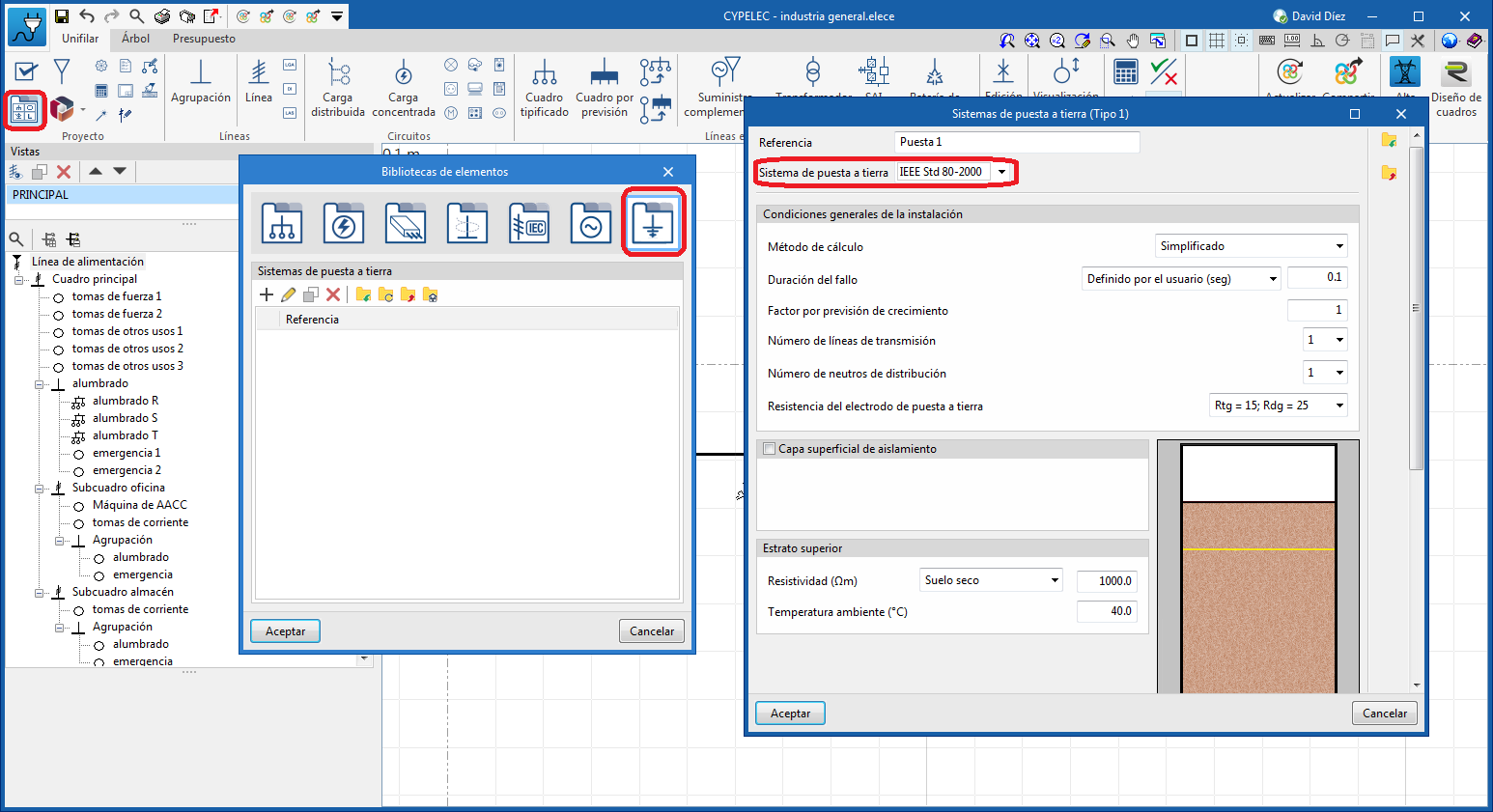
To create a grounding system, the grounding systems panel is enabled within the "Elements library" icon, where the designer can define the grounding system according to the following types:

  • IEC 60364-5-54
  • IEEE Std 80-2000

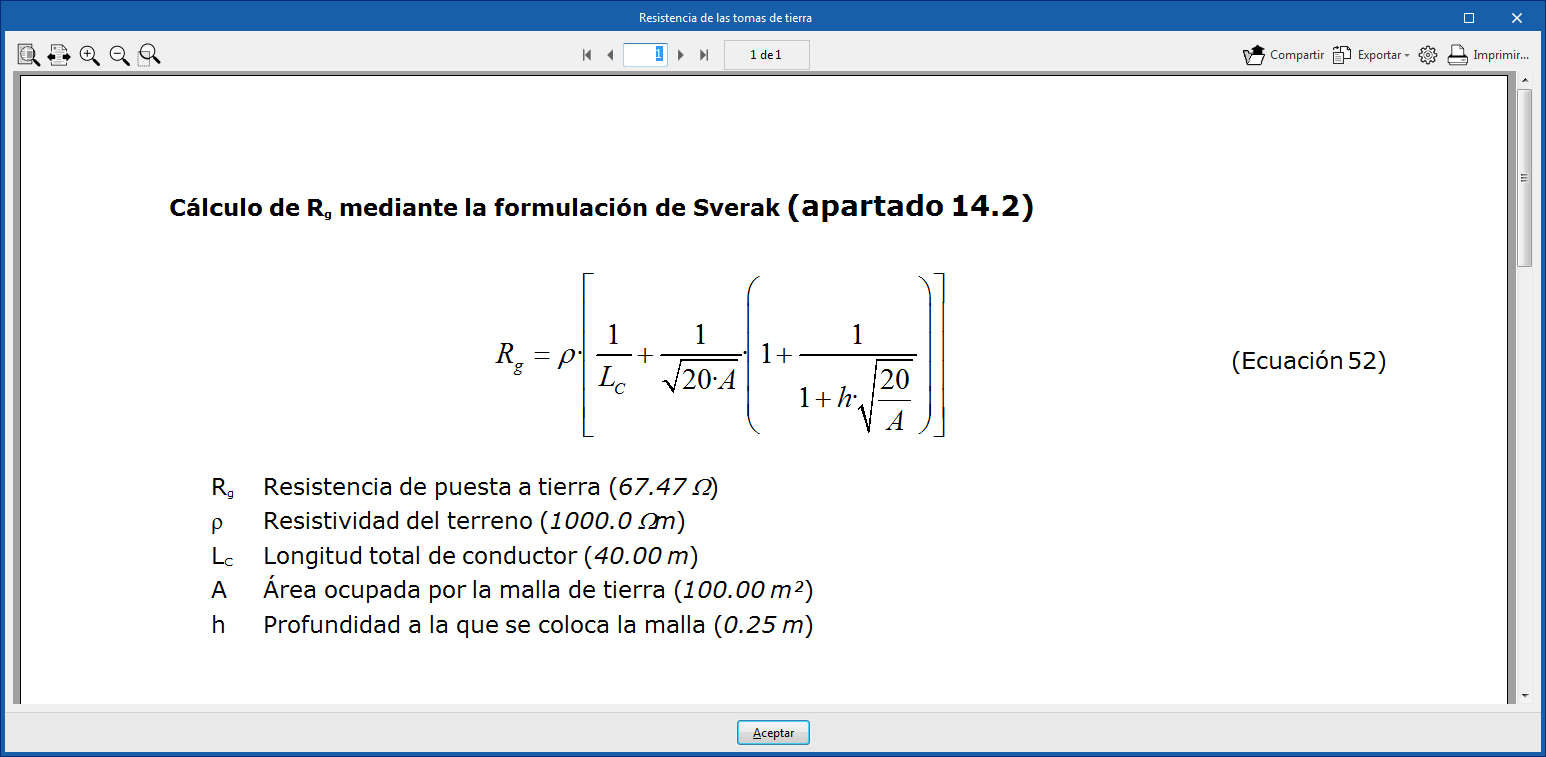
The use of any of these systems is followed by the final analysis of the total resistance obtained and its check report.

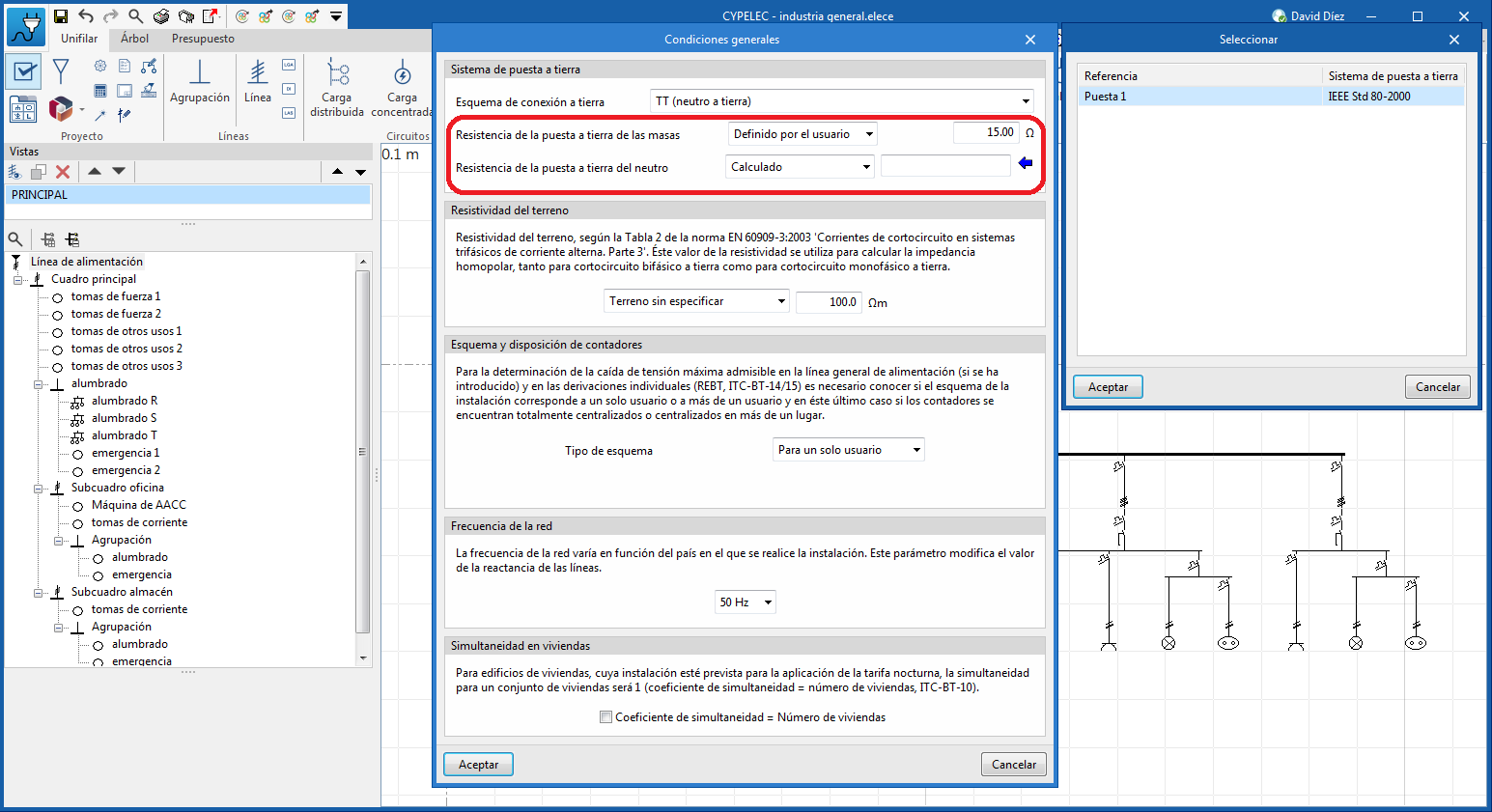
The defined grounding systems, and more specifically the resistance obtained from them, can subsequently be used in the analysis of the diagram of the electrical system, as a parameter for:

  • The grounding resistance of the soil, or
  • The neutral grounding resistance.

To carry out this operation, go to "General conditions" and select the corresponding grounding system from among those created previously.

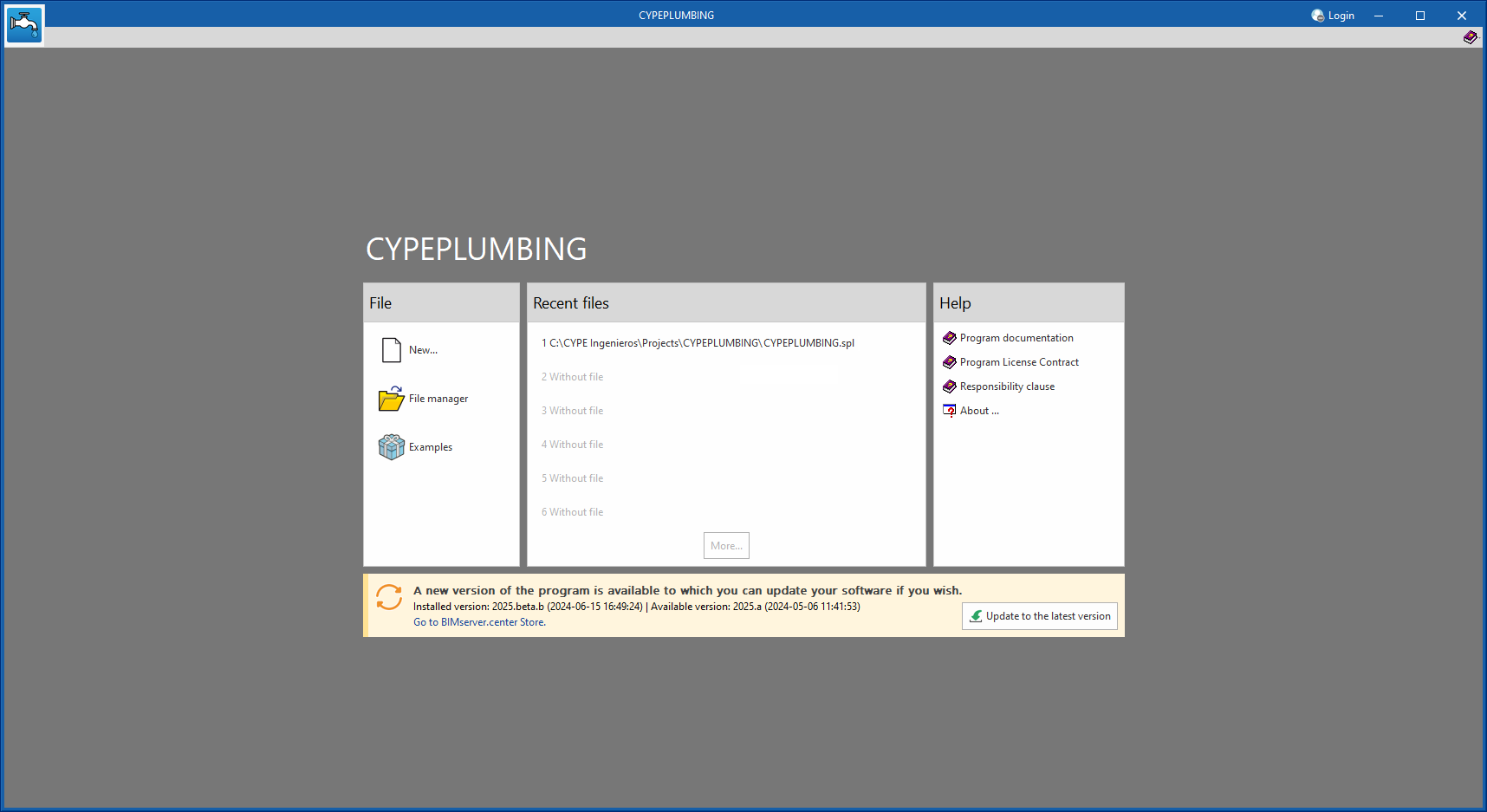
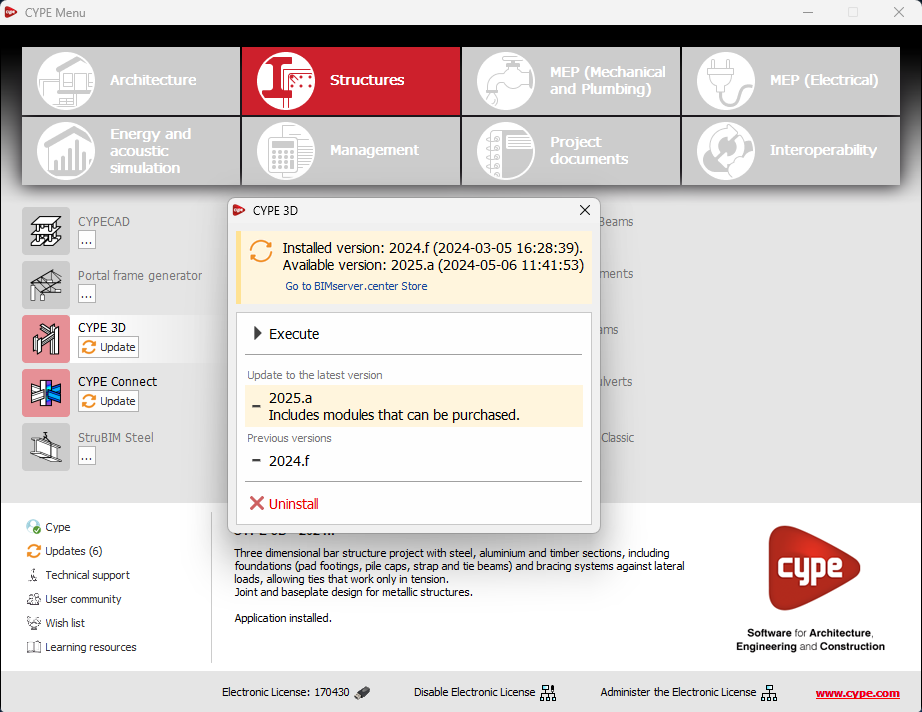
As of version 2025.b, applications now display a warning message in their initial window when a new update is available. This message provides information about the "installed version" and the "available version", together with a direct link to the Store page of the BIMserver.center web platform.

Clicking on the “Upgrade to the latest version” button automatically starts the download and installation process of the application. This feature ensures that the most current version of the program is always being used, thus benefiting from the latest improvements.

This method replaces the automatic notification and update process of a new version in the BIMserver.center programs available in previous versions.

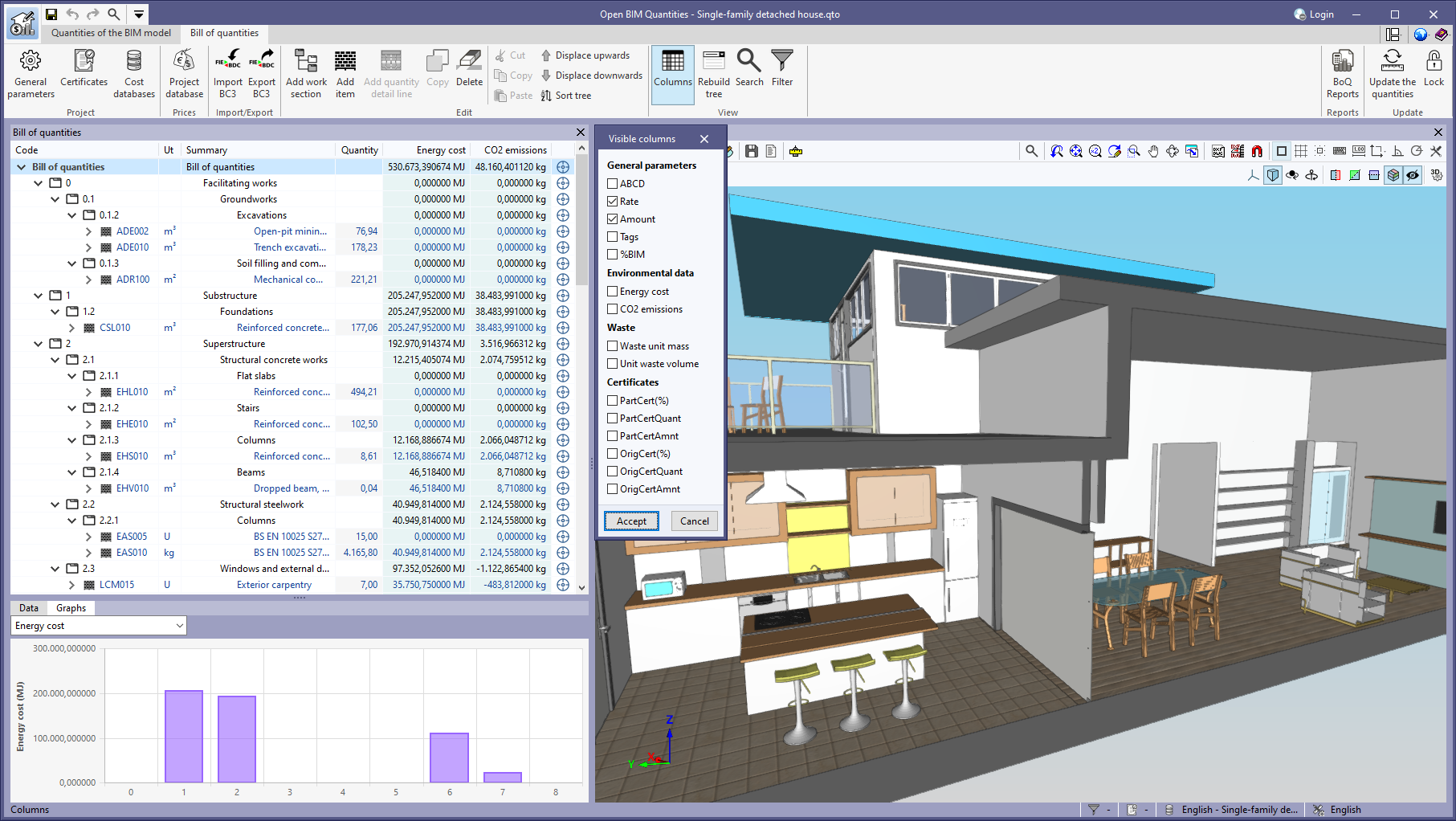
As of version 2025.b, Open BIM Quantities allows users to set the visibility of the “Price” and ”Amount” columns in several windows, including the ”Bill of quantities” table, the ”Project database” and the ”Cost databases”.

This configuration is done from the "Columns" option of the "Visualisation" group in the toolbar. Users can choose to hide or show these columns according to their needs, resulting in a more personalised interface focused on the relevant information for each type of project.

This feature is particularly useful for bills of quantities without prices.

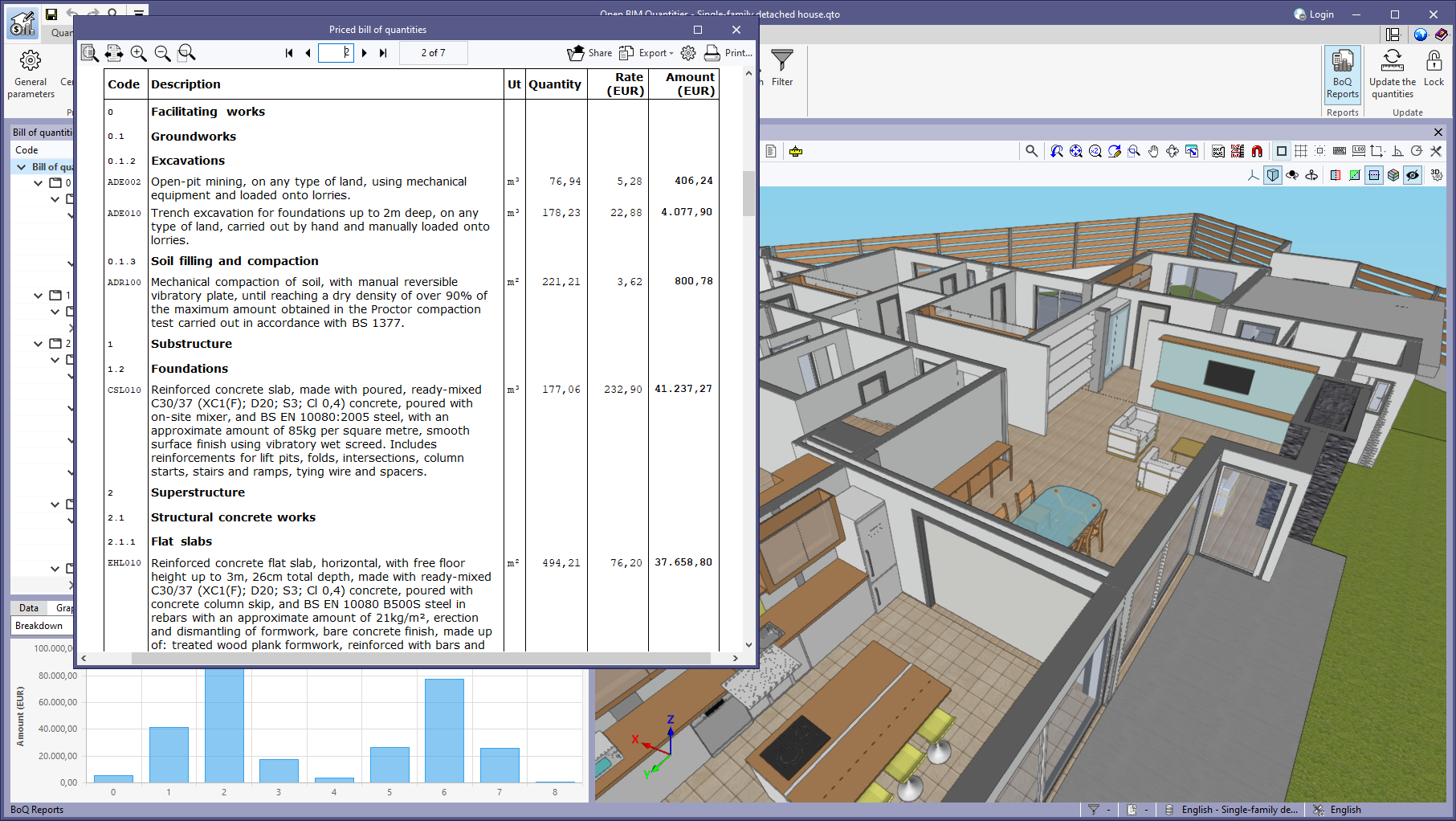
A new report called “Bill of quantities (Table)” has been added to the “BoQ Reports” available from the toolbar in the “Bill of quantities” tab.

This report includes all the concepts defined in the project in a table with the following columns:

  • Code
  • Description
  • Unit
  • Quantity
  • Price
  • Amount

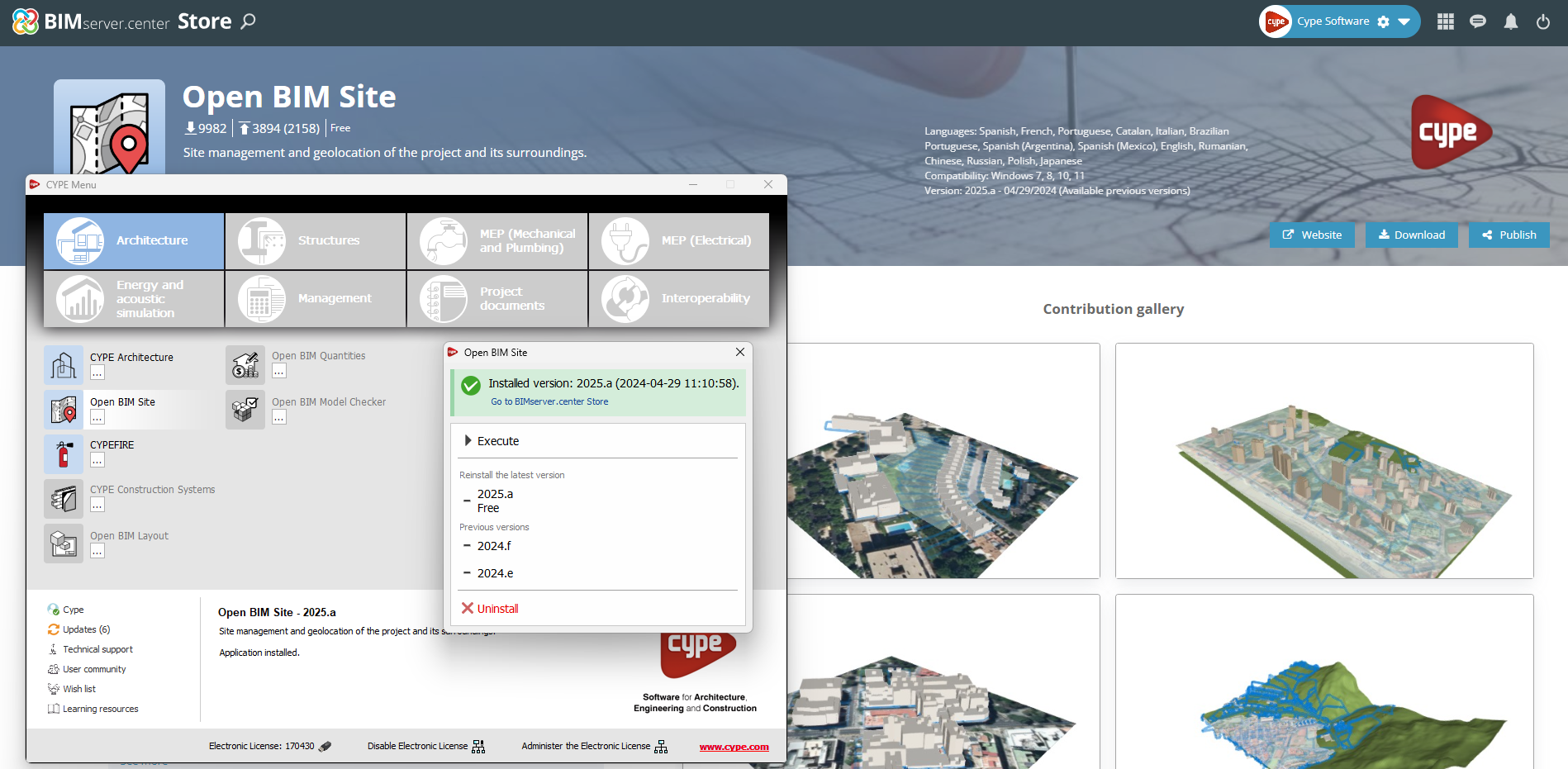
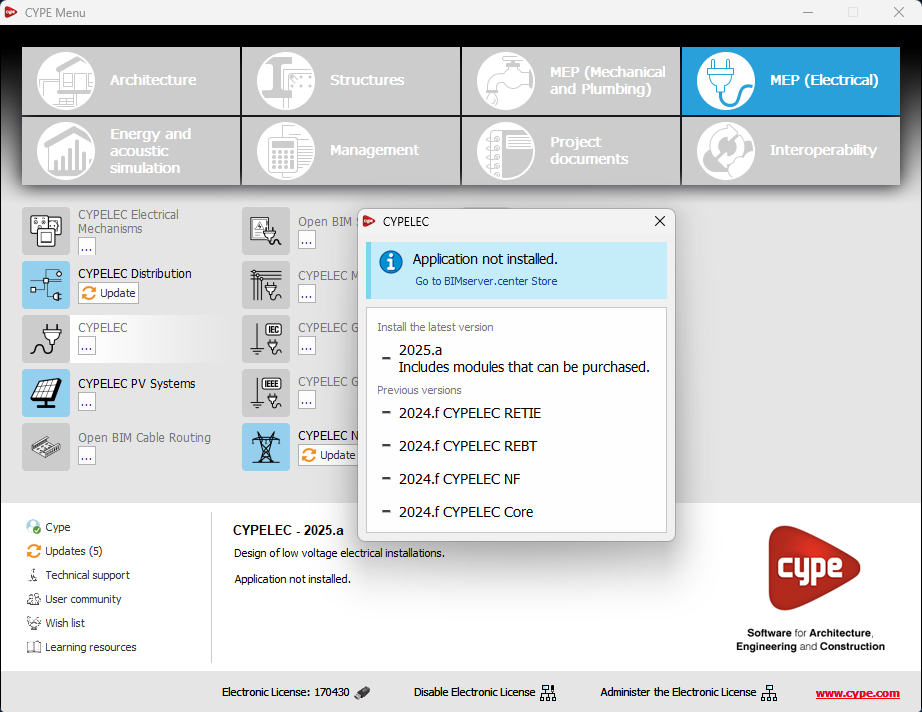
In the configuration panel for each application, a direct link to its page in the BIMserver.center web store has been included.

By clicking on the “Go to BIMserver.center Store” button, users are redirected directly to the corresponding page in the Store, where they can learn more about the application, view its features, read reviews from other users and see examples of real contributions.

This feature provides easy access to additional resources and support, enhancing the user experience by providing quick and easy access to all relevant information about the applications.

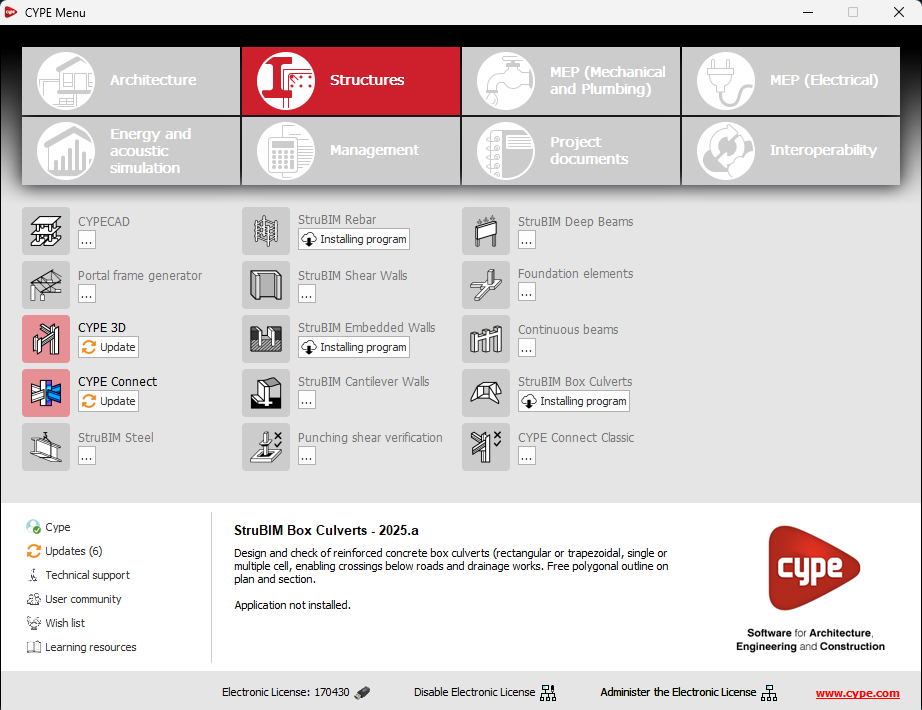
In the new 2025.b version of CYPE Menu, the background installation feature has been added. Users can now continue working on other tasks while applications are automatically installed in the background.

During the background installation process, the “Installing program” message is displayed next to the applications button in the main CYPE Menu window. Once completed, the message disappears and the application can be run.

This feature is designed to make applications easier to use and manage, improving productivity and the overall experience by minimising waiting time and interruptions during the installation of new applications or upgrades.

The speed of redrawing the single-line diagram is optimised, making the working environment more efficient.

This optimisation also improves any editing operation on electrical lines and circuits (deleting, copying, etc.) that involves a modification of the information.

The following modifications have been made to the availability of the applications from the CYPE Menu.

New:

  • CYPEHVAC Schematics

  • ELODIE by CYPE (Only in the CYPE Menu in French)

Deleted:

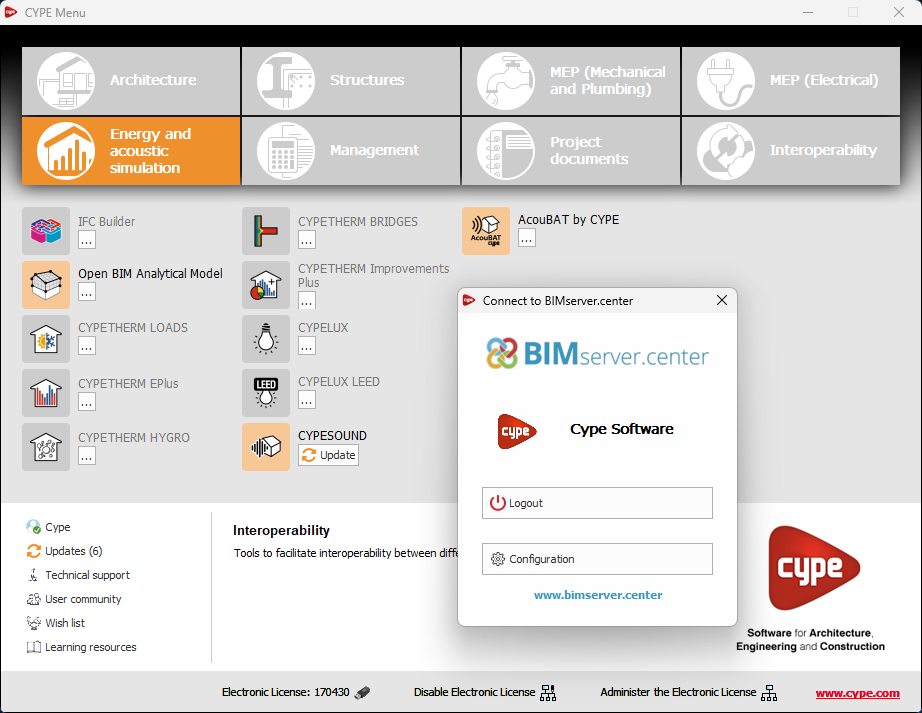
  • CYPELEC Core, CYPELEC REBT, CYPELEC NF and CYPELEC RETIE. They are joined together in a single program called CYPELEC.

  • CYPESOUND CTE, CYPESOUND NRA, CYPESOUND RRAE, CYPESOUND DRAPDE. They are integrated into CYPESOUND.

  • CYPEURBAN. Available for download and installation from the BIMserver.center platform.

  • IFC Uploader. New contributions can now be created directly from the project page on the BIMserver.center platform.

  • CYPEFIRE FDS Viewer. CYPEFIRE FDS can be used to view FDS simulations.