Update history
CYPEPLUMBING
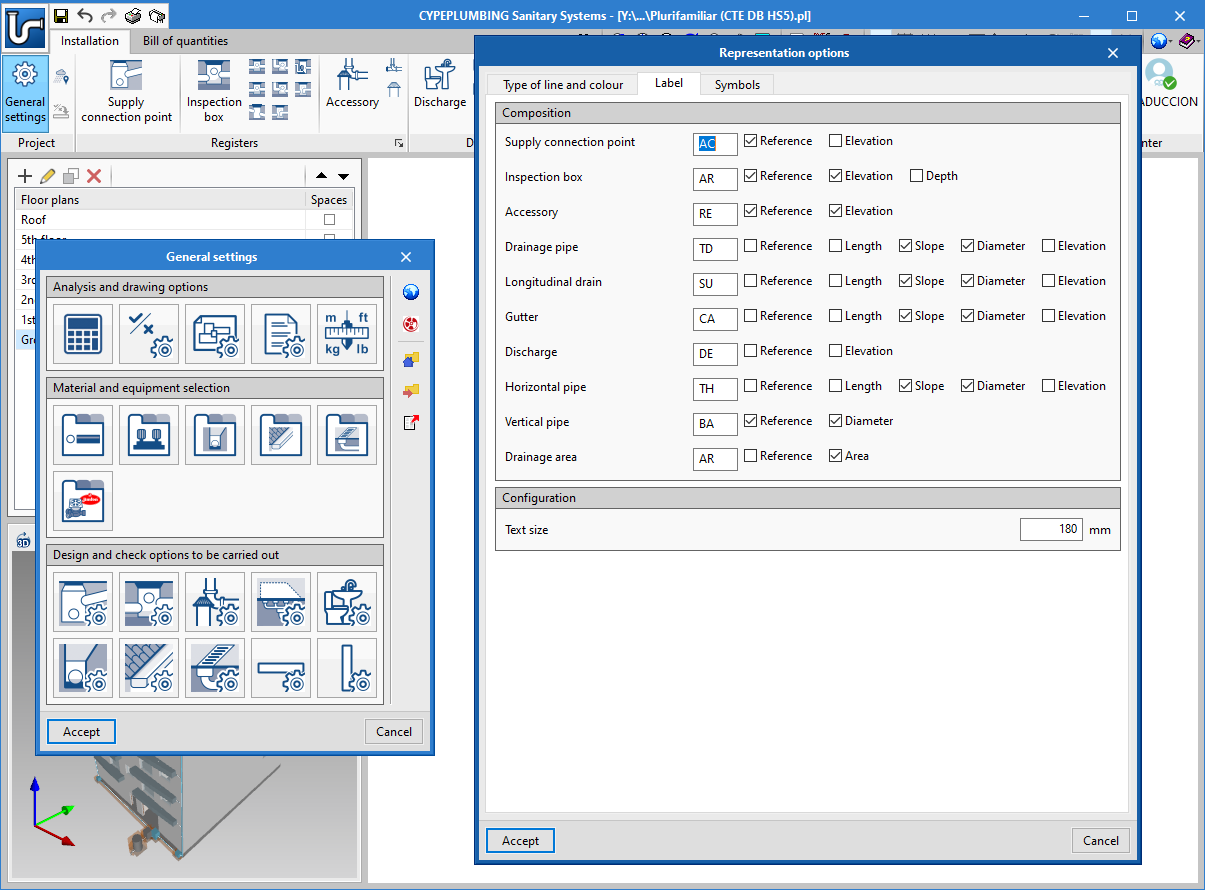
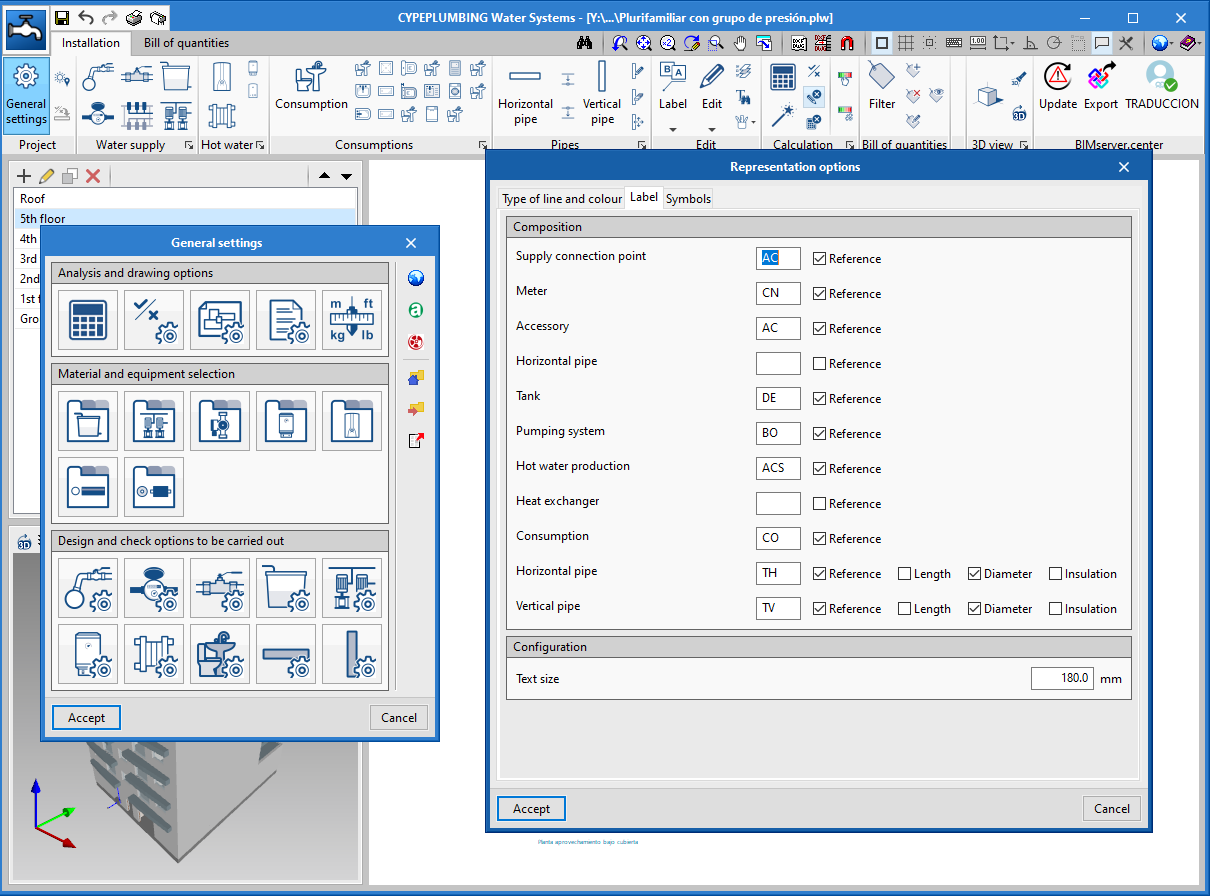
Edit text size of drawing tags
- Published on
- 2021.a
User Coordinate System (UCS)
A tool has been added with which users can modify the coordinate system of the application. This tool is being implemented in several applications. In the 2021.a version, the tool is available in the following applications:
- IFC Builder
- CYPECAD MEP
- CYPEHVAC
- CYPEPLUMBING Sanitary Systems
- CYPEPLUMBING Water Systems
- CYPEPLUMBING Solar Systems
- Open BIM Lighting
- CYPELUX
- CYPELUX CTE
- CYPELUX RECS
- CYPELUX HQE
- CYPELUX LEED
- Published on
- 2021.a
Partial bill of quantities of the installation
Until now, the programs could only generate the global bill of quantities of the project.
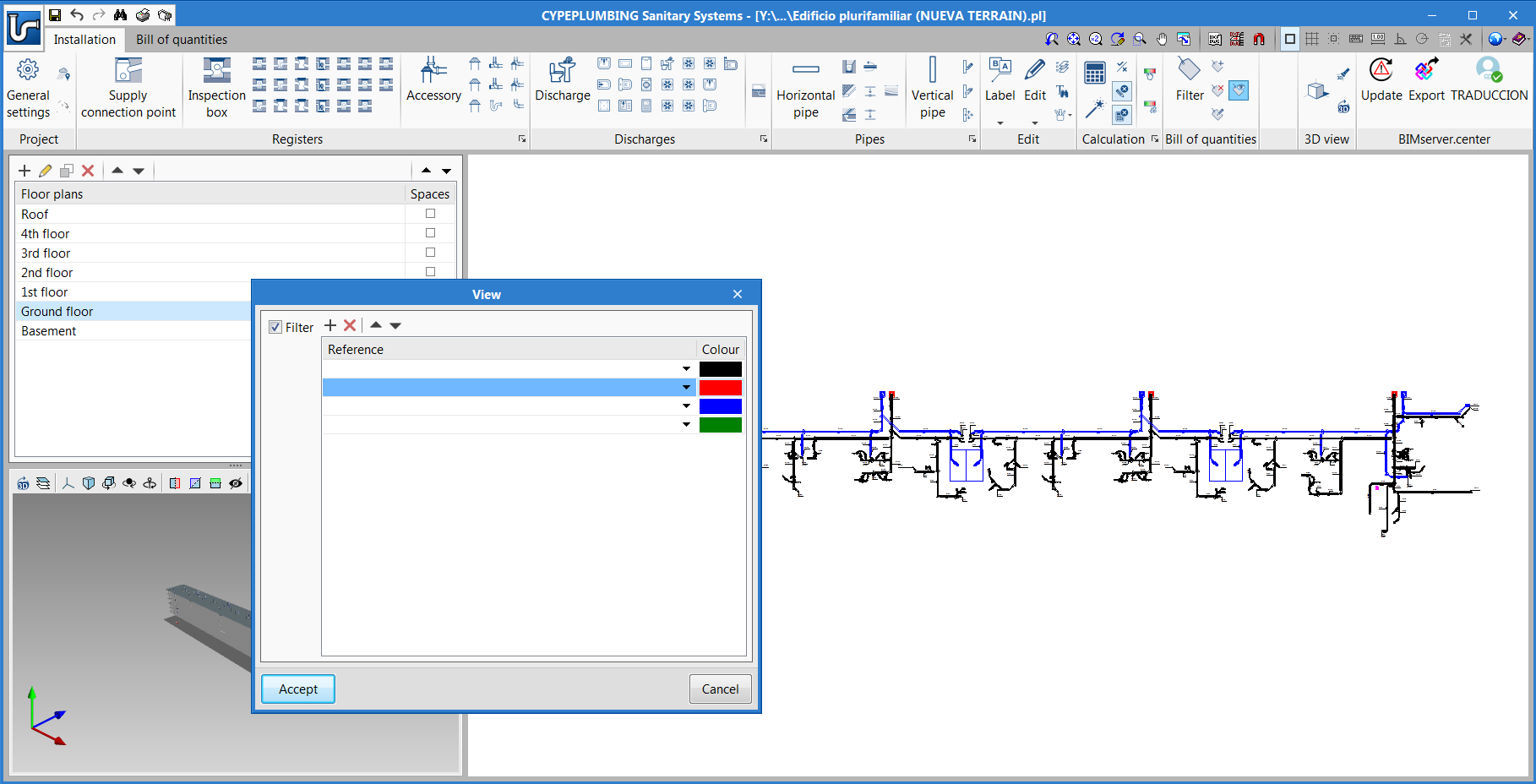
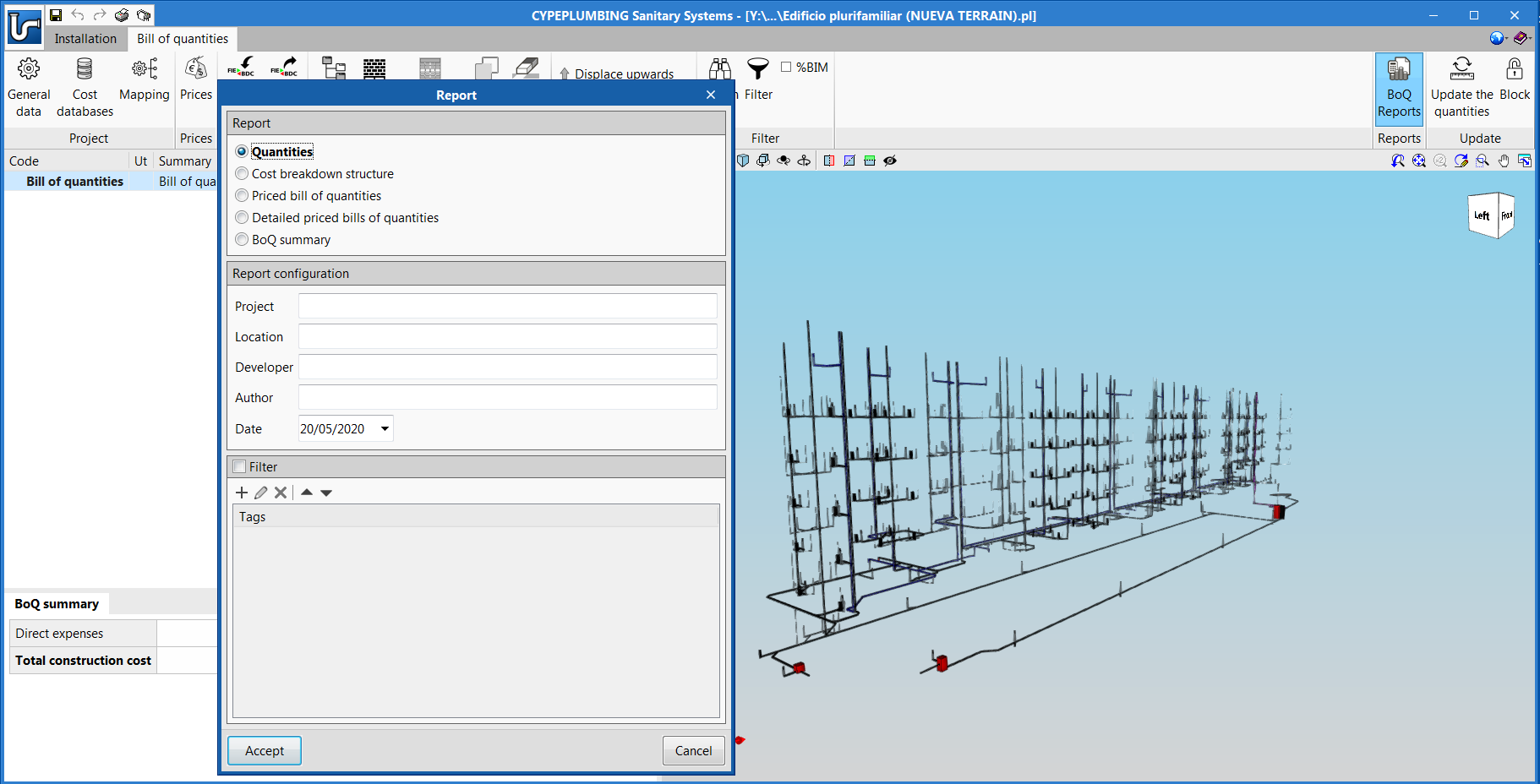
Now, as of the 2020.f version, by applying filters, tags can be assigned to the elements of the installation, which allow for partial measurements and bills of quantities to be generated using the options in the "Bill of quantities" tab.
For example, a bill of quantities can be generated for each block of buildings, each floor or for specific elements of the installation.
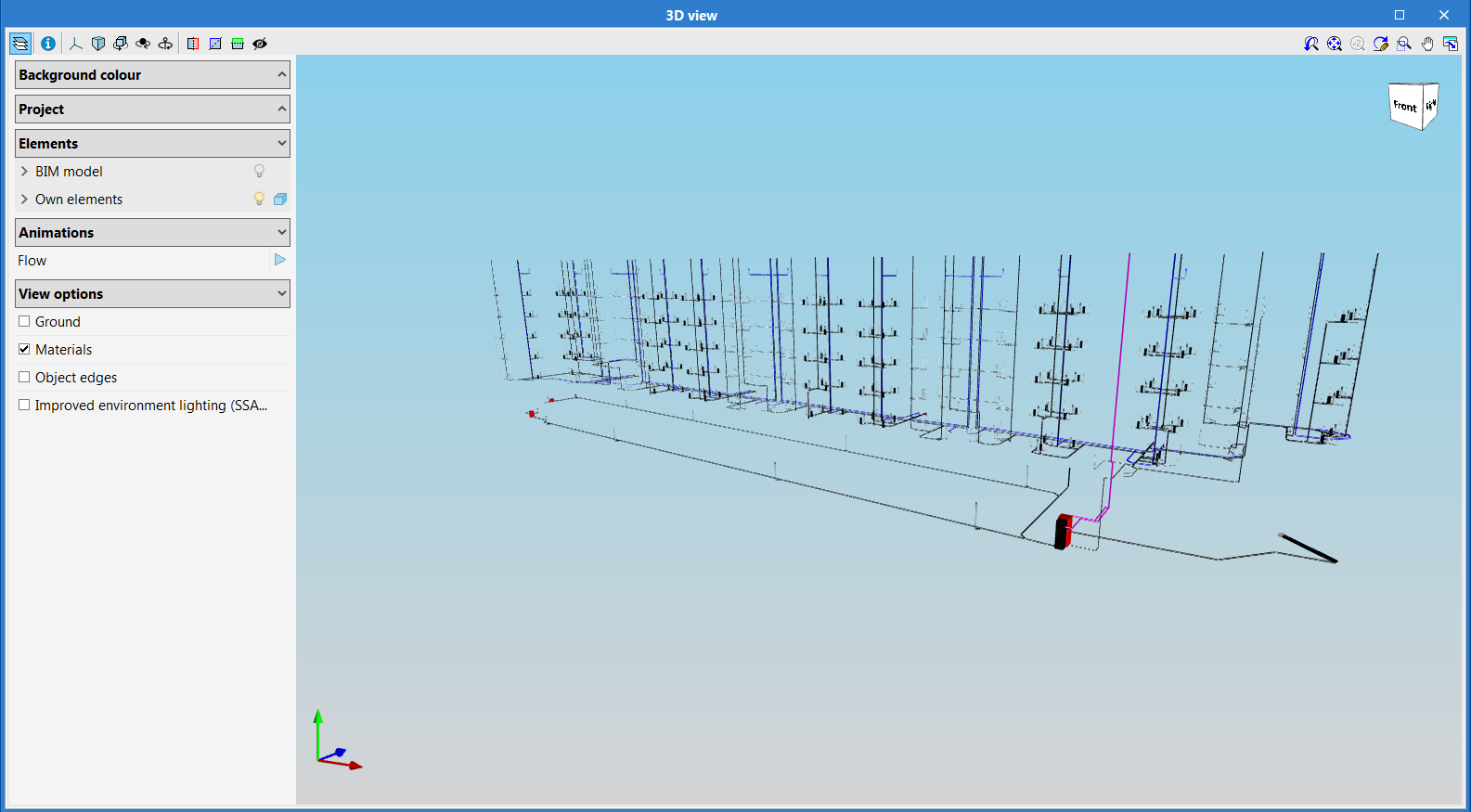
An important tool amongst those used to assign these tags to the elements of the installation is the one that provides the graphical 2D and 3D view of the filtered elements. This way, users can quickly identify if these tags have been assigned correctly or not.
- Published on
- 2020.f
Automatic detection of the flow direction
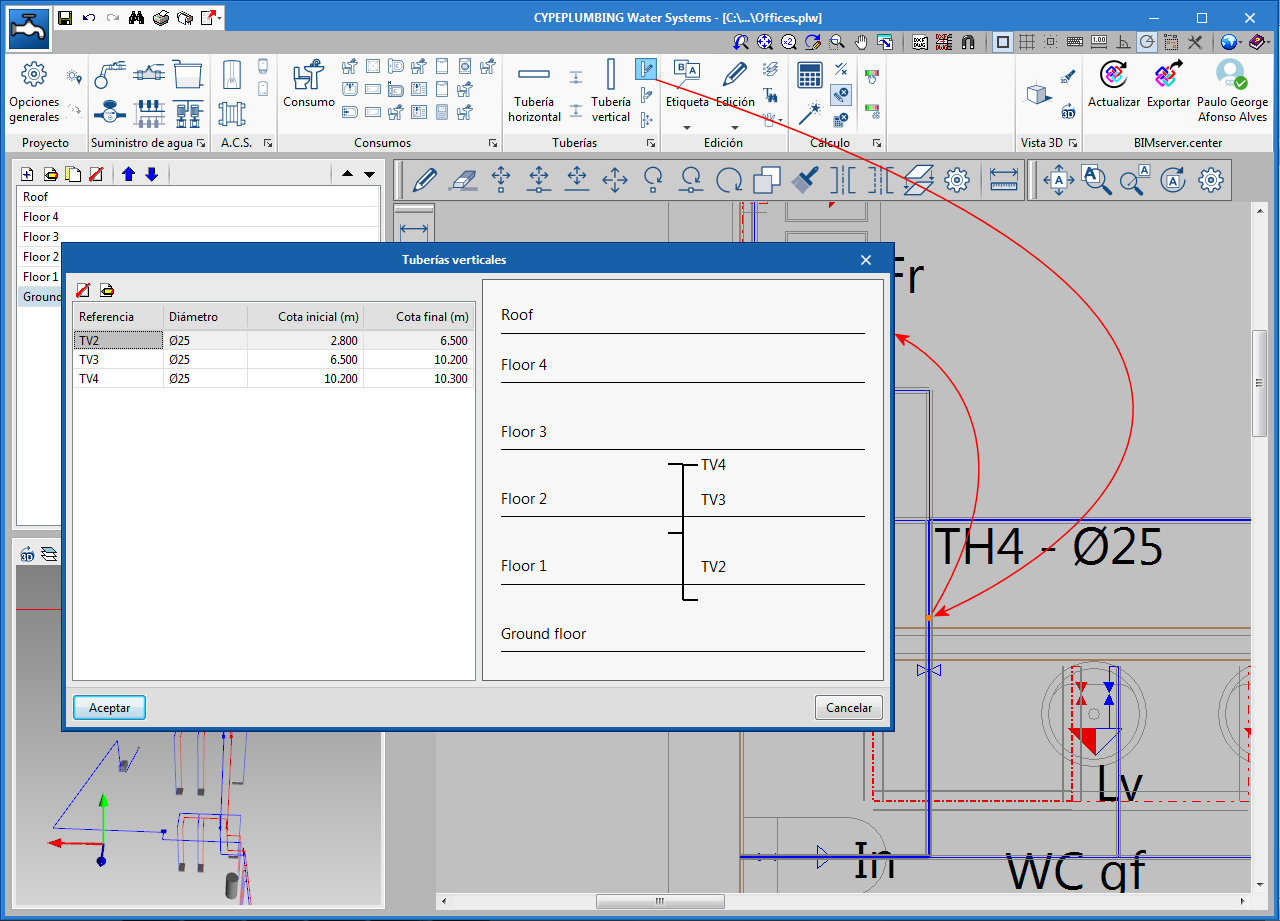
When users introduce vertical pipes, the program automatically tags the initial and final elevation of the direction of flow of the liquid they are carrying (unless these elevations are blocked).
- Published on
- 2020.b
New vertical pipe editing
- Published on
- 2020.b
Accessory properties (cleanouts, air vents, water seals)
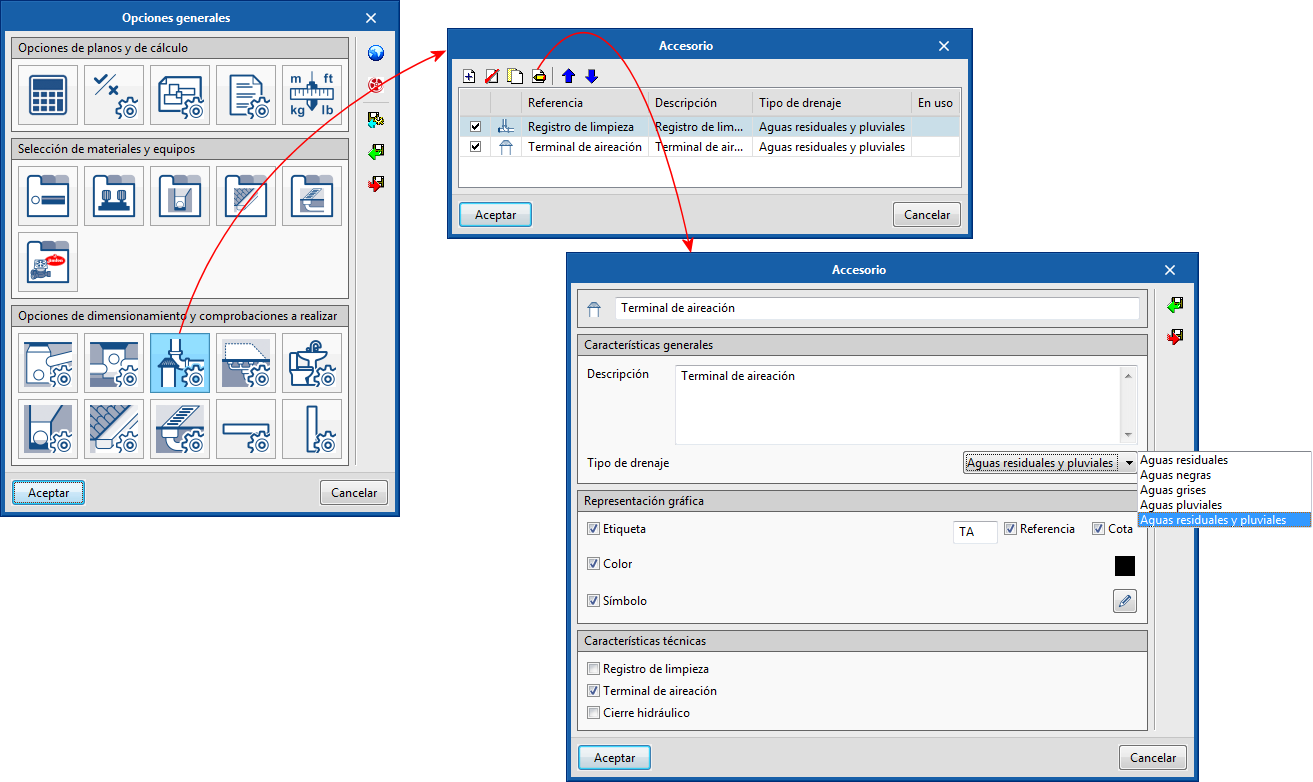
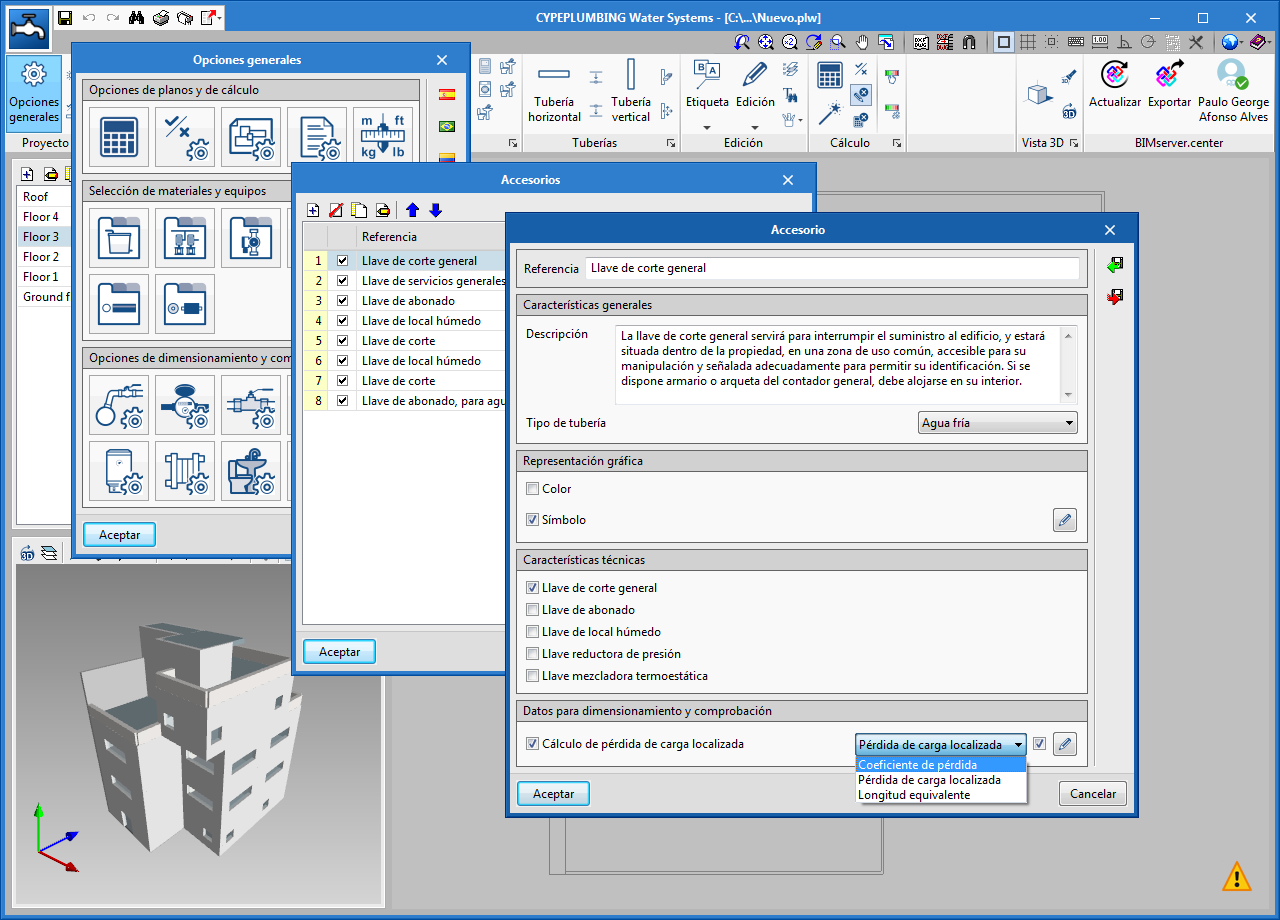
"Cleanouts" and "Air vents" could already be introduced in previous versions, but users could not customize their symbols or their reference, nor define their type of drainage (foul water, rainwater, grey water...).
As of the 2020.b version, the "Accessory" icon has been included in the "Design and check options to be carried out" section of the "General options" panel. By selecting this icon, users can define the properties of cleanouts, air vents, water seals.
Furthermore, the "Accessories" section has been included in the toolbar, which contains the icons to introduce the accessories that have been defined in "General Options", in the network.

- Published on
- 2020.b
Introduce manifolds
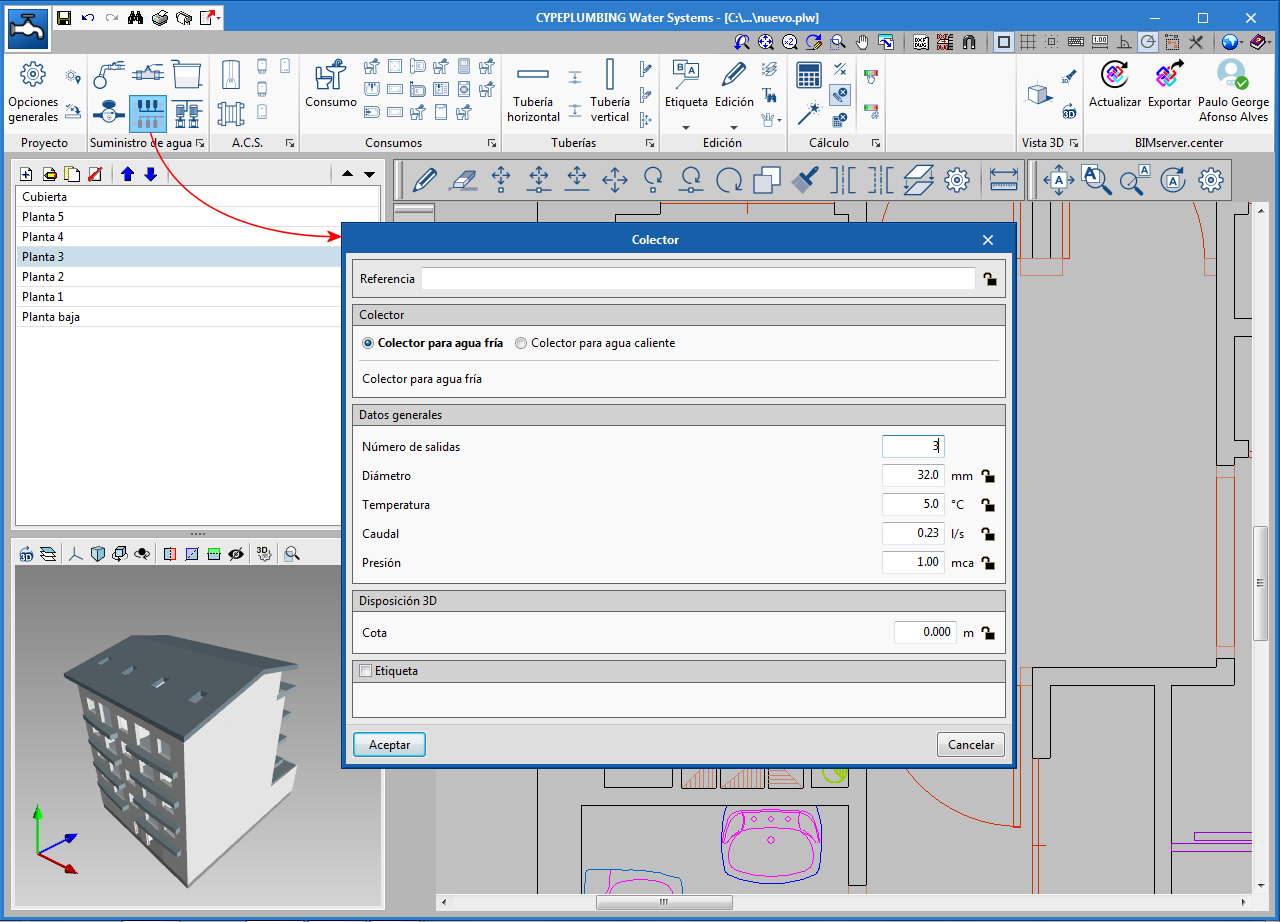
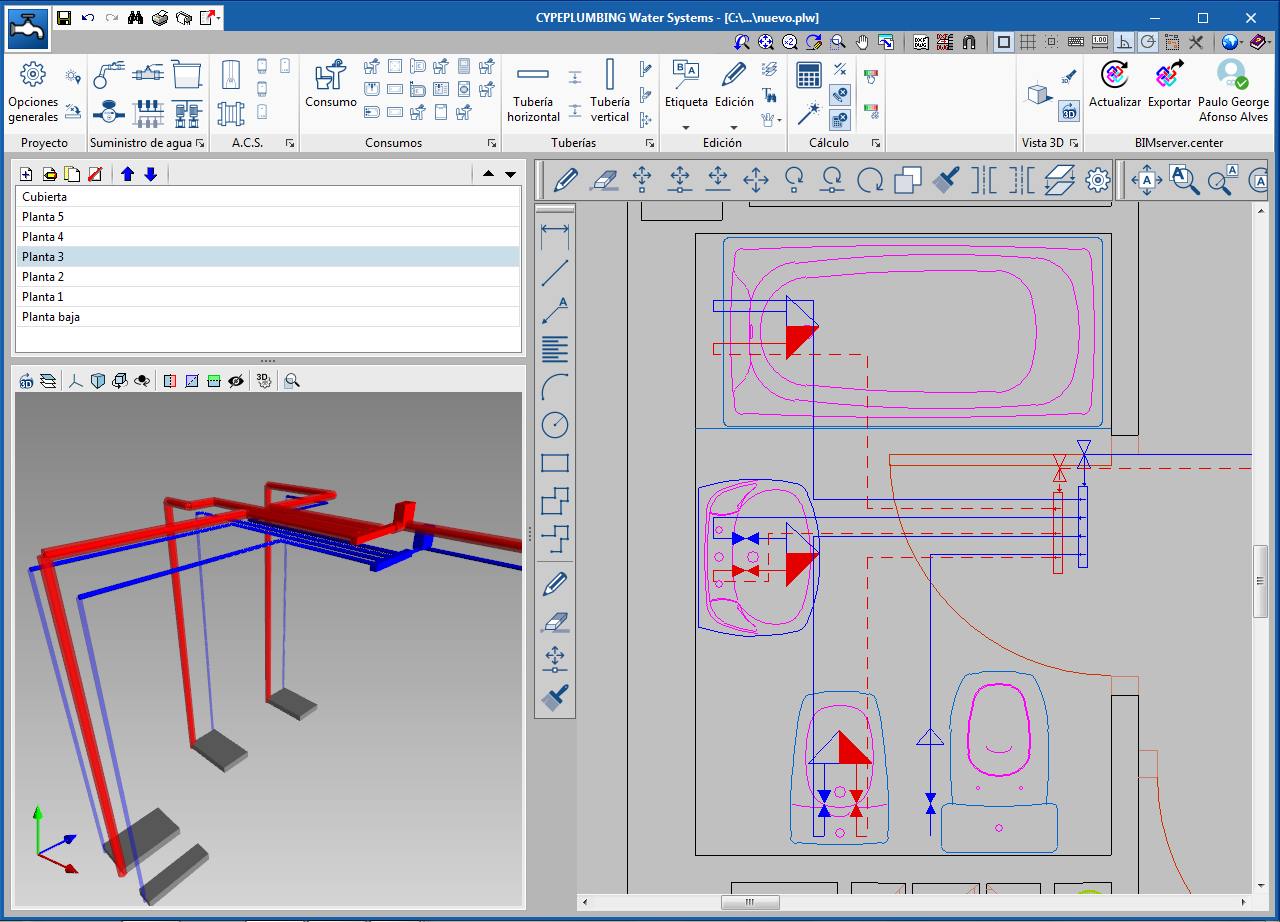
The 2020.b version allows users to use manifolds. Manifolds are accessories that have a water inlet and several outlets.
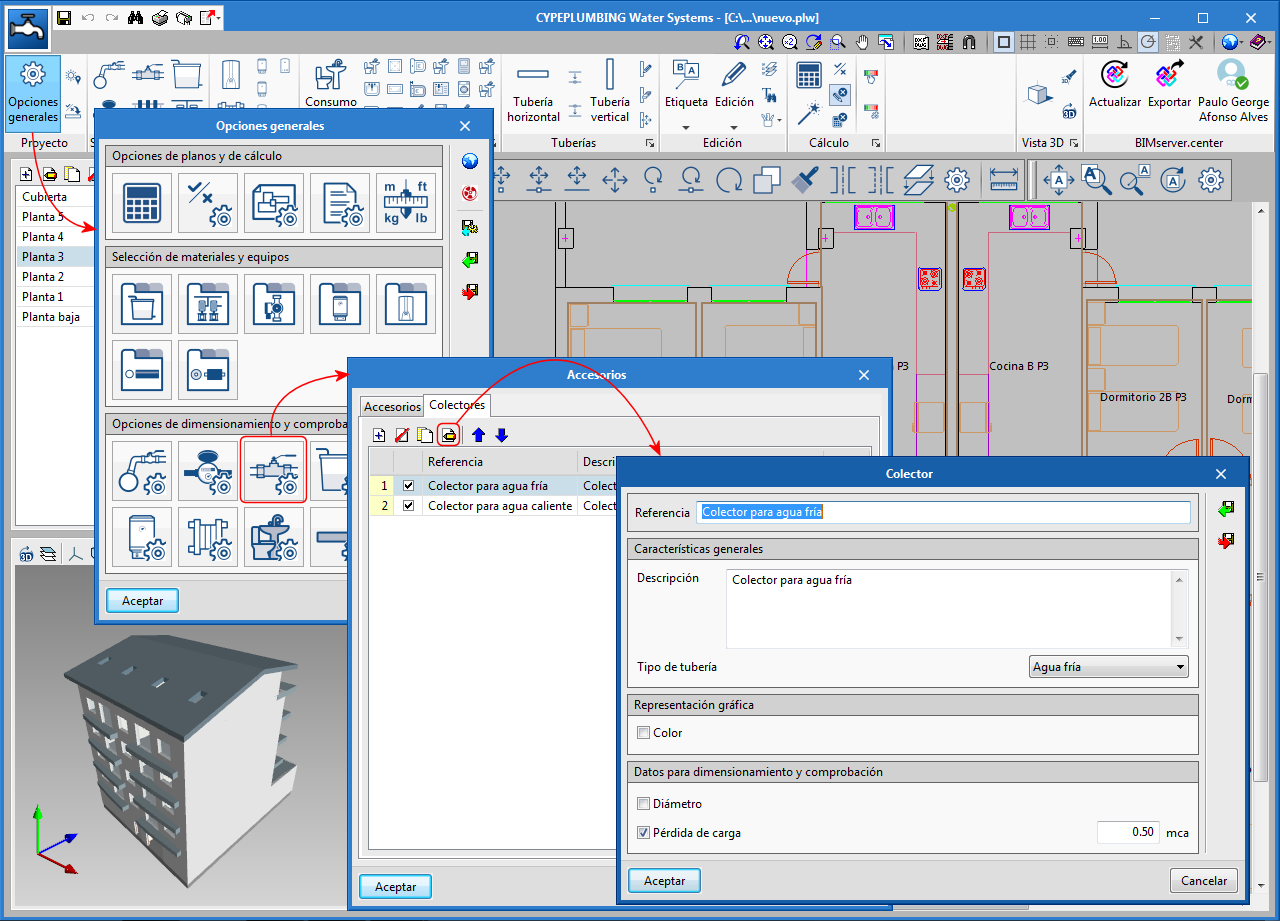
As occurs with other accessories, for user to be able to use manifolds in the program, they have to define them first in “General options” > “Accessories” (predefined manifolds already exists in the predefined configurations for Spain and Portugal).
To introduce them in the installation, the “Manifold” button has been added to the “Water supply” section of the toolbar.
- Published on
- 2020.b
New calculation method for localised pressure losses
- Published on
- 2020.a
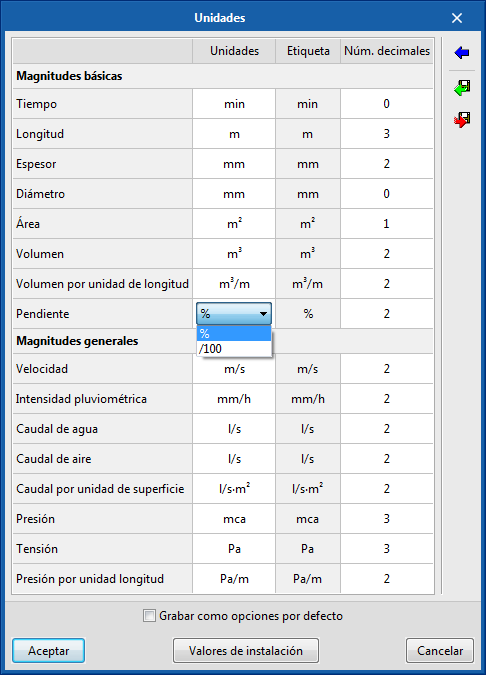
Slope indication on drawings
- Published on
- 2020.a
Automatic insertion of nodes at pipe intersections
A node is generated automatically at pipe intersections.
- Published on
- 2020.a
Introduce pipes spans consecutively
Users can now introduce pipe spans consecutively. Until now they had to be introduced one by one.
- Published on
- 2020.a
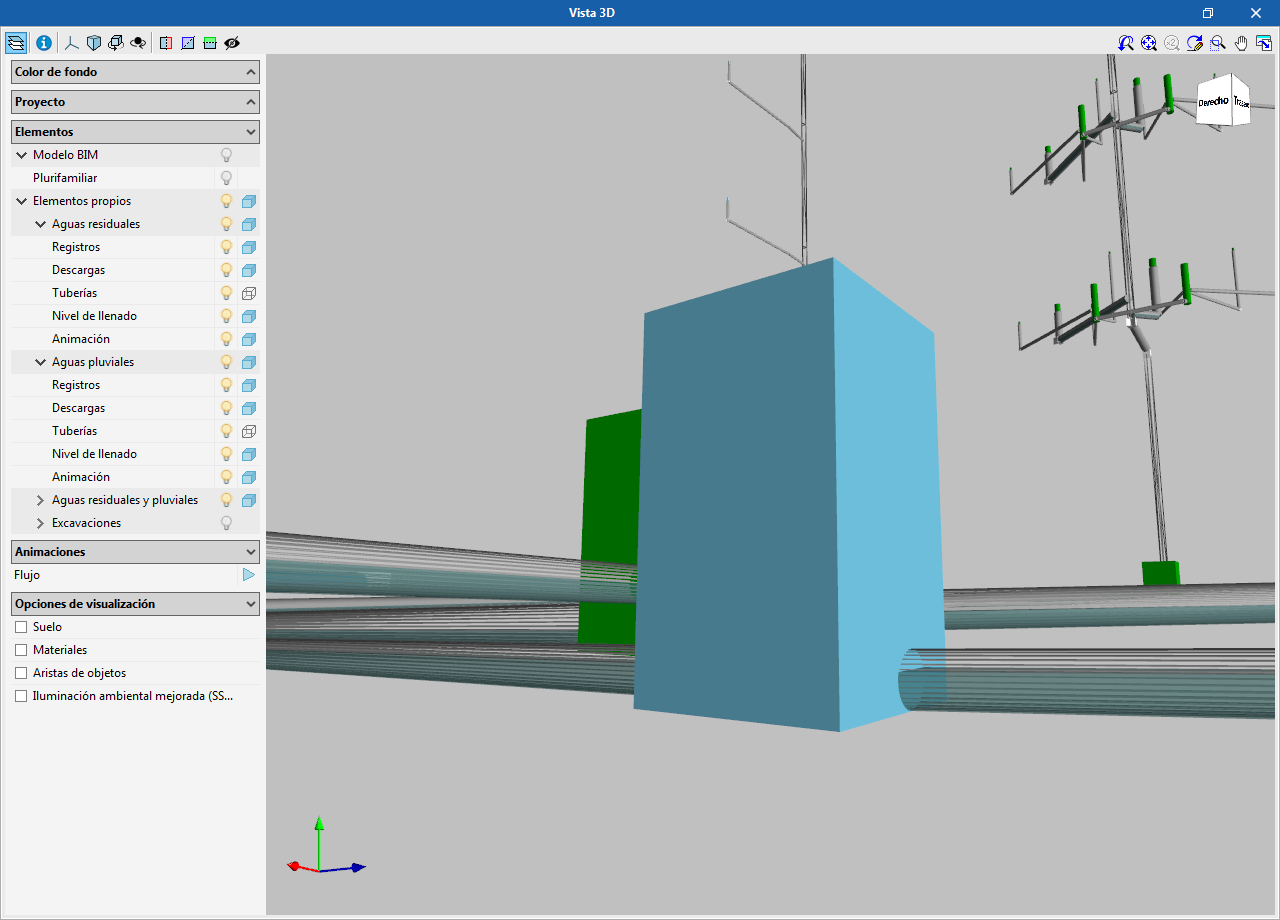
View the fill level of the pipes in the 3D view
- Published on
- 2020.a