Update history​​

Open BIM Quantities

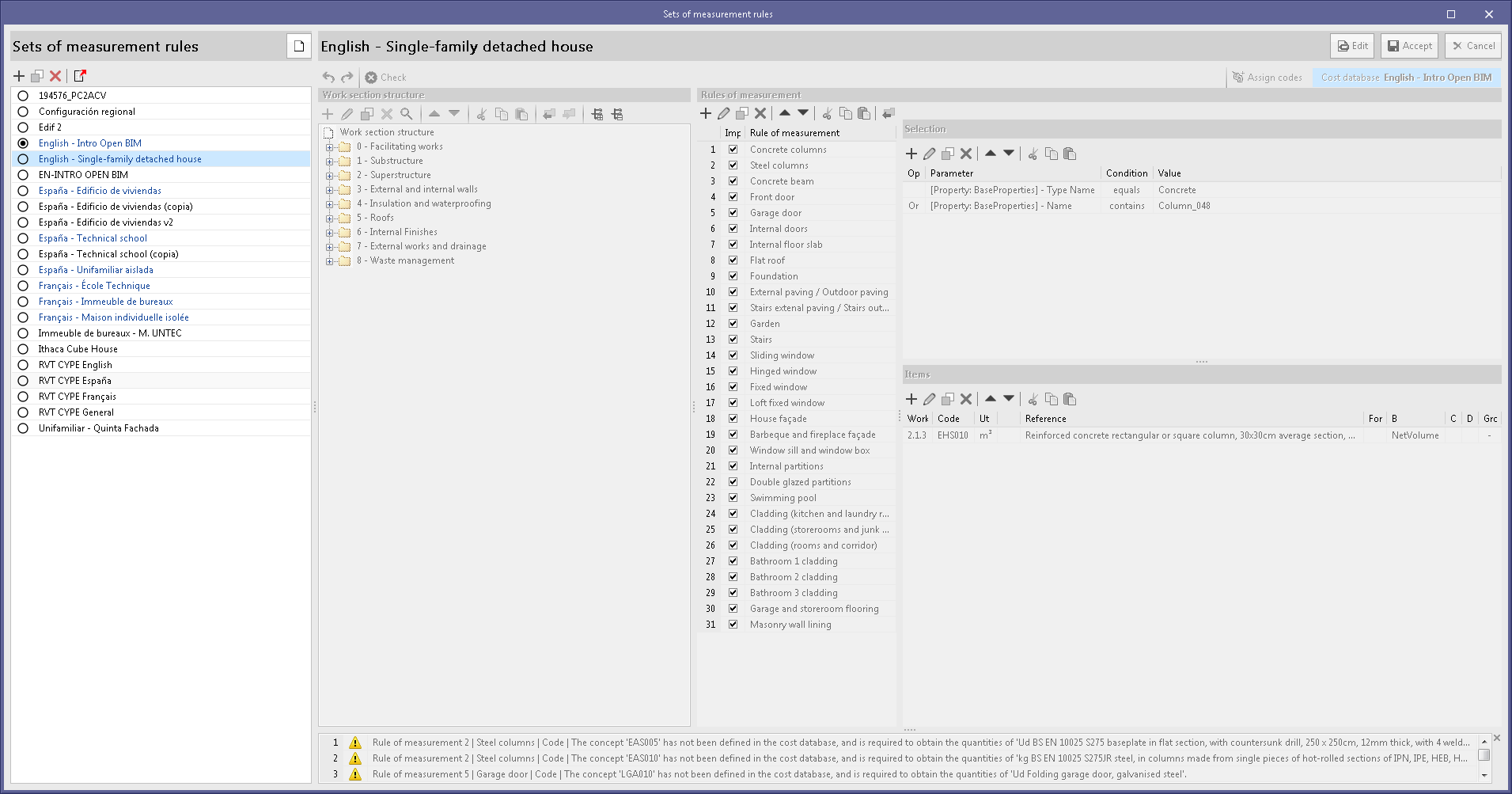
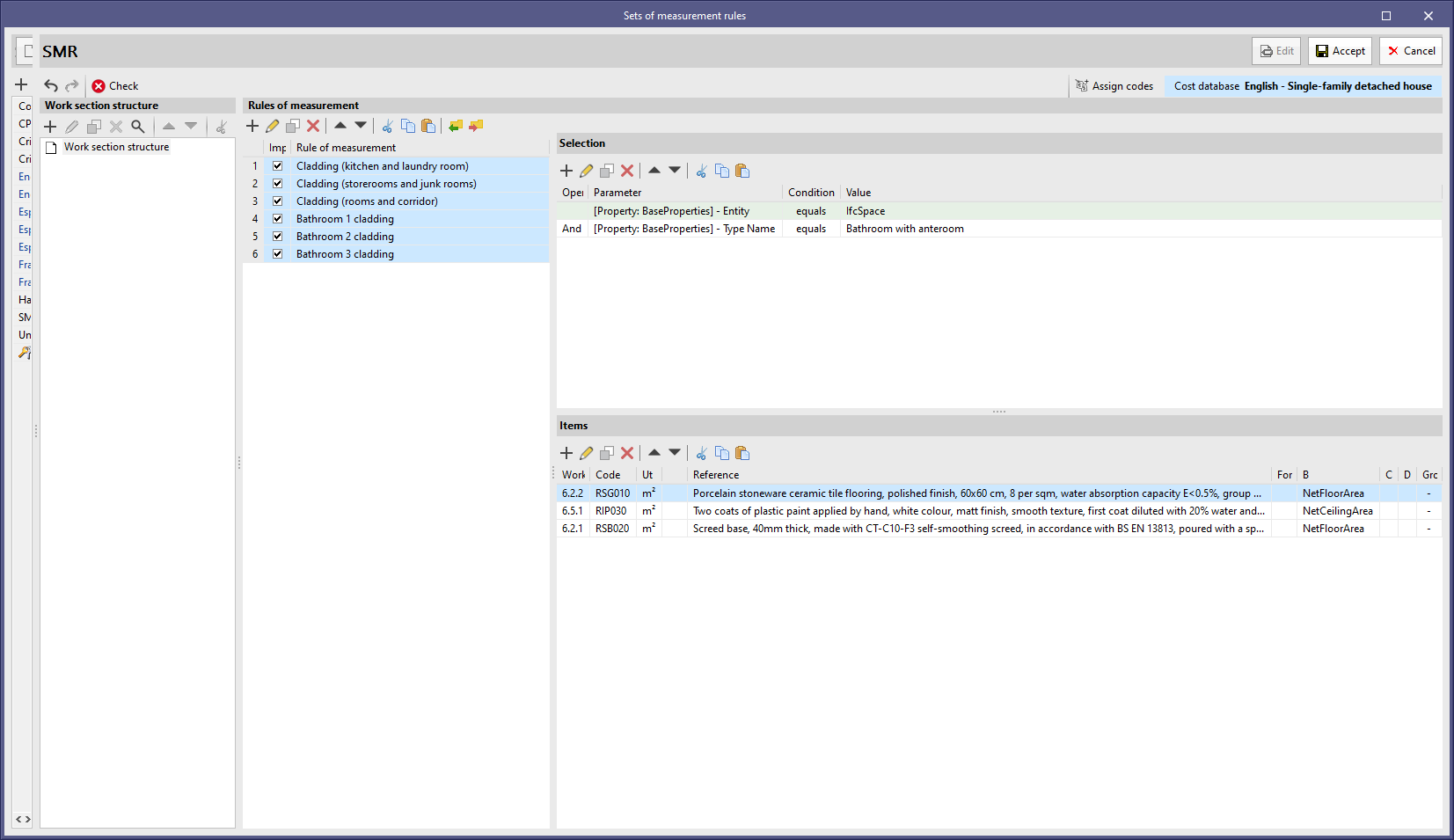
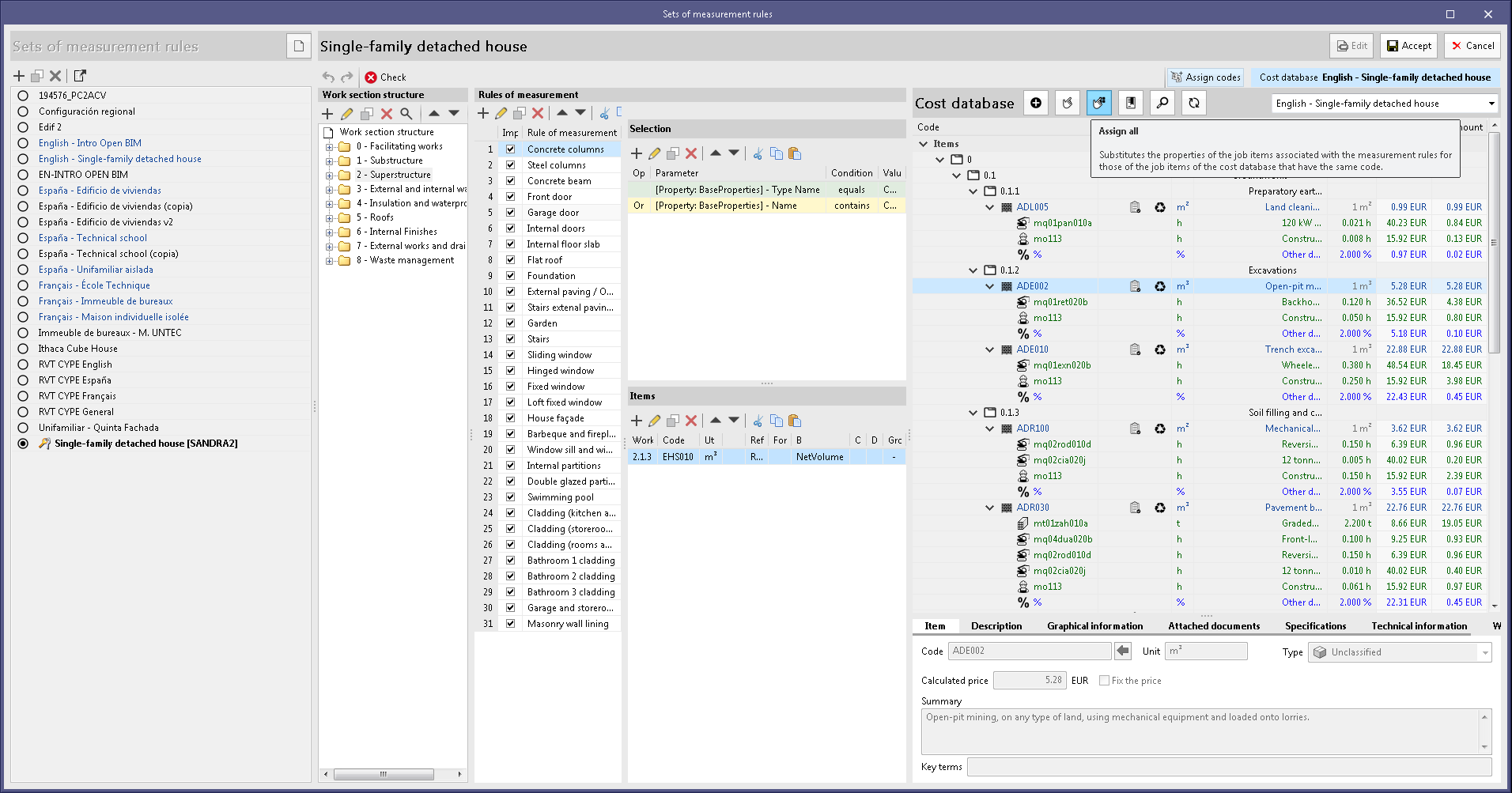
The "Assign all" option has been added in the "Assign codes" panel of a cost database in a set of measurement rules. With this tool, items used in the rules of measurement can be updated. If there is an item in the cost database with the same code as in a rule, the latter will be updated with the database's properties (work section, code, unit and reference). When the process is complete, a summary is displayed with the codes of the items that have been updated.
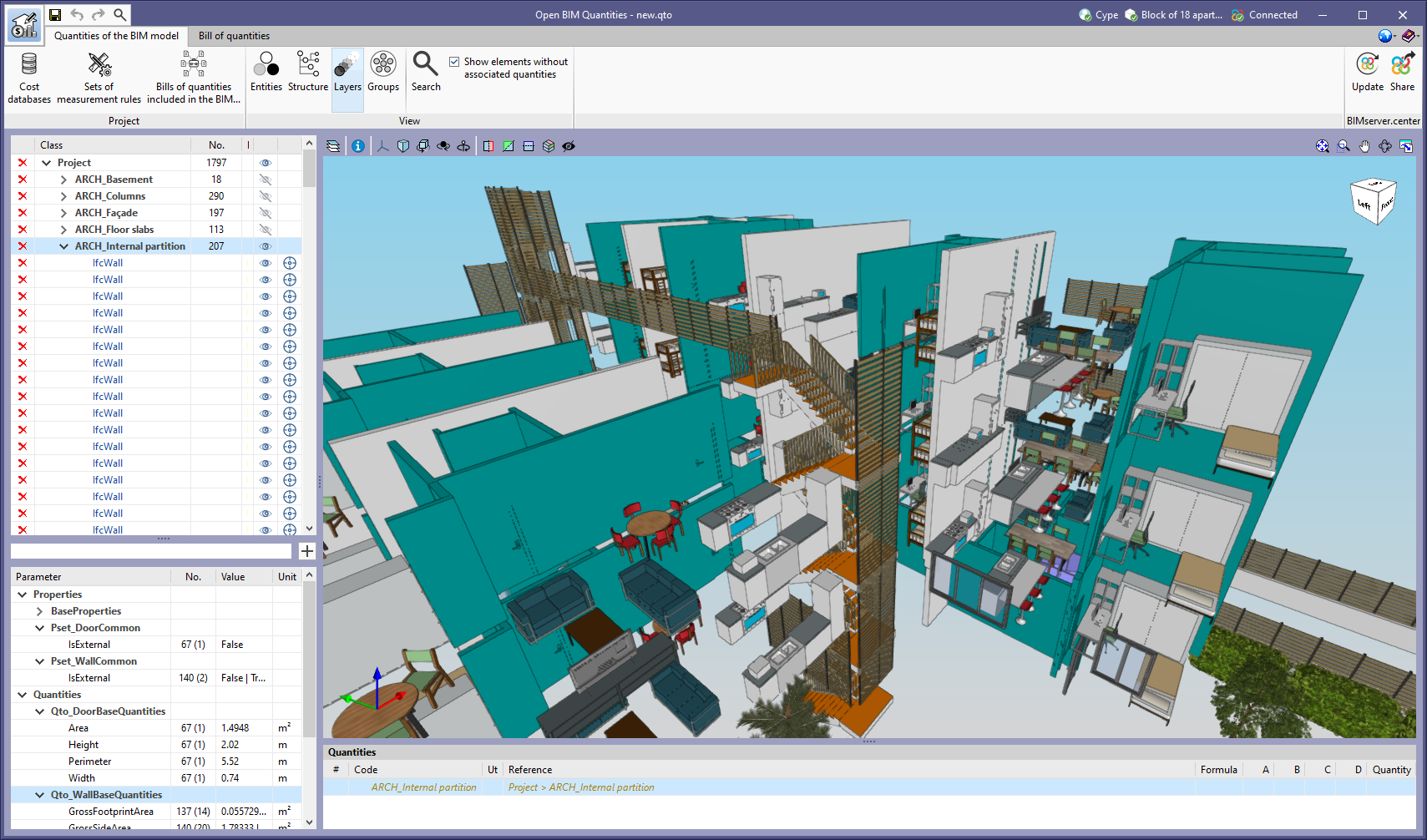
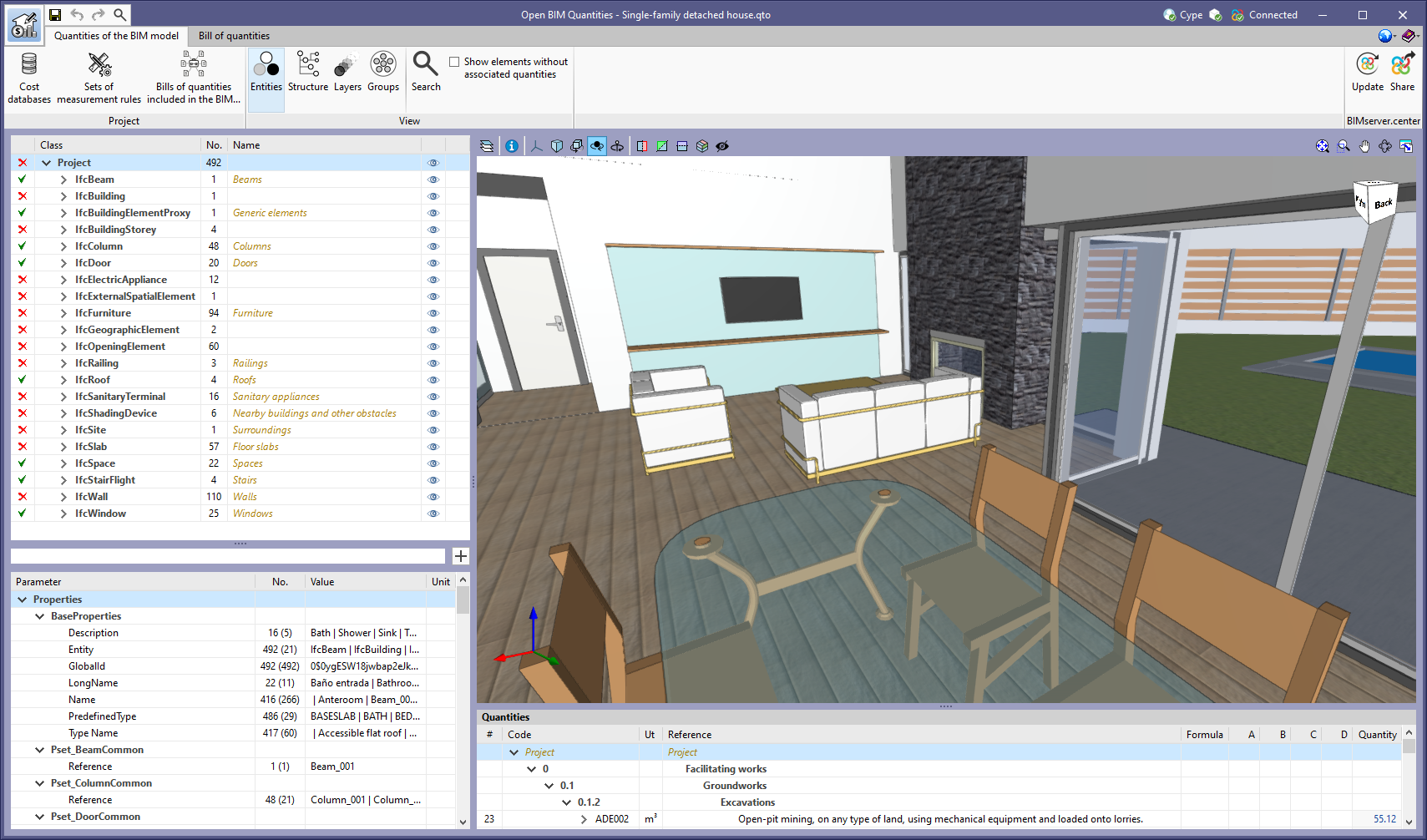
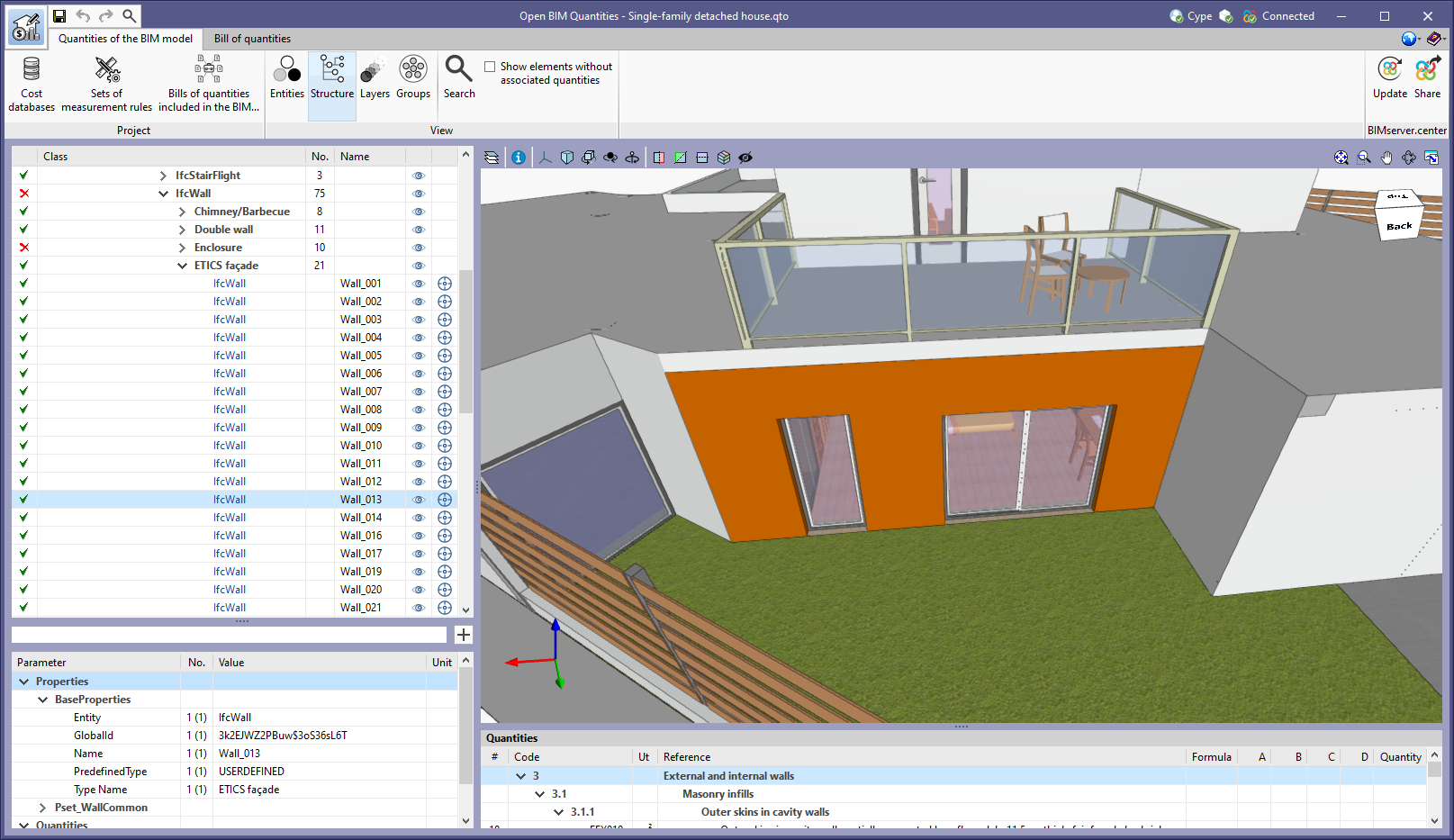
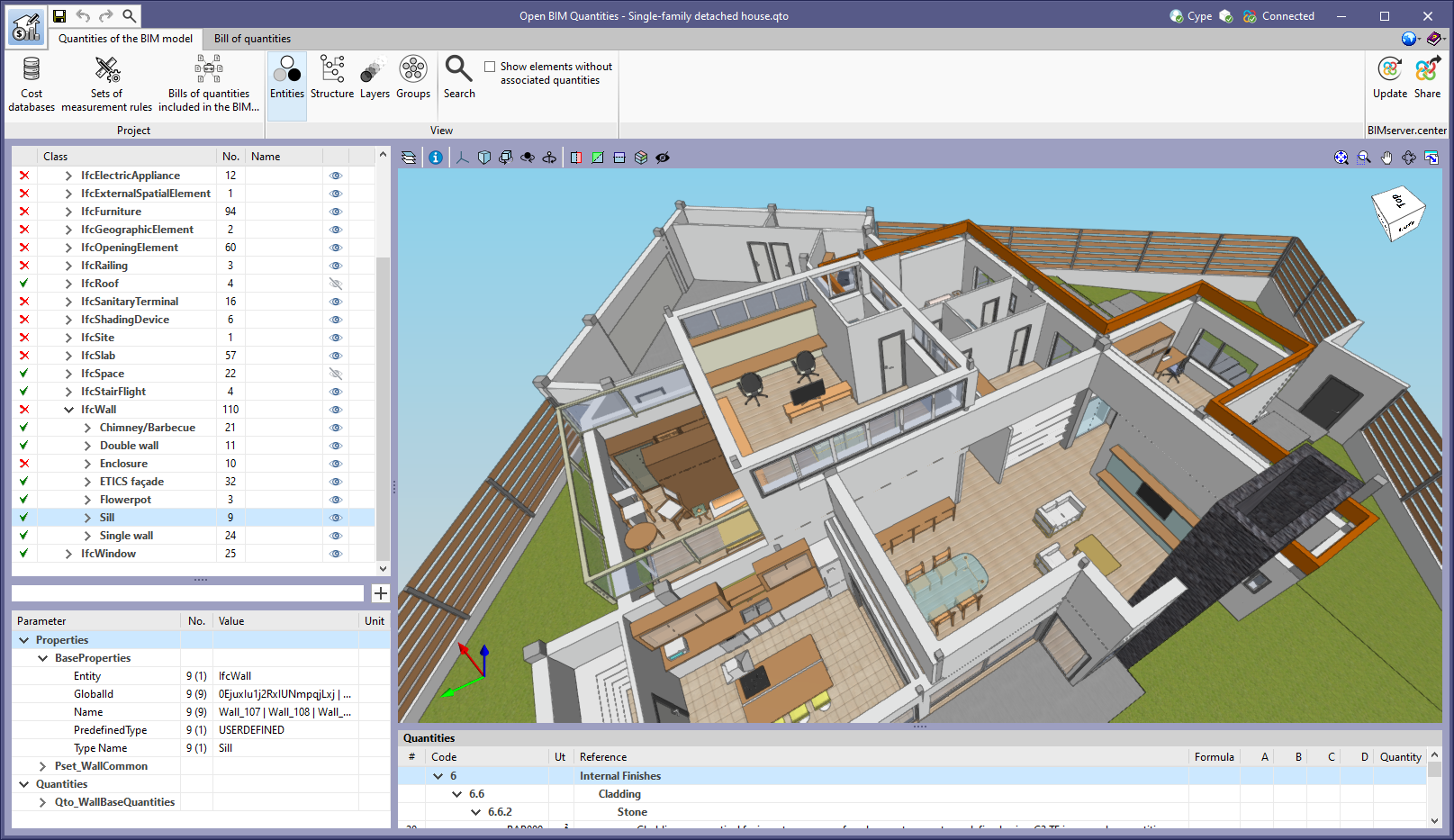
As of version 2023.b, Open BIM Quantities offers three different ways of displaying the BIM model component tree in the "Quantities of the BIM model" tab. Up until now, the elements could be arranged according to the IFC entity to which they belong (IfcWall, IfcSlab, IfcSpace, etc.) or the spatial structure (IfcSite->IfcBuilding-> IfcBuildingStorey, etc.). In this update, the "Layers" button has been added to the "View" group of options in the application toolbar. By clicking on it, the tree is organised according to the layers defined in the IFC model. In this case, the layer components are grouped together in a tree branch being assigned the name of that layer.

A button has been added to the "Sets of measurement rules" list components that are available from the toolbar of the "Quantities of the BIM model" tab. In previous versions, the active set of measurement rules was the one selected in the list. Now, via this button, users can explicitly indicate the active set of measurement rules in the project.

As of version 2023.b, in the BIM project component tree of the "Quantities of the BIM model" tab, a translated text can appear next to the IFC entities. This makes it easier for users to identify the codes used in the standard IFC format for the most common entities.

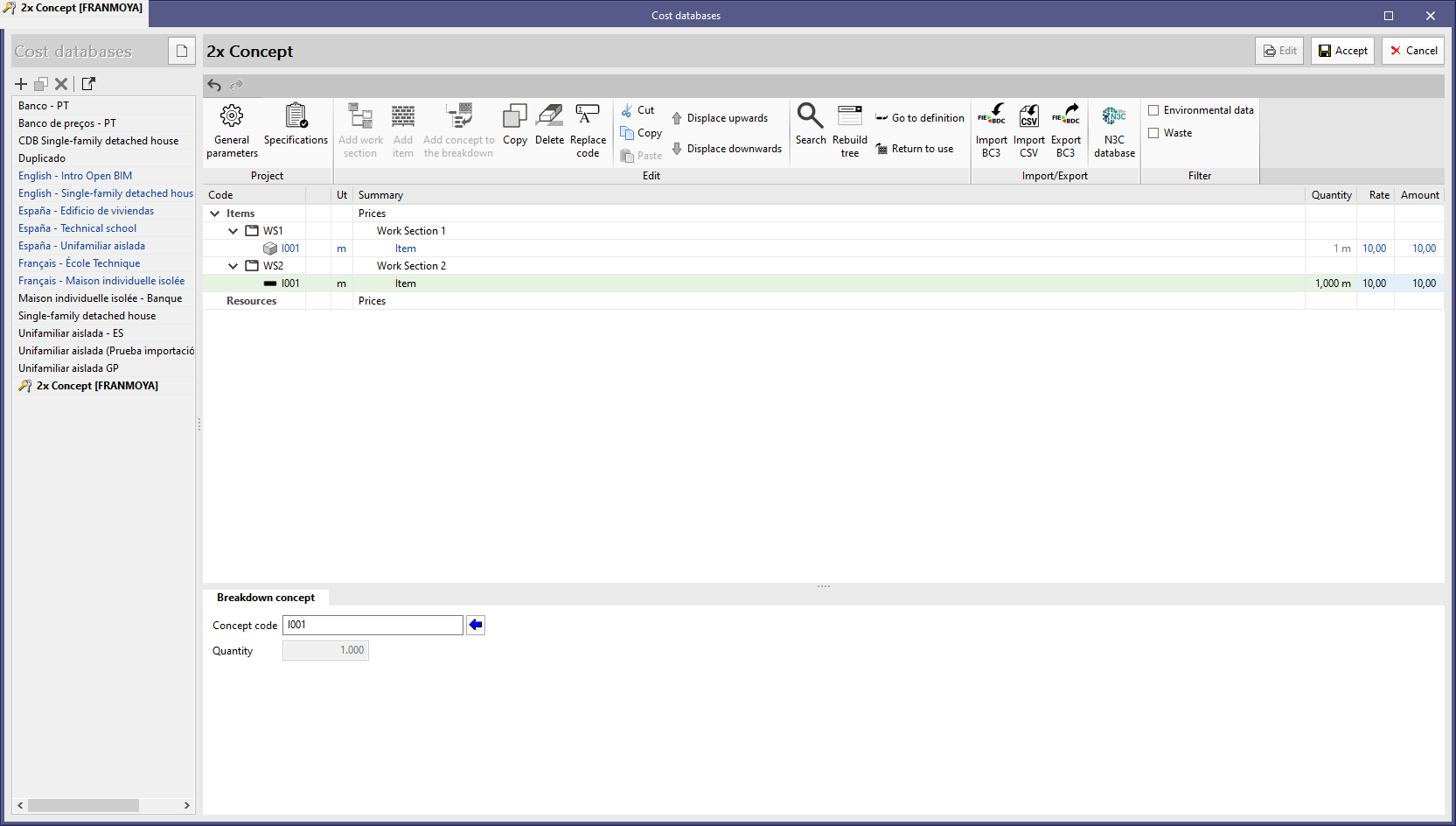
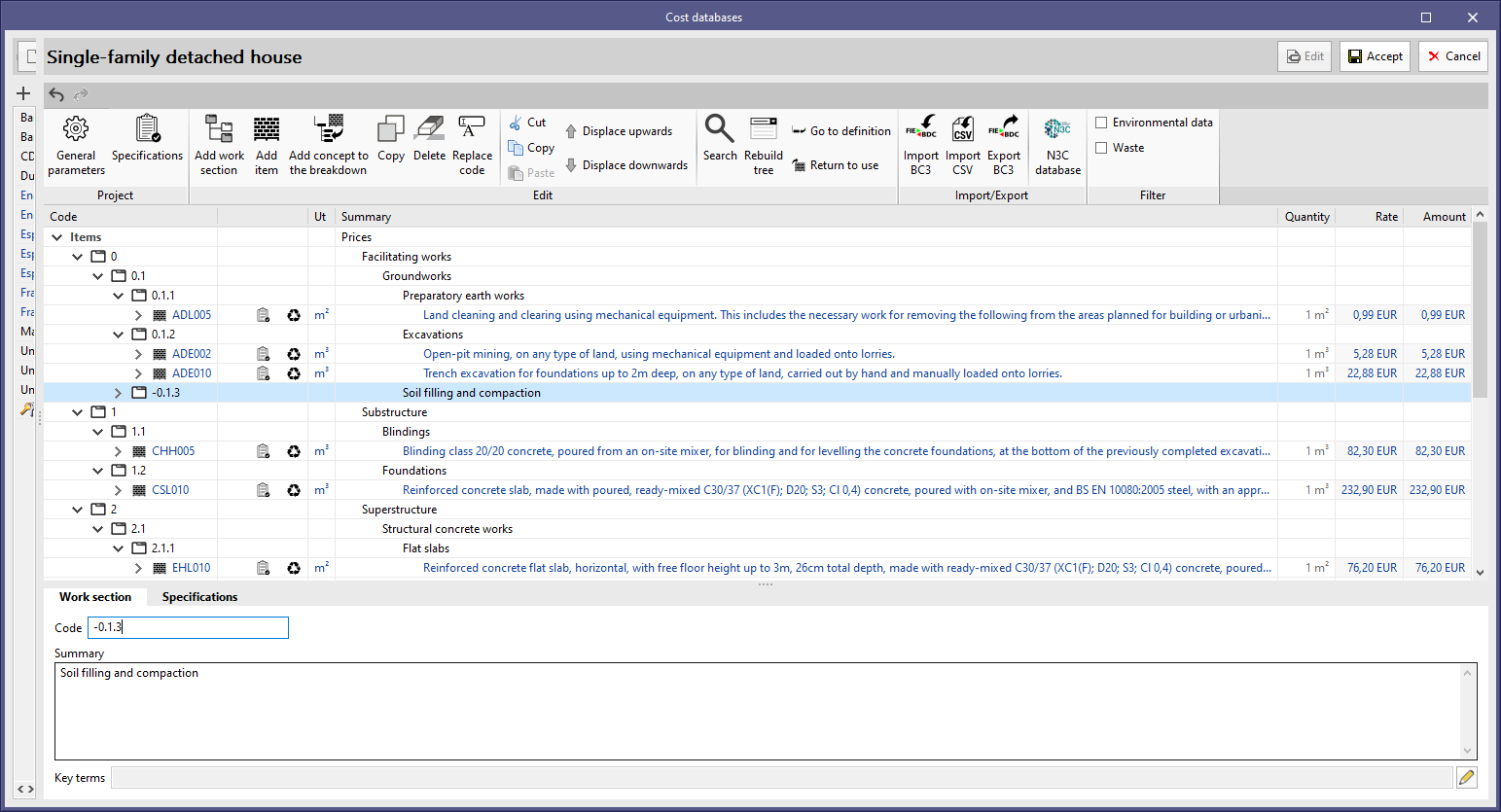
As of version 2023.a, "Open BIM Quantities" and applications with the "Bill of quantities" tab allow cost databases to be generated where an item appears in more than one work section. Items can only be defined in one position, however, they can now be added as a concept in the breakdown of one or more work sections.

This way, different classifications can be established within the same database. If a database in FIEBDC-3 or CSV format has this feature, it can also be imported into the application.

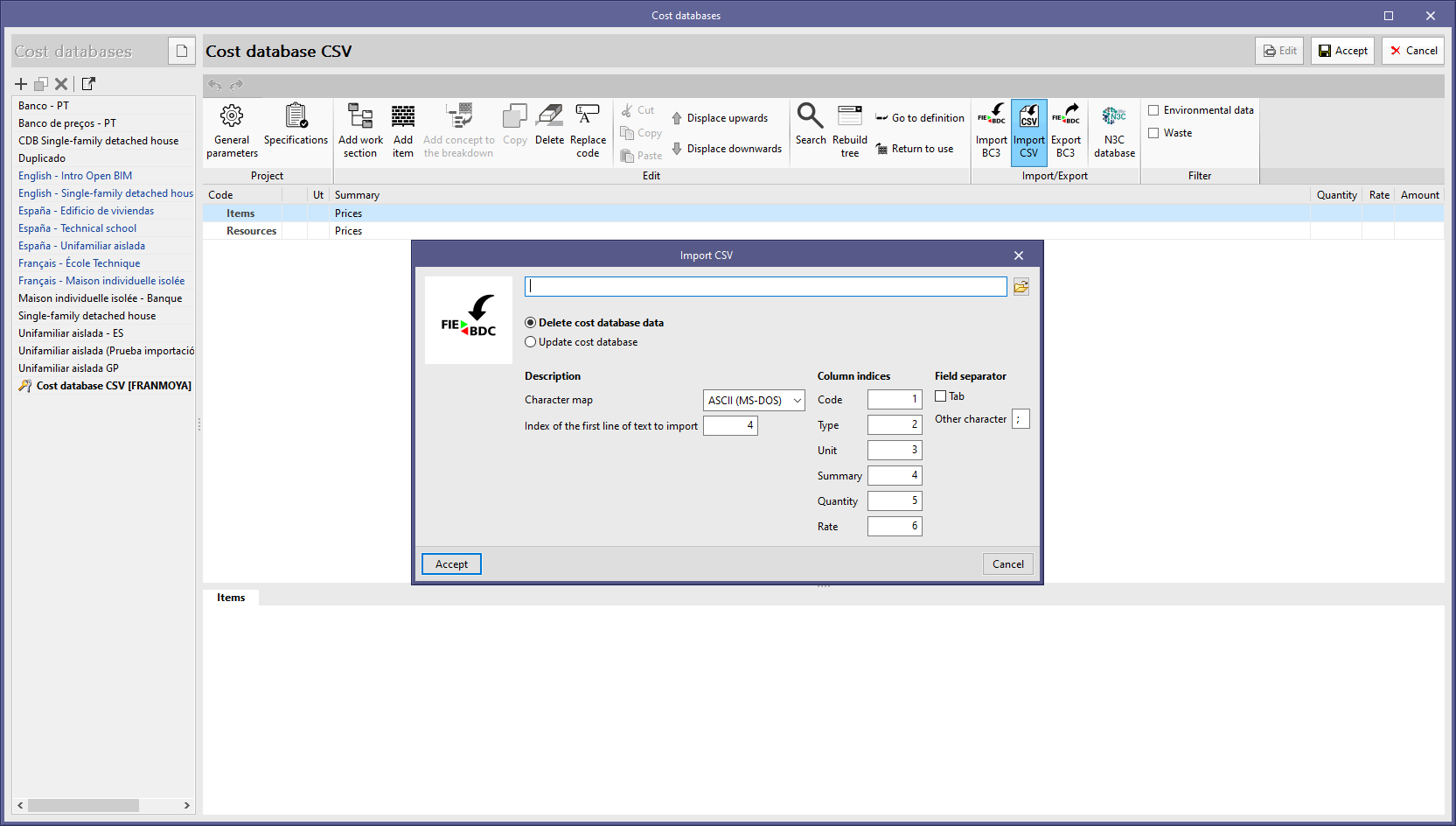
As of version 2023.a, "Open BIM Quantities" and applications with the "Bill of quantities" tab can import cost databases in CSV format. To do so, the "Import CSV" option has been added to the "Import/Export" group in the toolbar for managing cost databases and the project database.

The CSV file must contain the columns with the information for the "Code", " Type ", "Item", "Summary", "Quantity" and "Rate" fields. Users can specify the index of each column from the file import configuration panel. The character set, the index of the first line of text to be imported and the field separator can also be specified.

As with the FIEBDC-3 format files, "Open BIM Quantities" allows users to choose whether to delete the previous data from the cost databases before carrying out the import or updating them.

As of version 2023.a, the "-" character (ASCII-45) can be used in a concept's "Code" field. This modification has been carried out in accordance with the latest update of the standard Spanish FIEBDC-3/2020 format which includes the specifications approved by the Spanish commission CTP that are subsequently ratified by the Spanish FIEBDC association assembly.

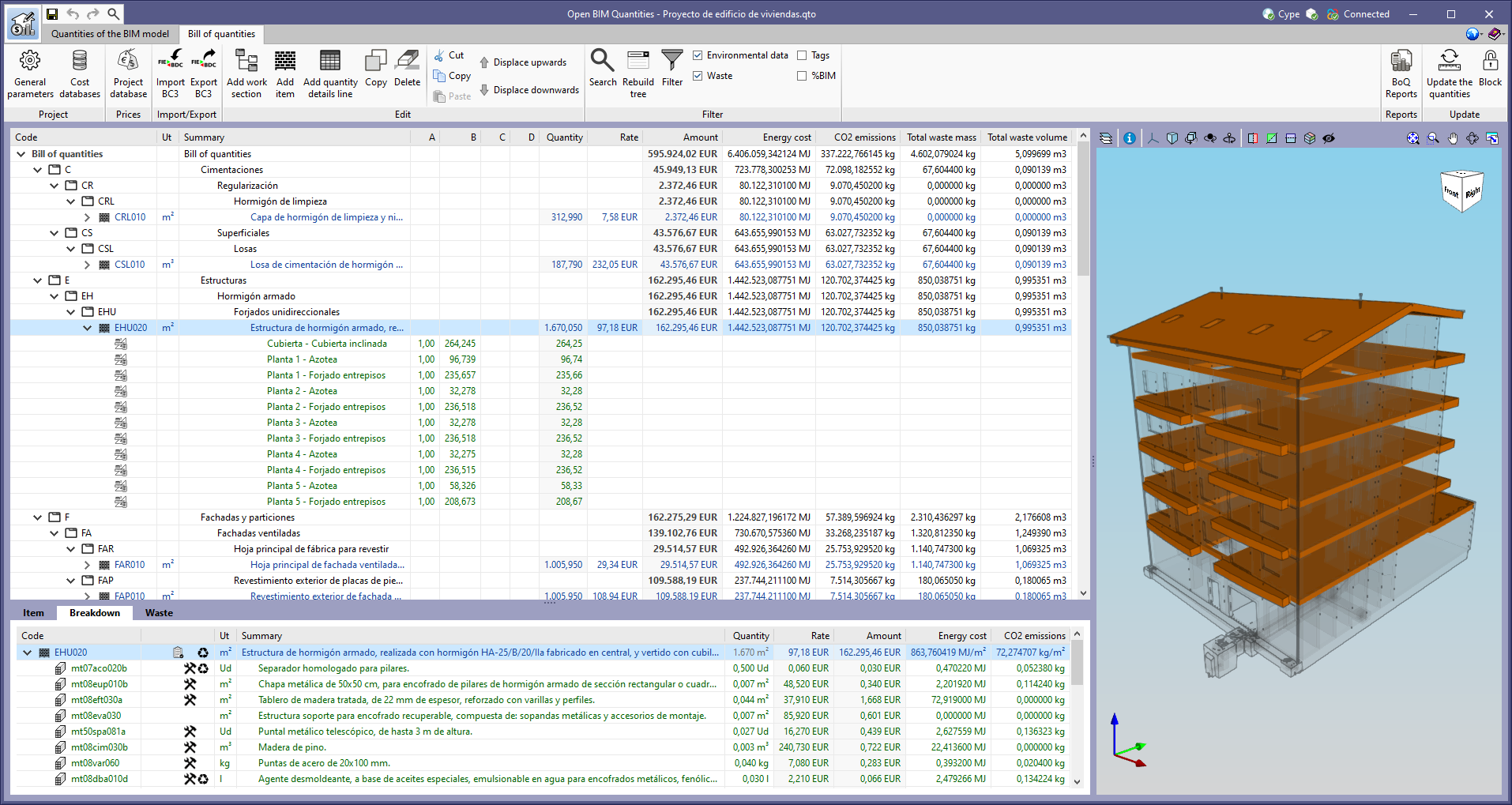
The Spanish example job "Proyecto de edificio de viviendas" together with its cost database ("España - Edificio de viviendas") has been updated.

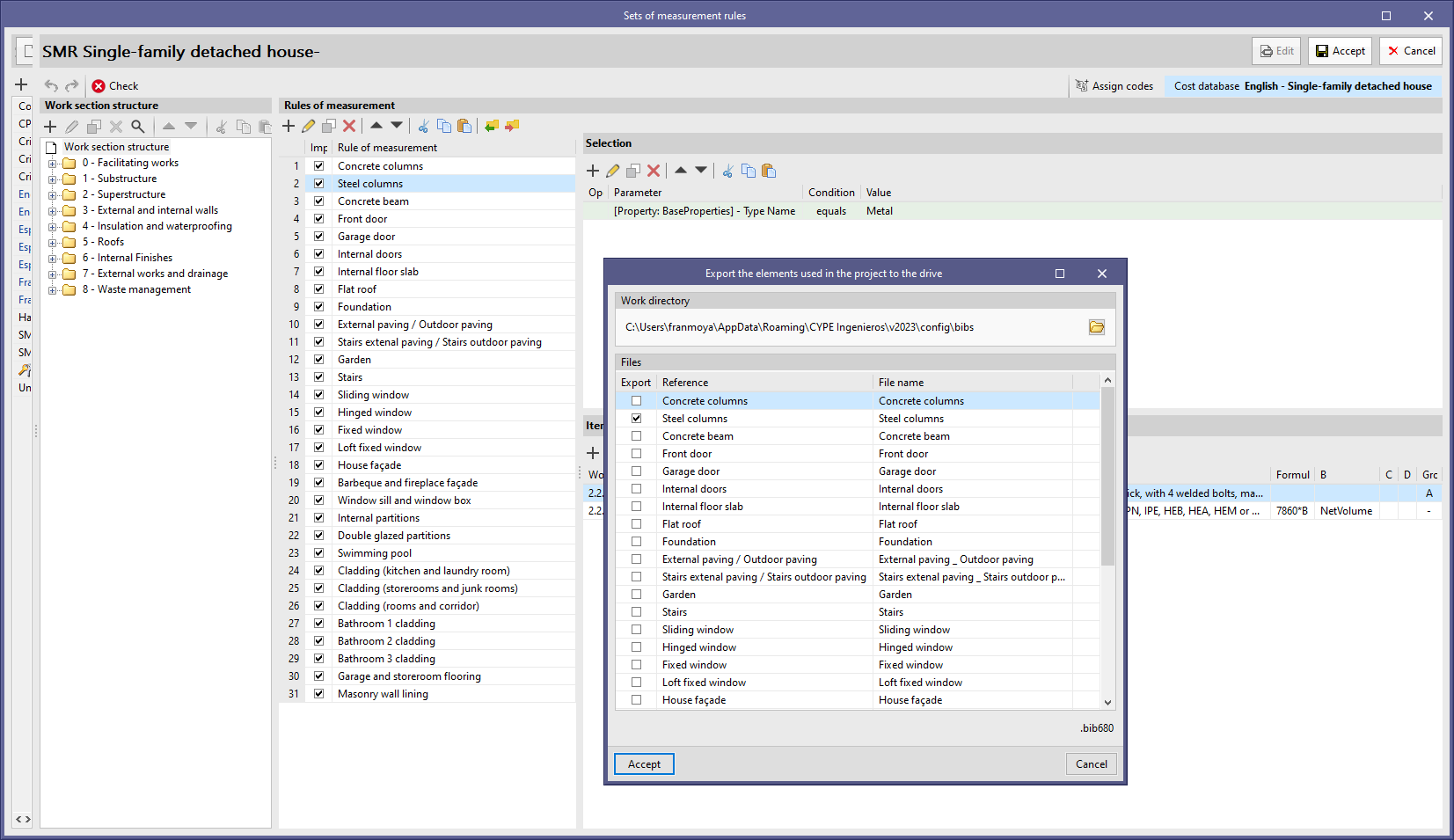
As of version 2023.a, "Open BIM Quantities" can save the rules that make up a set of measurement rules in a file (".bib680"). Two new buttons have been added to the list of measurement rules in order to allow both importing and exporting. This way, the stored rules can be used to compose new sets of measurement rules.

As of version 2023.a, "Open BIM Quantities" includes the "Cut", "Copy" and "Paste" tools in the sets of measurement rules management panel. These options are available for the list of rules of measurement and, within rules, for the components of the "selection" and "items". 

The application allows users to make multiple selections in the lists so that several rows can be copied or cut at the same time. The cut or copied items can be pasted into a different set of measurement rules.

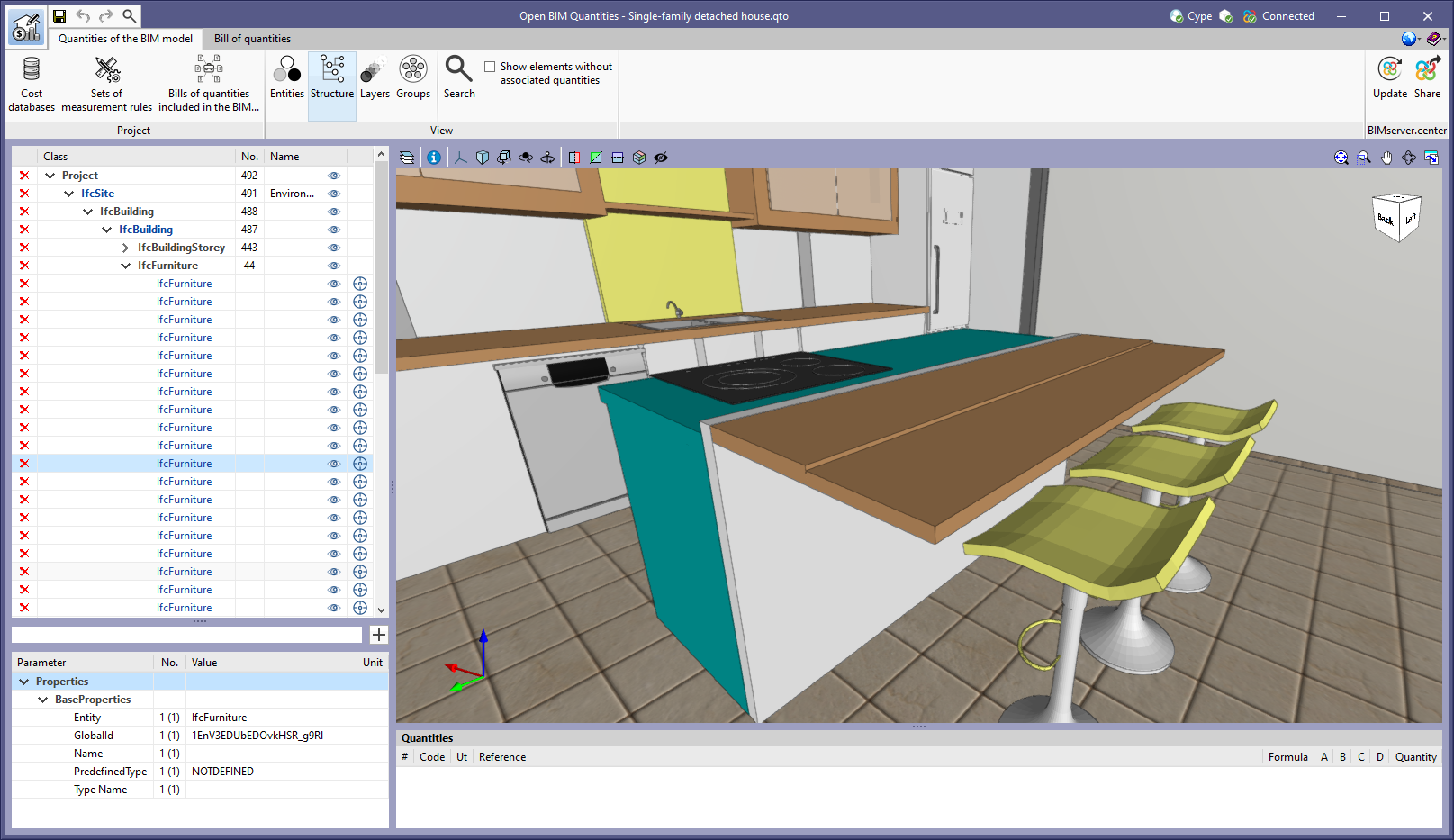
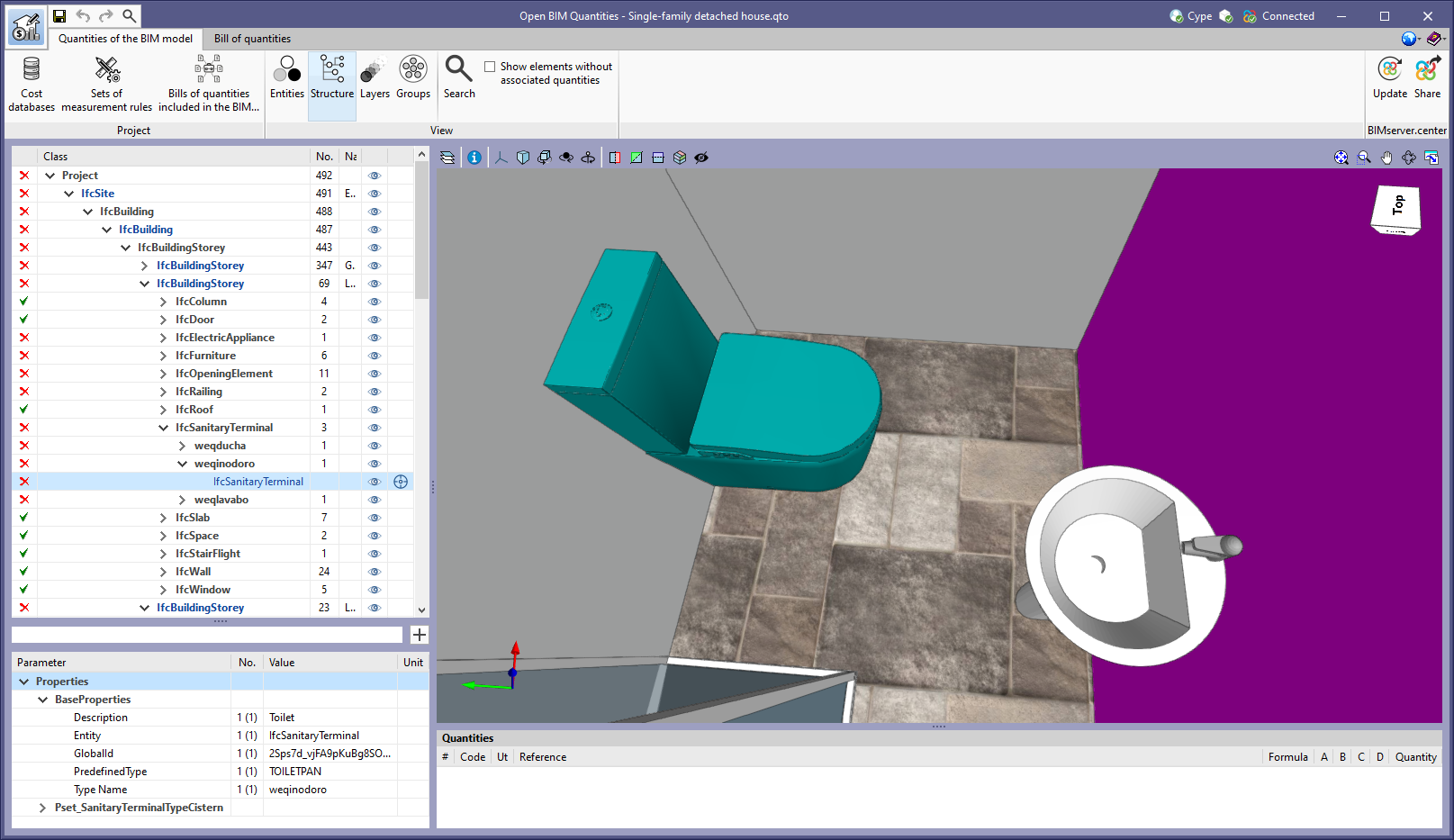
A button has been added next to the visibility option ("Manage visibility of BIM model components") in the tree of entities that make up the BIM project, in the "Quantities of the BIM model" tab of "Open BIM Quantities". This option only appears in the rows referring to a BIM model element (it is not shown in the groups) and allows the object to be framed in the 3D view. This makes it easier to locate the components in the space.

Under the "Quantities of the BIM model" tab in "Open BIM Quantities", a button has been added to the tree of entities making up the BIM project in order to control the visibility of each component in the model view. When using this tool, the visibility of the element or group of elements to which the selected row refers will be activated or deactivated. Thanks to this improvement, it is now much easier to identify or isolate the components of the model in the 3D space.

To determine whether an element should be shown in the scene, the general configuration of the 3D view is also considered. These settings prevail over the application settings, so if a model is hidden, the visibility of its components cannot be controlled from the tree of entities.