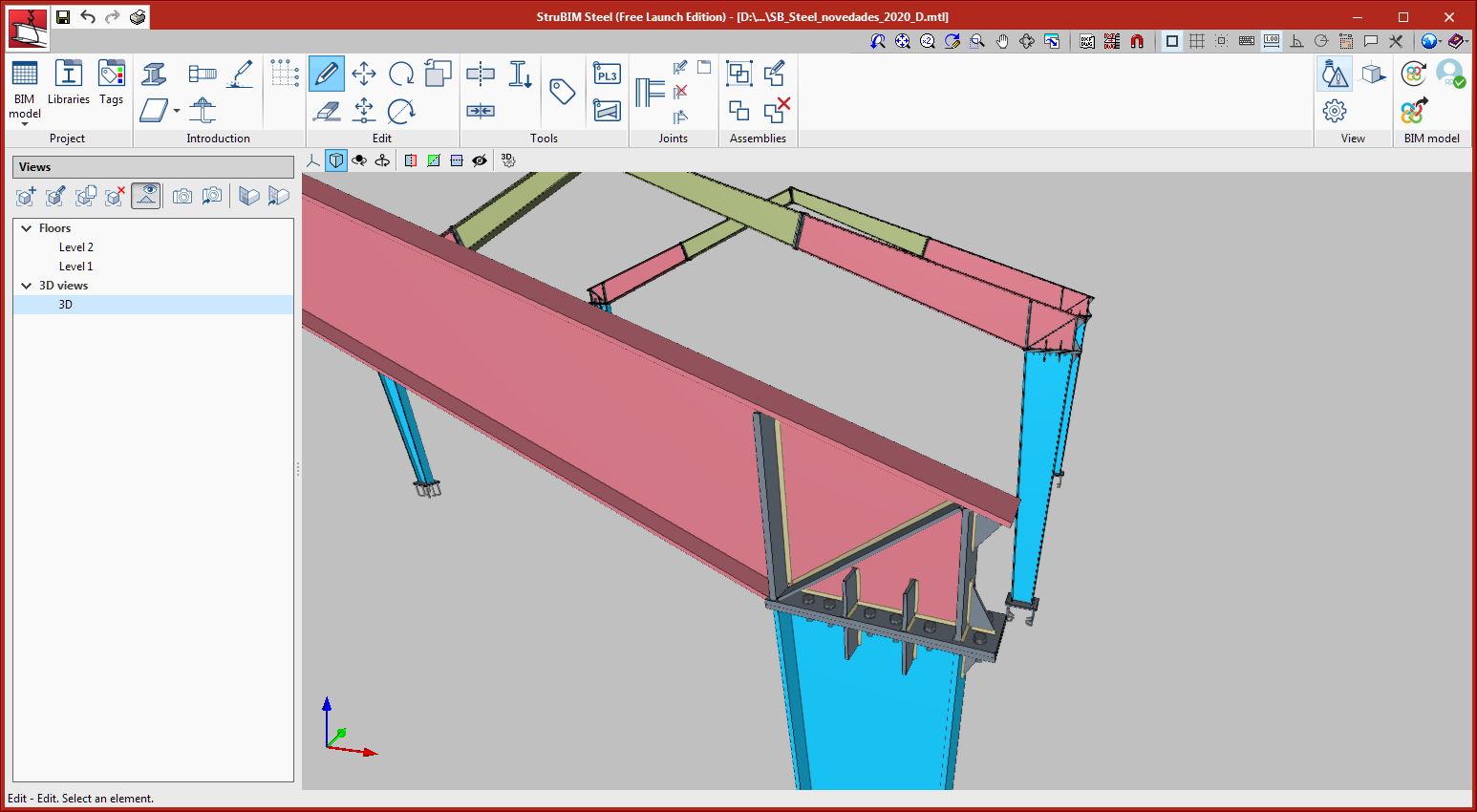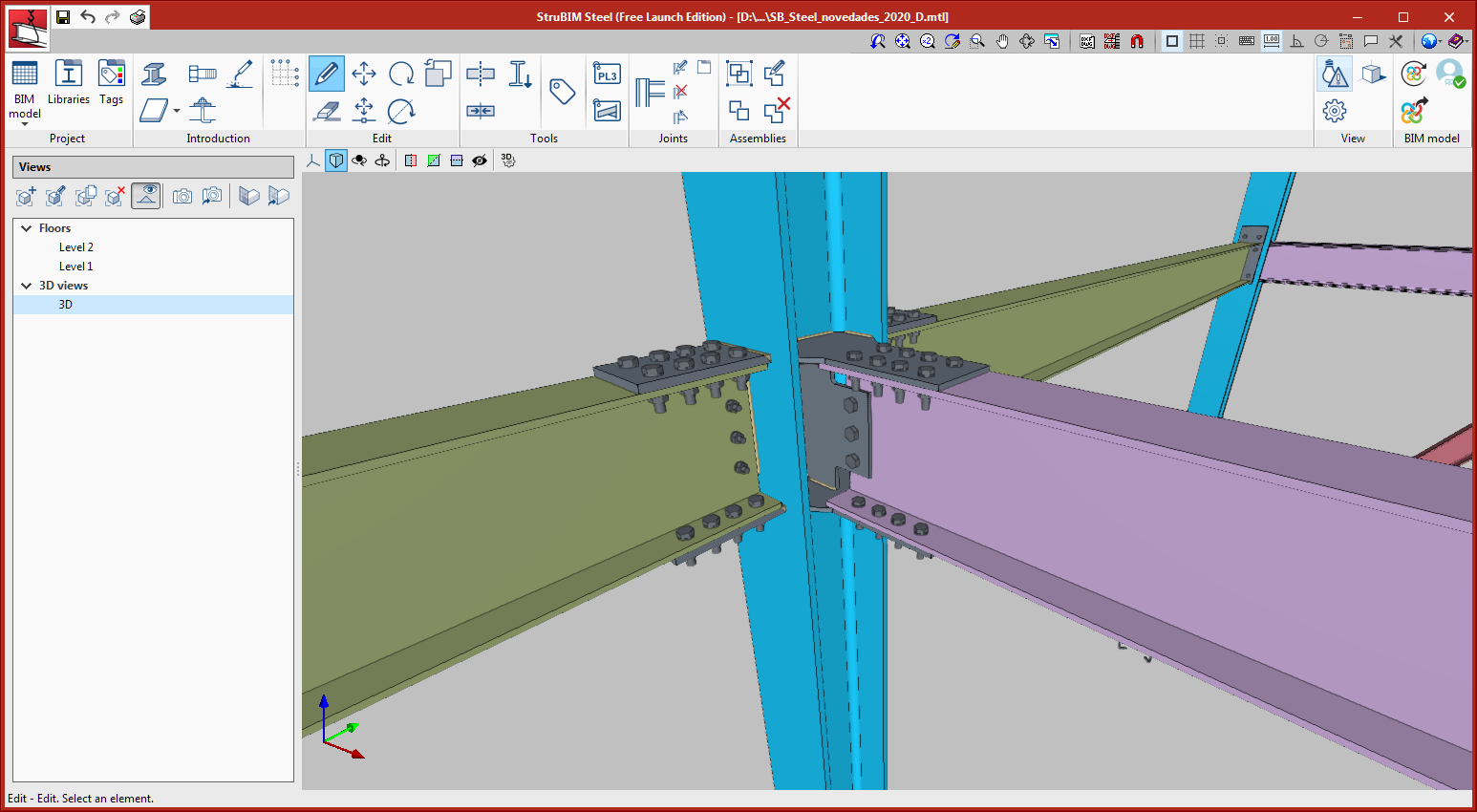
Update history​​

StruBIM Steel

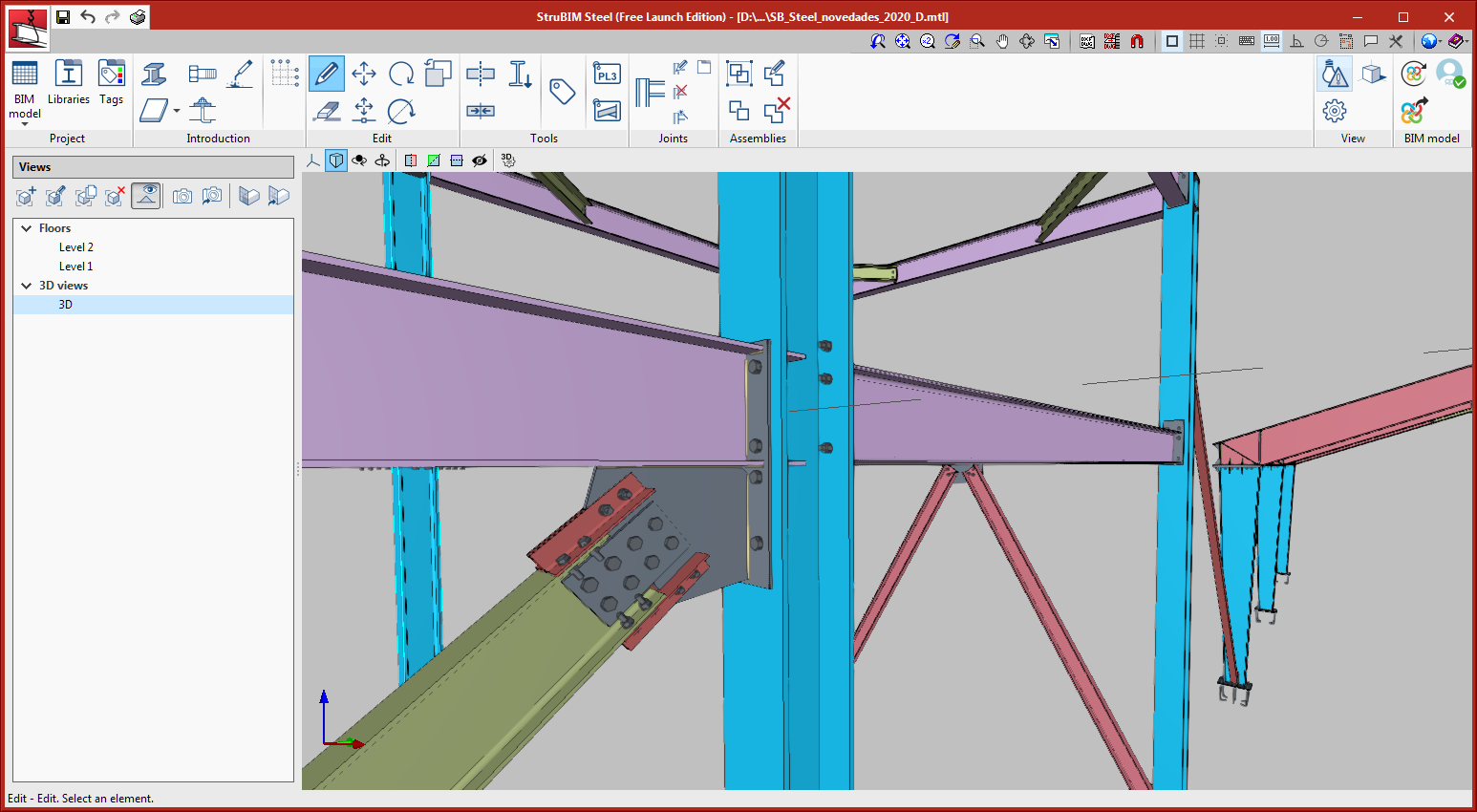
The elements that are generated by the connections can now be grouped in parts that are manufactured in the workshop, depending on the position of the execution of the welds.

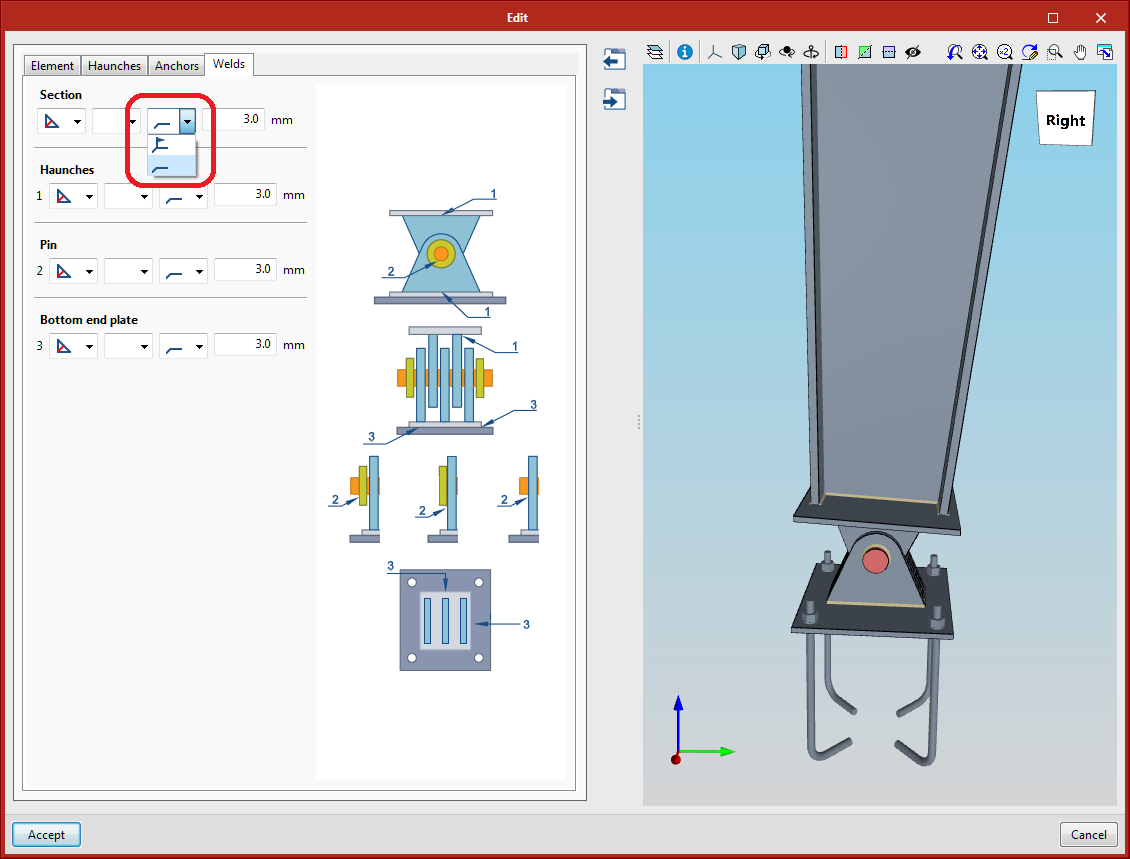
The welds can be executed on site or in the workshop. Elements that are connected with a workshop weld will form a single element.

For each connection that is available in the program, users can select the place of execution, where the default option is the workshop.

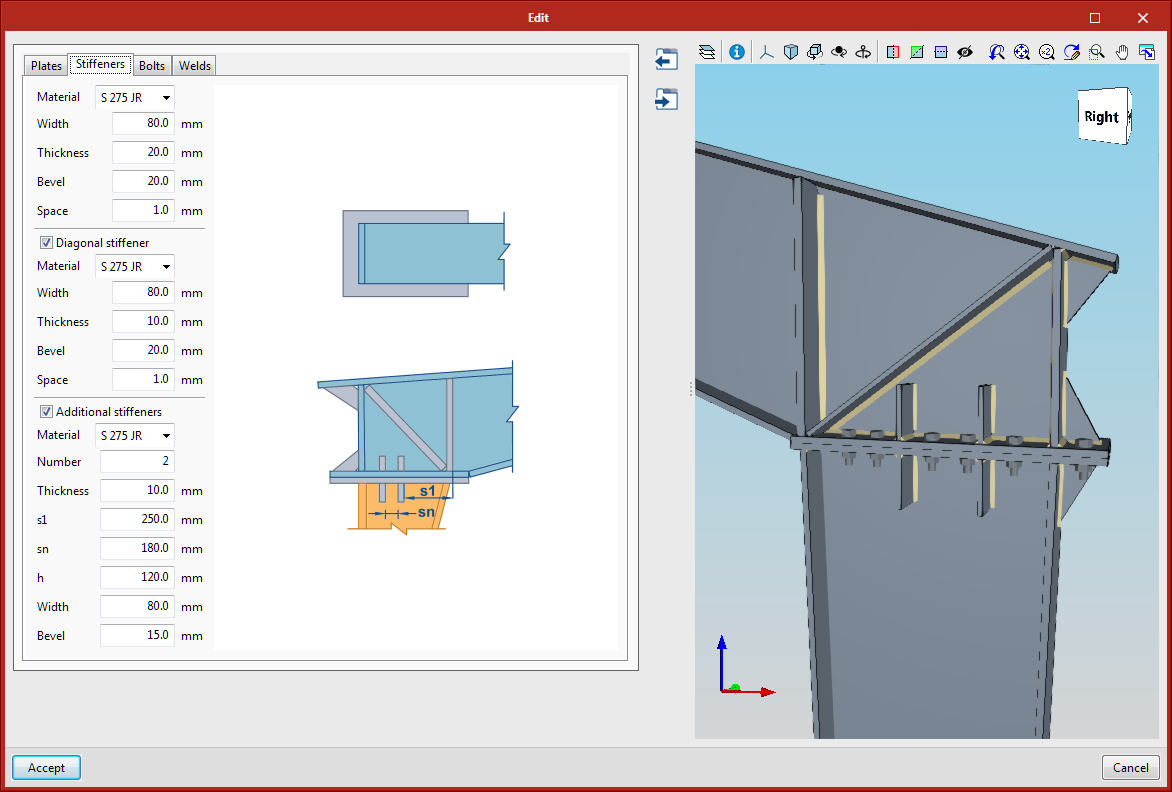
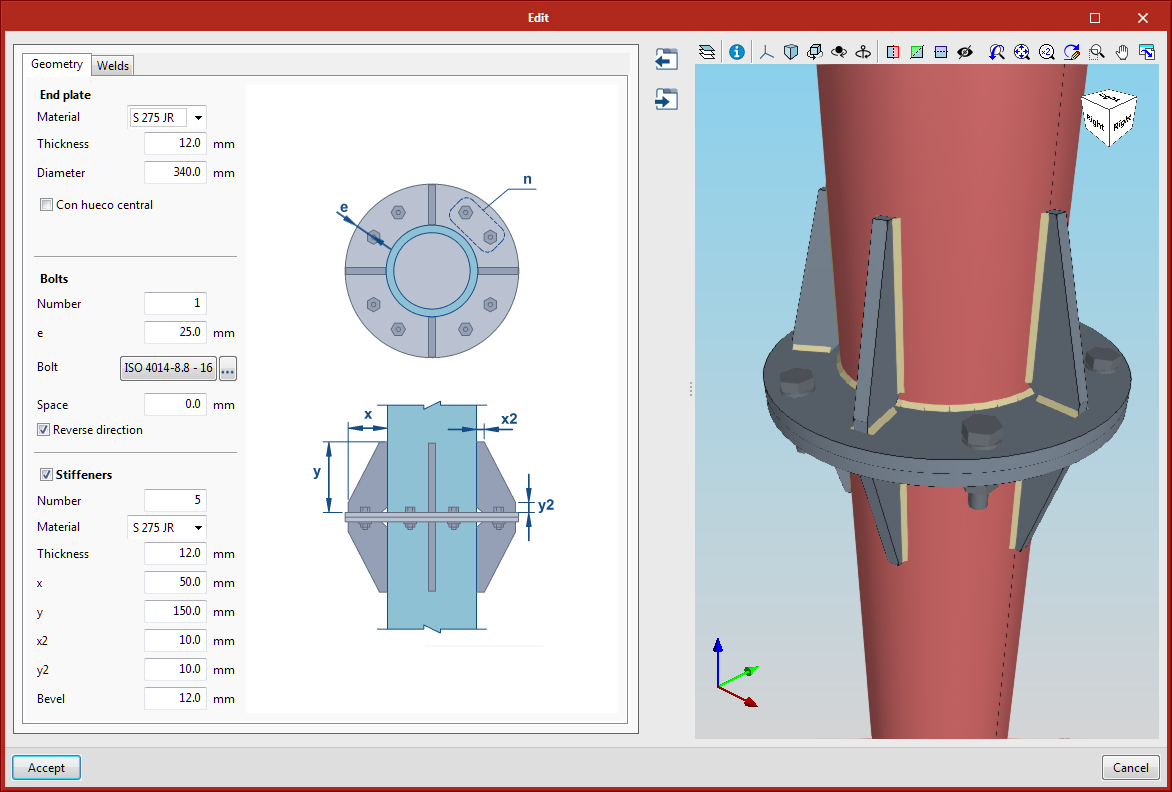
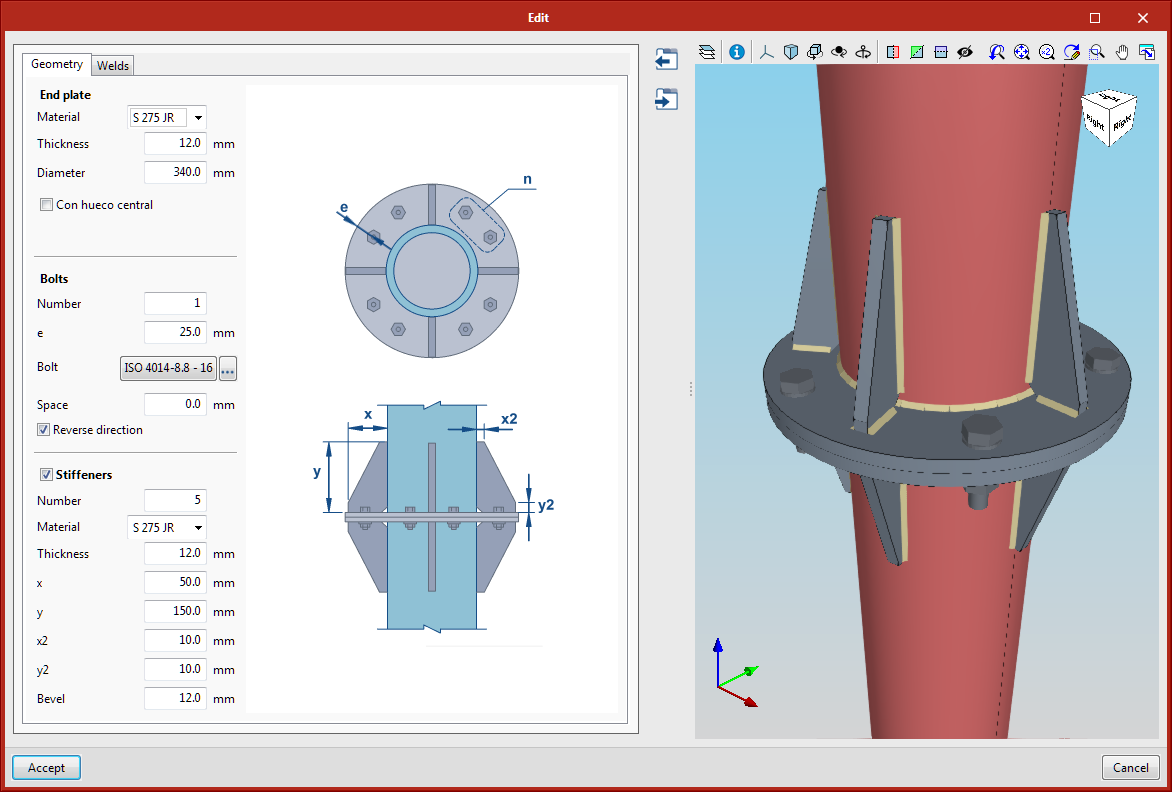
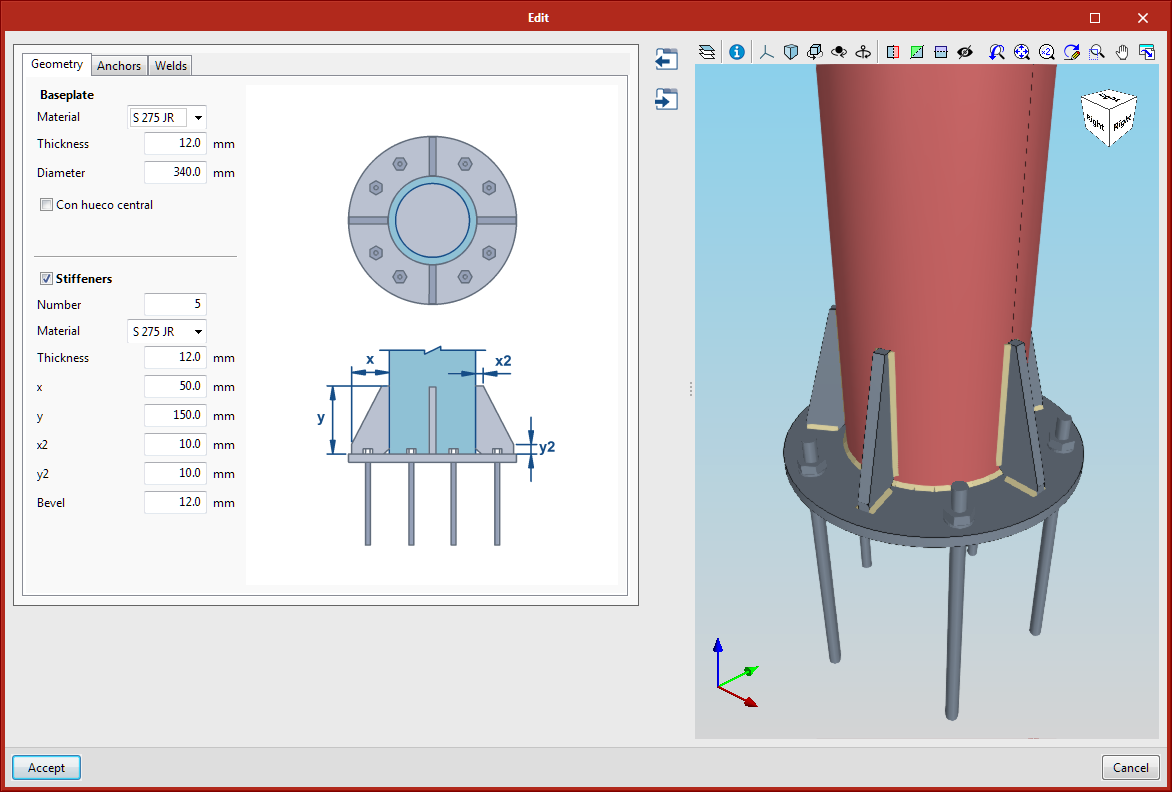
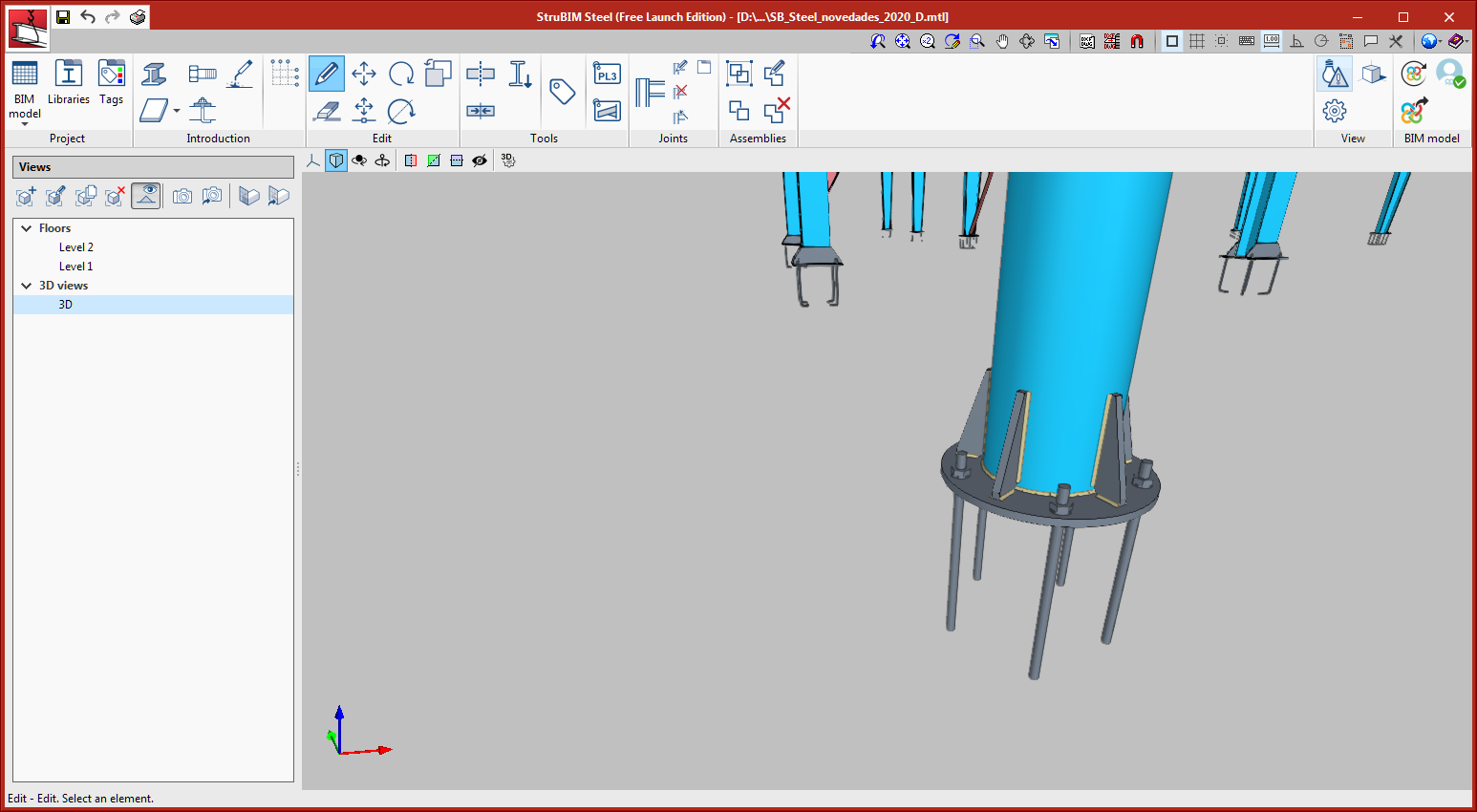
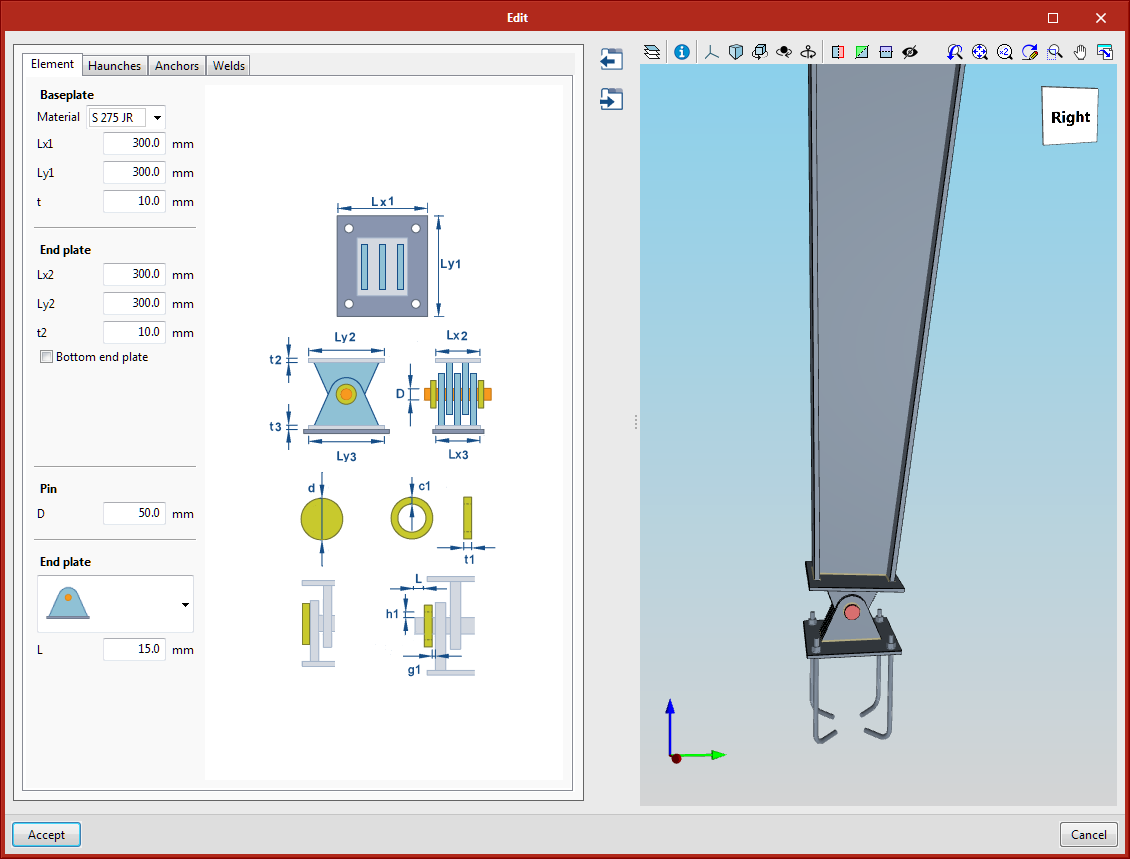
Various connections have been adapted to reinforced sections with variable depth. The adapted connections are:

  • 001 - Pin connection
  • 002 - Anchorage plate
  • 006 – Splice connection using an end plate

The following types of connections have been implemented:

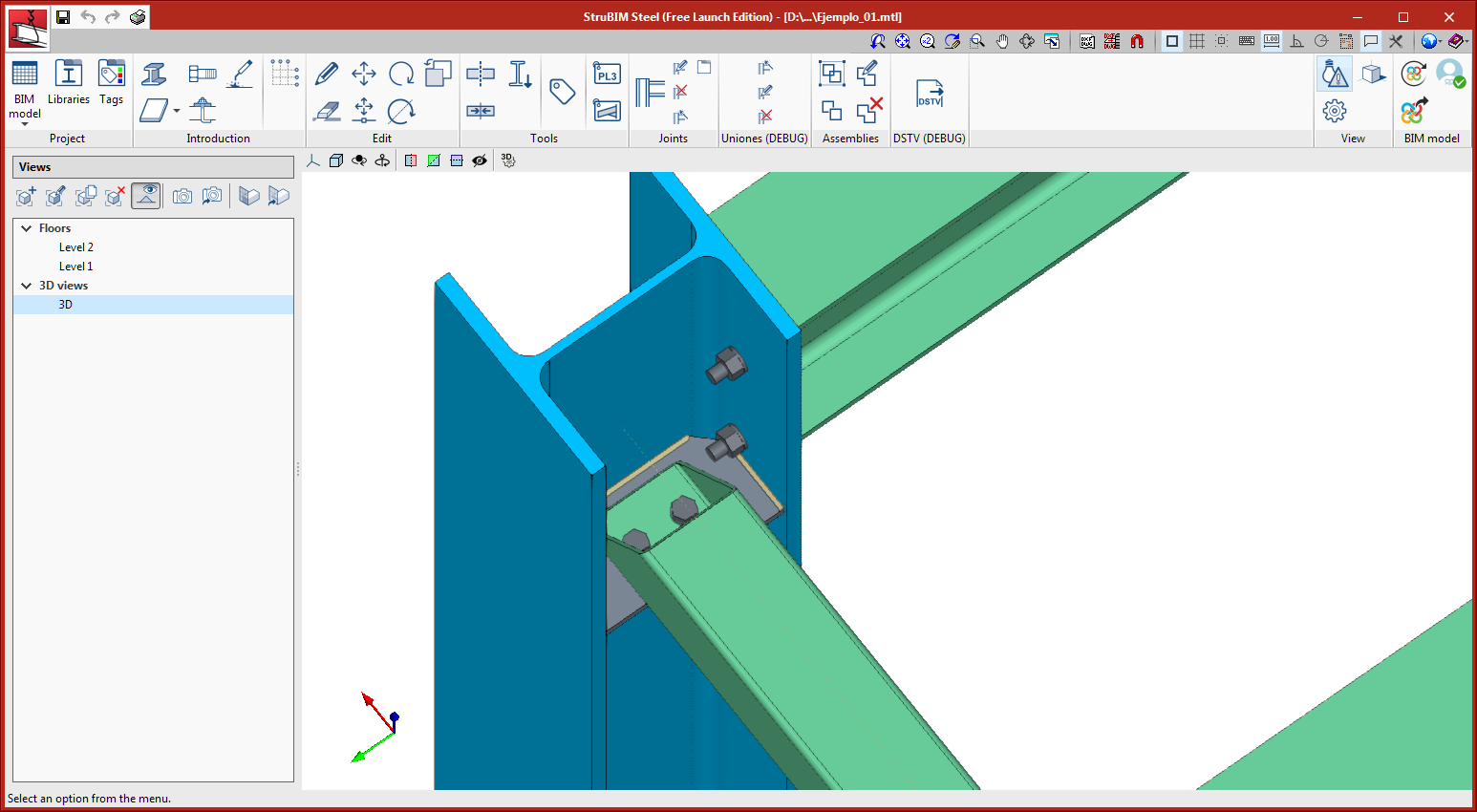
  • Rectangular tube to stiffener connection

Bolted connection between a rectangular tube and the I-section web stiffener. A cutting angle at the end of the tube is defined to be able to place the bolts inside the tube.

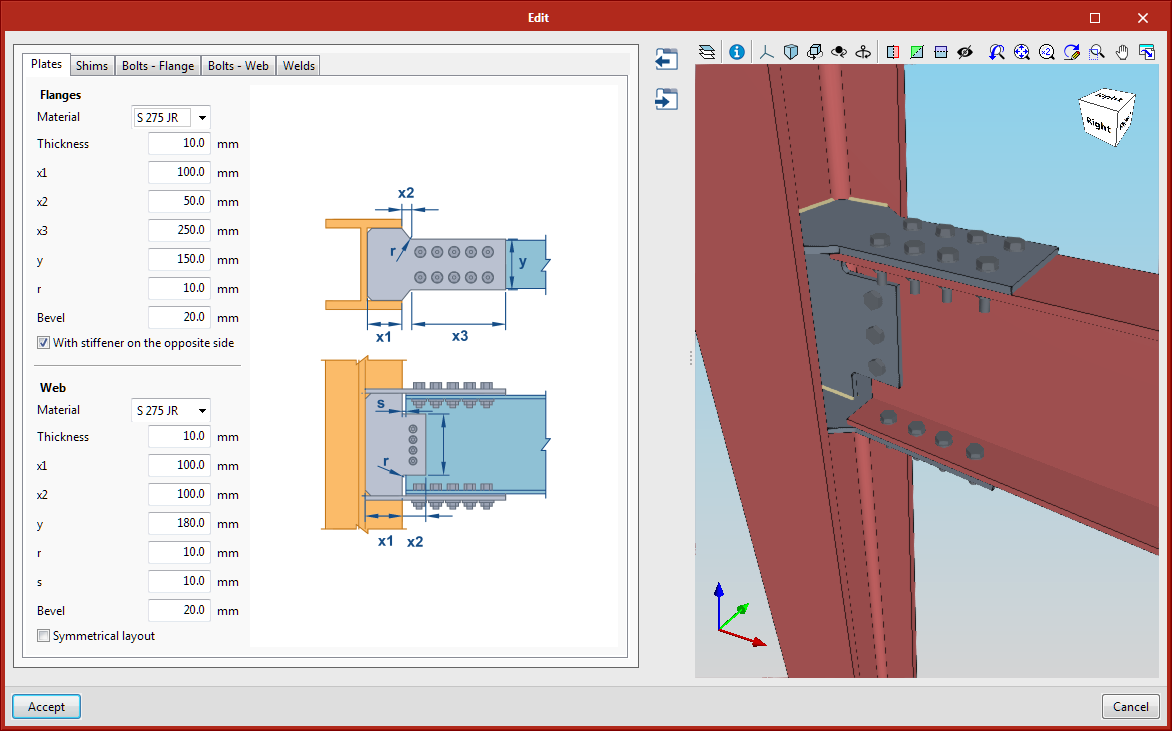
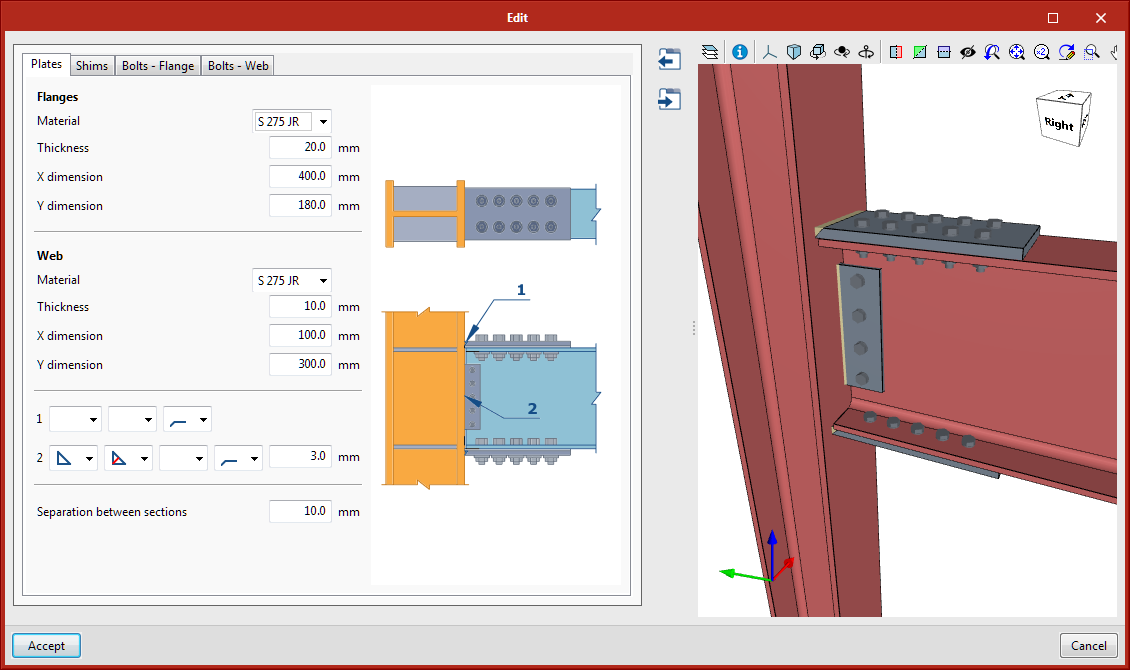
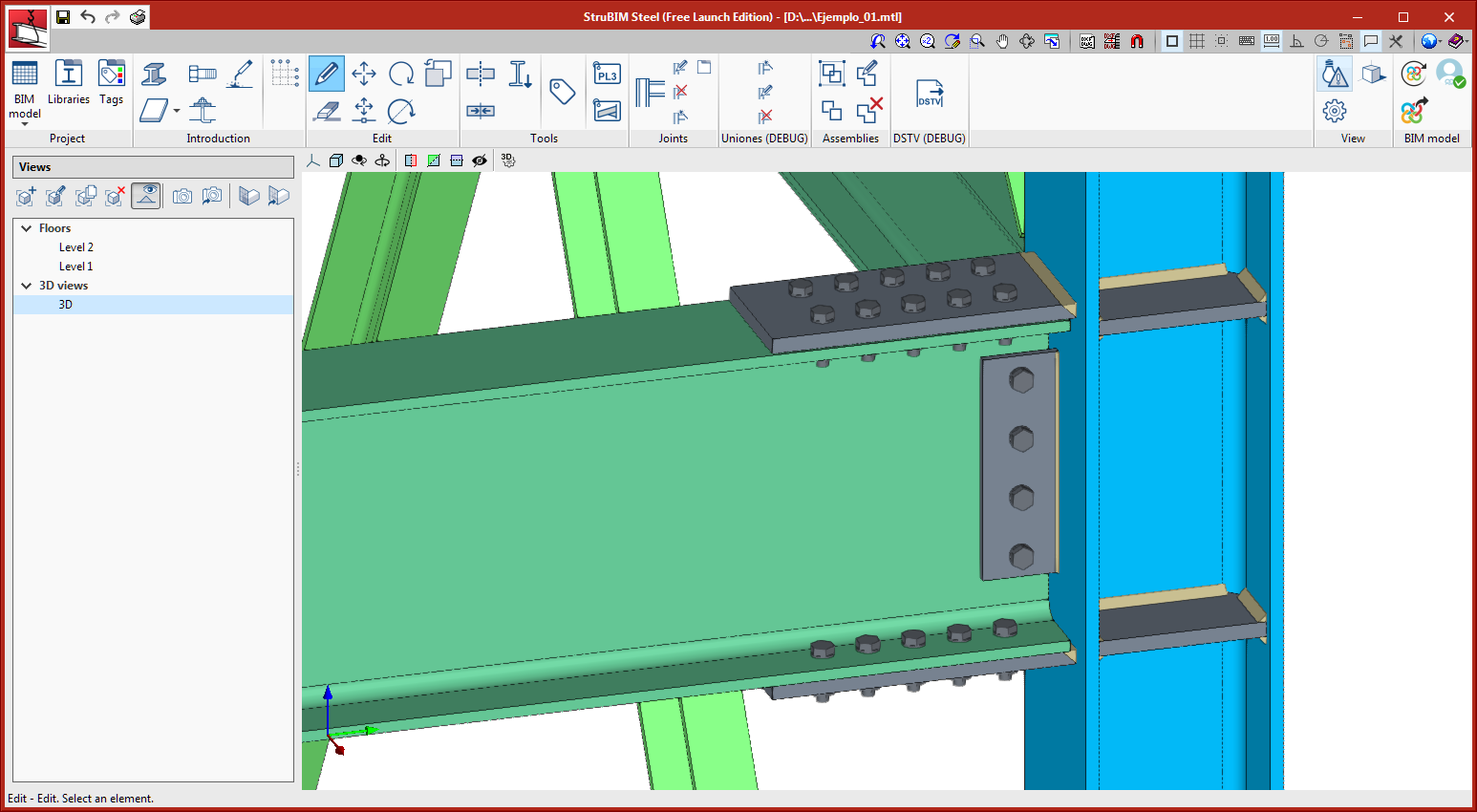
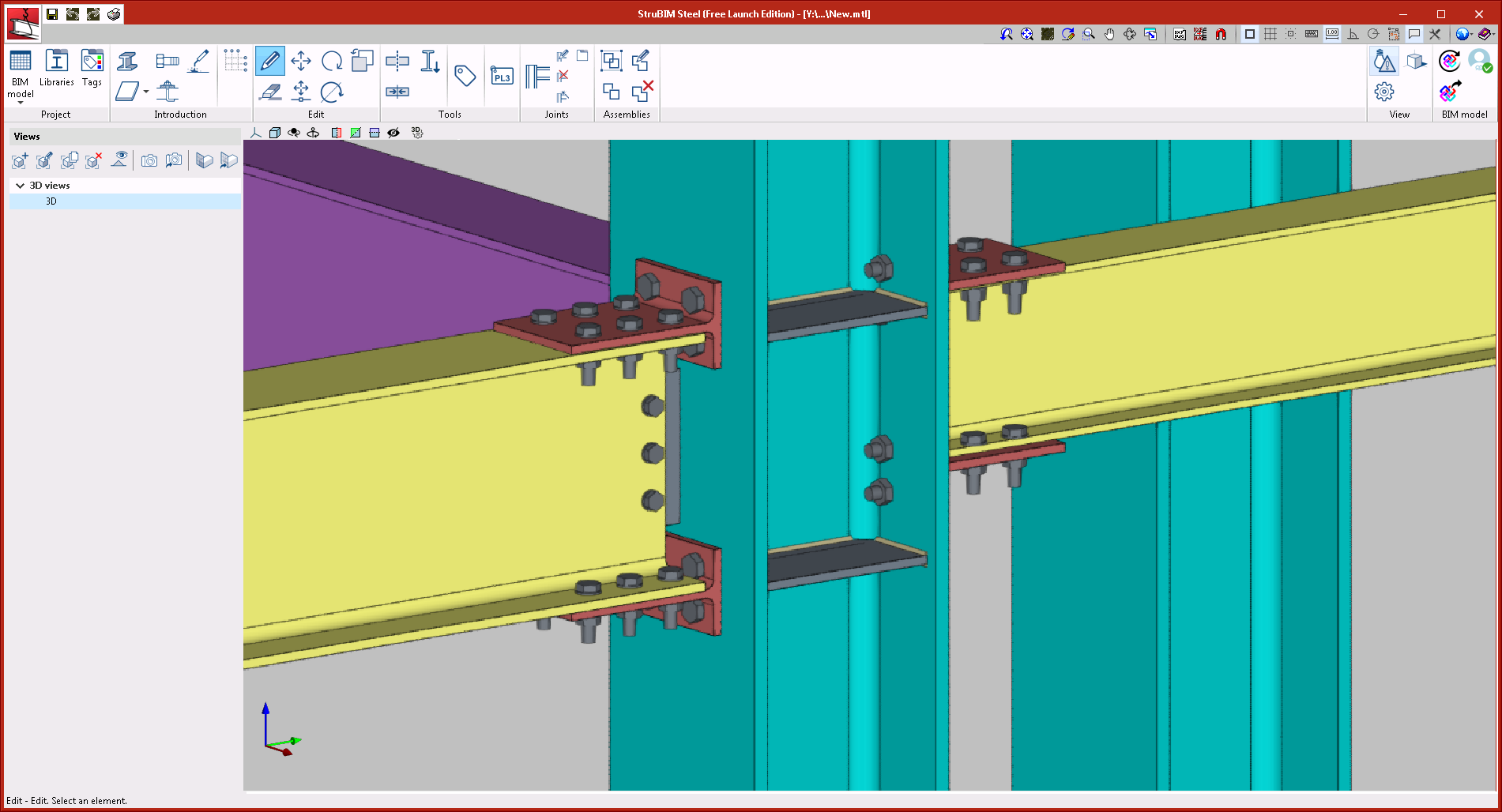
  • Column to beam moment connection with plates bolted to the web and flanges

This connection joins I-section columns and beams. It is a moment connection in which the flanges and web of the beam are bolted to plates that are welded to the column. The plates of the flanges are joined to the column using butt welds. The web plate can be connected to the column with fillet or butt welds.

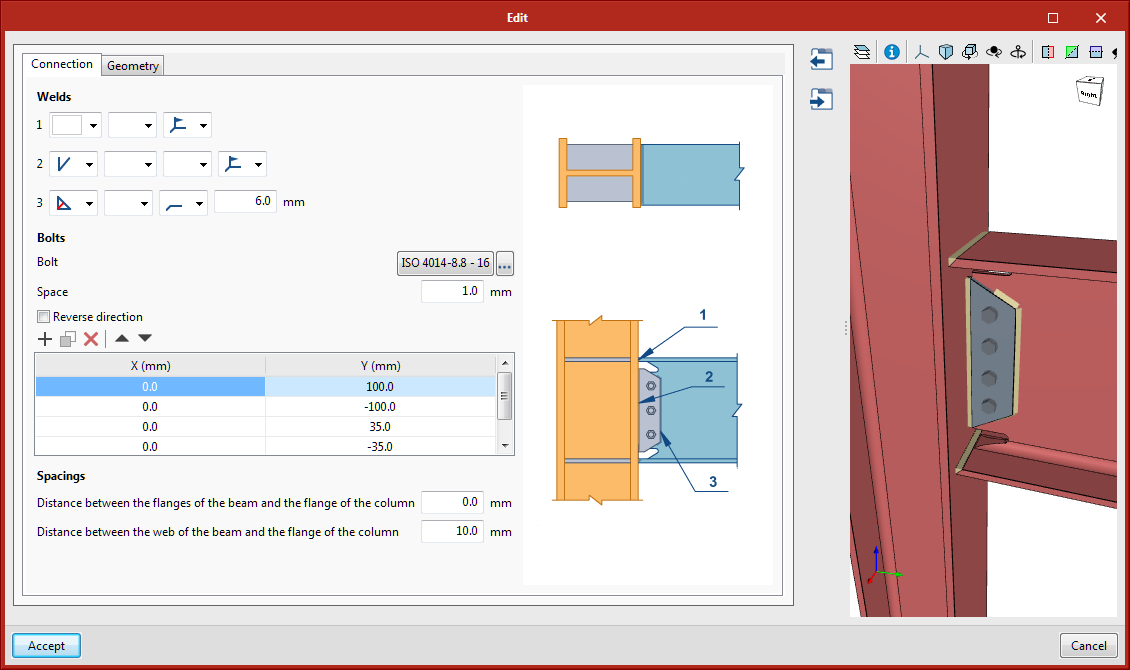
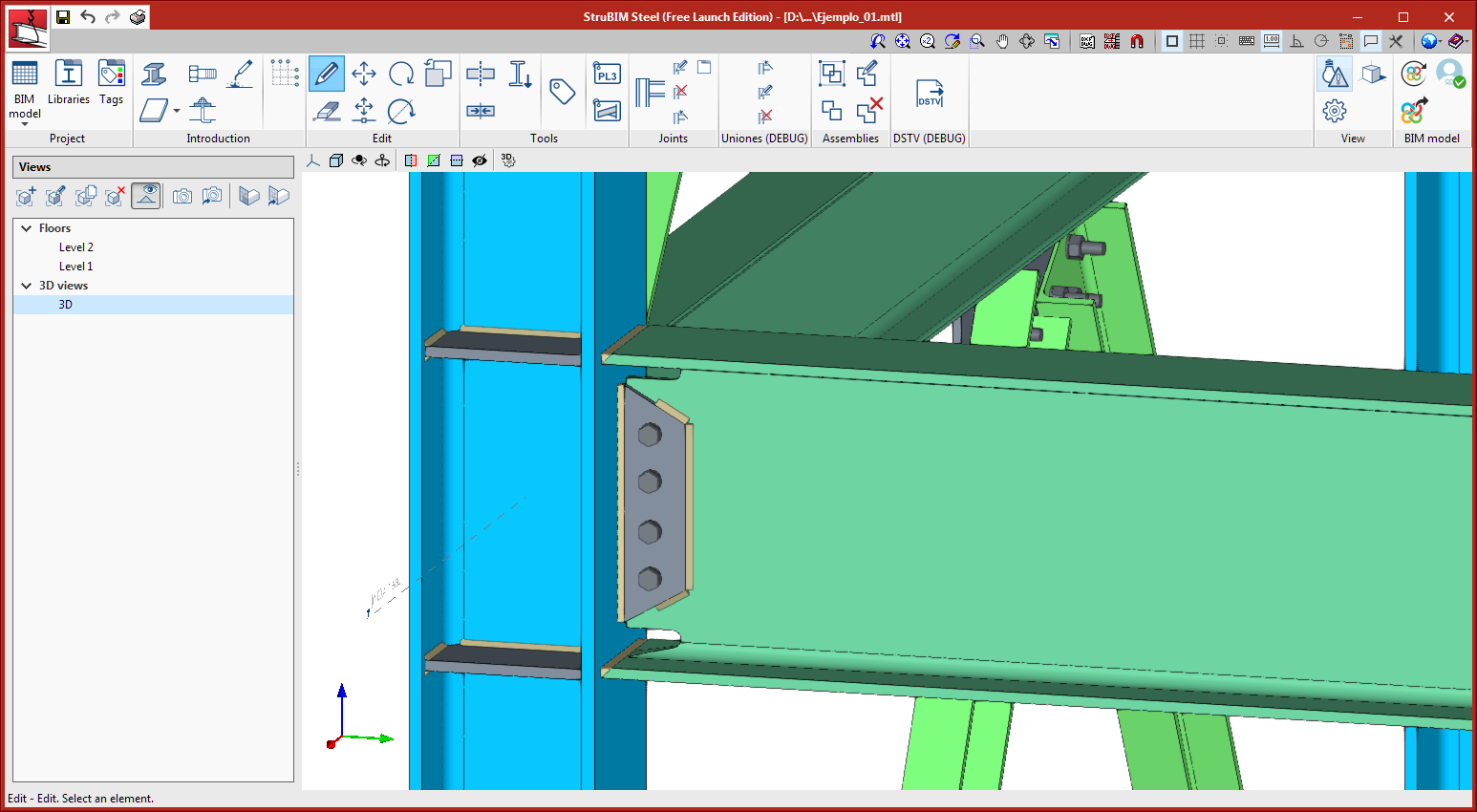
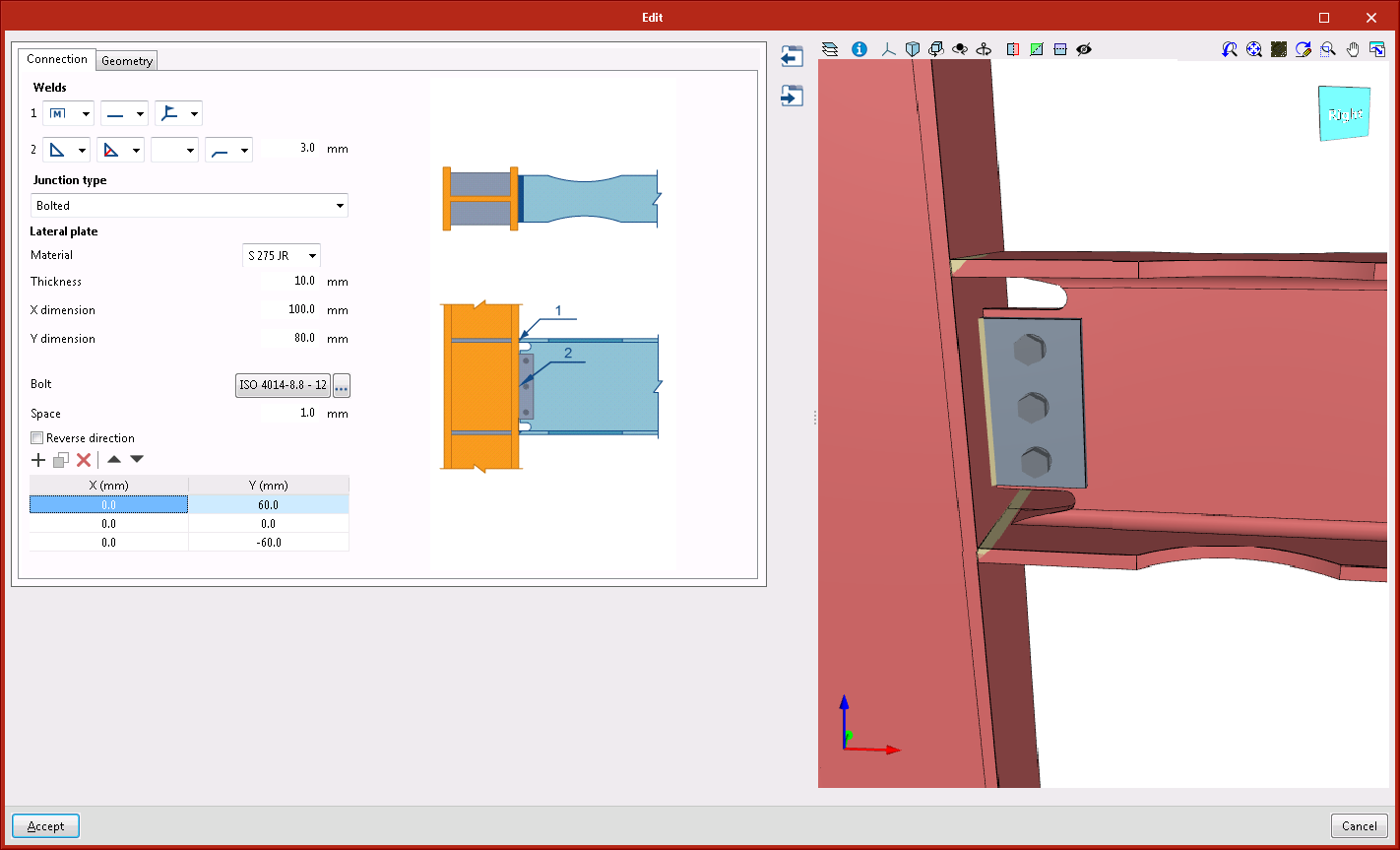
  • Column to beam moment connection with bolted side plate and welded to the beam

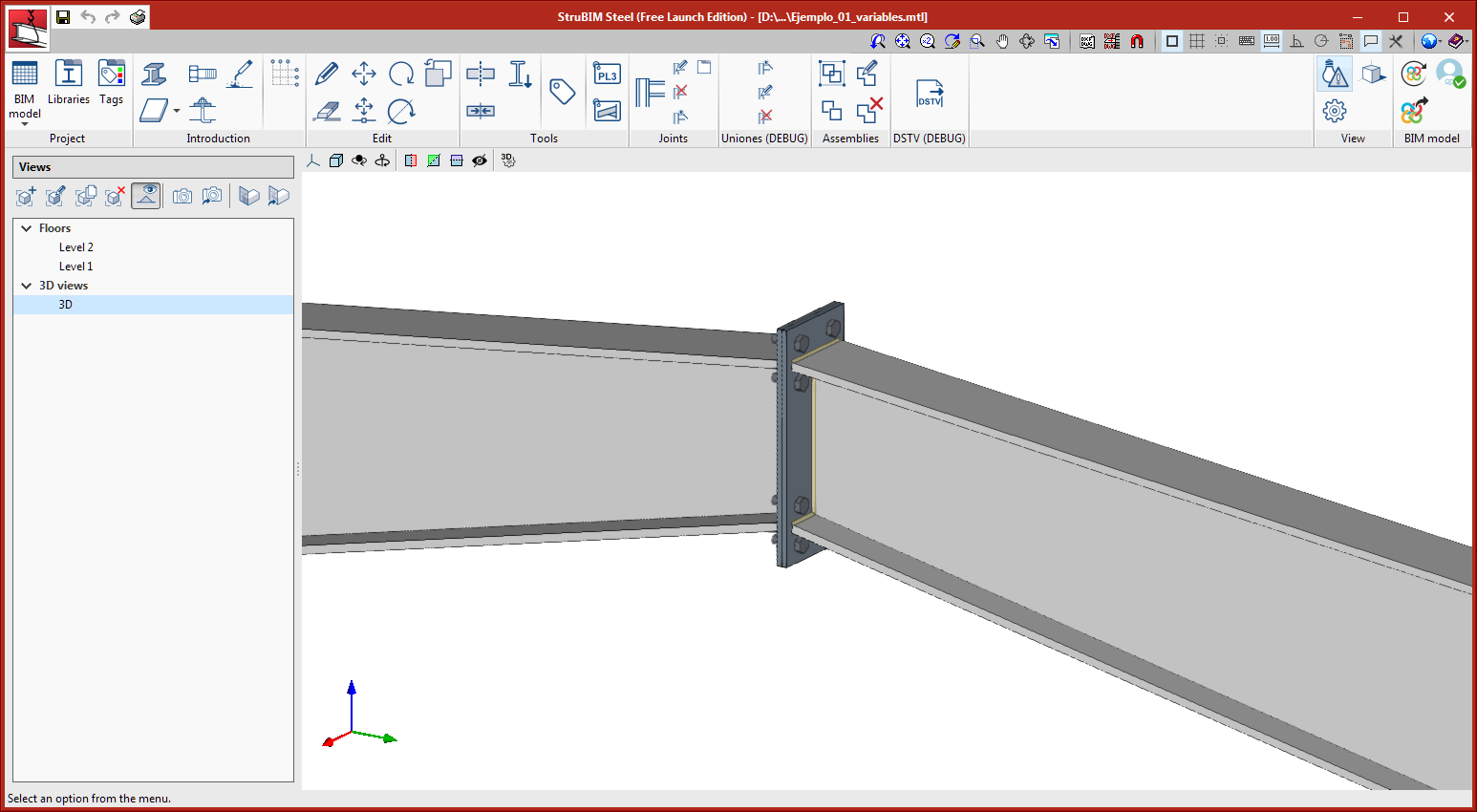
This connection joins I-section columns and beams. It is a moment connection in which the flanges of the beam are joined to the flange of the column using butt welds. The web of the beam is connected to the column using a side plate that is welded and bolted to the web of the beam.

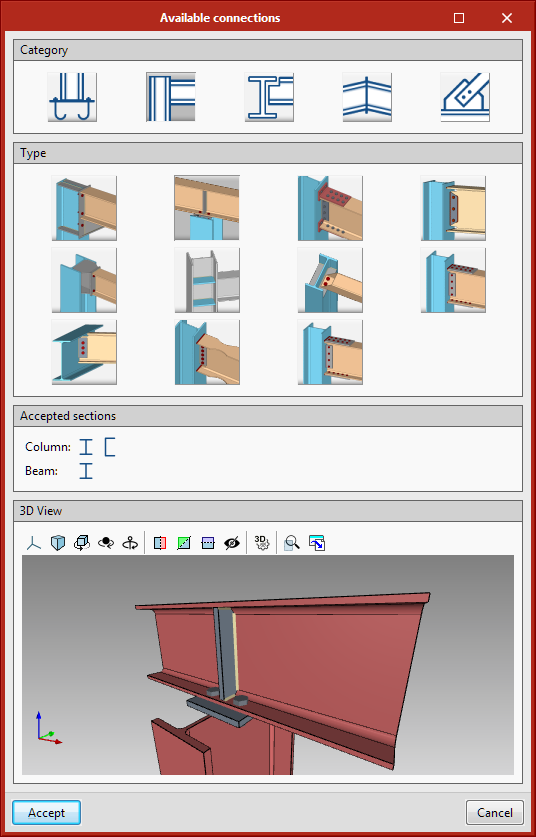
The connection selection dialogue box has been improved, where the available connections have been grouped into various categories. The different types of connections are now shown with an image.

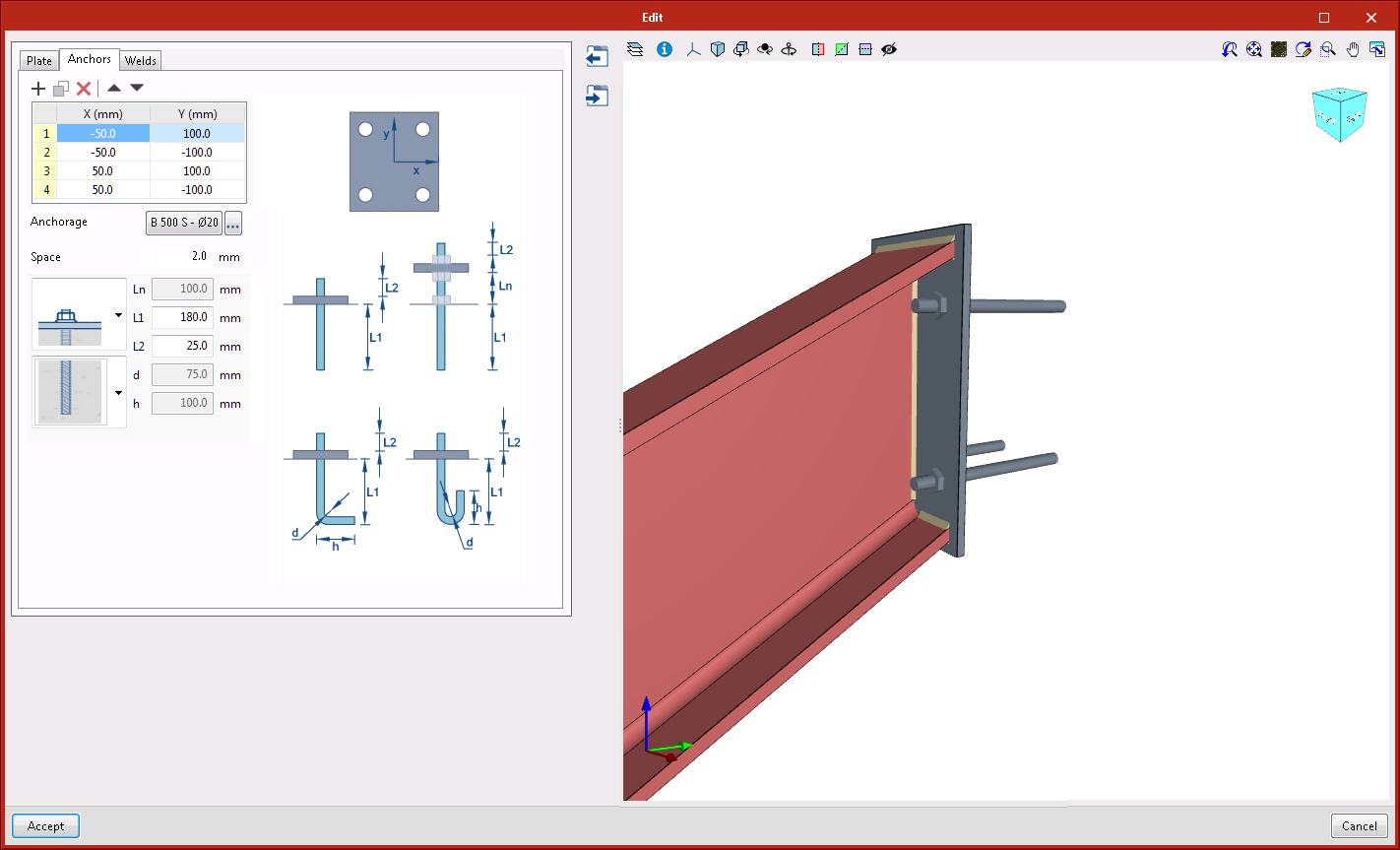
  • Anchorage plate to vertical surface

    This connection is applicable to I-sections or rectangular hollow sections. A vertically-oriented anchorage plate is generated at the selected end.
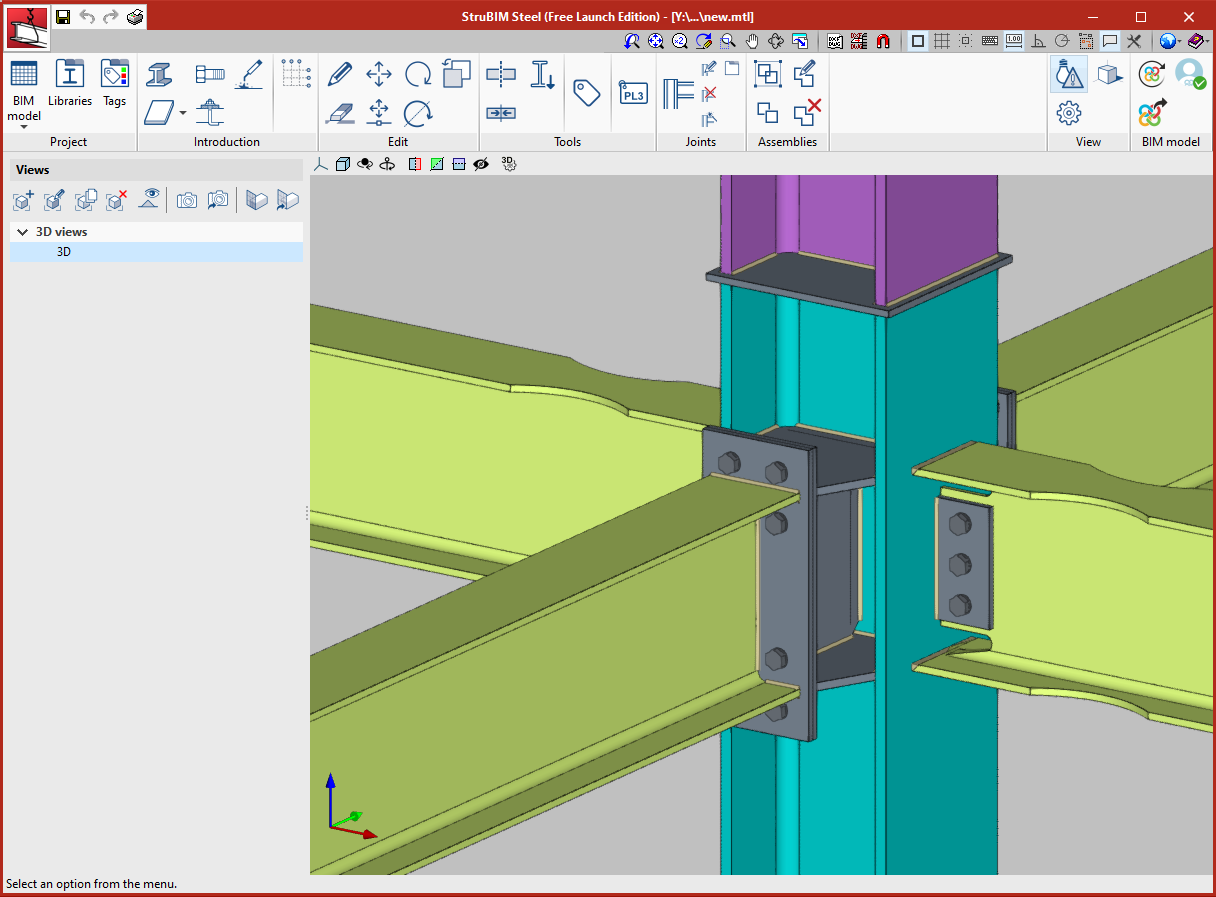
  • Moment connection with reduced beam section

    Beam to column moment connection, both with I-sections. With this connection, users can define trims in the flanges of the beam. Flanges are welded with single bevel butt welds, to do so, holes are also generated in the web of the beam, so they can be accessed more easily to perform the welds. The web can be connected using welds or bolted using a lateral plate.
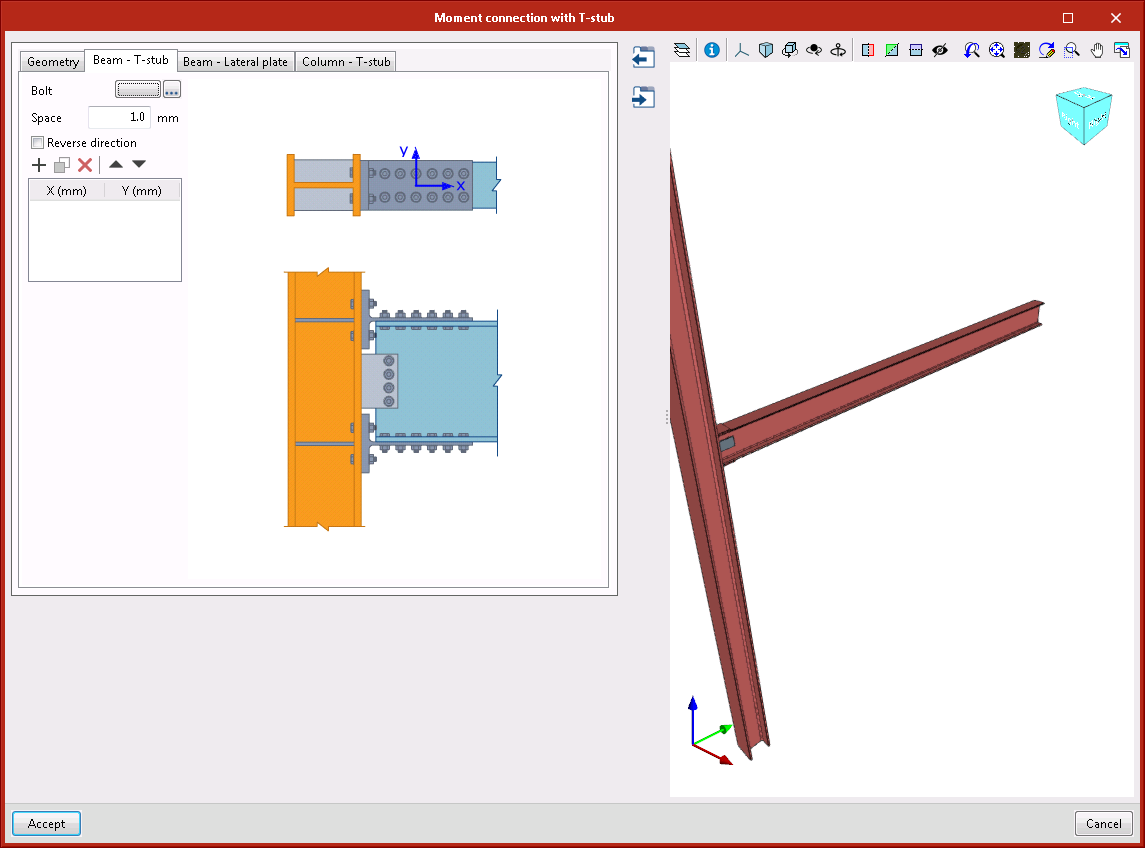
  • Moment connection with double T-stub

    Beam to column moment connection, both with I-sections. The flanges of the beam are connected to the column using bolted rolled steel T-stubs. The web of the beam is connected using a bolted lateral plate.
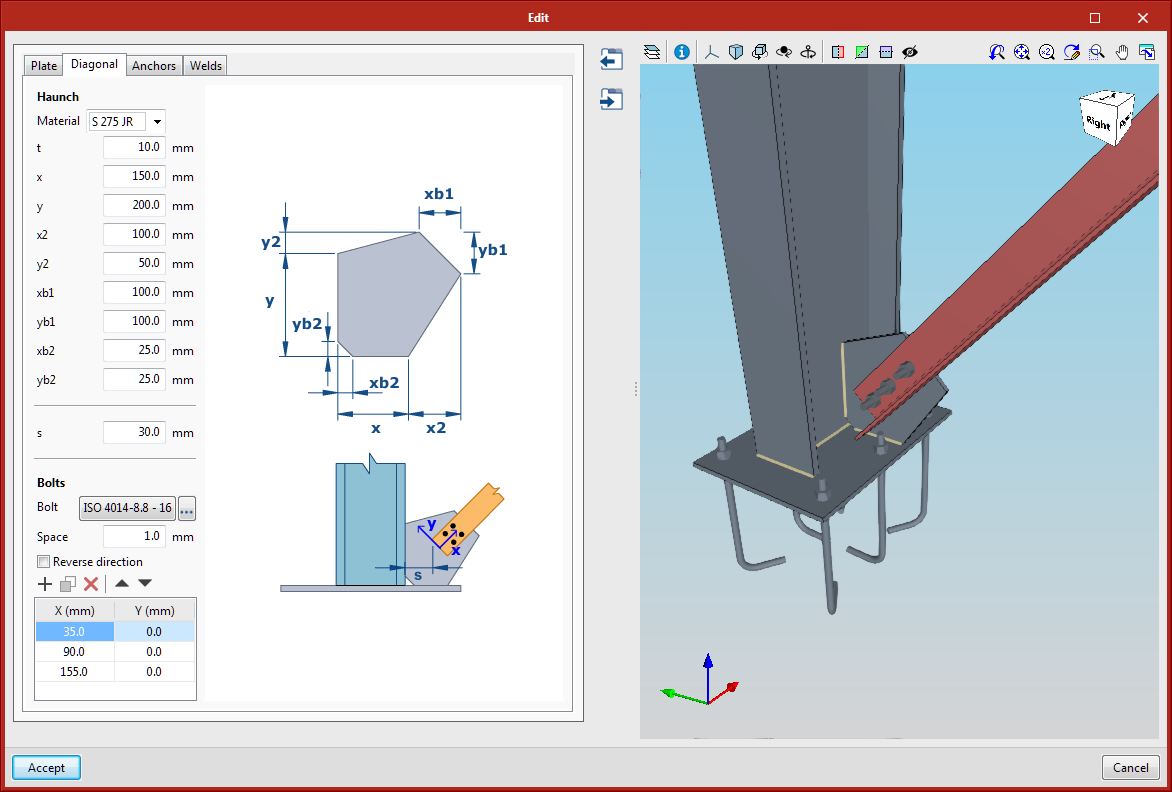
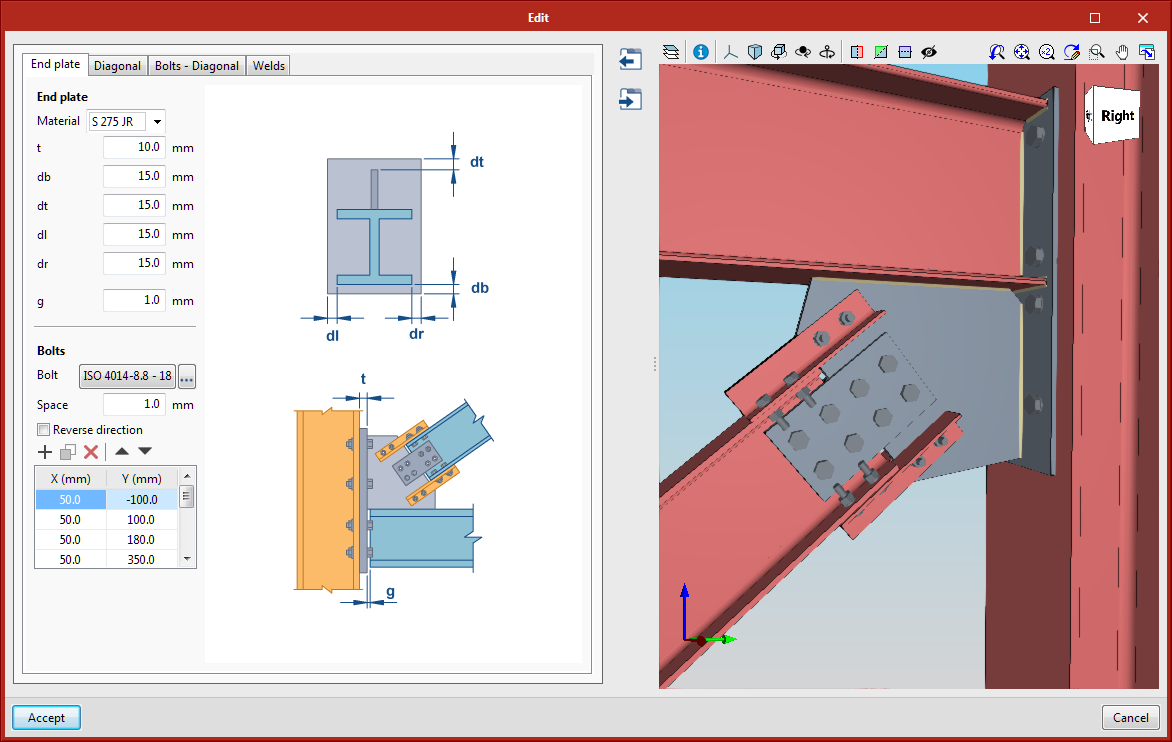
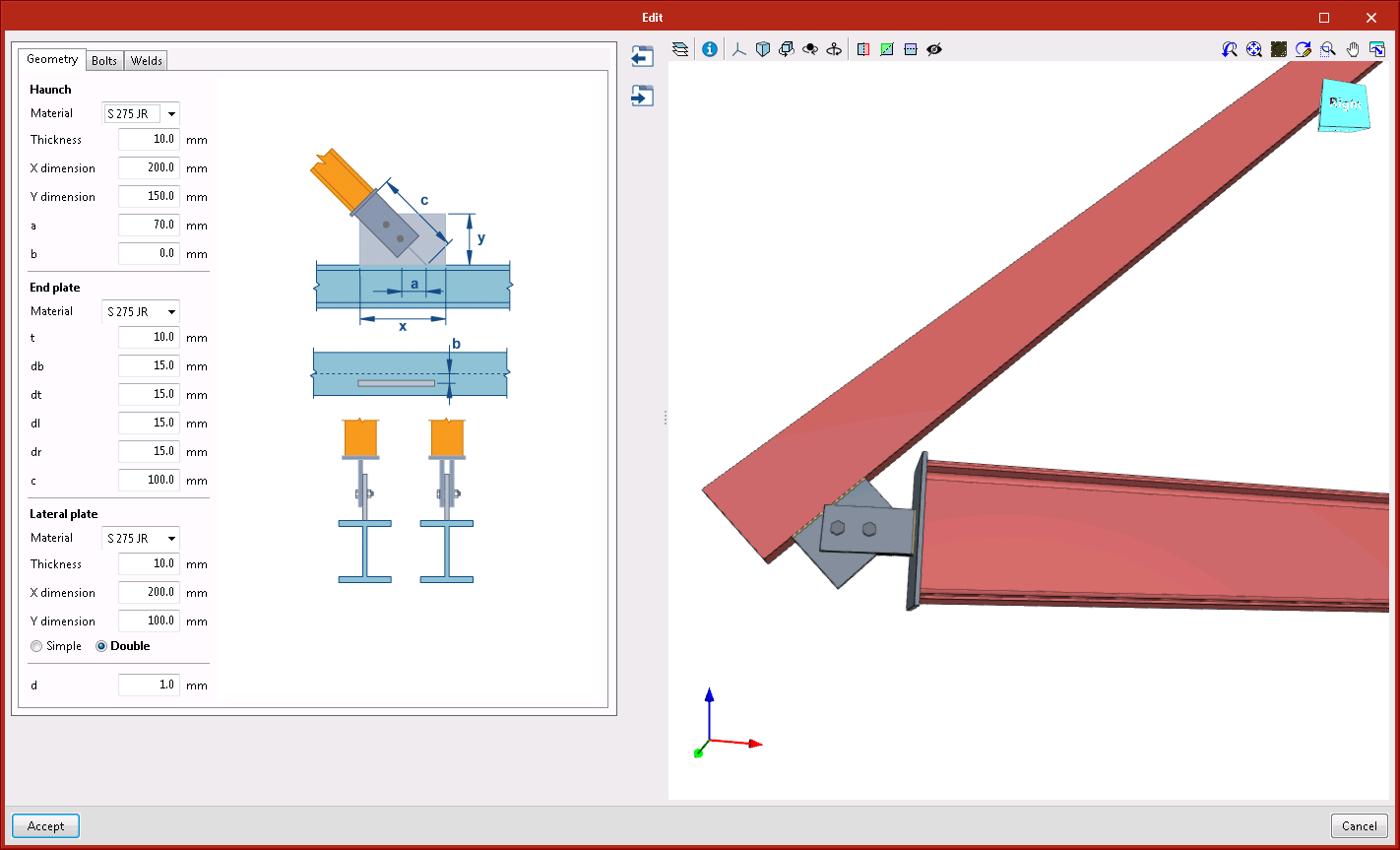
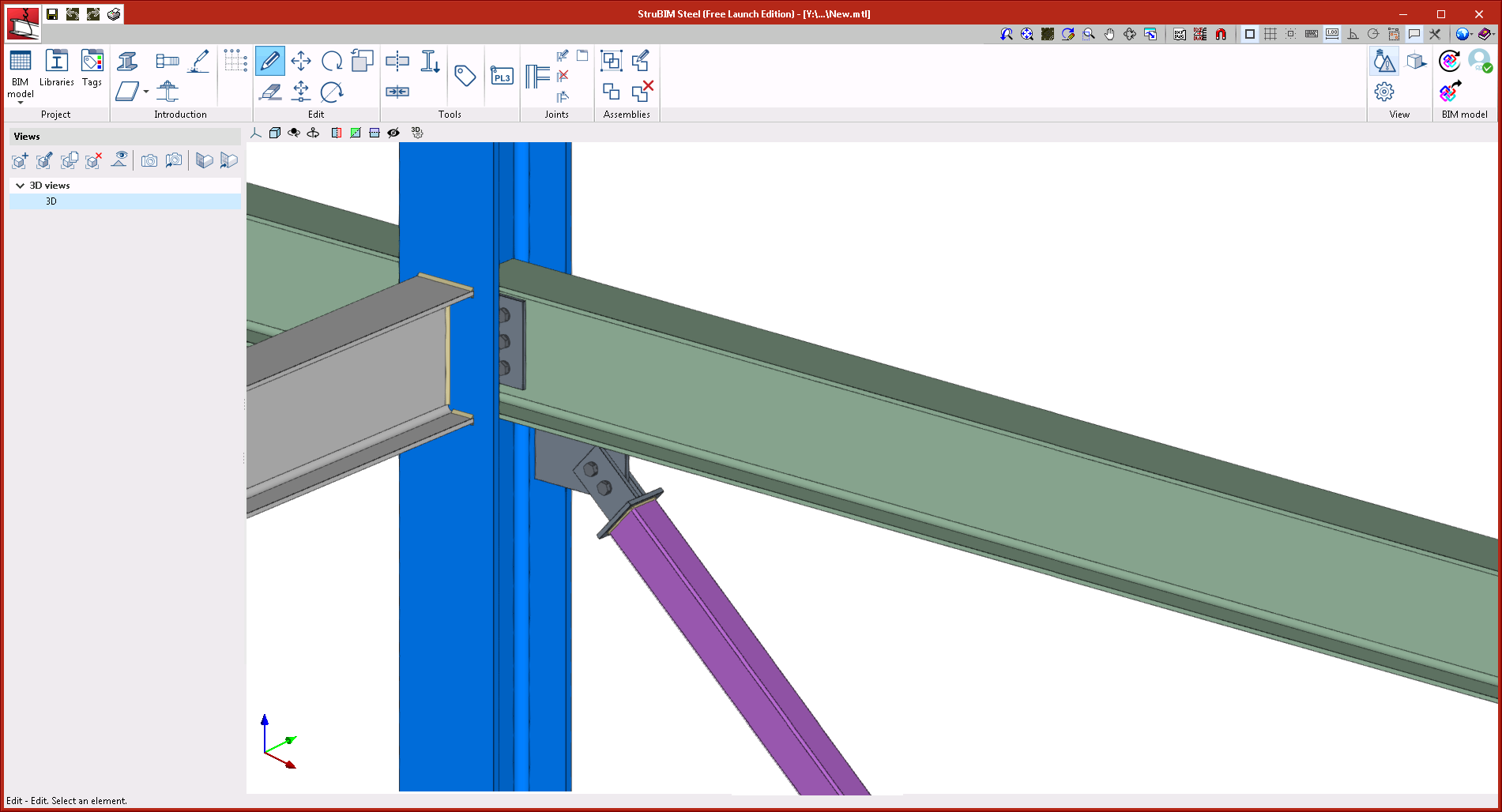
  • Diagonal connected to the main section, with end plate

    This connection can be applied to a main bar consisting of an I-section, basic U-section, rectangular hollow section, or a diagonal bar consisting of an I-section, rectangular hollow section or circular hollow section.
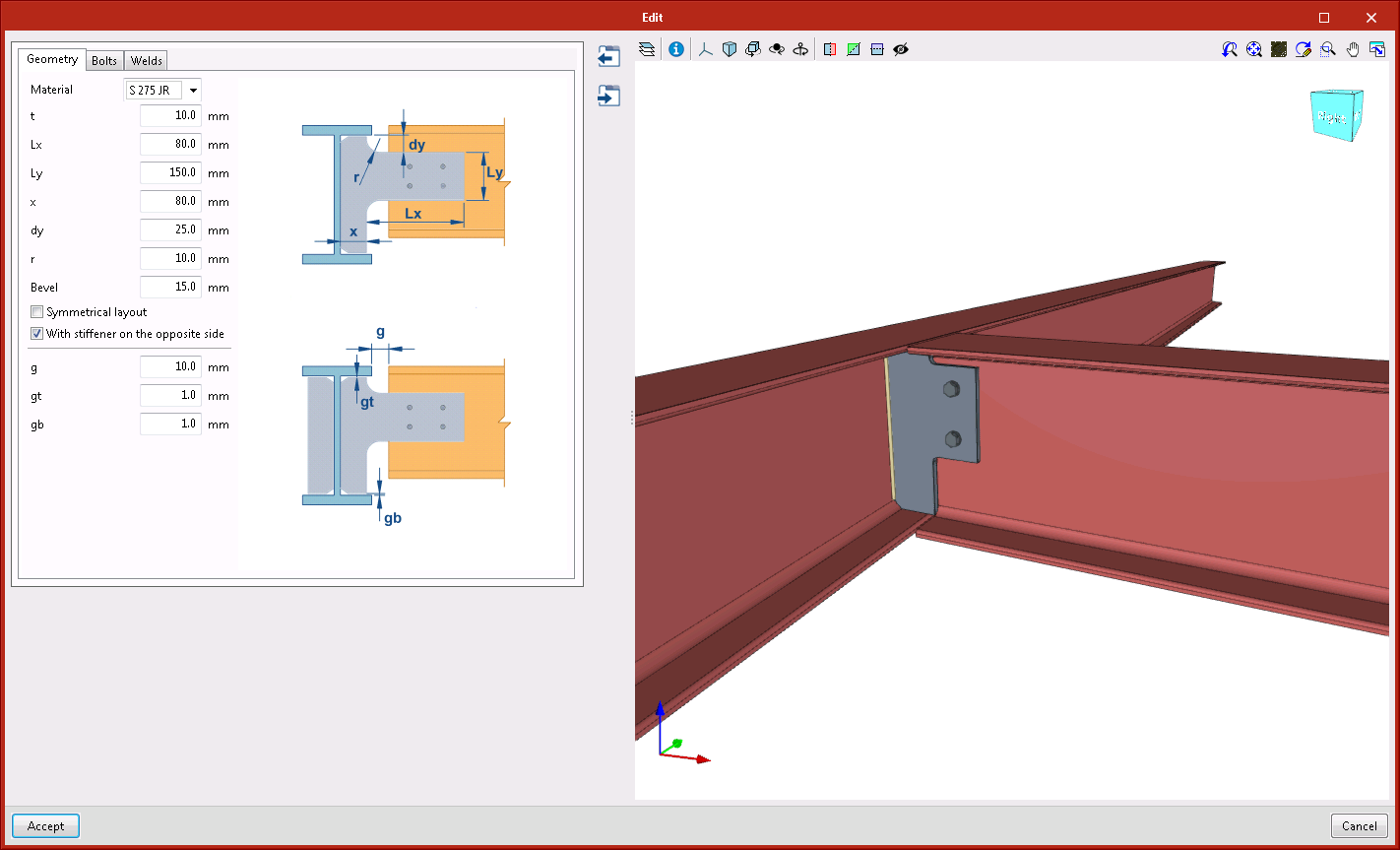
  • Beam connected to the web stiffener of the main section

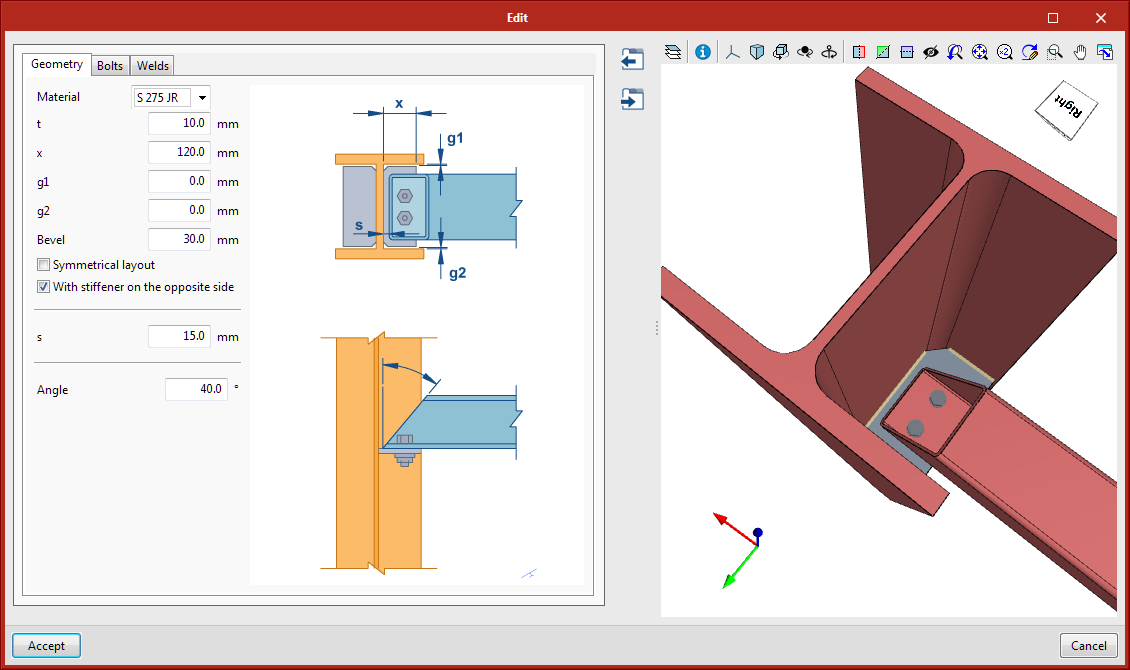
    This connection can be applied to a main I-section beam or secondary I-section beam. The secondary beam does not have to reach the main beam perpendicularly. Users can also add a stiffener on the opposite side.
  • Beam connected with angle flange cleats to the web of the main beam

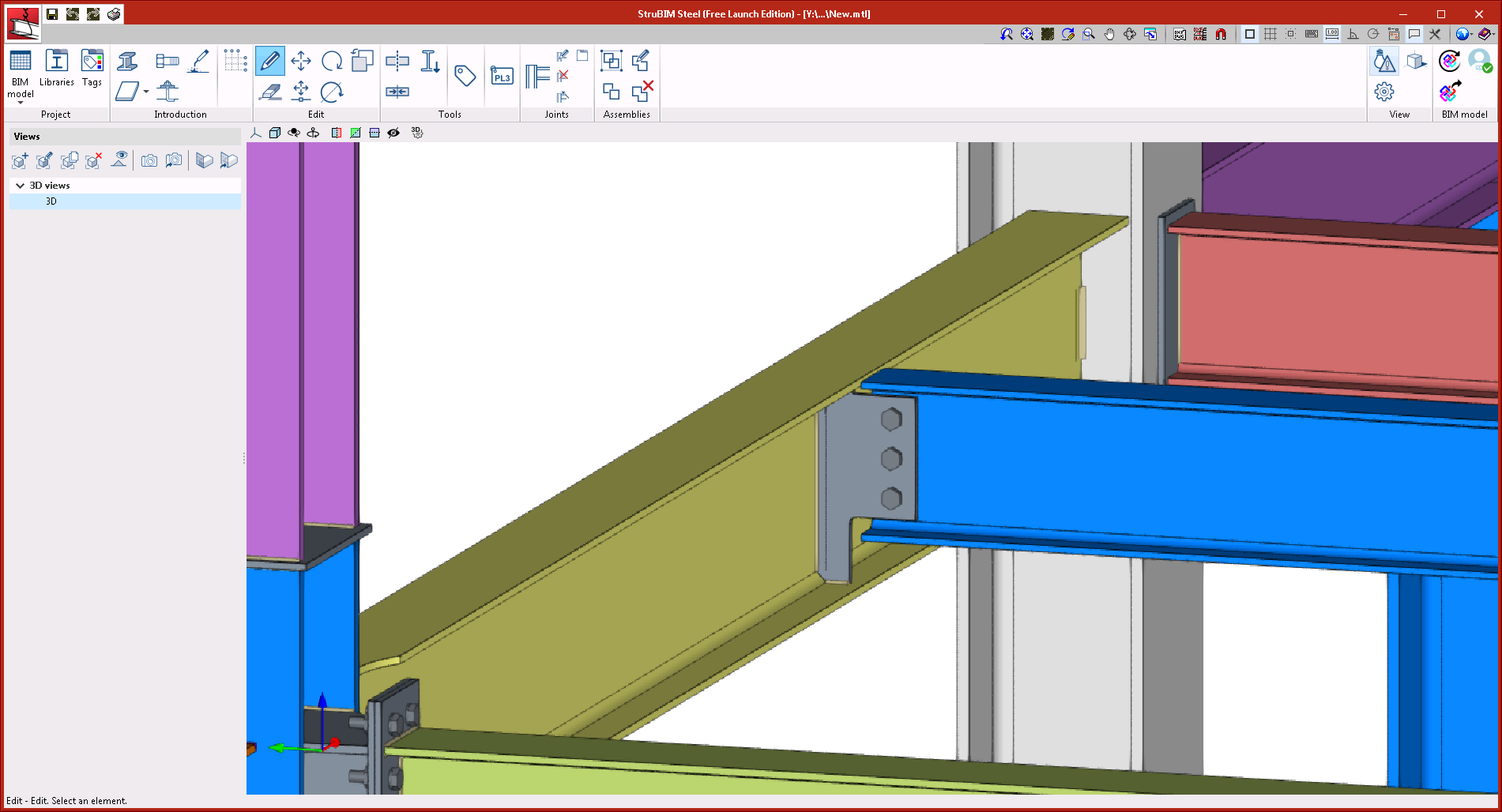
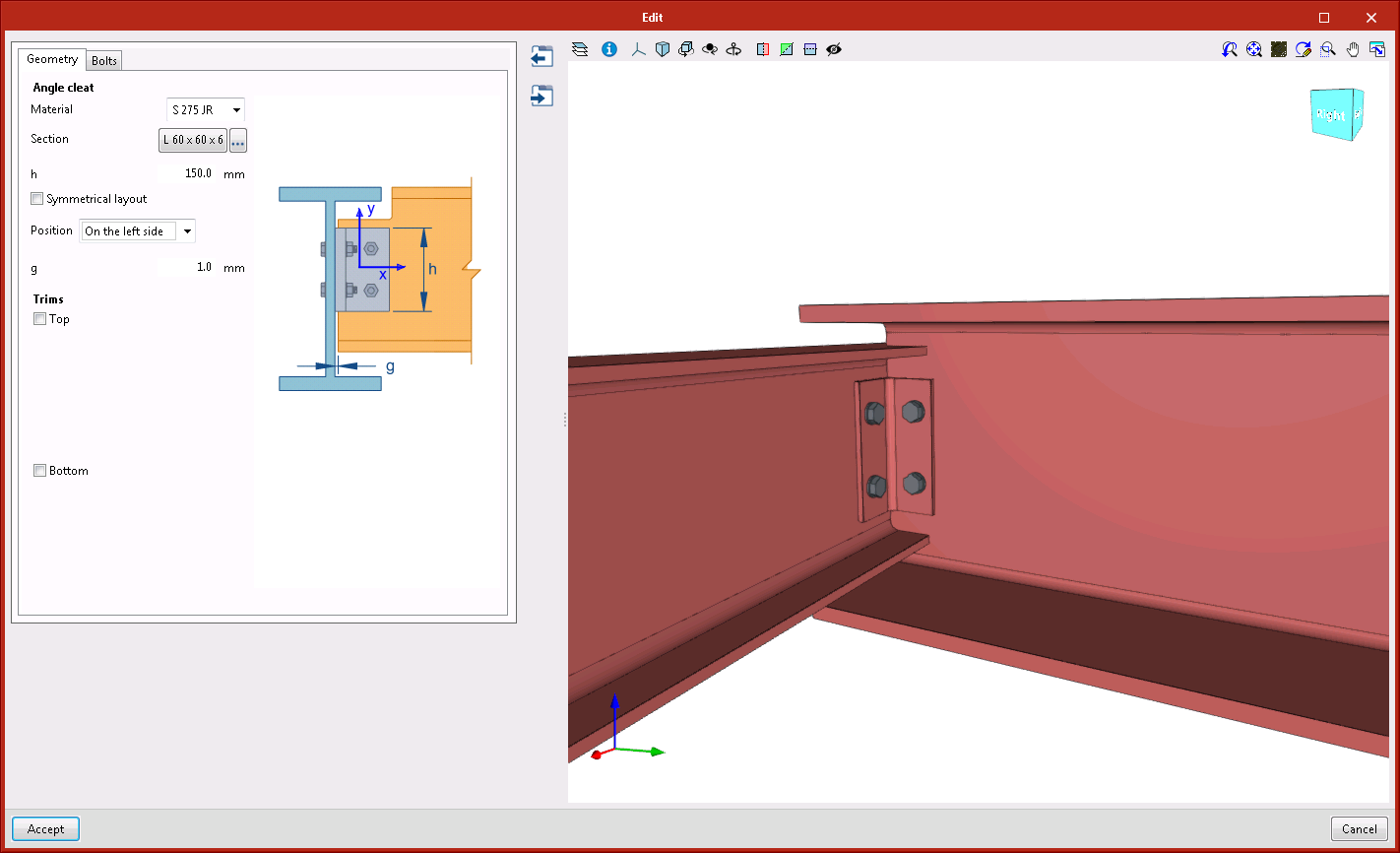
    This connection can be applied to a main beam or secondary beam with I-sections or U-sections. The secondary beam must be perpendicular to the main beam since the connection is carried out using angle flange cleats with a length that is defined by users.

The following joints: "Moment connection to the flange of the main section" and "Moment connection to the web of the main section" have been improved. As of the 2021.b version, the webs can be displaced and the beams can reach the column obliquely in the horizontal plane.

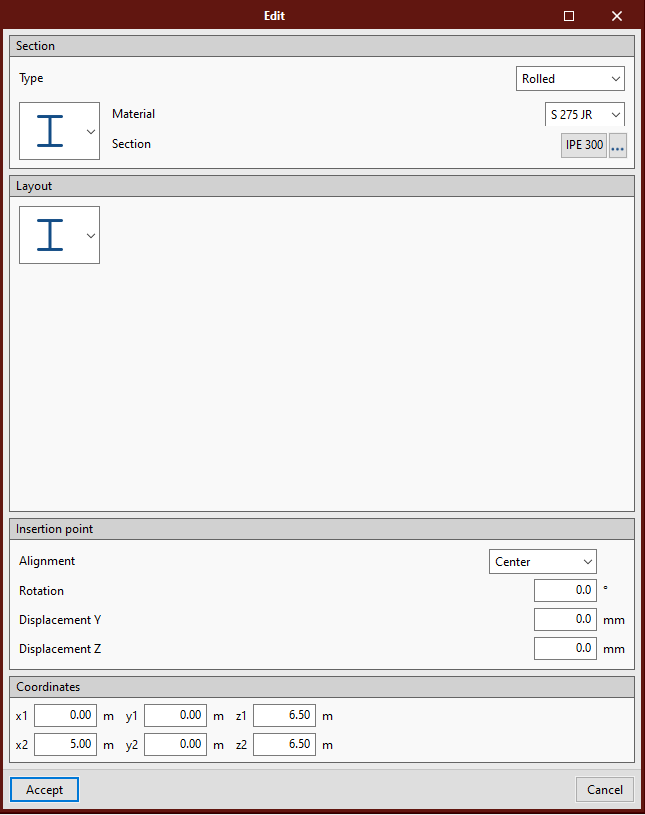
The "Coordinates" section has been added in the edit sections dialogue box where users can consult and edit the coordinates of the initial and end points of the sections.

A glTF that contains the elements that make up the structure can now be exported.

As of the 2021.b version, several program instances can be opened simultaneously.

Within the "Configuration" menu, "Automatic saving options" has been added. Using these options, users can configure when the work will be saved automatically.

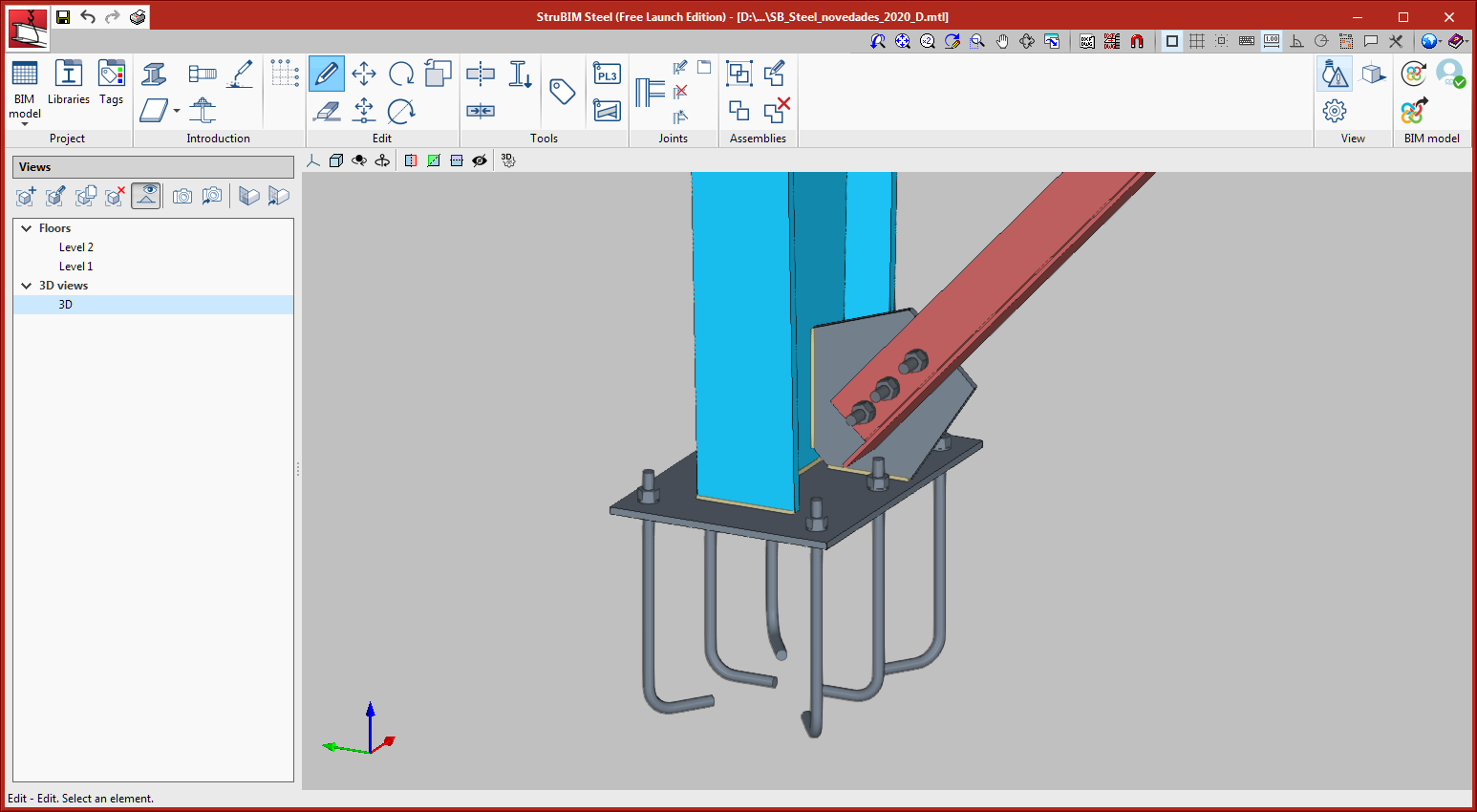
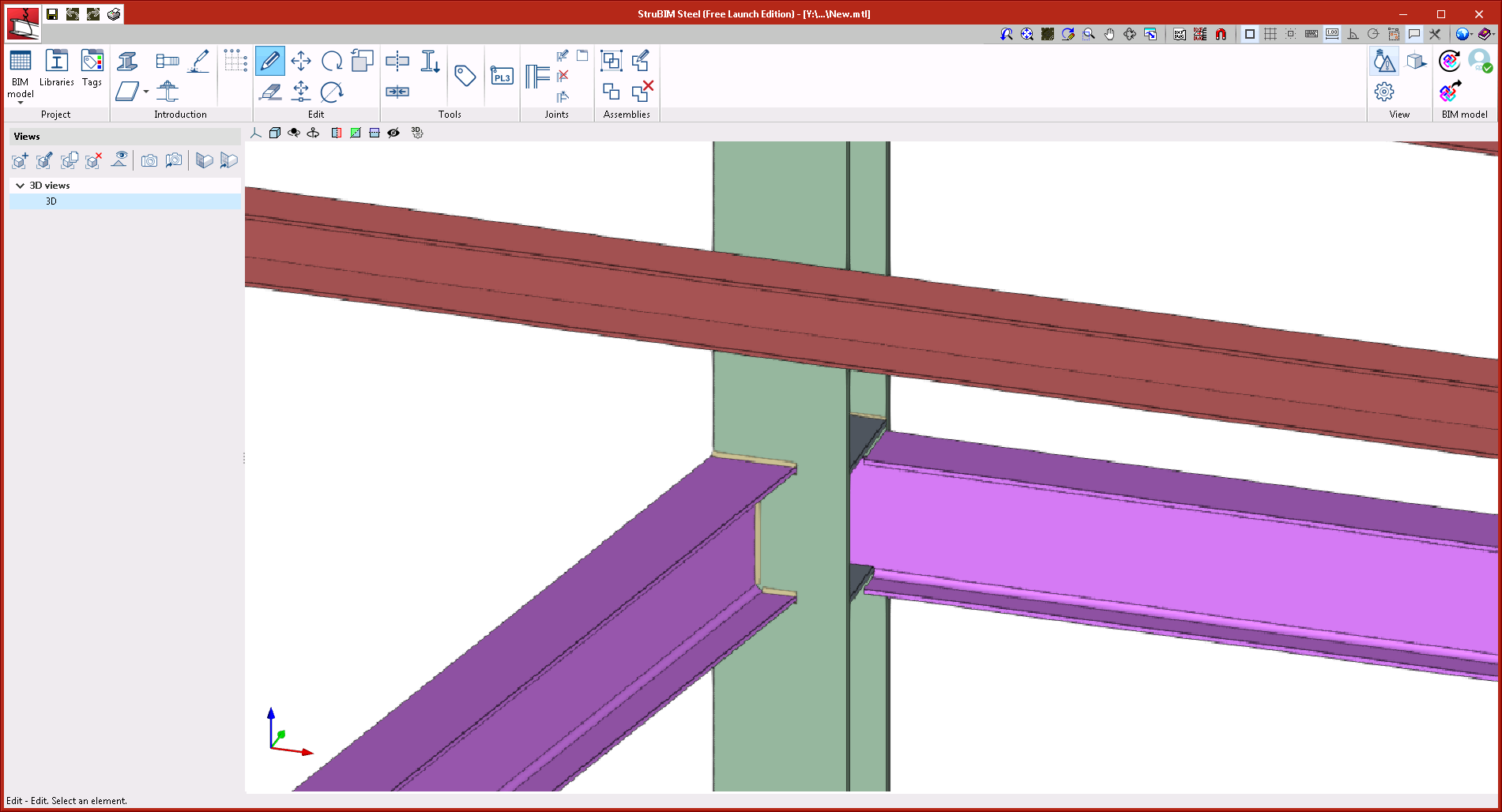
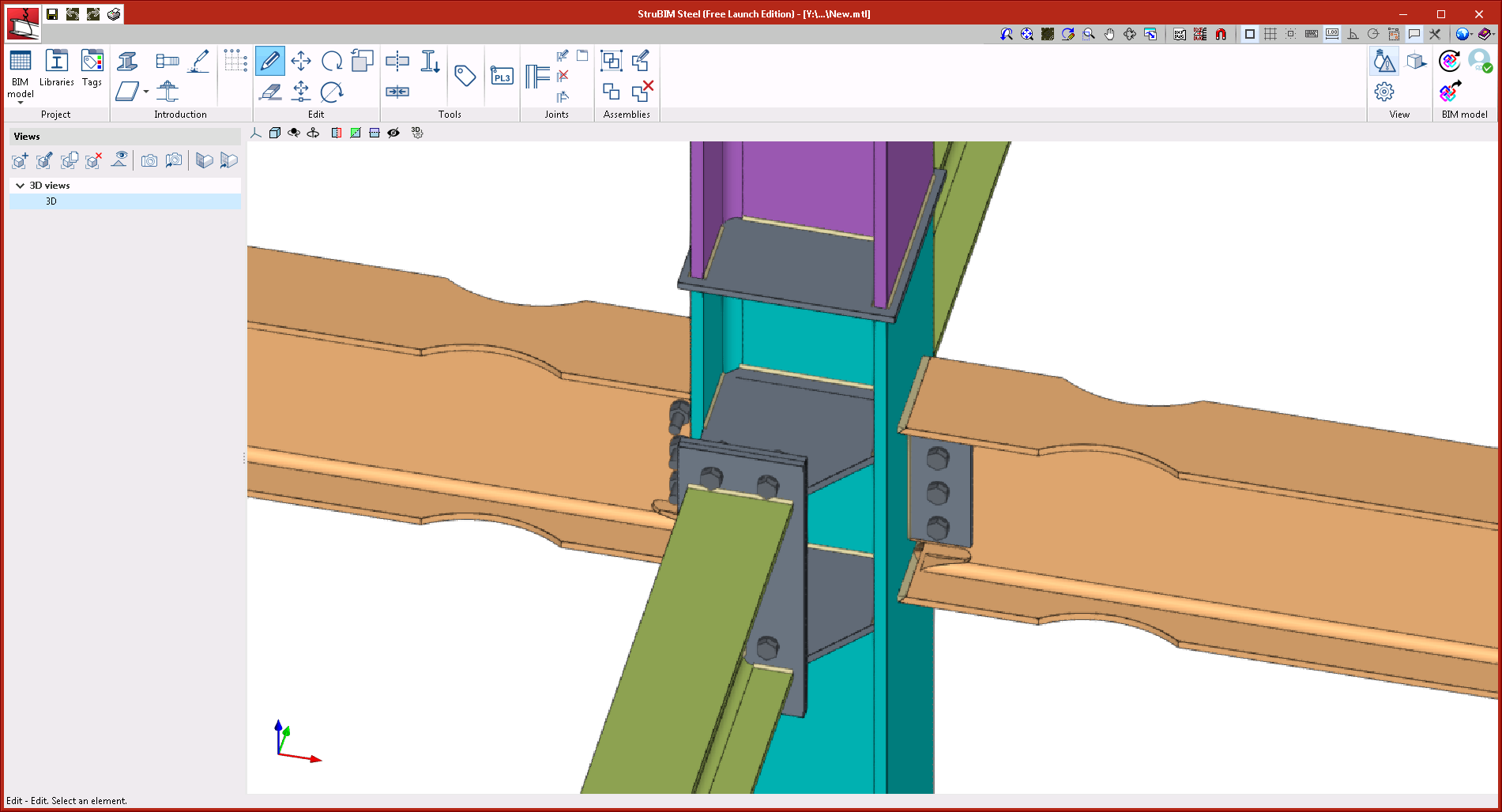
Within the tags manager, each tag now has an associated colour. Elements will be represented in the 3D view, in the colour of the assigned tag. When an element has several tags assigned to it, it is represented in the colour that has been assigned to the first tag, in accordance with the order that has been established in the tags manager.

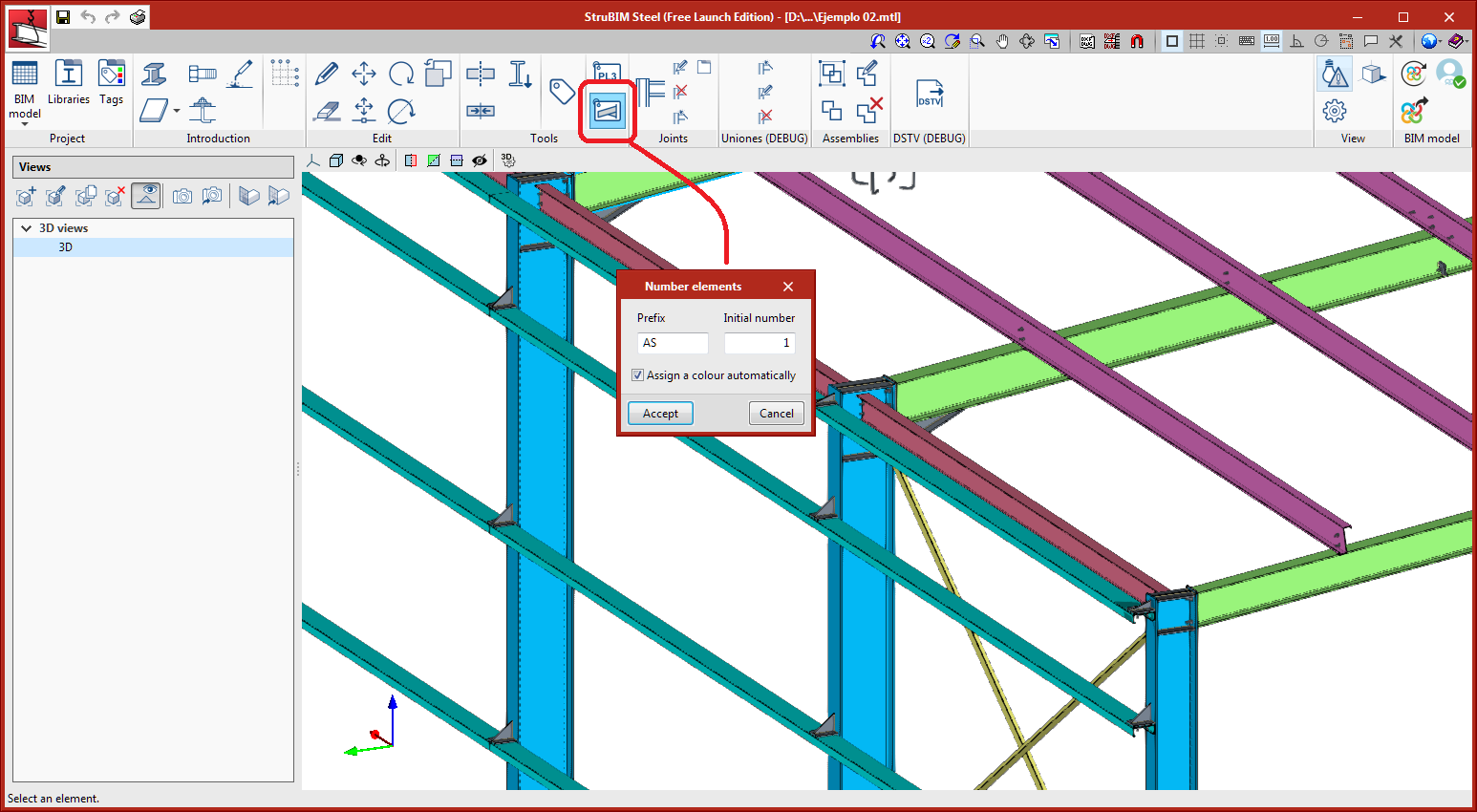
A tool has been implemented to assign the type of section to a selection of bars.