Consolidating prices from two or more reference databases
Sometimes it is necessary to merge two resources with different codes and even different prices, but which are essentially the same item, from two different databases.
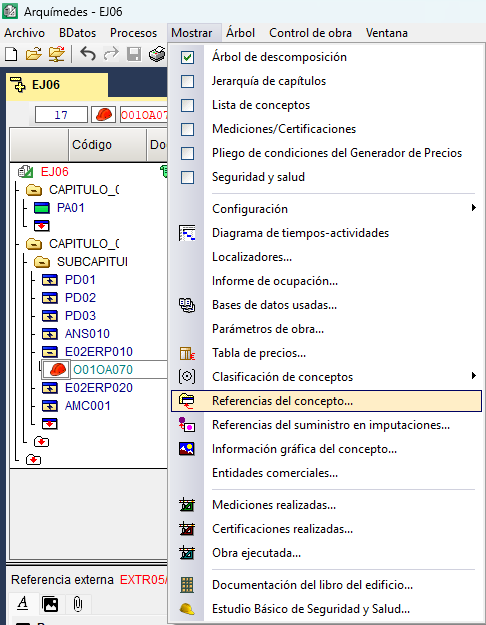
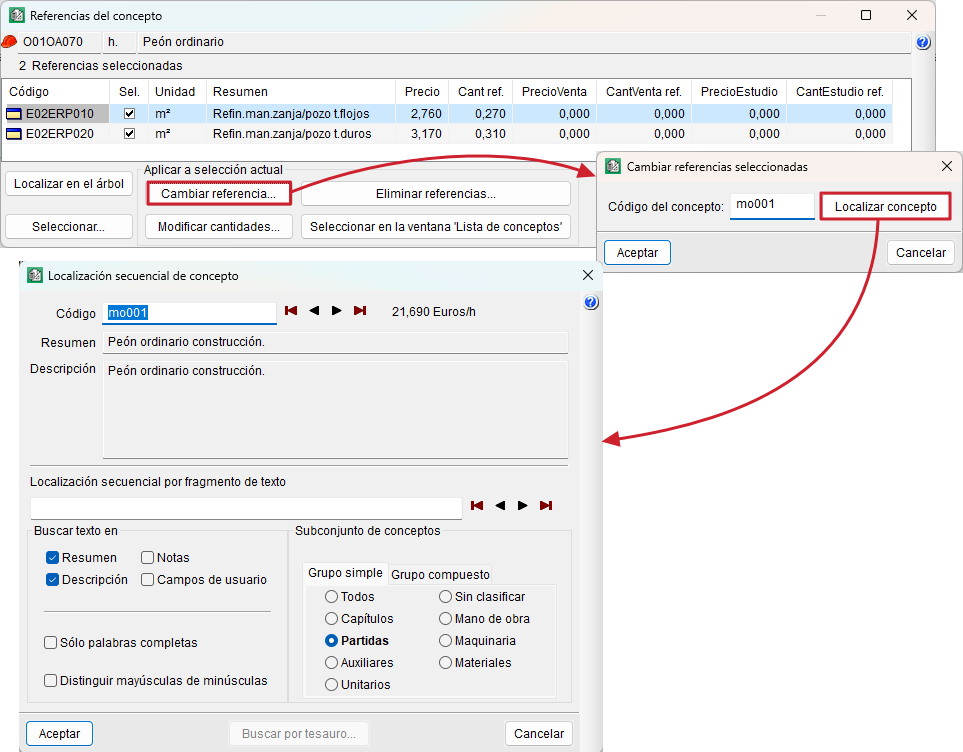
Locate one of the items you wish to merge in the "Cost breakdown structure" and use the "Item references" option in the "View" menu. In the dialog box, select all the items involved from the "Sel." column using the "Select all" option. At the bottom of the box, select "Change reference", where you enter the new item code.