Generating orders
From "Order generation" in the "Job control" menu, you can automatically generate orders and also place an order using the supplies from the bill of quantities for the selected cost centre.
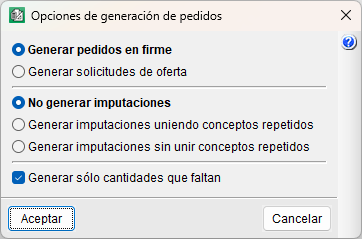
Among the available options, you can choose to generate firm orders or offer requests (pro forma orders). It is also possible to generate charges at the same time. To do this, you must first select a cost centre (an item, a work section or the root work section).
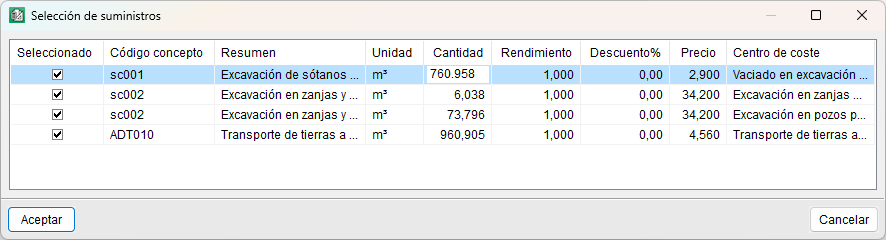
After selecting one of the options and confirming, you must select the items to be included in the order. These items will be the same as those included in the selected cost centre, with their corresponding prices and quantities, which can be modified as required at this stage.
Next, you must select the supplier to whom the order will be assigned.
Finally, you must enter the description of the order.