How to prepare a Pricelist No. 2
Arquimedes enables you to generate the "Price List No. 2" correctly by including partial payment concepts in the breakdown of the cost items. This document is required to assess the various stages of completion of the items in the event that work is suspended.
Partial payments
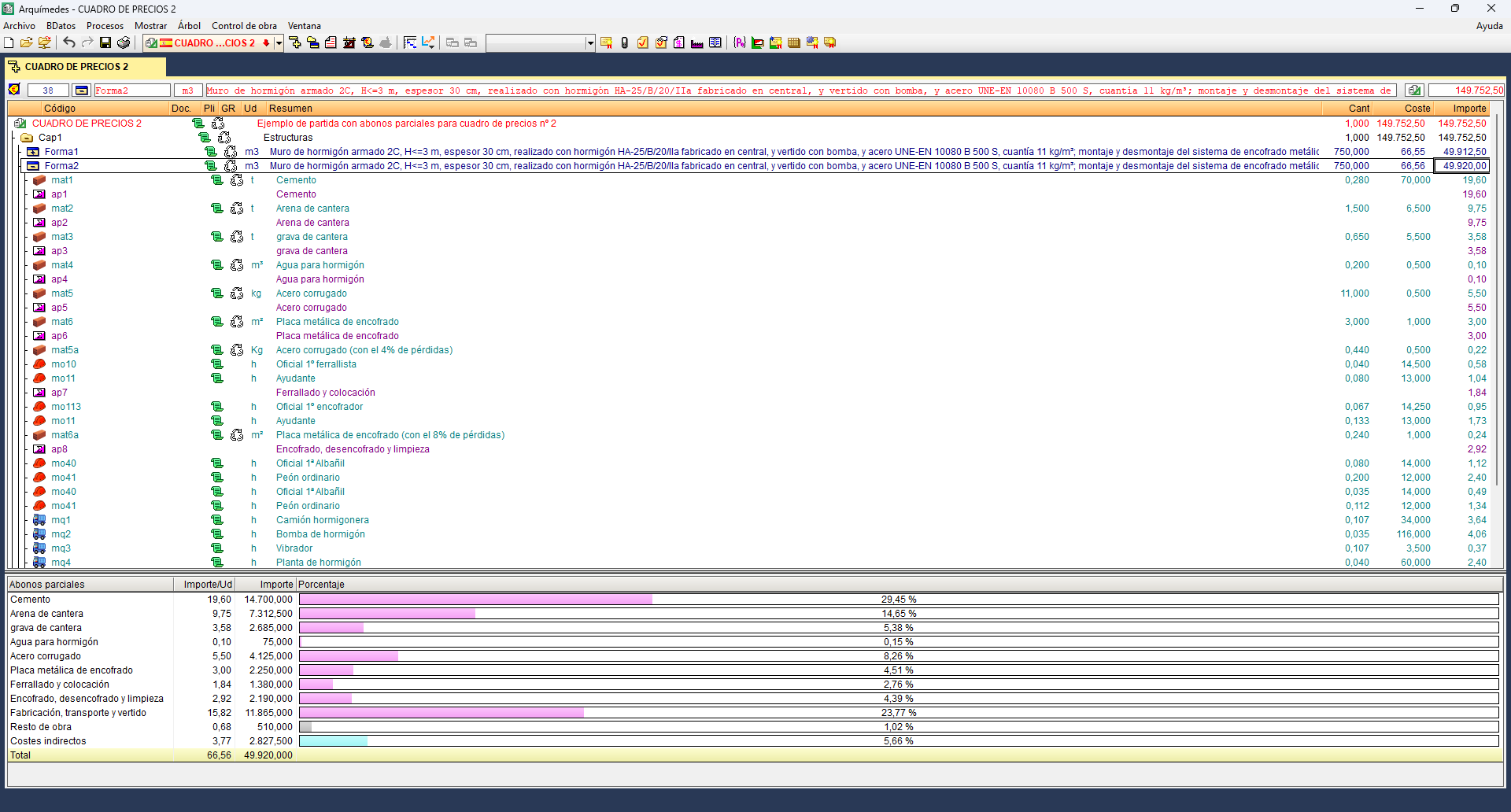
When a construction project is put on hold, there may be items that have not yet been started, have been completed, or have been partially completed. For the latter, the project designer must anticipate the possible stages of completion and their valuation; this is achieved by defining partial payments in the breakdown of the item.
Partial payments are special concepts that do not affect the price of the item in which they are included. Their purpose is to break down the execution of the items for their correct classification and valuation in "Pricelist No. 2".
Each partial payment concept accumulates the amount of the items situated above it in the breakdown, up to the next partial payment, if any.
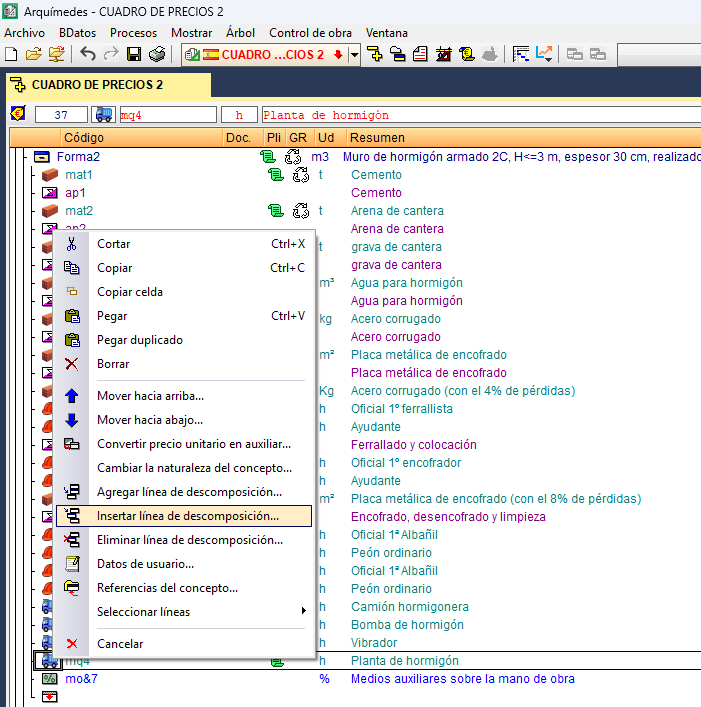
To insert a partial payment concept, you must expand the breakdown of the item to which you wish to add it, from the "Cost breakdown structure" window. Next, right-click on the item line immediately above the position where you wish to insert the new concept and select the "Insert breakdown line" option from the context menu.
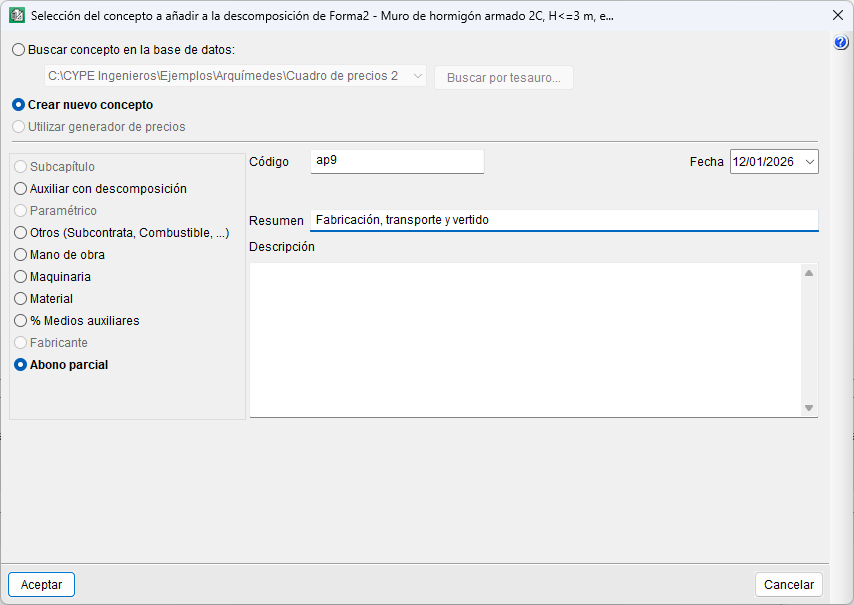
In the "Selection of the concept to add to the breakdown of..." dialog box, you must tick "Create new concept" and "Partial payment", specifying at least its code and description.
Partial payment concepts can be used to represent:
- Materials stockpiled on site.
- Labour and machinery used in the works.
- Auxiliary resources used in support of the labour force.
- In exceptional cases, soft costs (these are normally calculated separately).
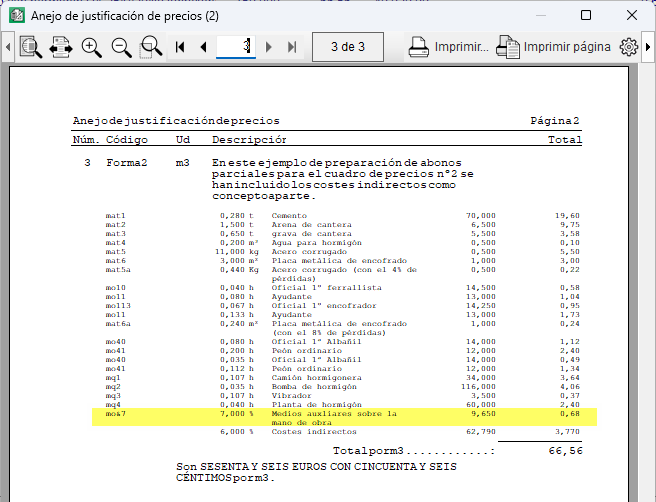
For ancillary costs, the symbol "&" is used within the code. It works in a similar way to the "%" symbol, except that it only applies up to the preceding "&". An example would be "mo&7", which represents the percentage of ancillary costs relative to labour costs.
| Note: |
|---|
| Concepts are unique within the database; if their text or summary is modified, the change affects all items where they are used. To avoid this, different concept codes must be used. |
Obtaining Pricelist No. 2
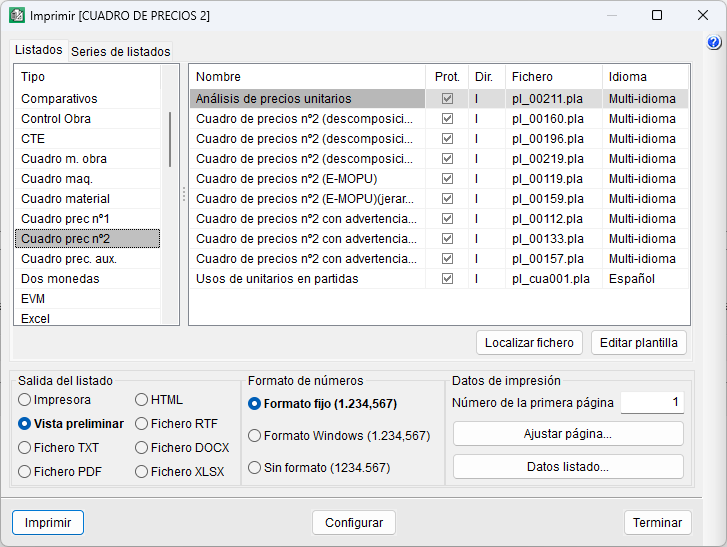
Once the partial payments have been defined, the document is generated using report templates of the type "Preliminary Table No. 2" via the "Print" option. The inclusion of partial payments does not affect the other reports, as they are only interpreted by this type of table.
If partial payments are not defined, when printing a report of the "Preliminary Table No. 2" type, Arquimedes automatically generates partial payments for labour, machinery, materials and other works (based on the breakdown of the items and their auxiliary prices). However, this result is not equivalent to a breakdown prepared specifically for this purpose. The process cannot be fully automated, as each item has different execution conditions.
| Best practice: |
|---|
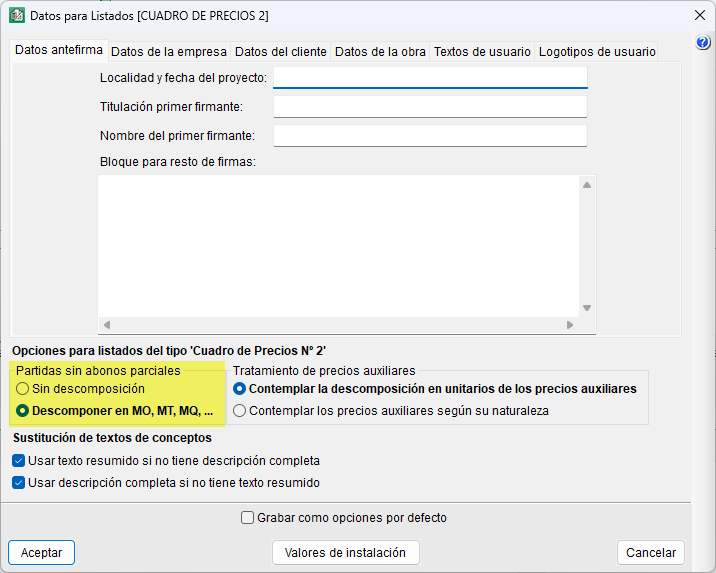
| In the "Data for reports" dialog box (under the "View" menu, "Settings"), there is a section where you can specify whether you wish to print the items without partial credits (from users), "Without breakdown", or grouped by labour, materials, machinery, etc. |
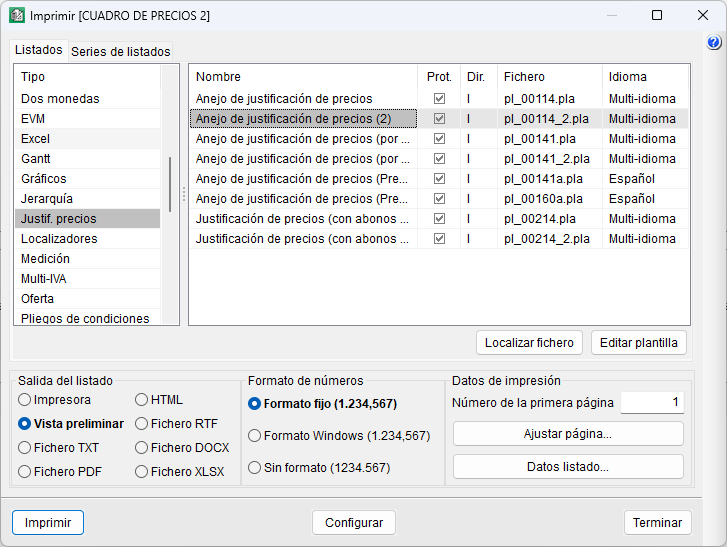
If ancillary costs associated with labour have been included in partial payments, the "‘Price Justification Annex (2)" report, "pl_00114_2.pla" file of the "Price justification" type, must be used to ensure correct price justification; this transfers those amounts to the end of the item.