Creating a template
A template can be created from an existing template or from scratch.
Creating a template from an existing one
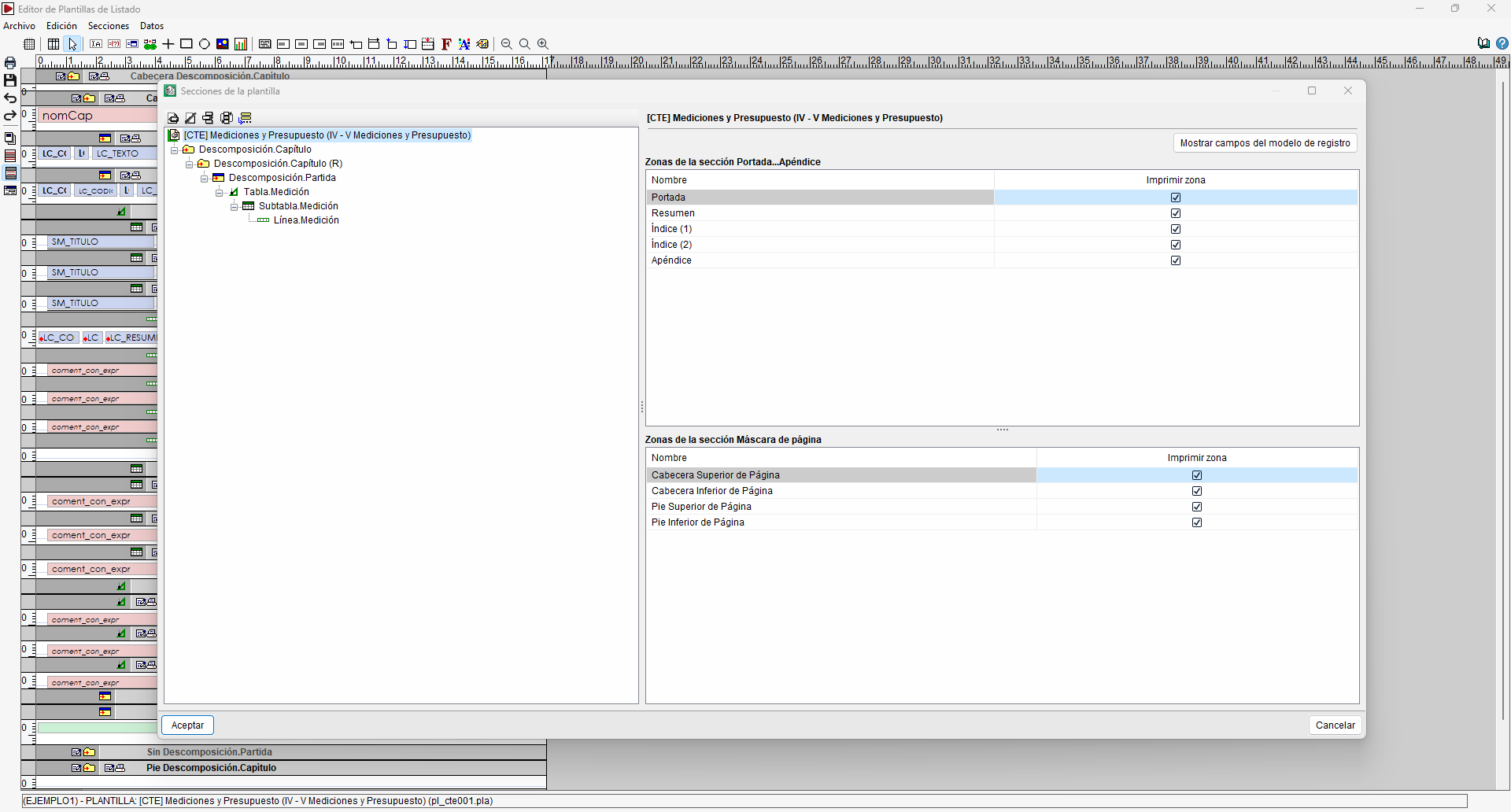
To create a template from an existing one, open the template you wish to use as a basis and use "Save as" to create a duplicate of the current template. You can then make the necessary changes to this copy.
The section structure and record templates in the new template can be amended at a later date via the "Template sections" option in the "Data" menu.
The editor also lets you open several templates simultaneously in order to copy sections, zones or objects between them. When carrying out these operations, any scripts and variables associated with the copied elements are also copied, where required, into the destination template.
Creating a template from scratch
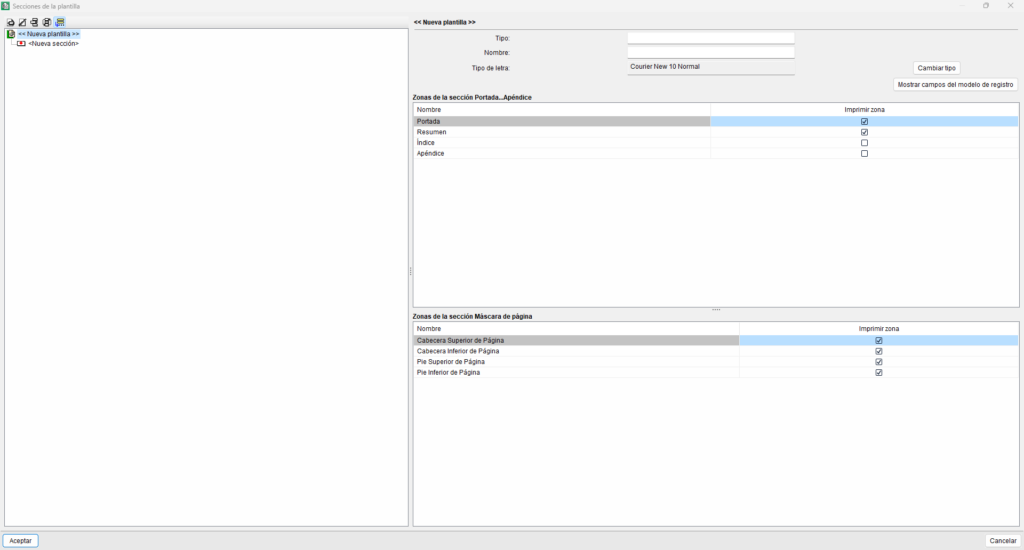
To create a template from scratch, use the "New template" option in the "Open report template" window. In this case, you need to define:
- The identifier and the default font. The short name (template type), the long name and the default font are defined in the top right-hand corner of the window.
- The zones to be used. In the bottom right-hand corner, select the areas of the section that you wish to include in the template.
- The sequence of record templates that will provide the data for the report. On the left-hand side, the composition of the record sections that make up the template is defined. For further information, please refer to the "Registration models" section.
During the design phase, the "Print report" option in the "File" menu lets you check the result using the database that is currently open.