Sequence for creating a new series of reports
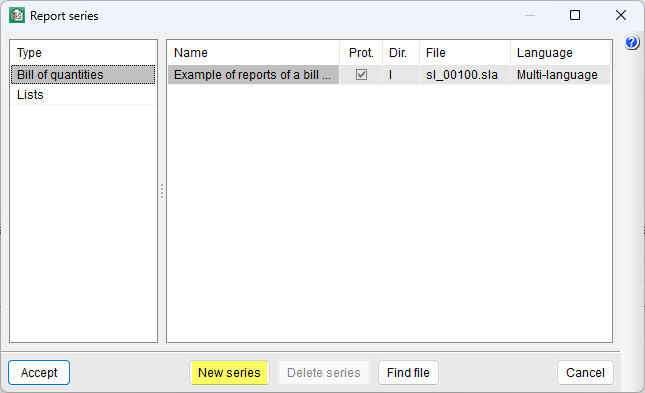
- First, click on the "Edit report series" option in the "Print" section of the "File" menu. In the dialog box that appears, you can choose to edit a report series or create a new one.
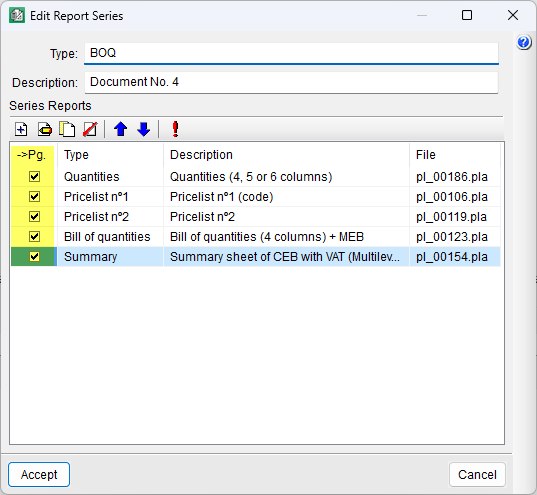
- To create a new report series, click the "New report series" button; a new dialog box will open where you can enter the name and description, and add the templates that will form the template group for the new report series.
- The drop-down menu in the "->Pg." column allows for consecutive page numbering across all documents selected in this column.