


Accessing the beam editor
The "Edit reinforcement" option, within the "Beams" group of the top toolbar in the "Reinforcement" tab (in the "Structure" tab), allows you to access the beam editor.
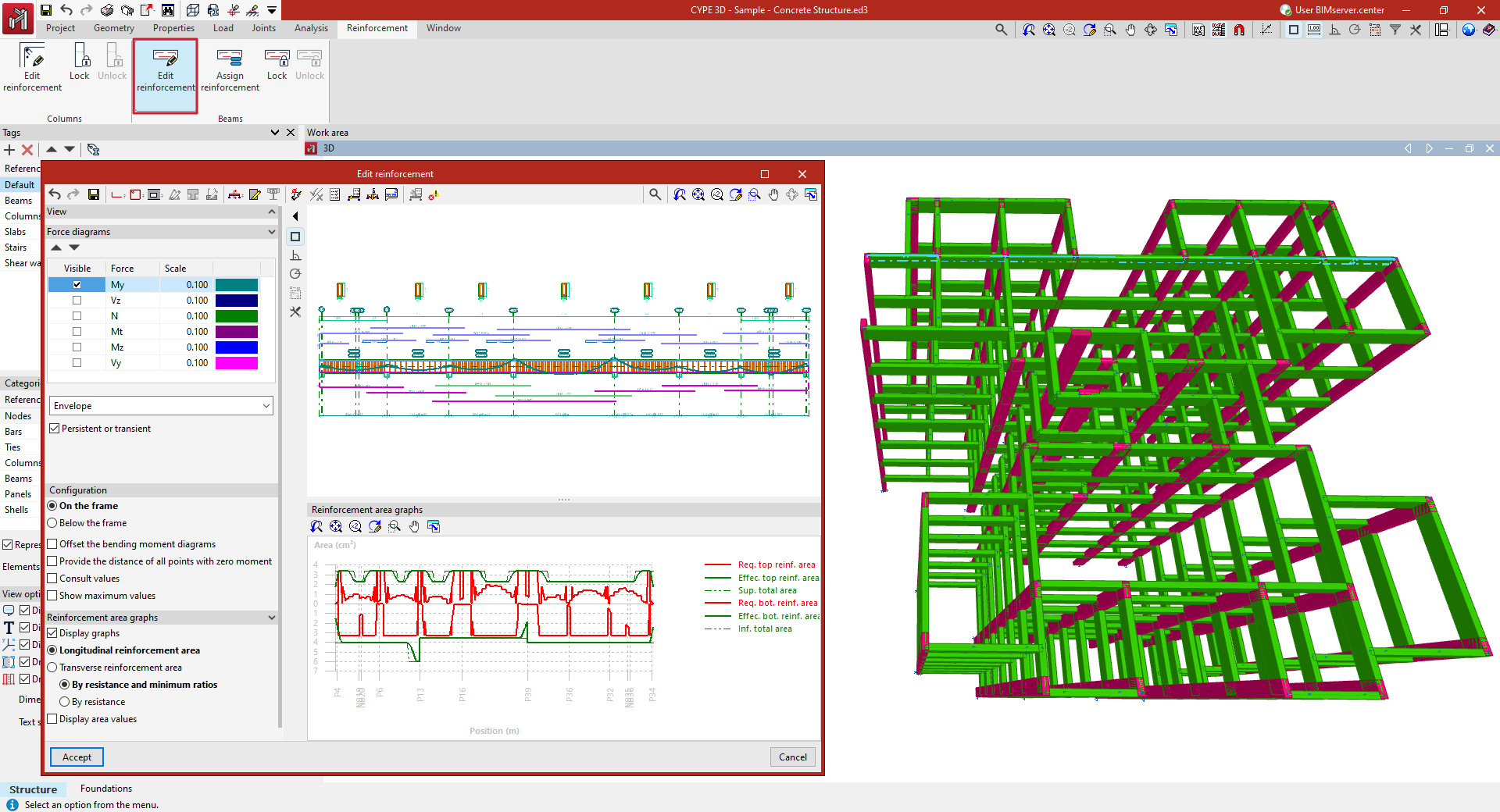
To do this, select the frame you wish to view in the workspace using the left mouse button. This opens the "Edit reinforcement" window, which displays the beam editor built into the program.
