Automatic input from importing IFC files
CYPE 3D allows the import of structural analysis models from IFC files.
The structural analysis model in IFC files is analogous to the model defined by a user in CYPE 3D and is composed of structural-type entities such as nodes and bars. In addition, the relationships between nodes and bars are defined explicitly through connection conditions.
Access to automatic input from IFC files
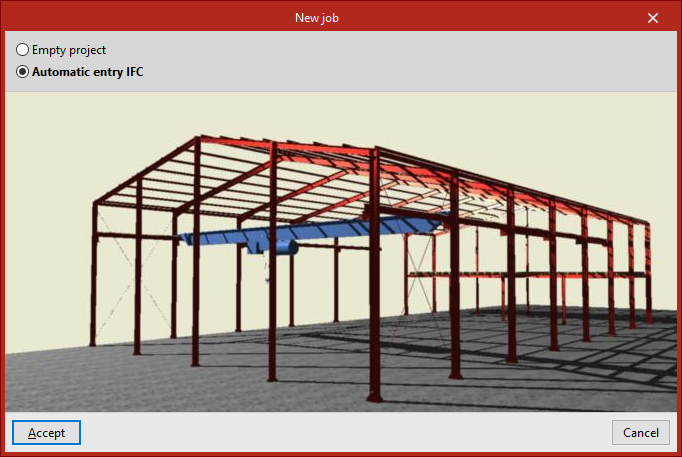
Automatic input from IFC files is carried out during the creation of a new project. To do this, in the "New project" window, select the "Automatic IFC input" option.
This opens an import and data-entry wizard consisting of the following stages.
IFC file selection
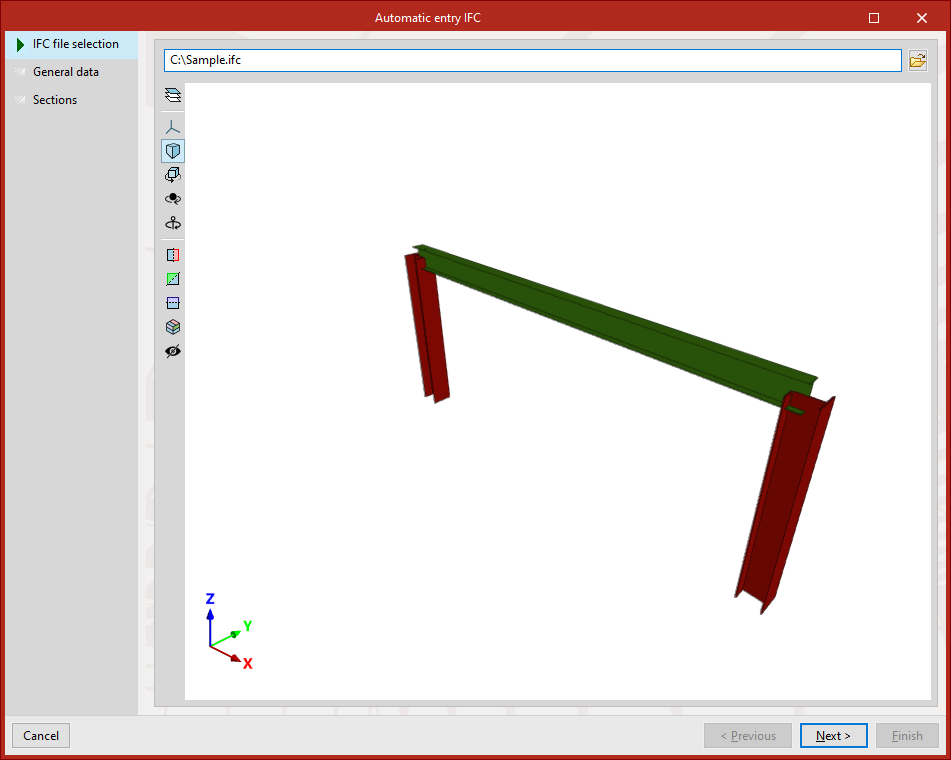
At this stage, the IFC file containing the information to be imported is selected.
| Note: |
|---|
| IFC files that only include the physical model and not the structural analysis model do not contain any information that CYPE 3D can read. Via this link, you can consult the IFC entities imported during the process. |
General data
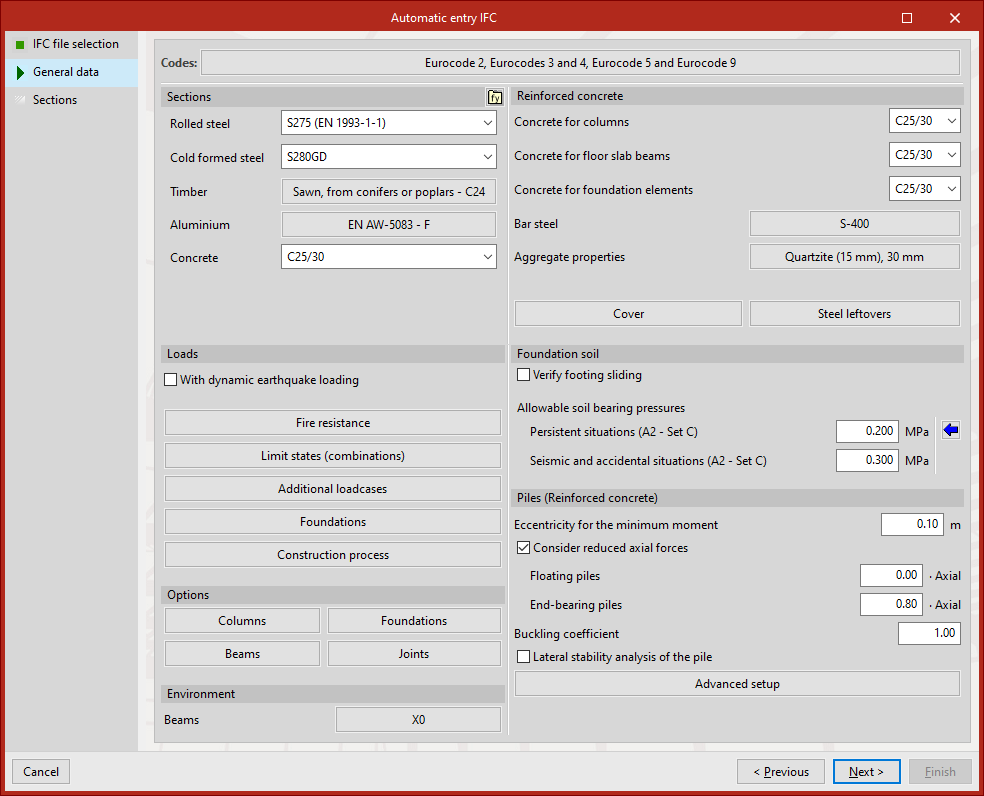
At this stage, as in the creation of an empty new project, the general data of the project must be defined. Here, the applicable codes and materials, load cases, and other calculation options are configured.
It is possible to configure this information at this moment or later via the "General data" option in the "Project" tab.
When clicking "Next", if it has not been done previously, the information corresponding to the "Limit states" must be validated by accepting the window that appears.
Sections
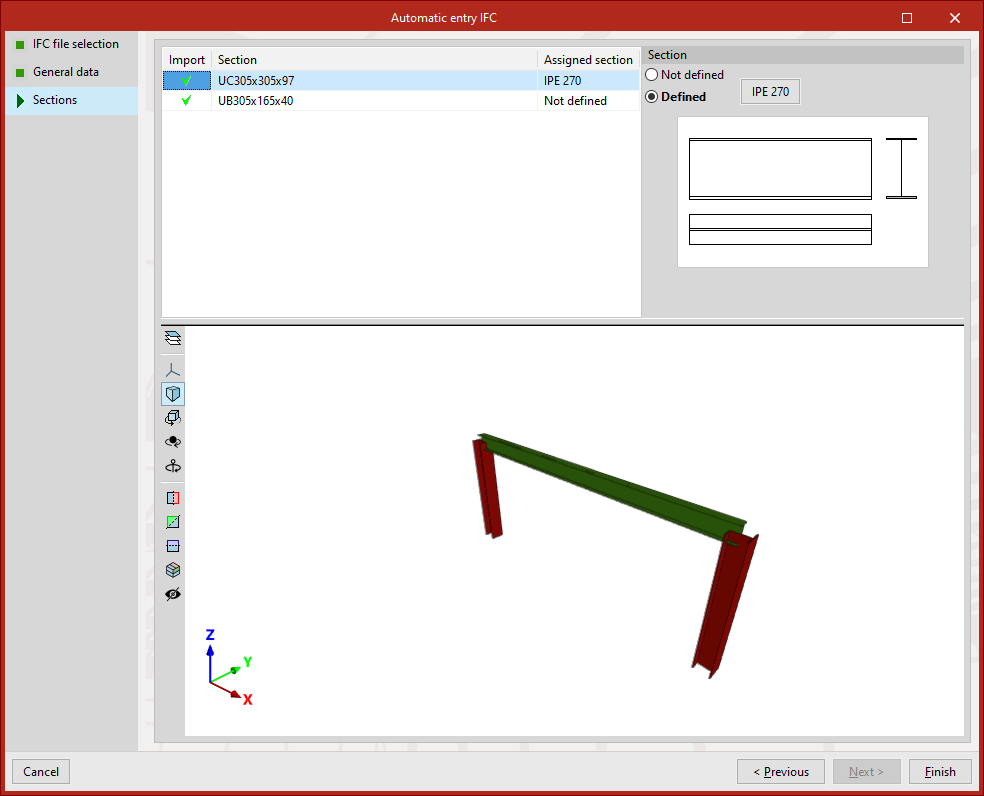
At this stage, a list is displayed with the bar-type entities (IfcStructuralCurveMember) that the program has identified in the IFC file:
- To activate the import of each one, tick the "Import" box in the left-hand column.
- Further to the right, the name of each "Section" in the file is shown, as well as the "Assigned section" in CYPE 3D.
- By default, each section appears as "Not defined". To assign a section, select "Defined" and click the button next to it. This opens the "Describe section" window, where you can select a section type or create a new one in any of the section libraries available in CYPE 3D.
In any case, it is possible to describe the sections later via the "Section" option in the "Geometry" tab.
Import result
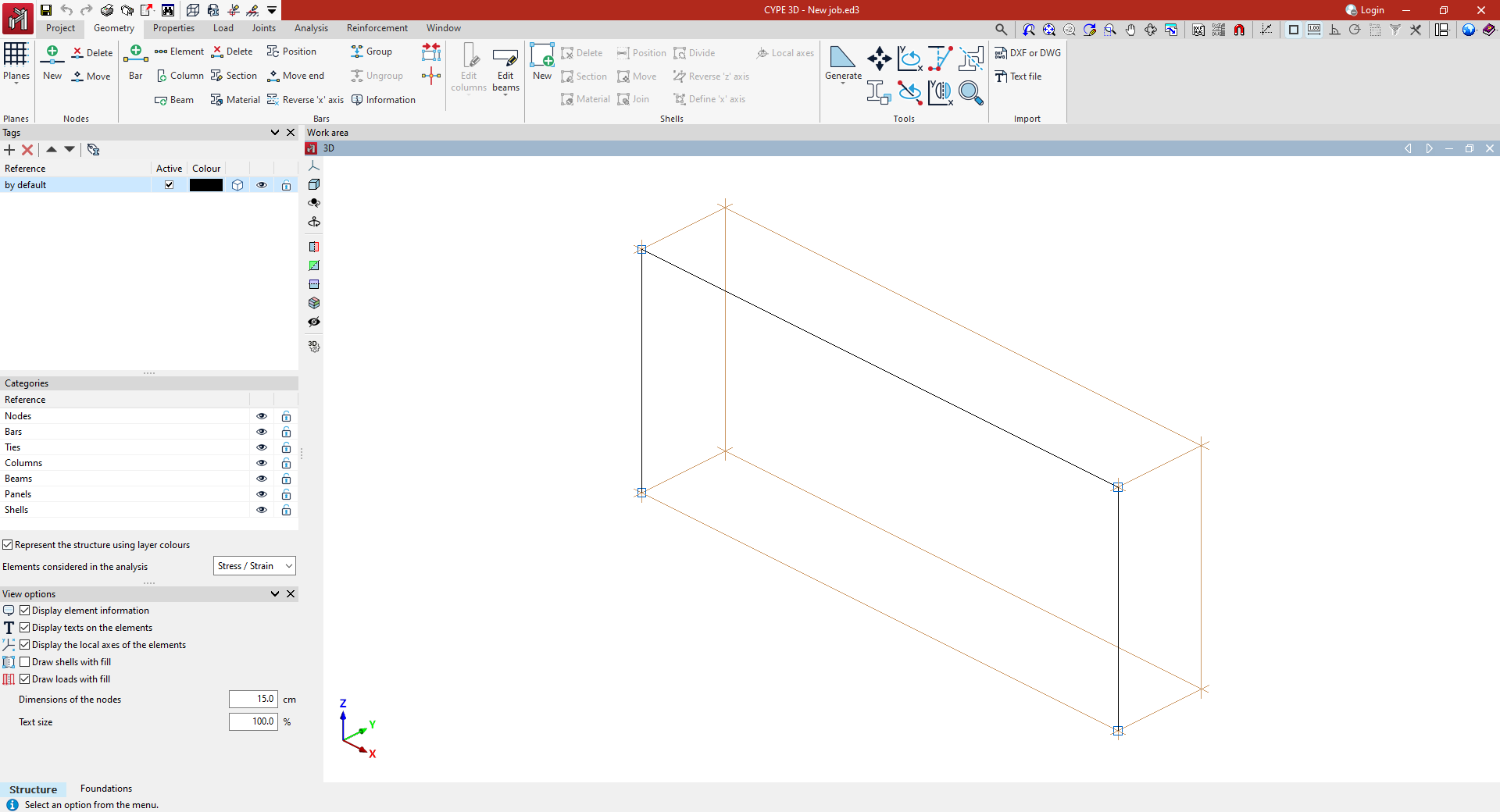
After completing the wizard by clicking "Finish", the main interface of the programme will open in the "Project" tab (in the "Structure" sub-tab), allowing you to continue working to complete the model and carry out its calculation.
In the workspace, the nodes and bars imported from the IFC file will be displayed.