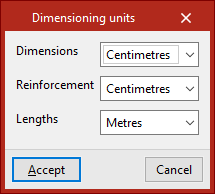
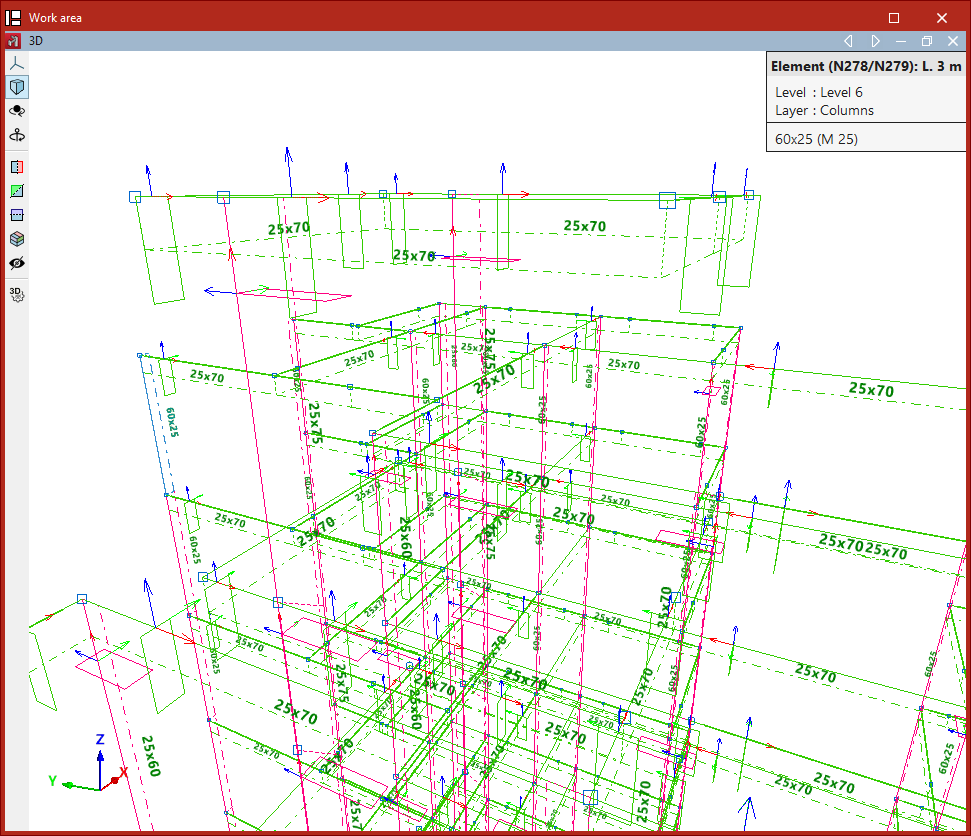
Setting up dimensioning units
Dimensioning units can be configured using the option provided, which is available in the "Project" section of the top toolbar, within the "Project" tab (under the "Structure" sub-tab).

Dimensioning units
This allows you to set the units used to display the various structural elements on drawings and on screen.
Dimensioning units can be configured in the following cases:
- Dimensions
Select the dimensioning units for the cross-sectional dimensions of the elements. - Reinforcement
Select the dimensioning units for the lengths of the reinforcement in concrete elements. - Lengths
Select the dimensioning units for bar lengths and dimensions.
| Note: |
|---|
| The units available in the drop-down menus depend on the unit system selected under the "Units" option in the general "Settings" menu, located at the top right of the interface. For example, for the International System, the available units are "millimetres", "centimetres" and "metres". |