Editing shell properties
The following tools for editing shell properties are available in the "Shells" section of the top toolbar, within the "Properties" tab (under the "Structure" sub-tab).

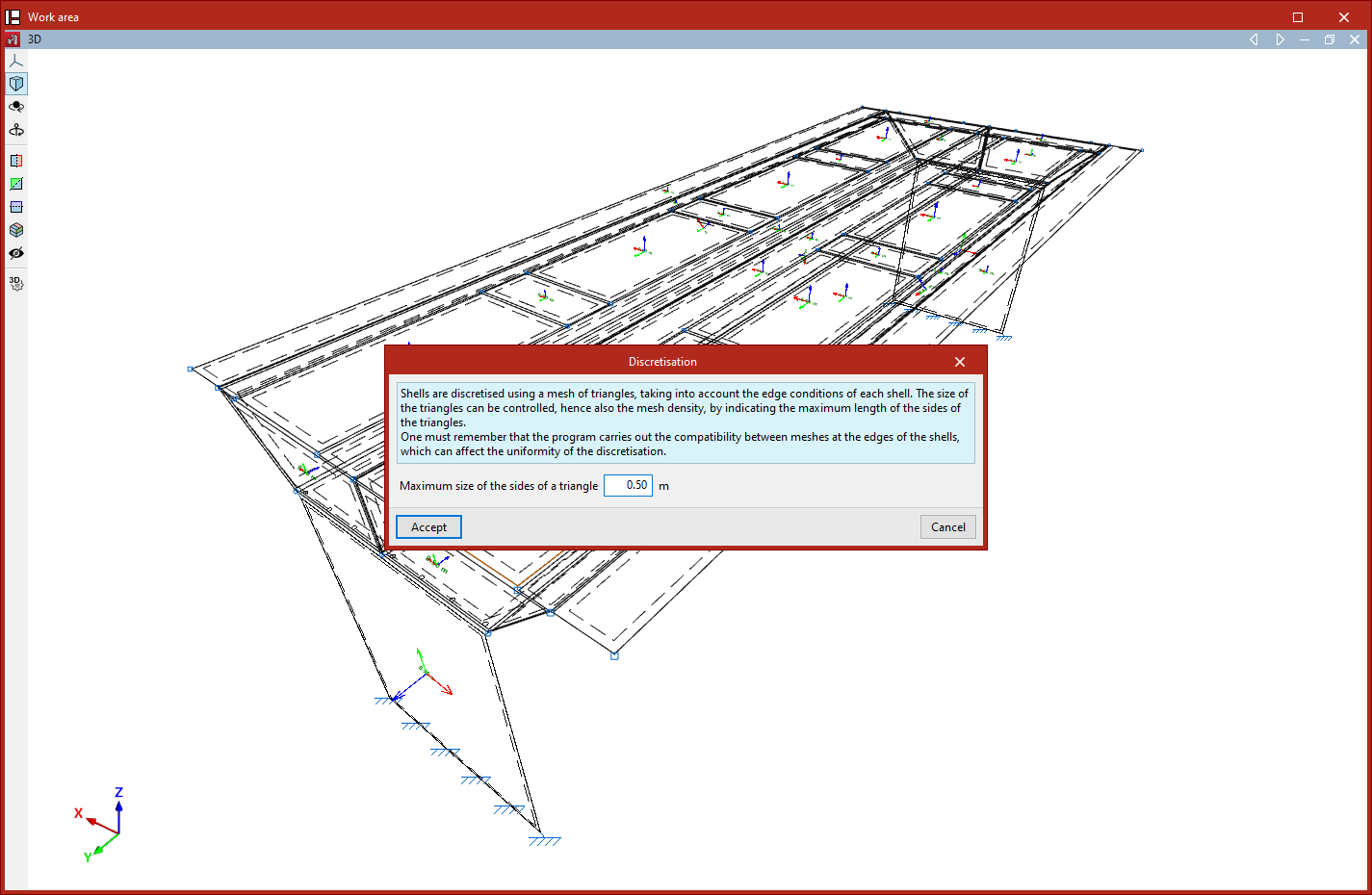
Discretisation
The shells are discretised using a triangular mesh; furthermore, the program considers the boundary conditions for each plate.
The "Discretisation" option allows you to control the design of these triangles and, consequently, the mesh density. To do this, select the group of shells using the left mouse button or by dragging to select an area, and then right-click.
In the window that appears, the maximum dimension for the sides of the triangles is specified in the following field:
- Maximum size of the sides of a triangle
Changing the mesh density affects the computation time and may alter the results obtained.
| Note: |
|---|
| The program performs mesh matching at the edges of the elements, which may affect the uniformity of the discretisation. |
Stiffness factors
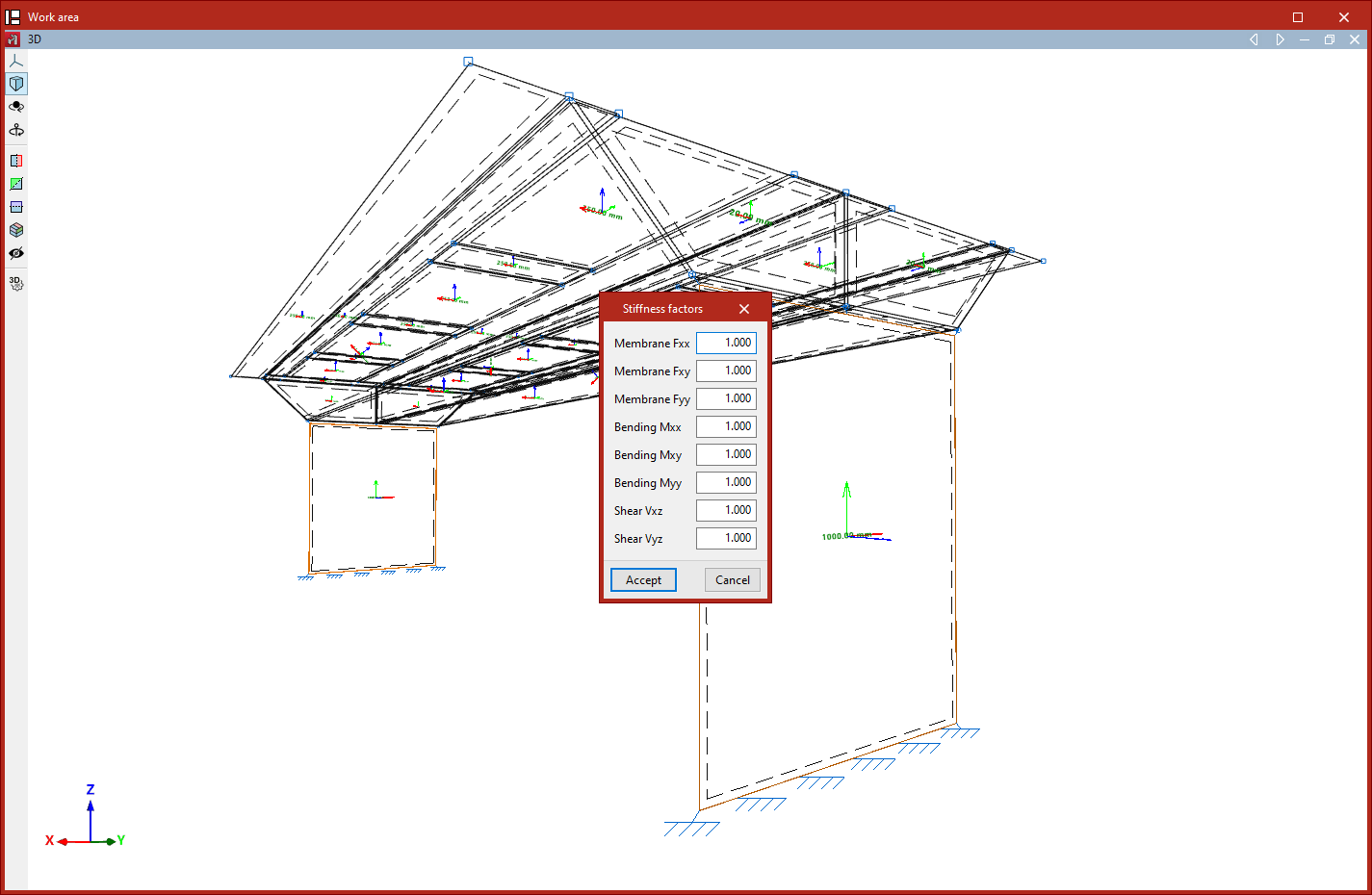
The "Stiffness factors" option allows you to define stiffness modification factors for a group of plates. To do this, select the plates using the left mouse button or by dragging a selection area, and then right-click.
In the window that appears, you can use these factors to modify the axial, shear and bending stiffness along the different local axes of the plate:
- Membrane Fxx
- Membrane Fxy
- Membrane Fyy
- Bending Mxx
- Bending Mxy
- Shear Vxz
- Shear Vyz
By default, the scaling factors are set to 1 in all cases.
Buckling
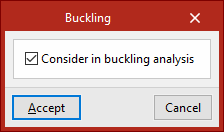
This option allows you to include shells in the buckling analysis carried out from the "Analysis" tab.
To do this, select a group of shells using the left mouse button and, after clicking the right mouse button, tick the following box in the window that appears:
- Consider in buckling analysis (optional)
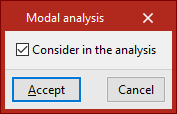
Modal analysis
This option allows you to include shells in the modal vibration analysis performed via the "Analysis" tab.
To do this, select a group of shells using the left mouse button and, after clicking the right mouse button, tick the following box in the window that appears:
- Include in the analysis (optional)