Creating elements
Elements are created using the following tool, available in the "Bars" group on the top toolbar, within the "Geometry" tab (in the "Structure" tab).

Creating elements is a necessary operation for certain processes, such as generating connections with columns or continuous beams, or identifying braced panels with intermediate nodes.
Creating elements
The "Element" option allows a group of aligned bars between two selected nodes to be defined as a single continuous element.
After clicking on the option, the initial node of the first bar and the final node of the last bar forming the element are selected using the left mouse button.
The programme displays a dialogue box to confirm the operation. After clicking "Yes", an element is created between the selected nodes.
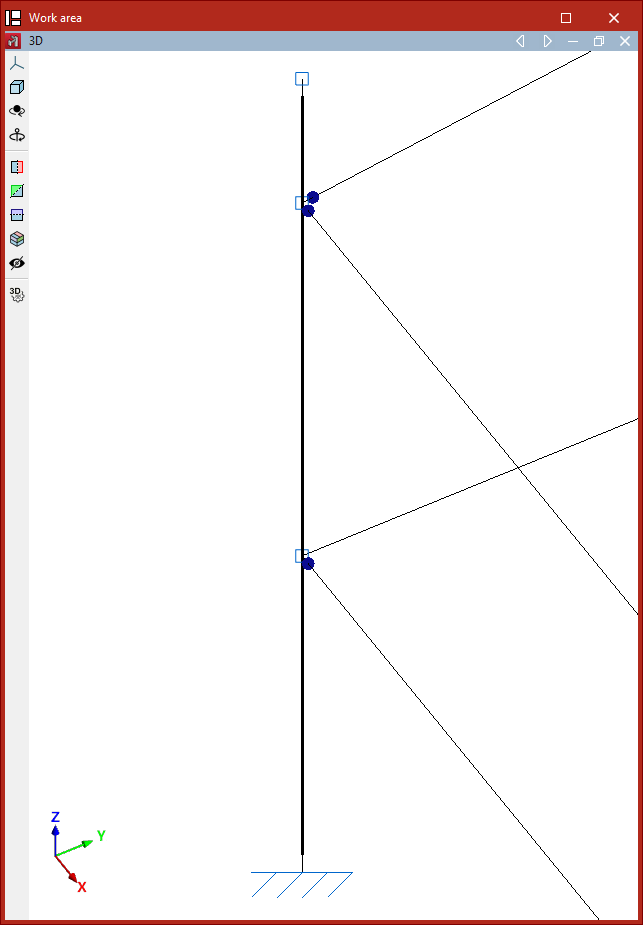
Bars forming a single element are drawn with a thick line in the model to differentiate them from independent bars.
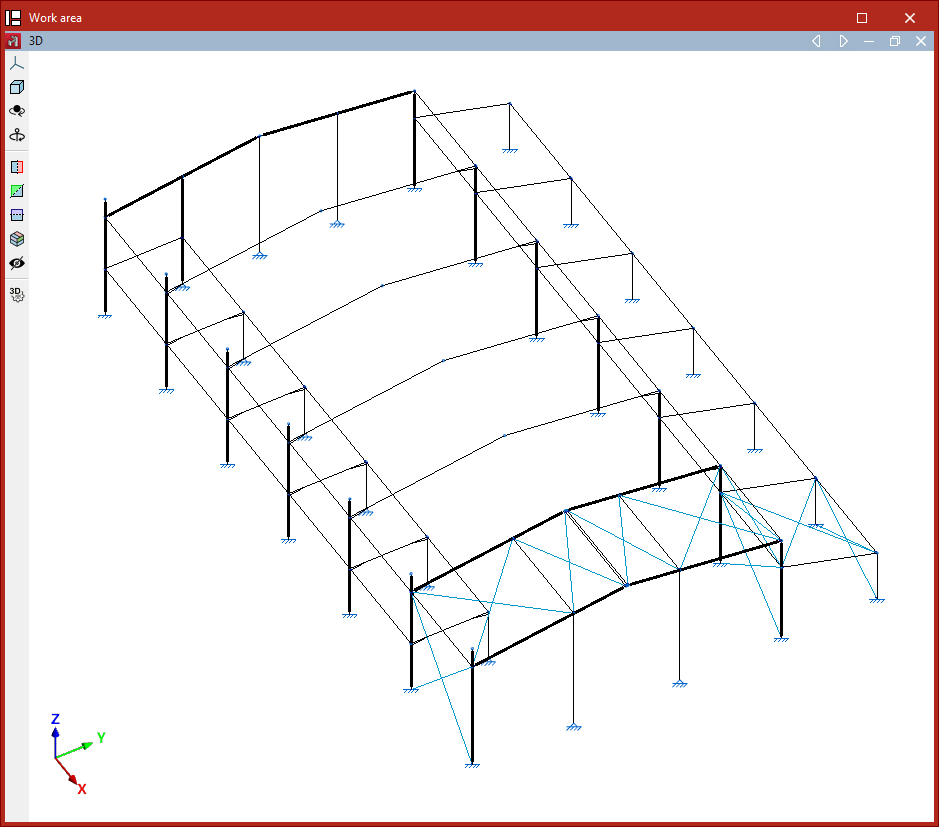
If you wish to divide an element, the "Element" option is used again, but this time the two consecutive nodes of one of the bars forming it are selected.
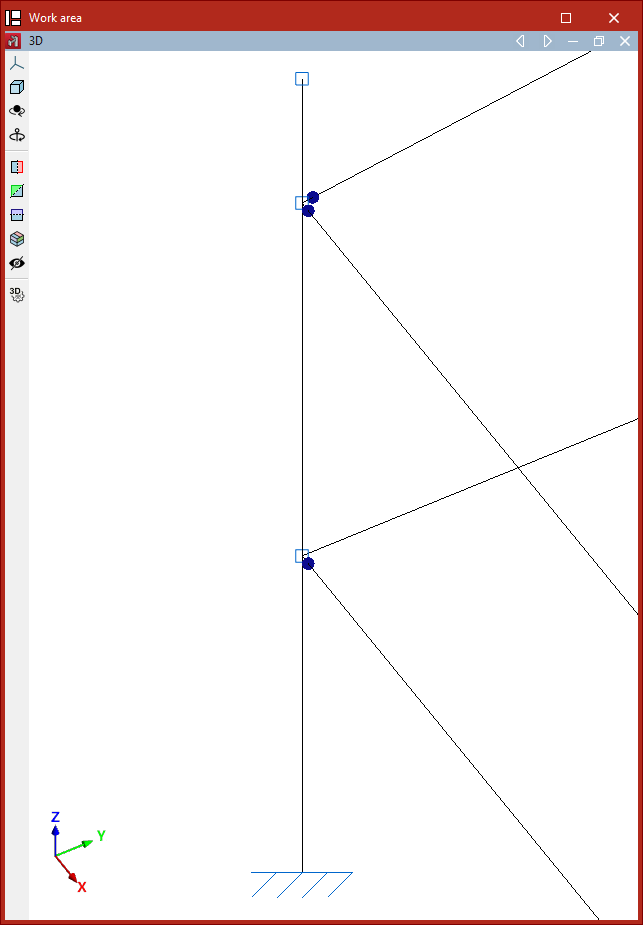
The program will undo the element, returning to independent bars. These will be displayed with a thin line.