Defining loadcases
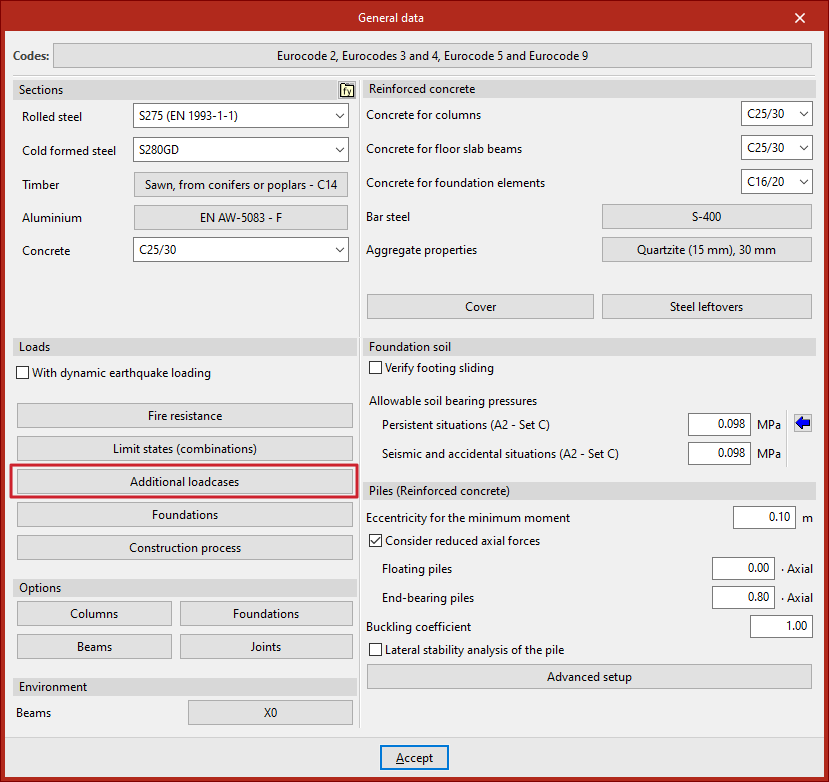
The definition of loadcases for the analysis of the structure is done in the "Project" tab (in the "Structure" tab), by selecting the "General data" option in the "Project" group of the upper toolbar.

"Additional loadcases" option
The configuration of loadcases is done by clicking on "Additional loadcases" in the "Loads" section.
Use categories
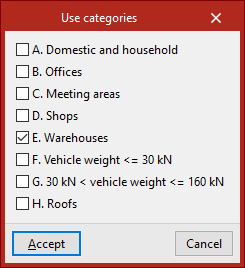
In the "Use categories" section, all existing use categories on the job within the selected codes are declared. To do this, the edit button is used and the desired categories are activated (e.g. domestic and residential, offices, warehouses or vehicle traffic areas).
For the program, a use category constitutes a group of live load loadcases that are combined with the same combination coefficients with the other loadcases defined in the jobs.
Loadcases
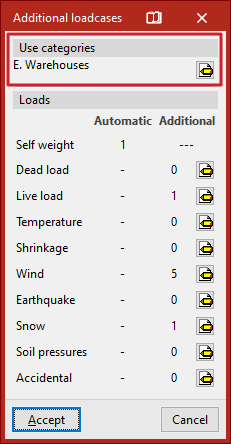
The "Loadcases" section defines the number and type of loadcases for the jobs.
Automatic loads
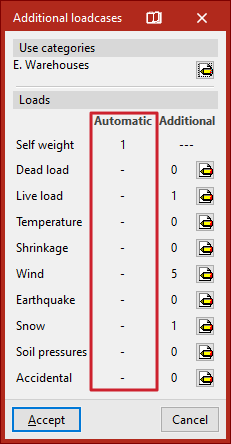
The "Automatic" column shows the loadcases automatically considered by the program, such as the loadcase of the "Own weight" of the structure.
If the "With seismic loading" option has been previously activated in the "General data" window, users will also find automatic loads added in the "Seismic" section, generated according to the selected codes.
Additional loadcases
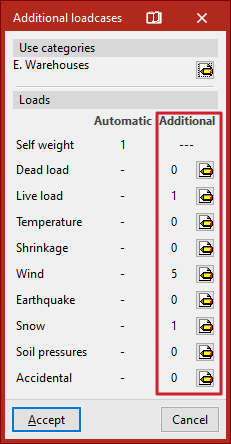
In the "Additional" column, additional loadcases can be added if needed.
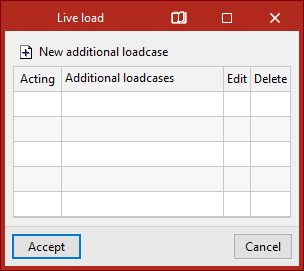
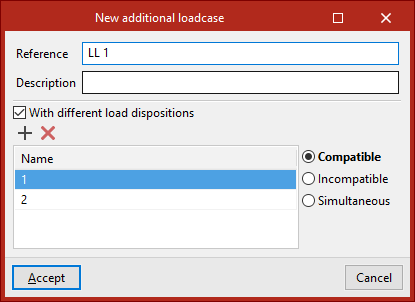
To do so, after clicking on the edit button within the desired category, click on "New additional loadcase" and indicate a "Reference" and a "Description".
Optionally, the program allows to activate the "With different load dispositions" option in each of the added scenarios. The load arrangement concept allows defining different load states grouped in the same scenario. The load arrangements can be "Compatible" with each other, "Incompatible" or "Simultaneous".
| Note: |
|---|
| If the CYPE 3D job has been generated from an export from Portal frame generator, the necessary additional loadcases will have been automatically created, such as live loads, wind loads or snow loads |
Loadcase combination
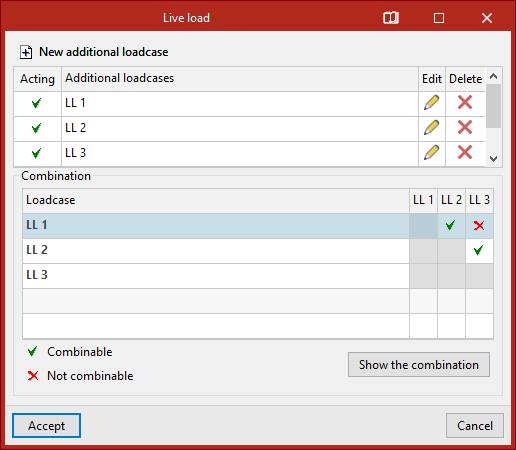
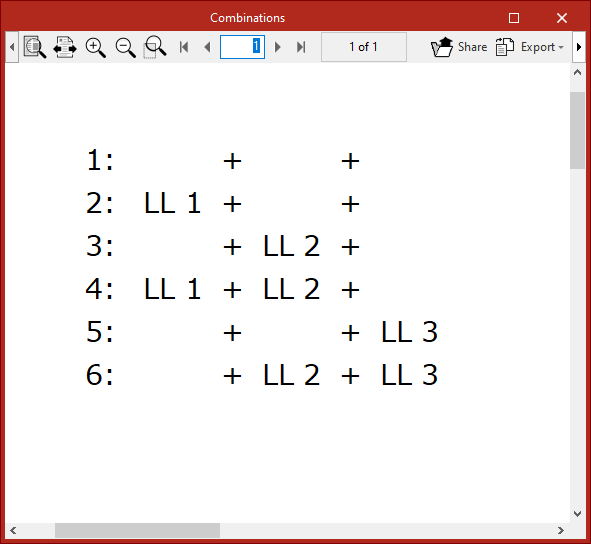
If several additional loadcases are added, the program displays a "Combination" table between different loadcases where their "Combinable" or "Non-combinable" status is indicated. The "Show combination" button is used to list the "Combinatorics" obtained after manipulation of the table.
| Note: |
|---|
| The number of load layouts or combinable loadcases should not be increased indiscriminately due to the large number of automatic combinations that can be generated. |
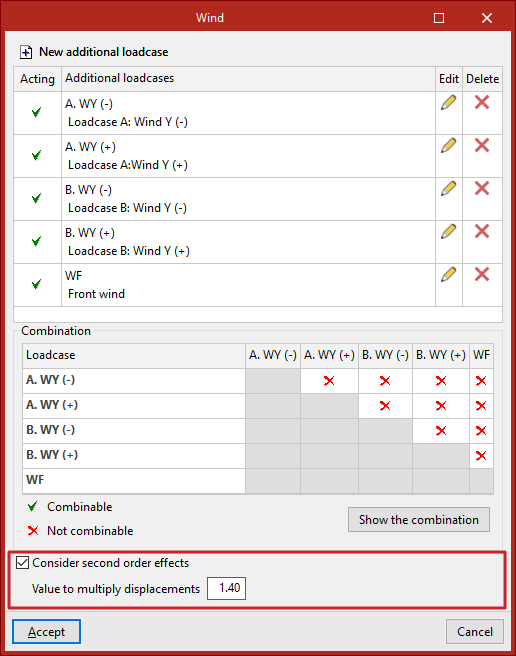
Considering second-order effects
For additional horizontal loads such as in the wind or earthquake loads, the program can "Consider second order effects" by activating the corresponding check box and typing in a "Value for multiplying displacements" to be estimated by the user.
| Note: |
|---|
| The displacement amplification value for concrete elements can be estimated at 1/0.7=1.43, corresponding to a stiffness reduction of 30 %, according to the Brazilian standard NBR 6118. As a higher value, 1/0.5=2 can be estimated, corresponding to a stiffness reduction of 50 %, according to the CEB-FIP 1990 Model Code. |