


Generating connections
The automatic generation of the structure’s connections is carried out using the "Generate" option, available in the top toolbar of the "Connections" tab (under the "Structure" section).

If no connections have been entered, the options "New" and "Generate" are the only ones shown as active.
Generate
The "Generate" option allows you to generate the structure’s connections automatically. To do this, the program analyses all nodes in the project and assigns detected connections to those parts that do not already have a defined connection.
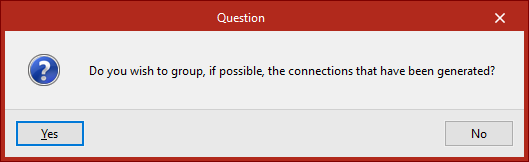
After clicking on the option, you must indicate whether you wish to group the generated connections where possible.
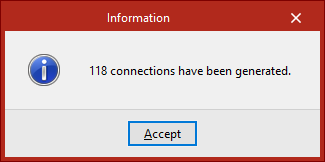
Later, in the "Information" window, the number of generated connections is displayed.
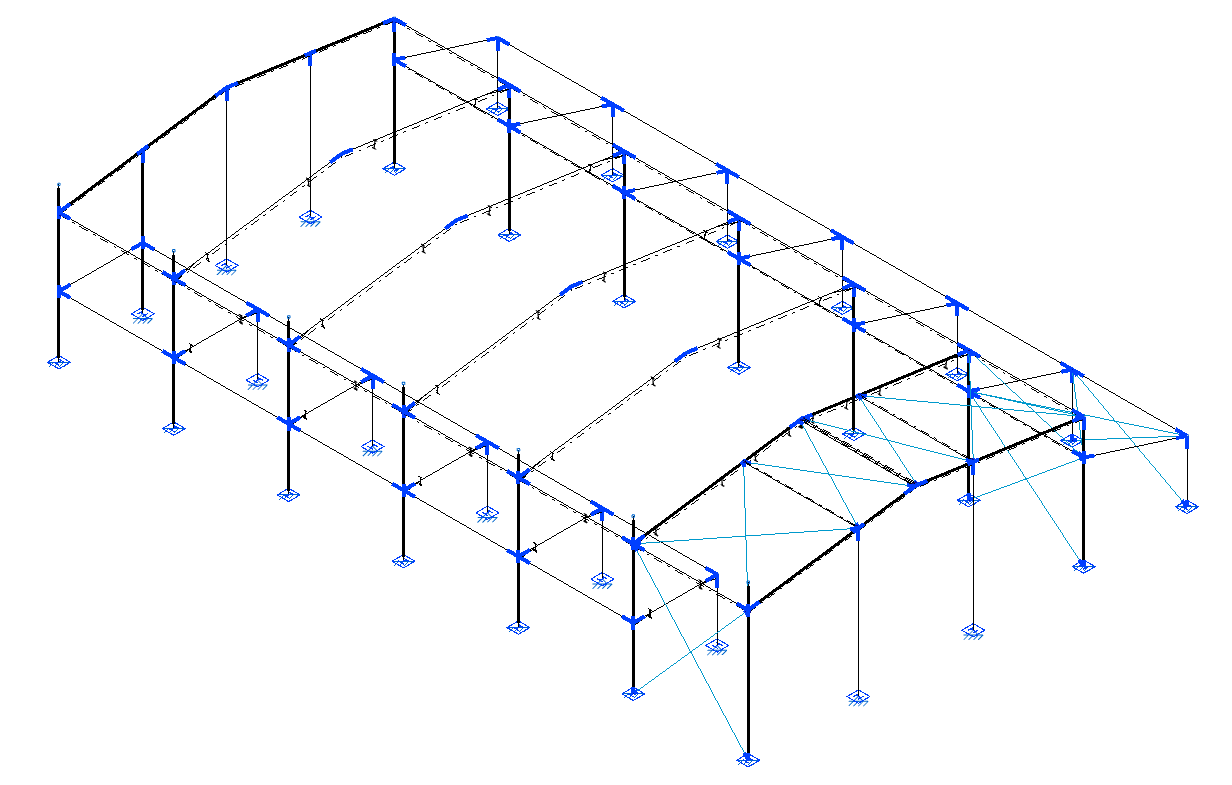
After clicking "Accept", all nodes where a connection has been detected and generated will appear in blue in the model viewer.
| Note: |
|---|
| The generation of connections depends on the geometry of the connections, the number of bars and their cross-section, the orientation of the section, the parts created, and the presence or absence of hinges at the ends of the bars. If the program does not generate a connection at a specific point, these aspects can be reviewed so that the connection defined in the model matches one of the connection types the program is able to identify. |
