Grouping and ungrouping planes
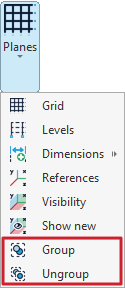
The tools for grouping and ungrouping planes can be found in the "Planes" menu within the group of the same name on the top toolbar, under the "Geometry" tab (in the "Structure" tab).

Group
The "Group" option is used to group parallel planes, ensuring that the elements they contain, as well as their positions, remain exactly the same across all planes in the group.
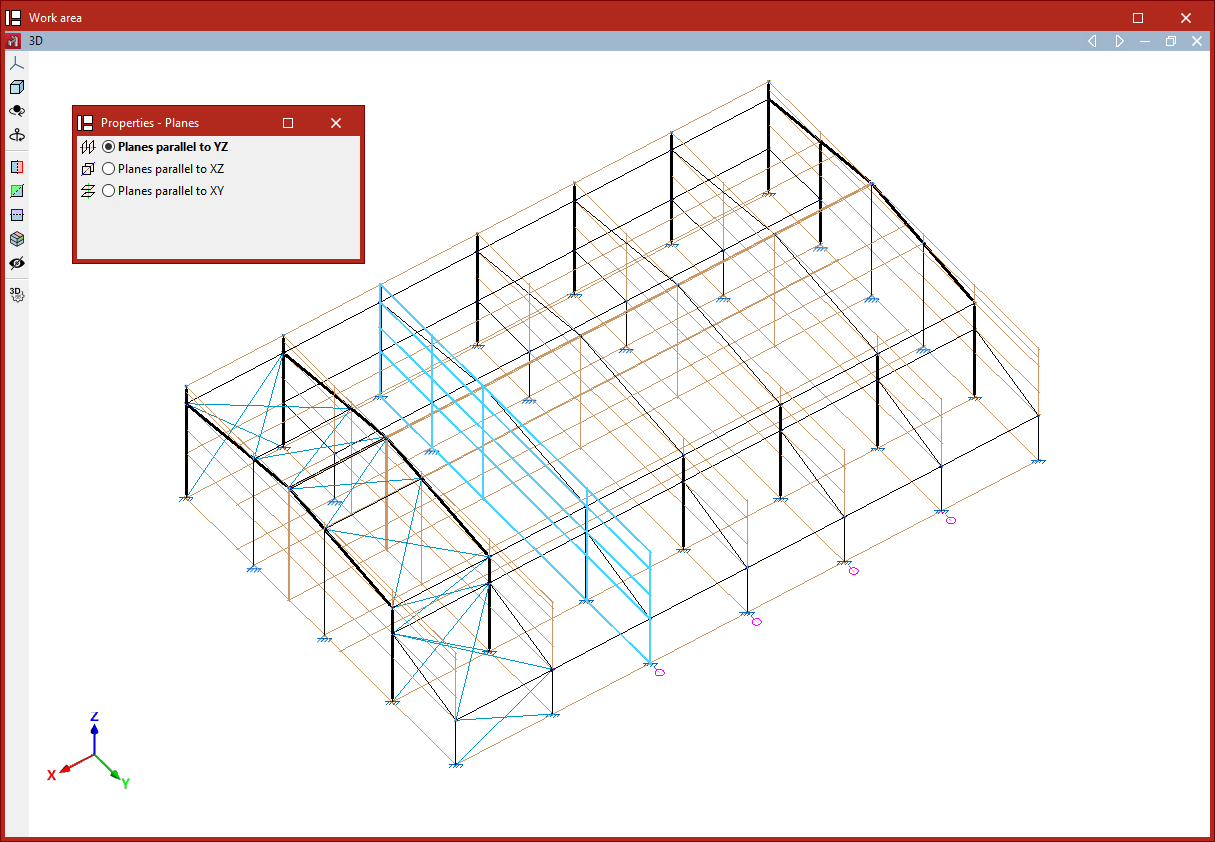
After selecting the option, you choose whether to group "Planes parallel to YZ", "Planes parallel to XZ" or "Planes parallel to XY".
The program allows you to select the planes one by one using the left mouse button. After selecting them, right-click and respond to the prompt in the dialogue box that appears to complete the operation.
A reference number will now be visible next to each plane in the model. This number is common to each group of planes and is used to identify them.
Any changes made to a plane within a group, such as inserting a node or a bar contained within it, will be reflected in the other grouped planes.
Ungroup
You can "Ungroup" planes using the following menu option.
Similarly, choose whether to ungroup "Planes parallel to YZ", "Planes parallel to XZ" or "Planes parallel to XY", then click "OK".
Now, select the planes you want to remove from the group using the left mouse button. Finally, right-click and respond to the prompt in the dialogue box to complete the operation.