Entering and editing loads on nodes
The following options are used to enter and edit loads on the nodes of the structure, which are available in the "Nodes" group of the upper toolbar, in the "Load" tab (in the "Structure" tab):

New
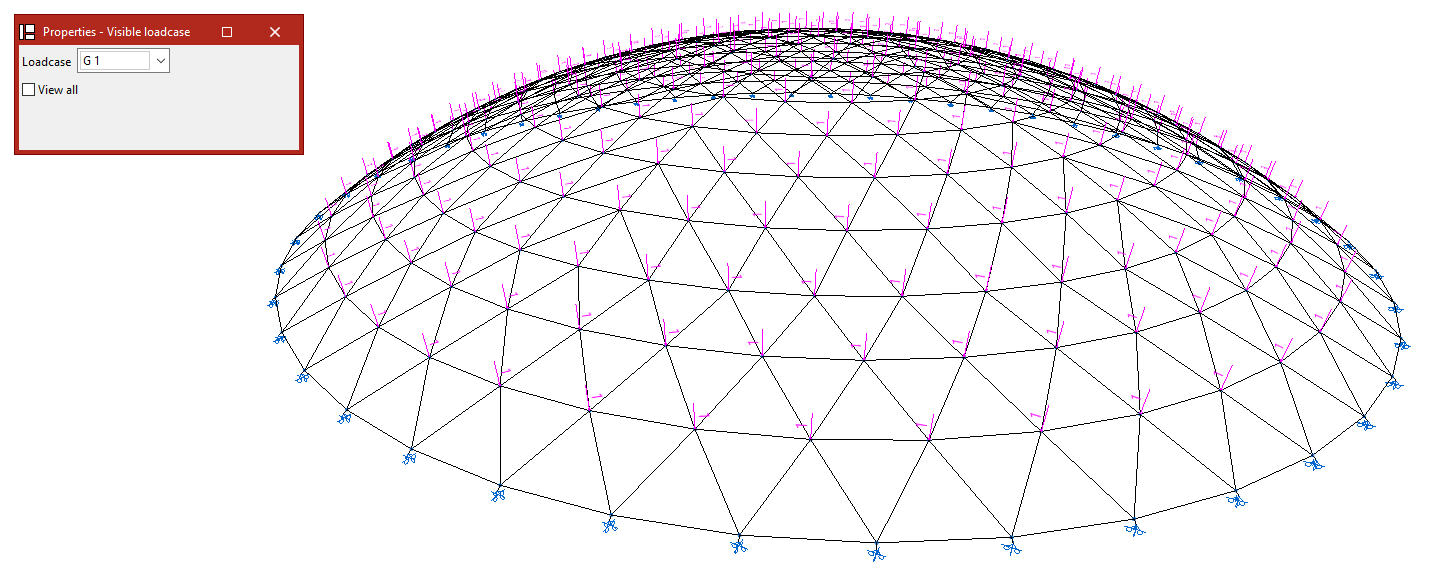
When selecting the "New" option, the "Properties - Visible loadcase" window appears, where users can choose the "Loadcase" to be displayed. Alternatively, users can "View all" loadcases by checking the corresponding box.
Then, click on the nodes one by one or use the crossing method to select several nodes simultaneously.
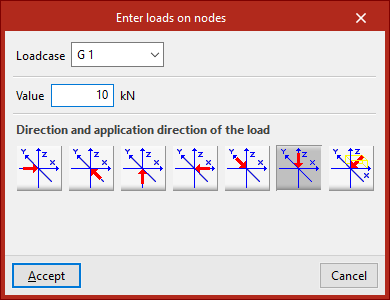
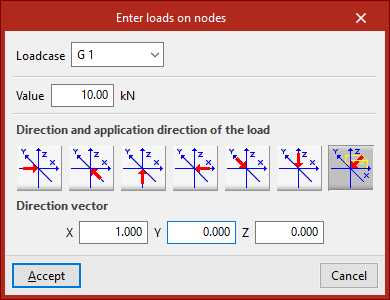
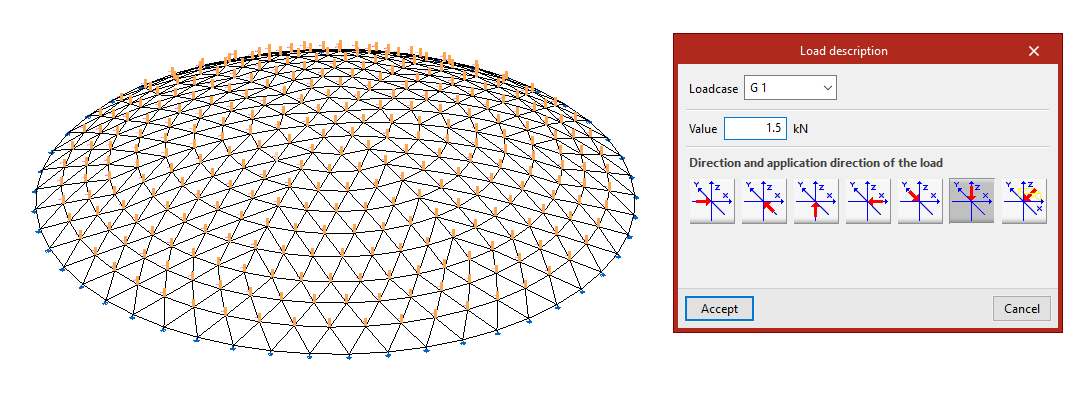
Right-click on a node to open the "Enter loads on nodes" window. Here, the "Loadcase" to which the new loads are to be assigned is selected. Then its "Value" is typed in.
The "Direction and application direction of the load" is indicated at the bottom. Here you can take the directions of the global axes in both directions or freely define one direction. By default, the program selects the most common case, which is a load in "Direction, according to the Z axis, in the negative direction". The last option, "Define direction", applies the load in the direction defined by the "Direction vector" components entered by the user.
After clicking on "Accept", the program will apply the load on the selected nodes.
The following options in the "Nodes" group are activated when loads on nodes have been previously entered:
Edit
The "Edit" option is used to modify the loads on nodes that have already been entered.
In the "Properties - Visible loadcase" window that appears, select the "Loadcase" to which the loads to be edited are assigned so that they are visible in the model. The loads are then selected by clicking on them one by one or via a selection window.
By right-clicking, the "Load description" window appears, where the load data can be modified. The same options are offered here that appear when entering the loads. Finally, click on "Accept".
Delete
The "Delete" option is used to remove the selected loads on nodes from the model. In the same way, left-click on the loads to select them one by one or use the crossing method to select them all at once and then right-click to delete them.
Loadcase
If only the loadcase of the loads on nodes needs to be modified, the "Loadcase" option is used.
To do this, select the loads to be modified and click on the right button.
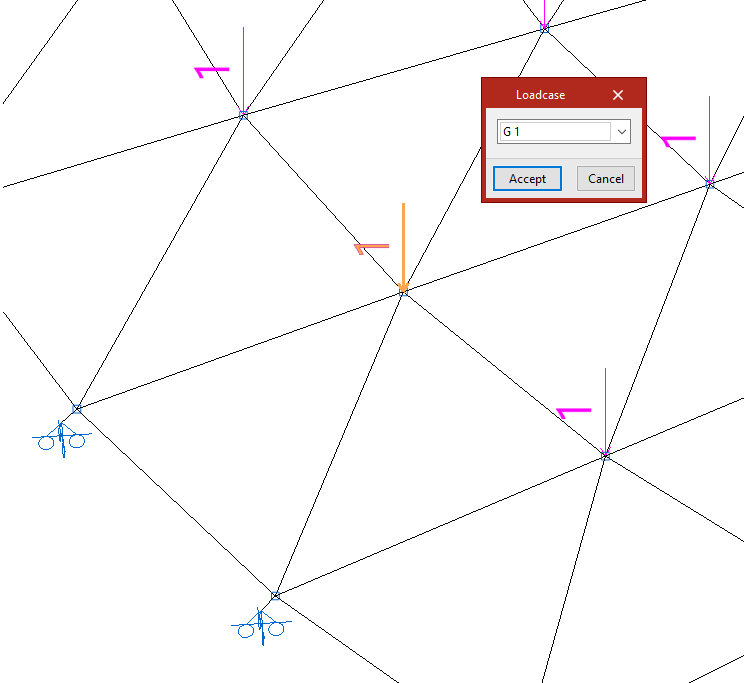
In the "Loadcase" window, choose the loadcase in the drop-down menu to which the loads will be assigned, and then click on "Accept".