Editing bar material
The editing of bar material is carried out using the following tool, available in the "Bars" group on the top toolbar, within the "Geometry" tab (in the "Structure" tab).

Material
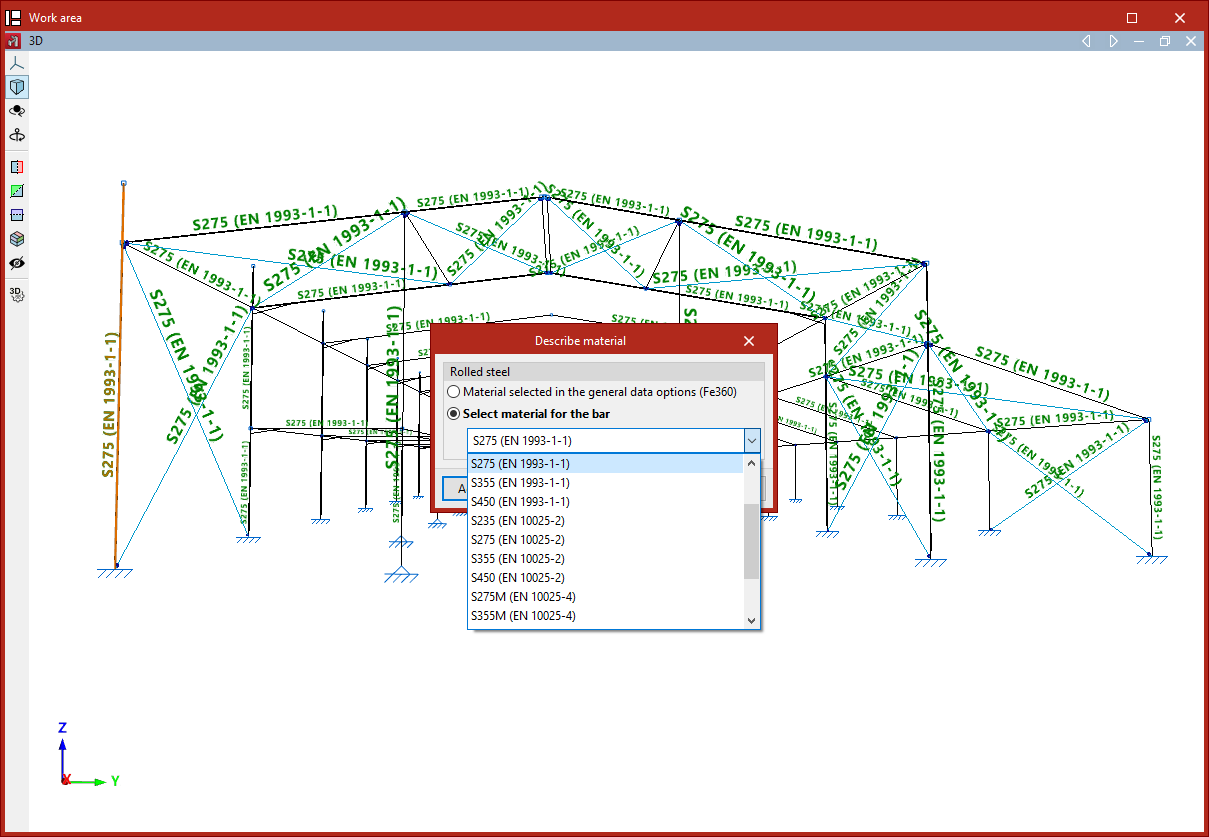
This option allows you to select the material for a group of bars.
After selecting the bars, right-click.
In the pop-up window, you can choose to keep the "Material selected in the general data options" or "Select material for the bar" specifically from the options available in the dropdown menu.
By clicking "Accept", the selected material is applied to the bars.