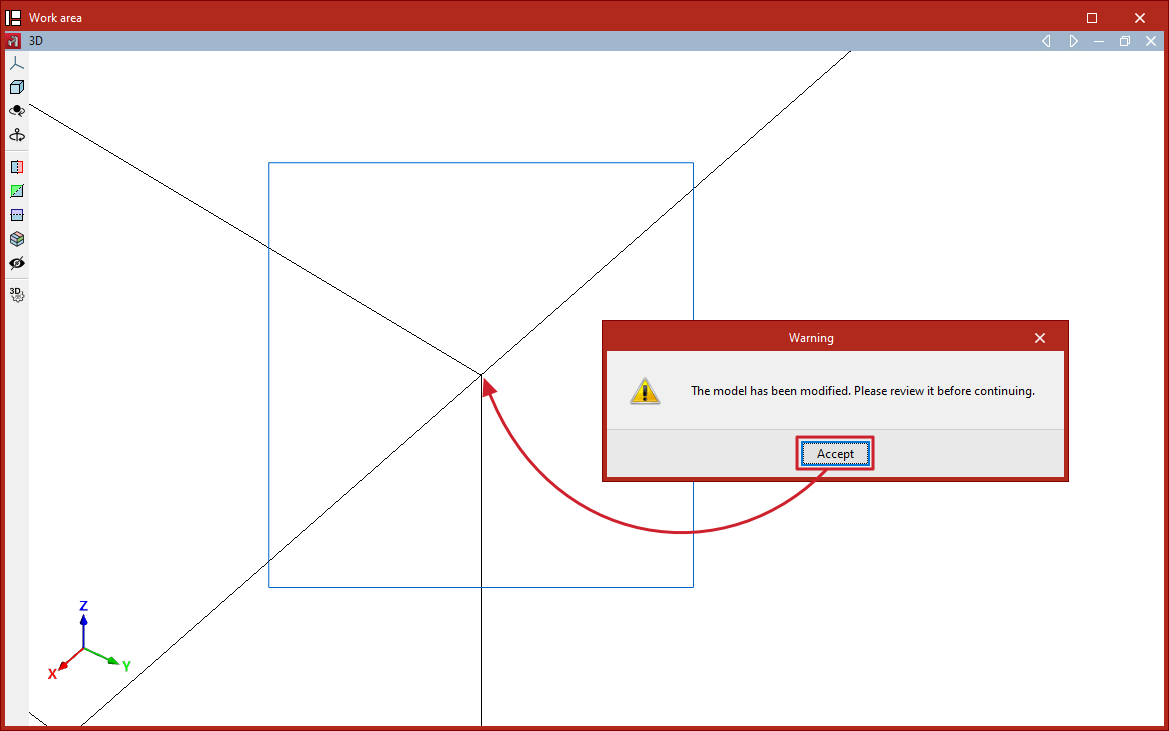
Model repair tools
The model geometry repair tool in CYPE 3D can be found in the "Tools" panel at the top of the interface, within the "Geometry" tab (under the "Structure" tab).

Check for nearby nodes
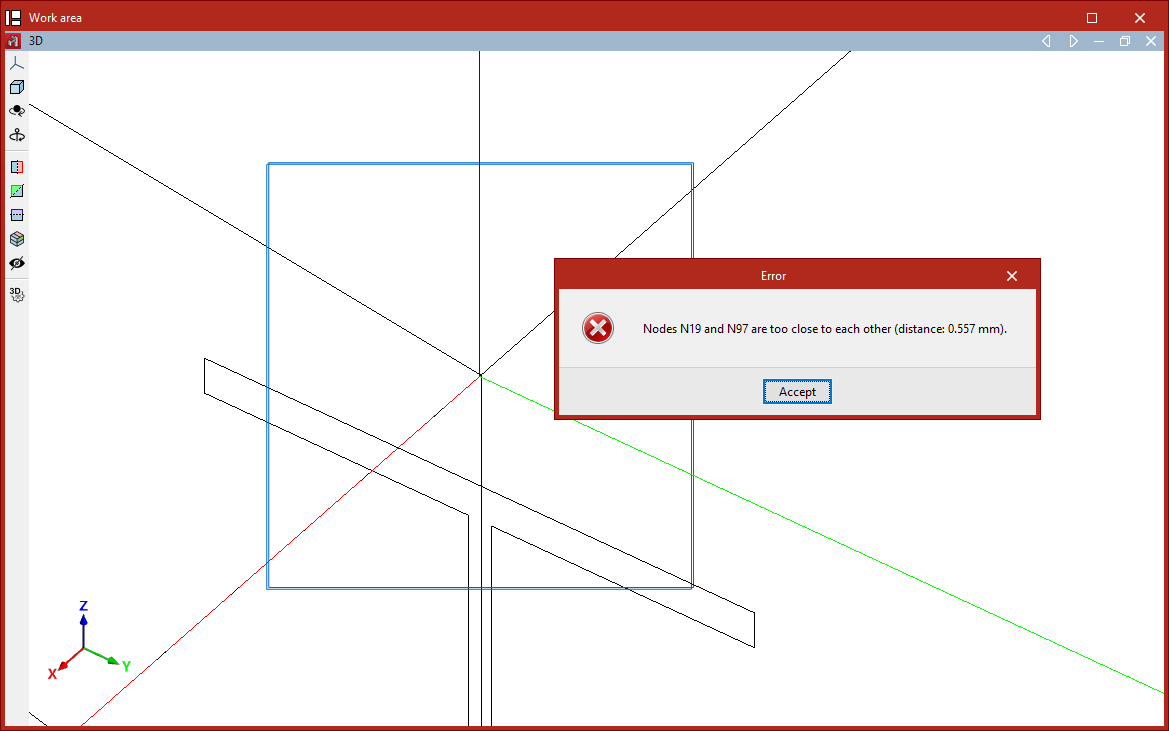
When importing, defining or editing the model, there may be instances where nodes are created too close together, at a distance of less than 1 millimetre.
Before performing the analysis (when using the "Analysis" option on the "Analysis" tab), the program checks that there are no nearby nodes. The program will report this situation with an error message and will also display the relevant issues.
'Repair' option
The "Repair" option allows you to repair the model when there are nodes that are too close together. When you click on this option, the program will analyse the model’s geometry and attempt to correct it, if necessary.