Move ends and invert the 'x' axis of bars
The program offers the following tools in the "bars" group of the top toolbar, within the "geometry" tab (in the "structure" tab).

Move end
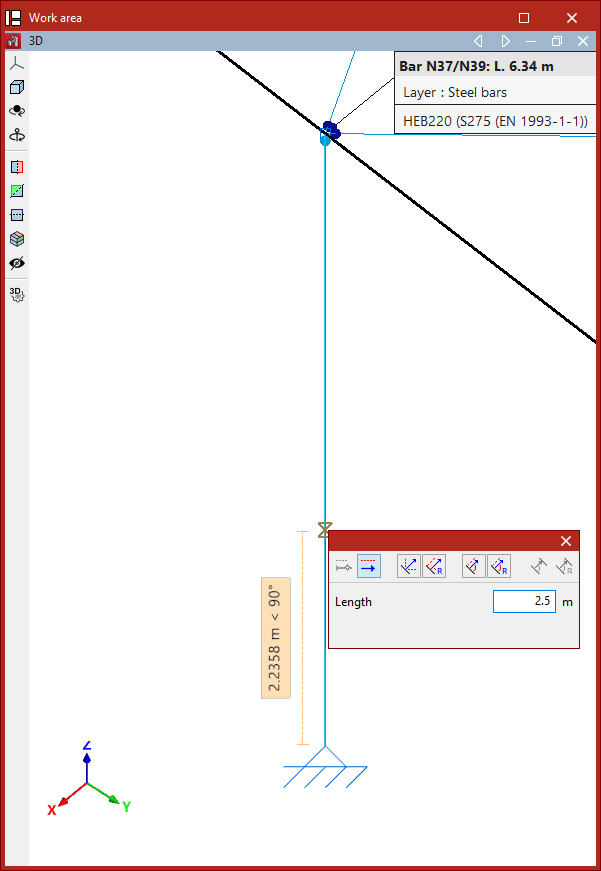
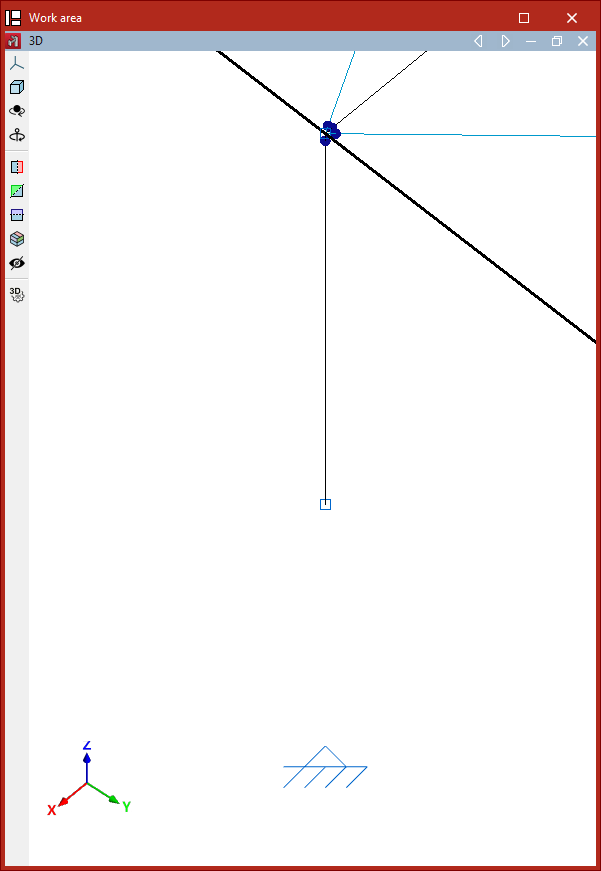
The "move end" option allows you to change the position of one of the nodes at the ends of a bar.
To do this, click on the node and then on its new position.
This operation does not delete the node at the original end of the bar, which can still be used to continue working on the model.
Invert the direction of the 'x' axis
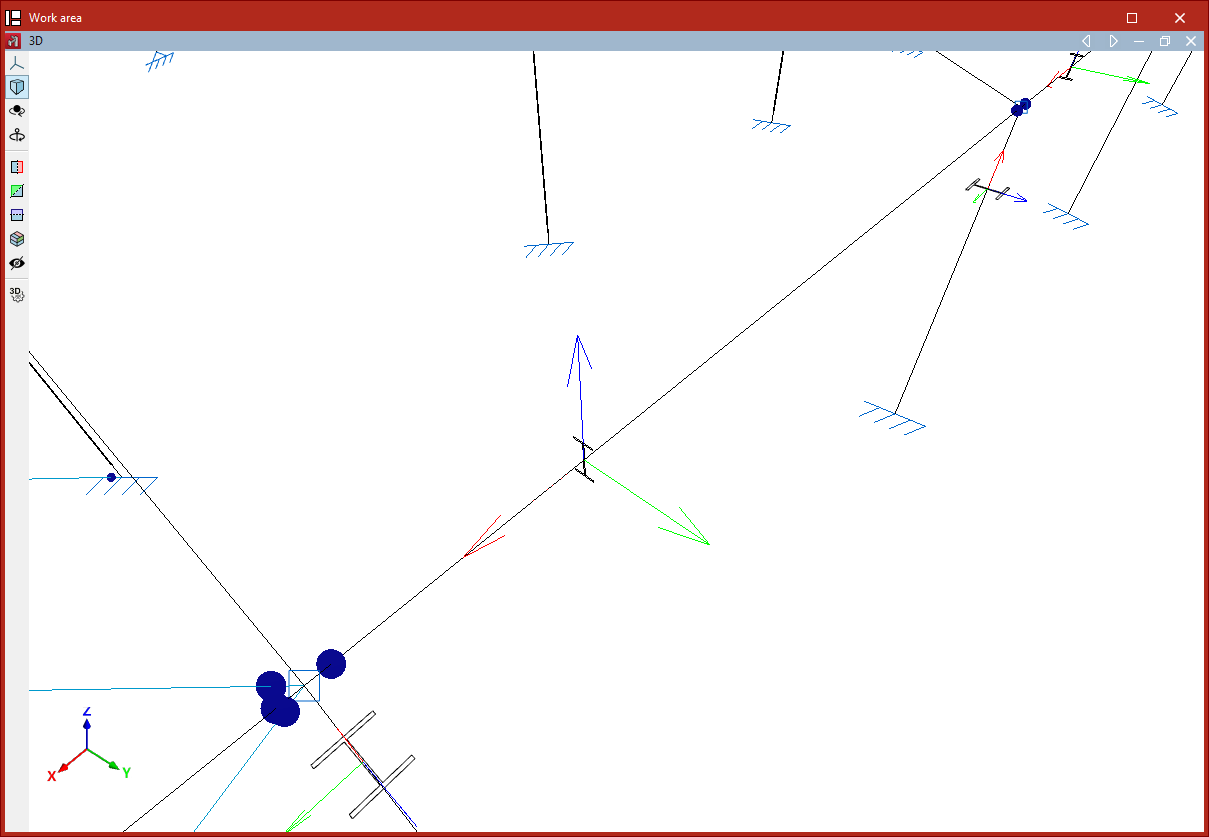
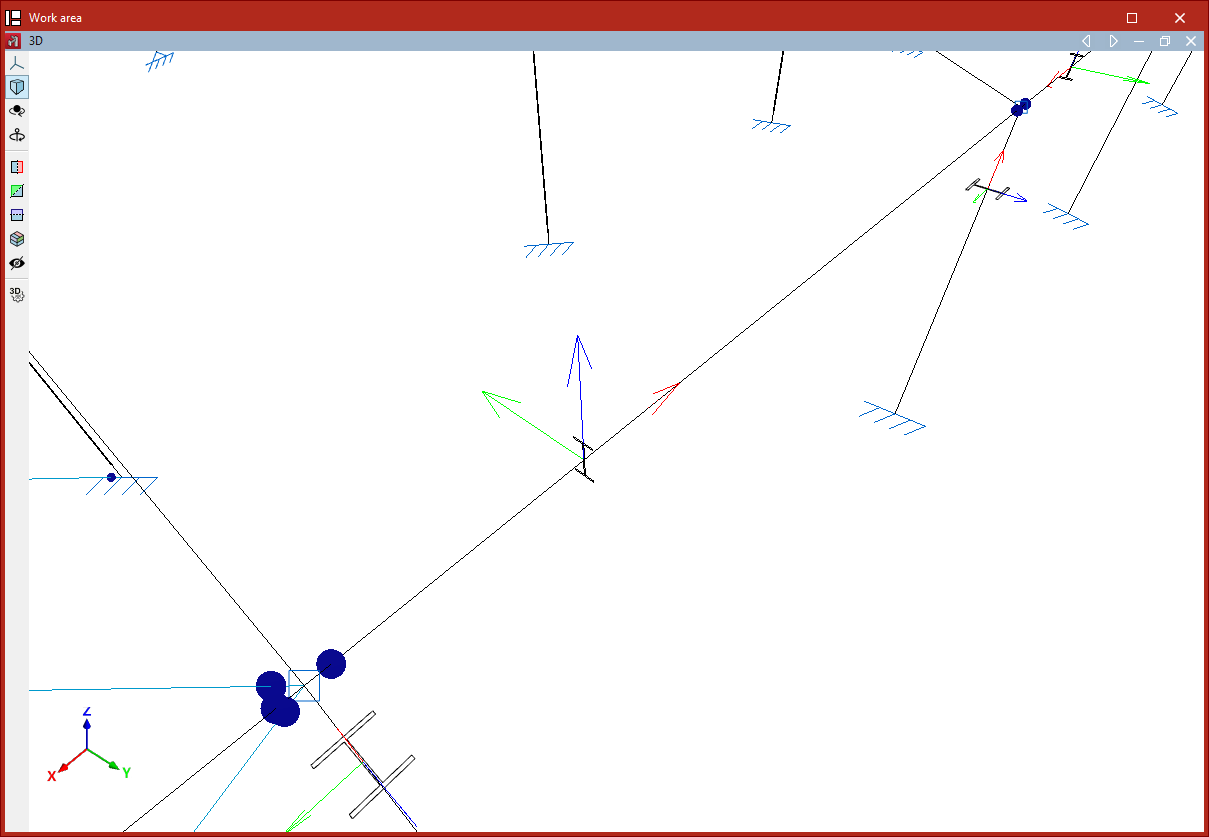
The "invert the 'x' axis" option allows you to invert the direction of the local X axis of the bars, thereby swapping the start and end of each bar. The local X axis is shown in red on each bar in the model when you hover over them.
After selecting the option, select the bars and right-click.
If fixity coefficients or loads have been defined, the program will automatically adjust their data so they are not affected by the inversion of the axis direction.