Obtaining CSV files of the selected elements
The "CSV files of the selected elements" option, located in the "Reports" section of the top toolbar on the "Project" tab, allows you to generate a series of CSV (Comma-Separated Values) files containing the input data and analysis results for a subset of the elements that make up the structure.

After clicking on the option, select the elements you wish to list by left-clicking on them one by one in the workspace or by selecting a capture area.
After confirming with the right-click button, the program opens a window where you can select the destination "Directory" where the generated CSV files will be saved. By default, this path is C:\CYPE Ingenieros\Export files\CYPE 3D.
In the right-hand column, tick the boxes next to the files you wish to "Export".
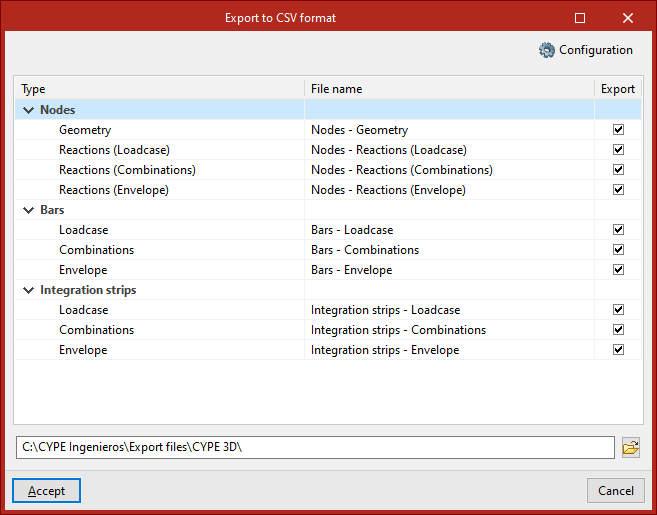
The following files are available:
- Nodes
- Geometry
- Reactions (Hypotheses)
- Reactions (Combinations)
- Reactions (Envelopes)
- Bars
- Hypothesis
- Combinations
- Envelopes
- Integration strips
- Hypothesis
- Combinations
- Envelopes
To generate CSV files for the bars and node reactions, the structure must have been analysed.
For CSV files for integration bands, the project must have been calculated, and integration bands must also have been defined on the sheets using the relevant option.
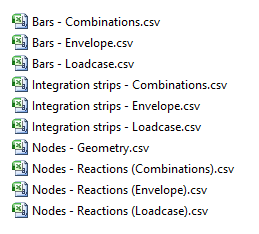
When you click "Accept", the program will generate the files in the selected directory.
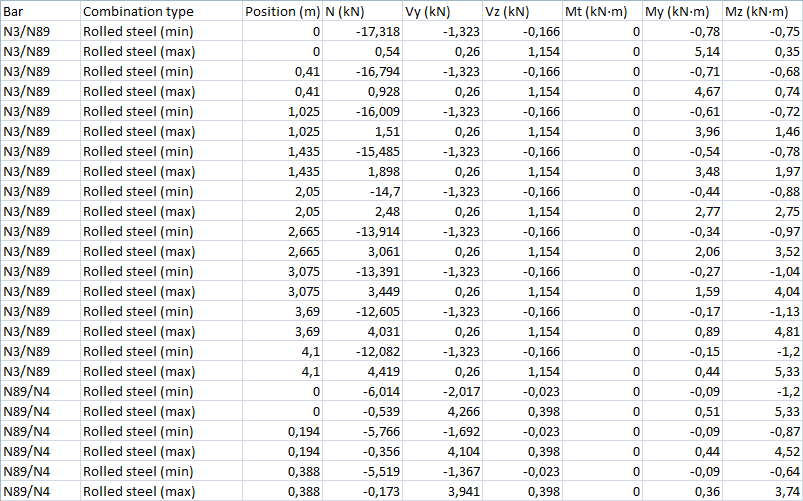
CSV files can be opened in any spreadsheet program.