


Options in the "Geometry" tab
The upper tab "Geometry" (accessible within the lower tab "Structure") contains options for defining reference drawings and entering the geometry of nodes, bars and shells in the model, as well as various editing tools and tools for importing .dwf or .dwg files and text files. It includes the following:
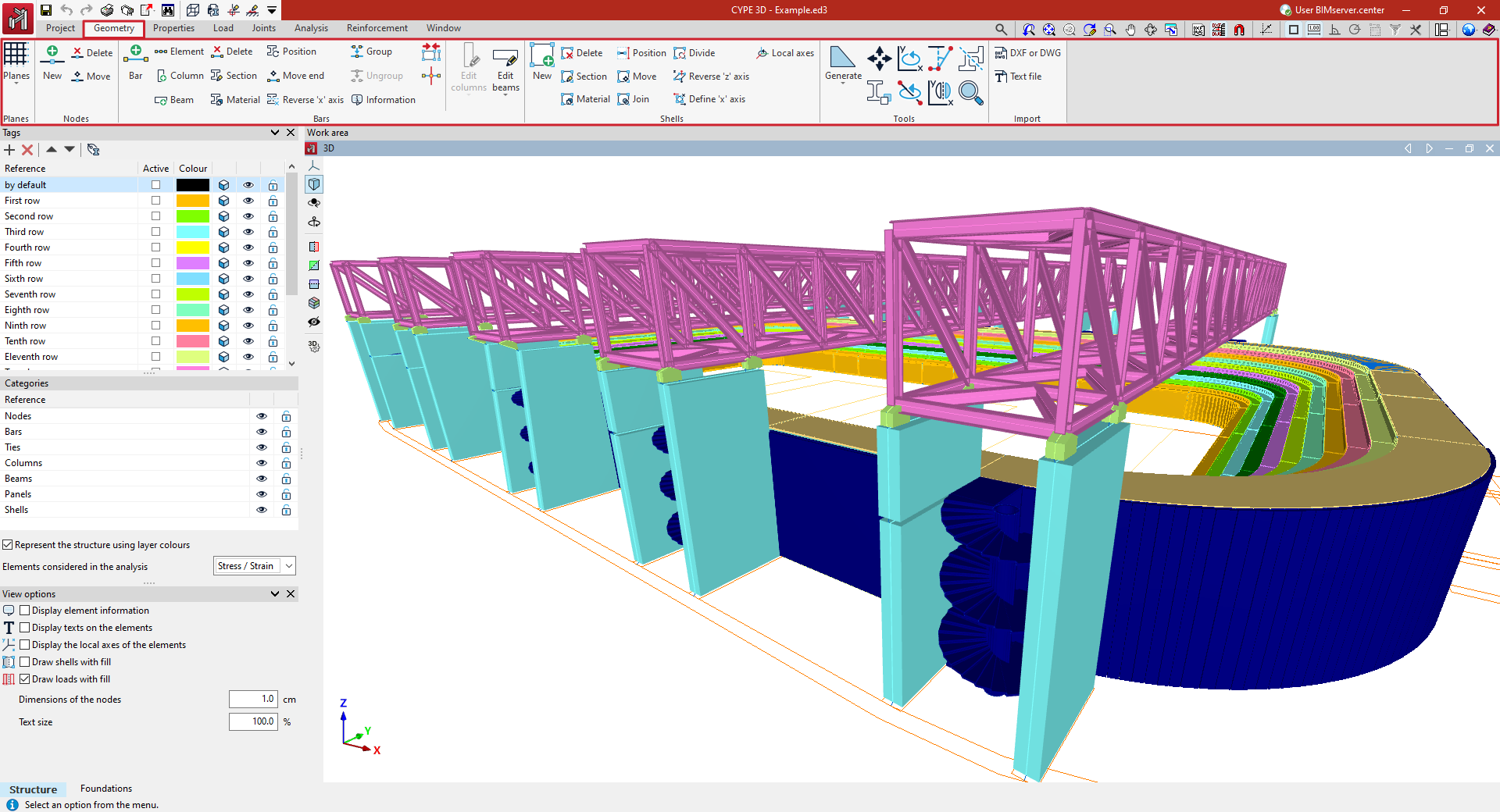
- in the "Drawings" group, the options for entering and managing grids, levels, dimensions and reference lines, which are used to support the entry of structural elements;
- in the "Nodes" group, the options for entering structural nodes;
- in the "Bars" group, the options for entering the geometry of the bars, parts, columns and beams of the structure, as well as those that allow the editing of their section and material, their layout and grouping;
- in the "Shells" group, the options for entering and editing the geometry of the sheets of the structure, their section and material;
- in the "Tools" group, the options that allow the automatic generation of the structure geometry, as well as the tools for editing it;
- and in the "Import" group, the options that allow the import of the structure geometry from the information contained in .dxf or .dwg files or in text files.
