


Options in the "Load" tab
The upper tab "Load" (accessible from the lower tab "Structure") contains the options for displaying, entering and editing loads on nodes, bars, shells and panels, as well as surface loads. It includes the following:
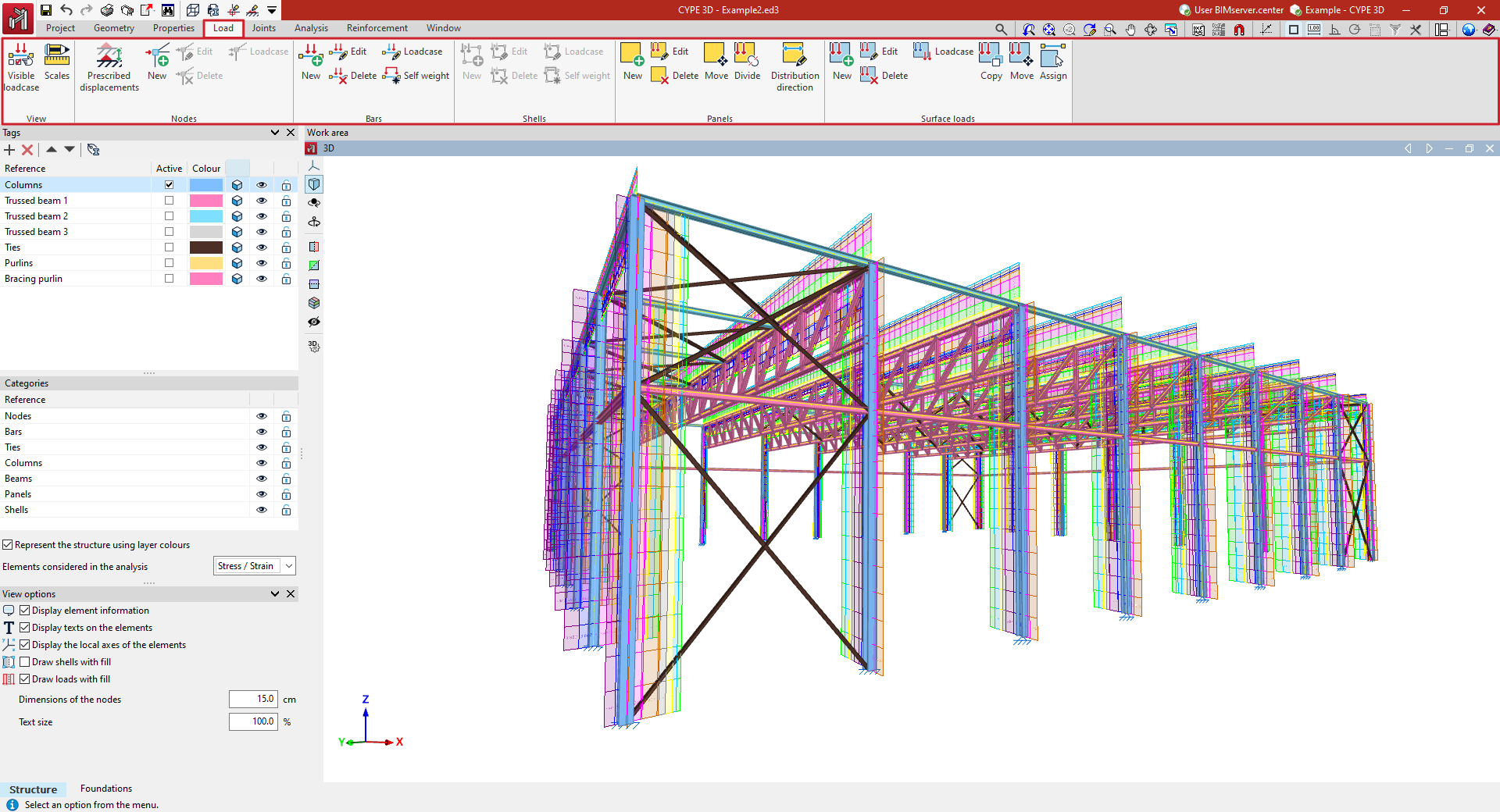
- in the "Display" group, the options for managing the display of loads in the work area;
- in the "Nodes" group, the options for entering and editing loads on nodes, as well as the option for defining prescribed displacements;
- in the "Bars" group, the options for entering and editing loads on bars, including the activation or deactivation of the generation of self-weight loads;
- in the "Shells" group, the options for entering and editing loads on sheets;
- in the "Panels" group, the options for entering and editing load panels, which allow loads to be applied to the geometry of the wall and, in addition, to control the distribution of the loads arranged in the wall on the elements of the structure;
- and in the "Surface loads" group, the options for entering and editing surface loads.
