


Options in the "Properties" tab
The top tab "Properties" (accessible in the bottom tab "Structure") contains the options for defining the properties of nodes, bars and shells of the structure, as well as those for defining rigid diaphragms. It includes the following:
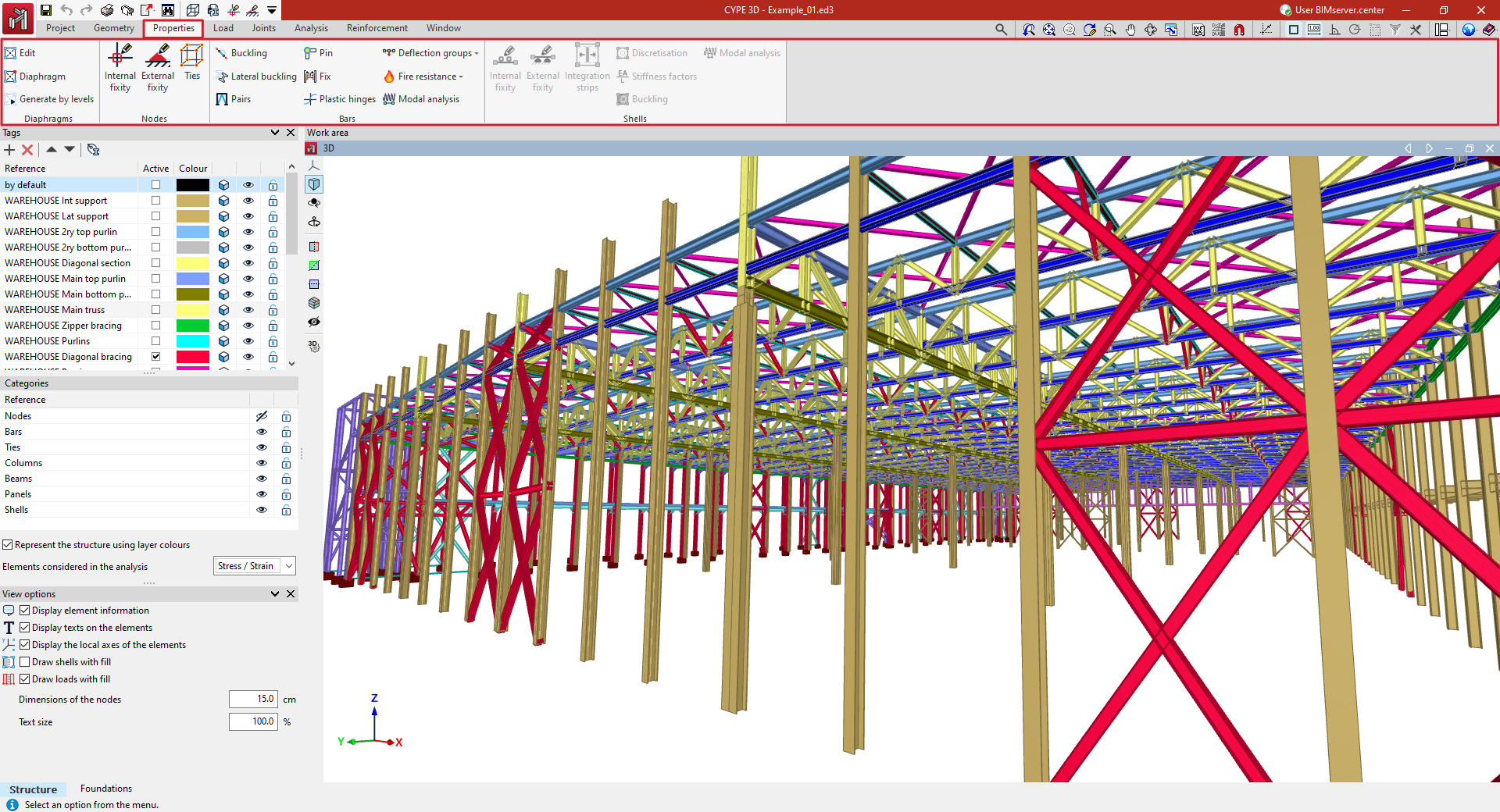
- in the "Diaphragms" group, the options for entering, generating and editing rigid diaphragms in the model;
- in the "Nodes" group, the options for editing the properties of the structure's nodes, such as defining internal and external connections or ties between nodes;
- in the "Bars" group, the options for editing bar properties, such as those related to buckling and lateral buckling, or entering bracing pairs, end connections and bracing, plastic hinges and deflection groups;
- and in the "Shells" group, the options for editing shell properties, such as the definition of internal and external ties or force integration strips.
