


Printing documents and exporting data
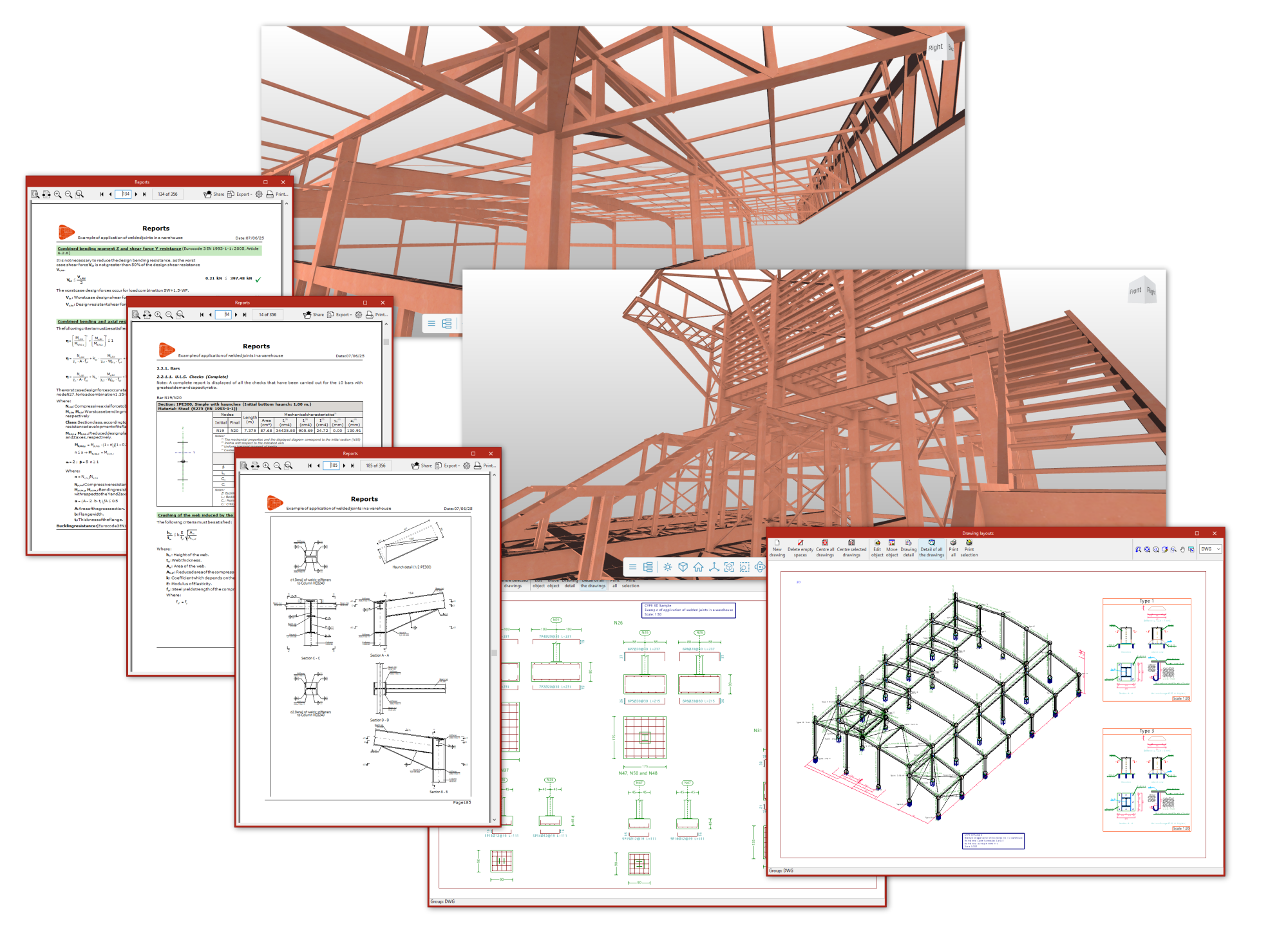
After analysing the project, the program generates the following documents:
- design reports, including checks performed according to different codes for each element, which can be printed directly or exported to HTML, DOCX, PDF, RTF or TXT formats;
- and drawings of the job in DWG, DXF or PDF format;
- CSV files can also be obtained with data such as node geometry or forces by loadcase, combinations and bar envelopes.
In addition, you can share the information generated by the program with a BIM project on the BIMserver.center platform using IFC and GLTF files, among others. This way, it can be used by other apps linked to the project, such as:
- CYPE Connect or StruBIM Steel, which enable detailed connection analysis;
- or Autodesk Revit (using the Open BIM - Revit plugin), which enables the reading of elements included in the structural IFC and the conversion of some of them to native format.
Additionally, if the CYPE 3D project is linked as an integrated structure in CYPECAD, the following will be possible from this program:
- obtain bills of quantities for structural elements, which can be exported directly to Arquimedes or to files in FIEBDC-3 format to be processed by other quantity surveying programs;
- when exporting to Arquimedes, generate the rest of the documents linked to the CYPE Cost Database, such as the specifications, the ten-year maintenance assessment, the health and safety study, waste management, life cycle analysis and the building use and maintenance manual.
The following link provides detailed information on the options offered by the program for printing documents and exporting the data obtained after the analysis.
