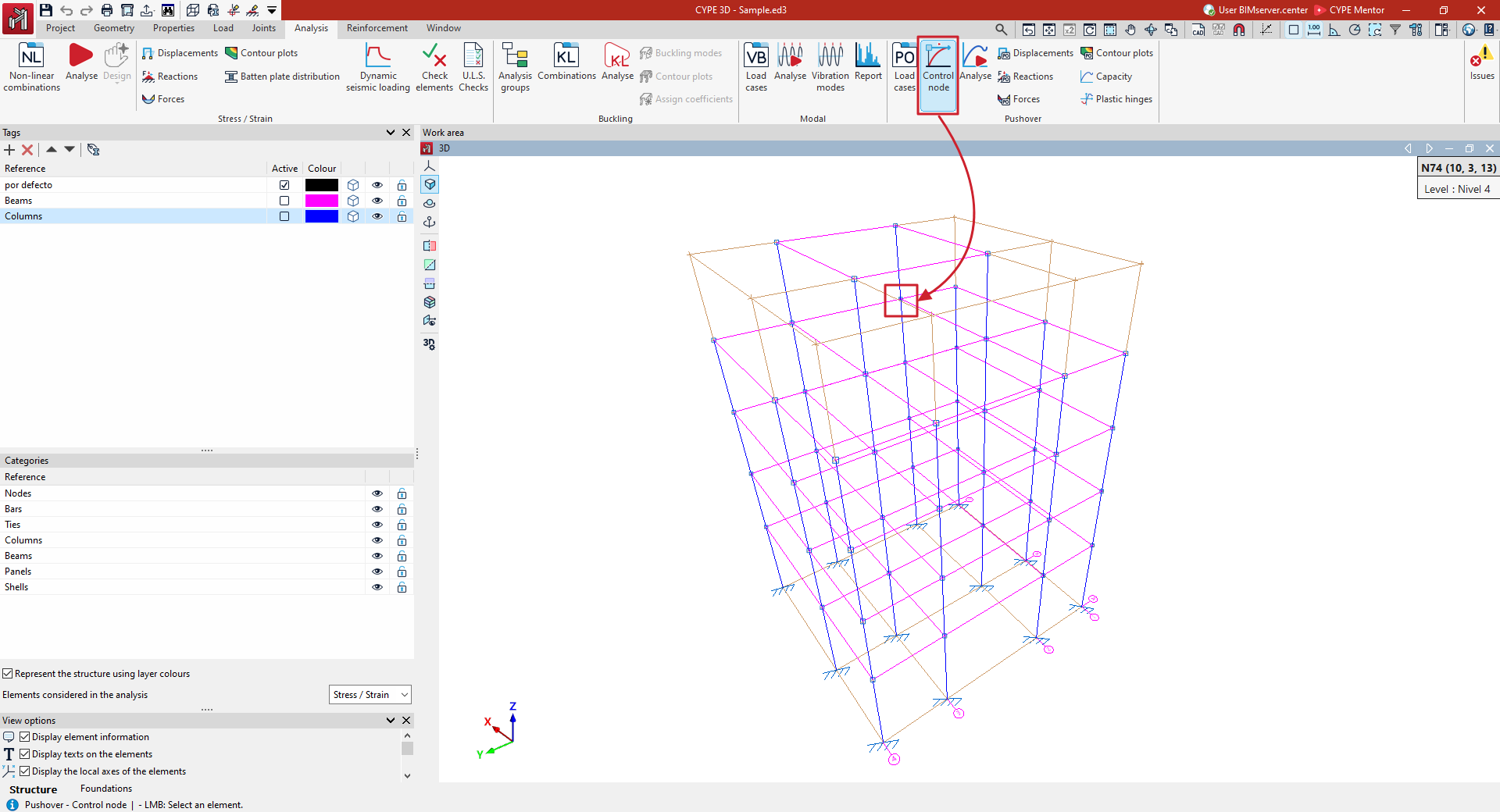
Selecting the control node for pushover analysis
The control node for the pushover analysis is selected using the "Control node" option, available in the "Pushover analysis" group on the top toolbar, within the "Analysis" tab (under the "Structure" tab):

Control node
This allows you to select a node in the structure and assign it as the control node for all load cases in the pushover analysis.
The selected node can be viewed under the "Load cases" option, in the "Control node" section. From here, you can also allow the program to select a control node automatically or specify a control node for each load case.
| Note: |
|---|
| The control node should be located close to the geometric centre of the structure’s highest representative floor. The degrees of freedom Dx and Dy must not be constrained. |