


Reinforcement tab options
The top "Reinforcement" tab (accessible from the lower "Structure" section) contains the tools for detailed editing of the reinforcement and/or the sections of columns and beams that have been inserted into the model using the corresponding options in the "Geometry" tab.
The upper ribbon includes:
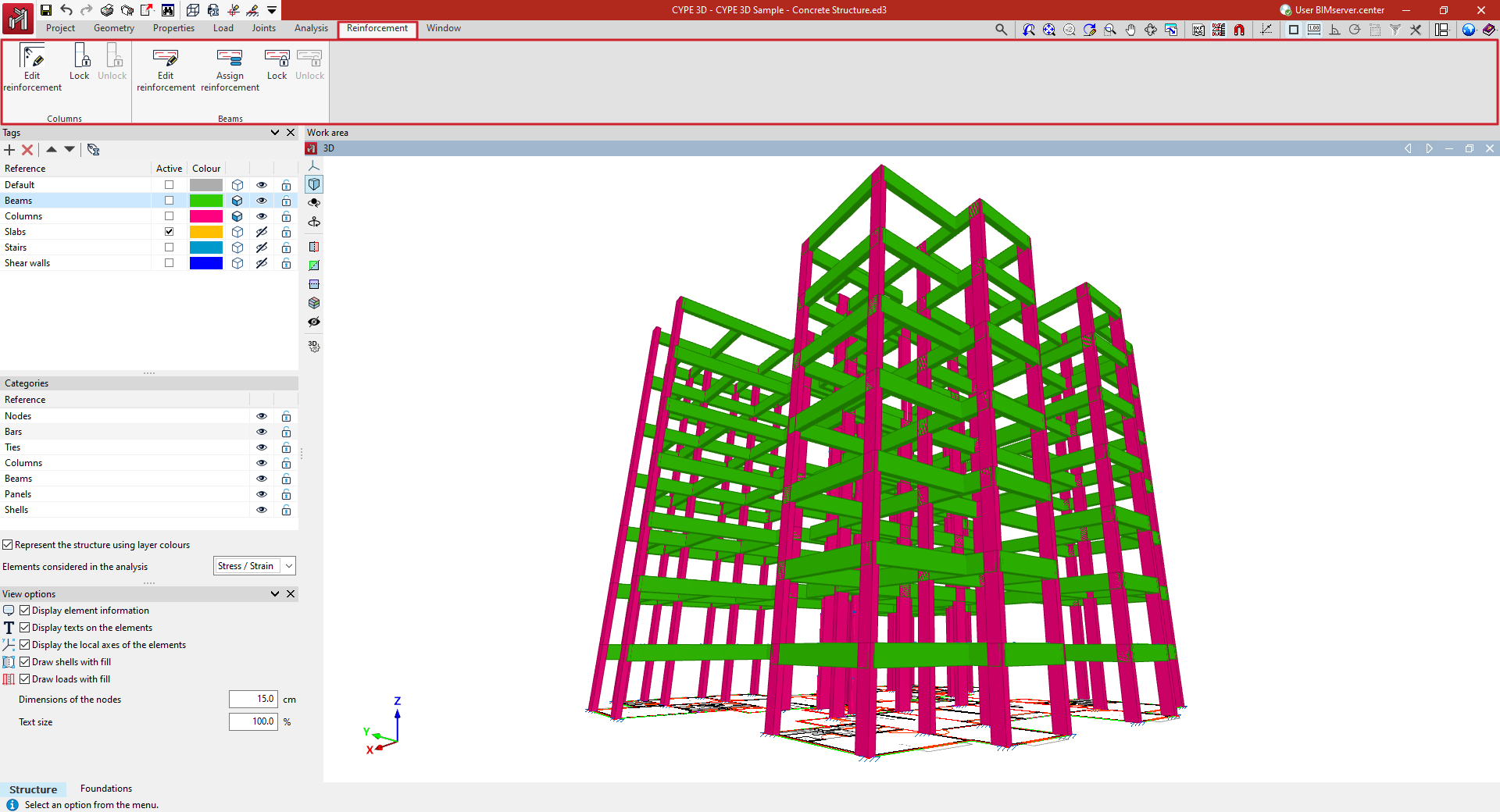
- In the "Columns" group, the option to edit the reinforcement and/or sections of the columns by accessing their editing panel, as well as options to lock or unlock column reinforcement so that it is not modified during the analysis;
- And in the "Beams" group, the option to edit the reinforcement and/or sections of the beams by accessing their editing panel, as well as options to assign the reinforcement of one beam to others, and lock or unlock beam reinforcement so that it is not modified during the analysis.
