Reports of selected elements
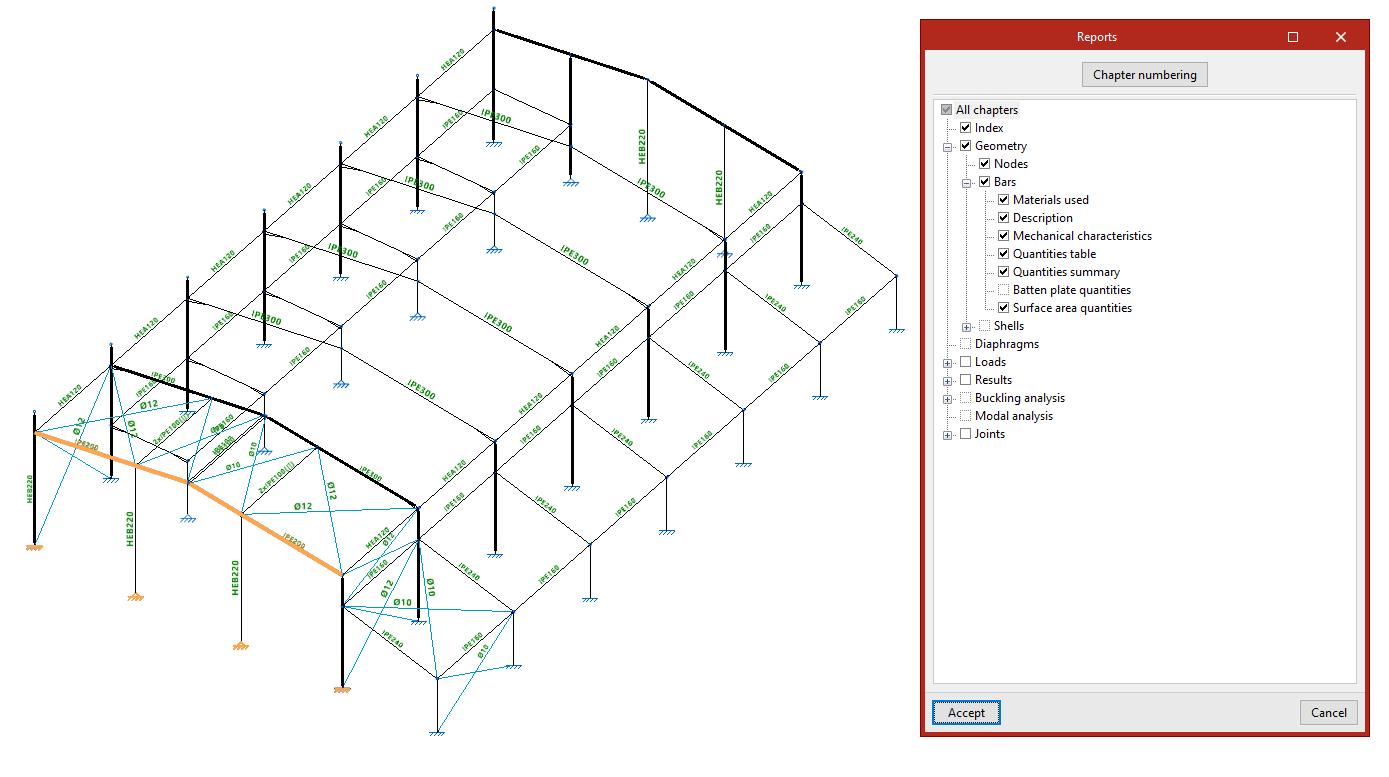
The program can generate reports of a selection of elements that make up part of the structure. To do this, use the "Selected elements" option in the "Reports" group of the "Project" tab in the "Structure" section.

After clicking on the option, select elements from the model by left-clicking on them one by one or by using the crossing method to select several elements simultaneously.
Right-clicking opens the "Reports" window, which contains the same options that appear when generating reports for the job.
In this case, the program will only list the information for the selected elements and not for the entire structure.