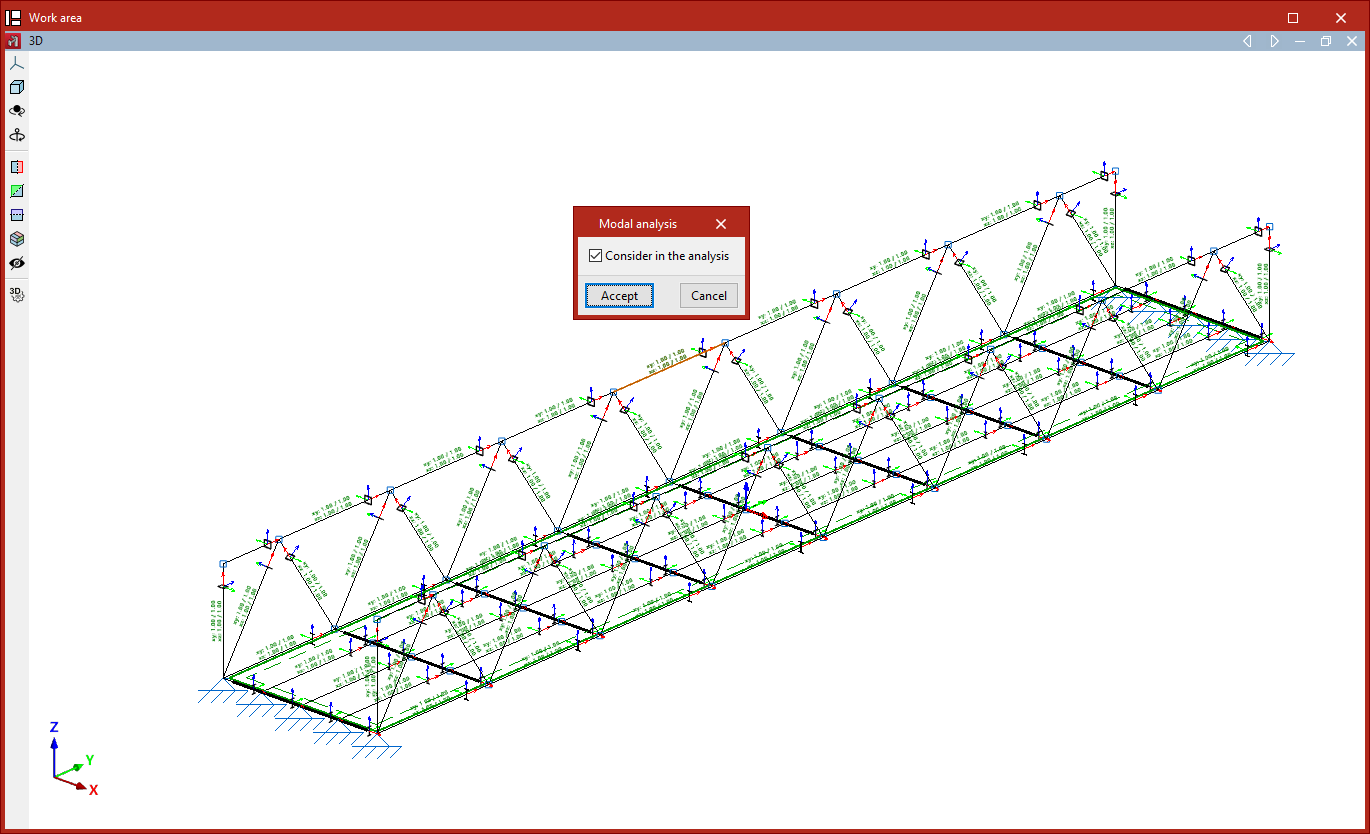
Selecting the bars and shells to be considered in the modal analysis
To perform a modal vibration analysis in the program, you must select the bars and shells to be included in the analysis. To do this, use the following options in the "Properties" tab (under the "Structure" tab).

Modal analysis
The "Modal analysis" option, available in both the "Bars" and "Shells" groups, allows you to include bars and/or shells in the modal vibration analysis carried out by the program.
To do this, select a group of bars and/or shells using the left mouse button and, after clicking the right mouse button, tick the following box in the window that appears:
- Consider in the analysis (optional)
Next, in the "Modal" section, under the "Analysis" tab (also under the "Structure" tab), the remaining steps for configuring, running and viewing the results of the modal analysis will be carried out.