Views by levels
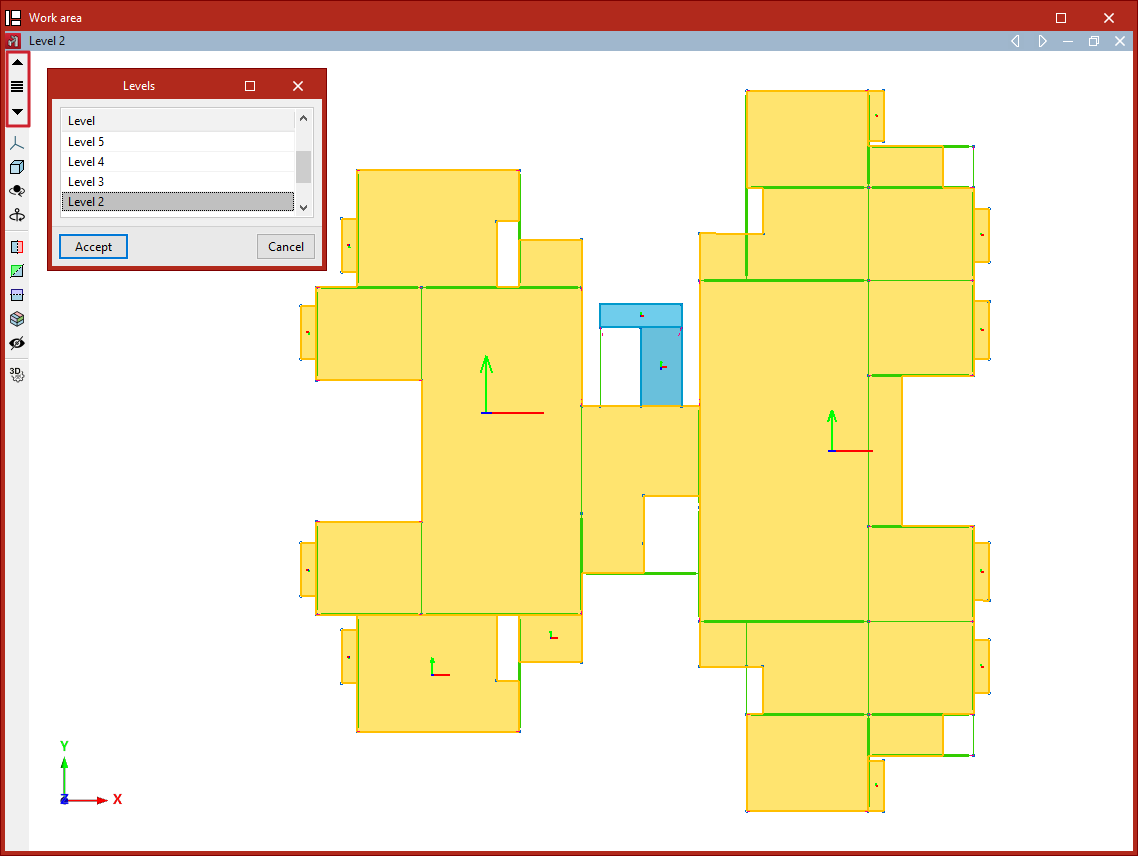
Level views are 2D views that show the elements belonging to each level, as well as those arriving at or departing from it. Elements added in the level views will be contained within the view plane.
Creating views by levels
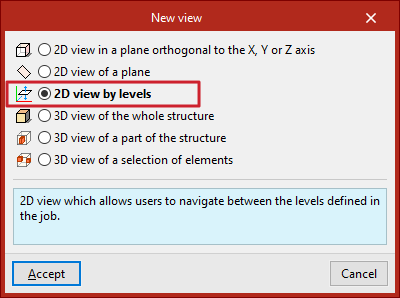
If levels are defined in the model from the "Geometry" tab, the program will allow the creation of level views. To do this, from the "Window" tab, select "Open new", tick "2D view by levels", and click "Accept".
Navigating between level views
Once the level views have been created, you can move from one level view to another using the "Move up one level" or "Move down one level" buttons located on the toolbar on the left-hand side of the window.
You can also click on the "Levels" option to select and display the view of a specific level.