

Importing and managing manufacturers' catalogues
In the "Project" section of the main toolbar on the "Model" tab, you will find the options for managing manufacturers' product catalogues so that they can be incorporated into the project:

Catalogues
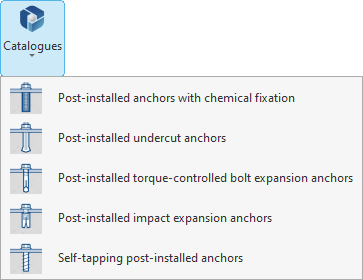
Clicking on the "Catalogues" option opens a menu showing the different types of items into which you can import and use manufacturer products:
- Post-installed anchors with chemical fixation
- Post-installed undercut anchors
- Post-installed torque-controlled bolt expansion anchors
- Post-installed impact expansion anchors
- Self-tapping post-installed anchors
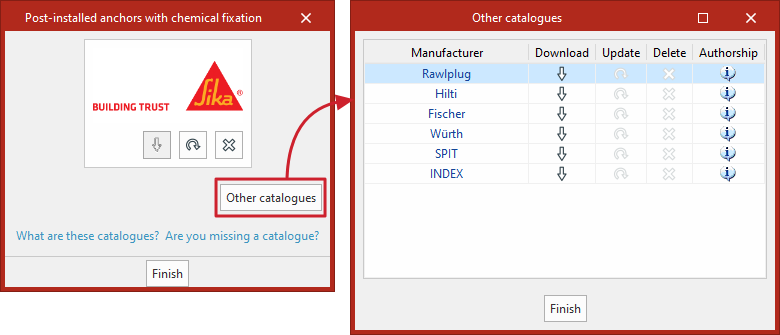
When you select one of these options, a window opens where you can download the various manufacturer catalogues available for the selected element type via the connection to the Open BIM Database, making it easier to enter data into the program for project development.
The following options are displayed for each manufacturer:
- Download
Download the manufacturer’s catalogue. The products in the catalogue will be available in the project. - Update
Update the catalogue for the selected manufacturer to the latest version, deleting the version previously downloaded to the project. - Delete
Delete the catalogue for the selected manufacturer. The products in the catalogue will no longer be available in the project.
You can also click on the "Other catalogues" option to download and update catalogues from other manufacturers.
If a user requires a catalogue that is not included in the program, they can request it via the "Are you missing a catalogue?" link.
| Note: |
|---|
| Products from the downloaded catalogues can be selected by inserting the element of the selected type (for example, anchors) into the model or connection. |
