Creating sections from views
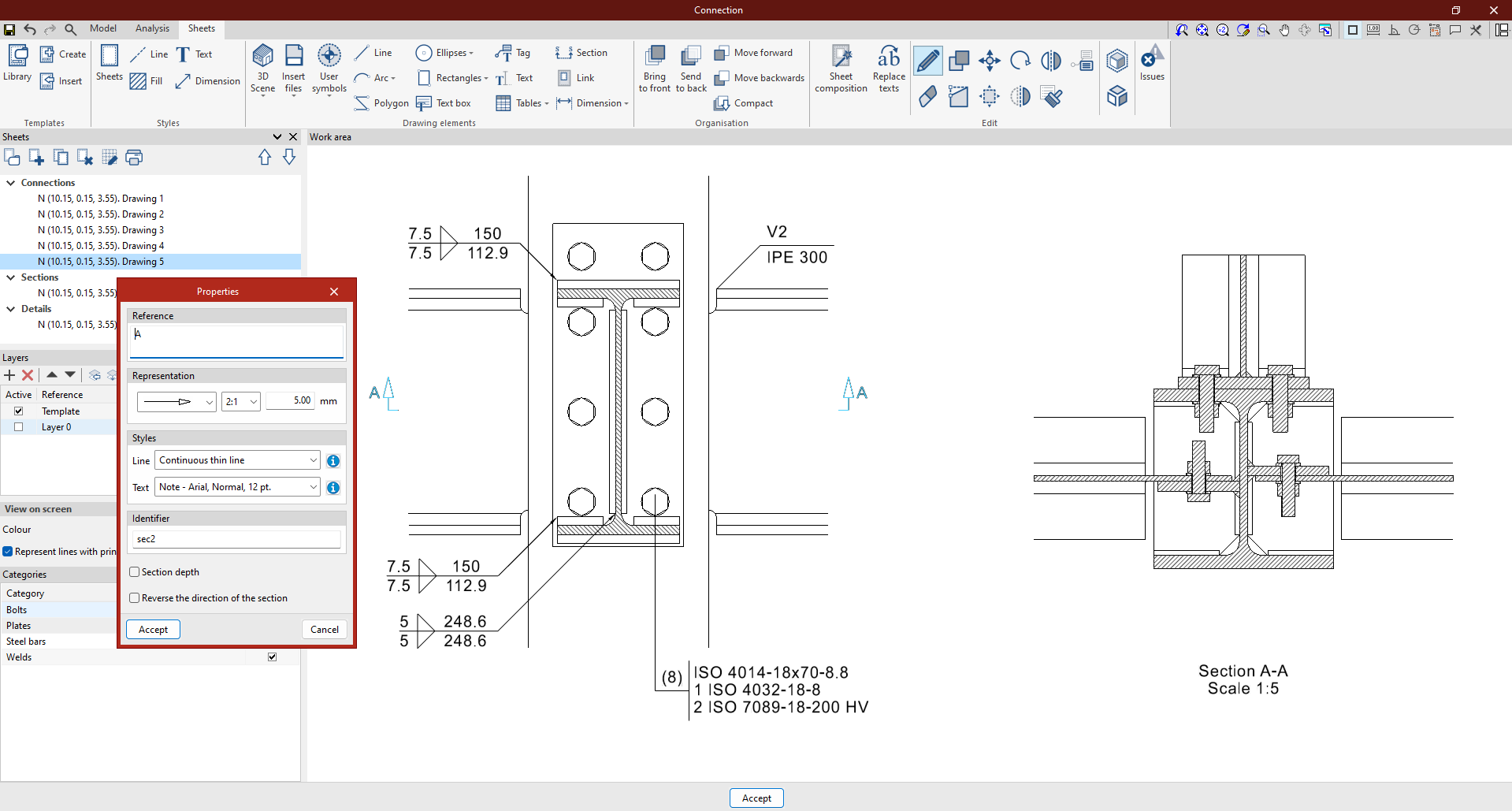
The following option, within the "Drawing elements" section of the top toolbar in the sheet editor, lets you generate and insert sections from views:

Section
This option generates sections from a 3D scene that has already been inserted into the drawing.
To do this, first click on "Section". In the "Properties" window, specify the numbering (this can be "Automatic numbering" by ticking the relevant box), the "Display" symbol, and the "Line" and "Text" styles for the section you wish to create.
Next, you must specify the precise location of the section view within an existing scene by selecting two points in the work area. The corresponding section view will be created automatically and can be positioned on the drawing at the point specified by the user.