

Drawing tools
The "Drawing elements" section, located in the top toolbar of the sheet editor, provides tools for drawing lines, arcs, polygons, ellipses and rectangles, which can be drawn within the sheet area.

The available options are as follows:
| Line | Draw consecutive segments on the drawing, which can be straight lines or arcs (by selecting the "Line", "Arc given 3 points" or "Arc given the start, centre and end" options). You can also choose symbols for the "Ends" ("Initial" and "Final"), as well as select one of the available line "Styles". | 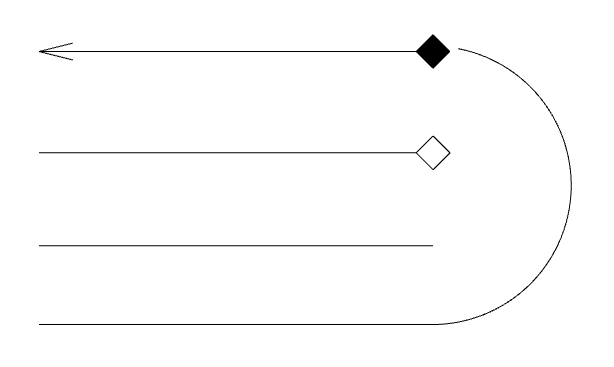 |
| Arc | Draw "3-point" arcs or arcs "Given the centre, start and end". You can also choose symbols for the "Ends" ("Initial" and "Final"), as well as select one of the available line "Styles". | 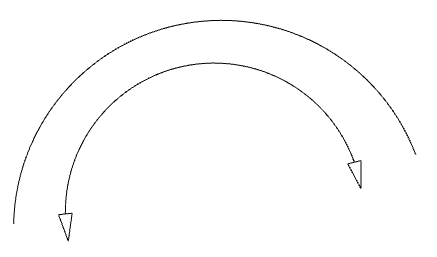 |
| Polygon | Draw polygons consisting of straight or curved segments (by selecting, for each "Segment", the option "Line", "Arc given 3 points", or "Arc given start, centre, end"). They can be filled. The program therefore lets you select "Line" and "Fill" styles. By ticking the "Draw perimeter" box, you can draw the polygon's perimeter. | 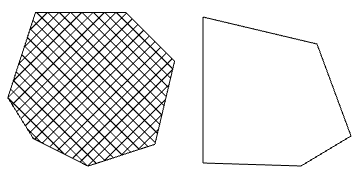 |
| Ellipses | Draw circles and ellipses (using the "Circle" and "Ellipse" options in the menu). They can be filled. The program lets you select the "Line" and "Fill" styles. By ticking the "Draw perimeter" box, you can draw the perimeter of the circle or ellipse. | 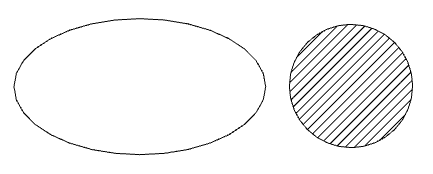 |
| Rectangles | Draw rectangles with "Straight corners" or "Rounded corners" (in which case you must enter the "Radius" of the corner curvature). They can be filled. The program lets you select the "Line" and "Fill" "Styles". By ticking the "Draw perimeter" box, you can draw the perimeter of the rectangle. | 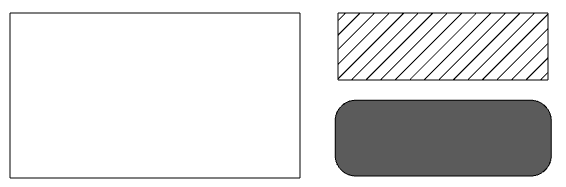 |
