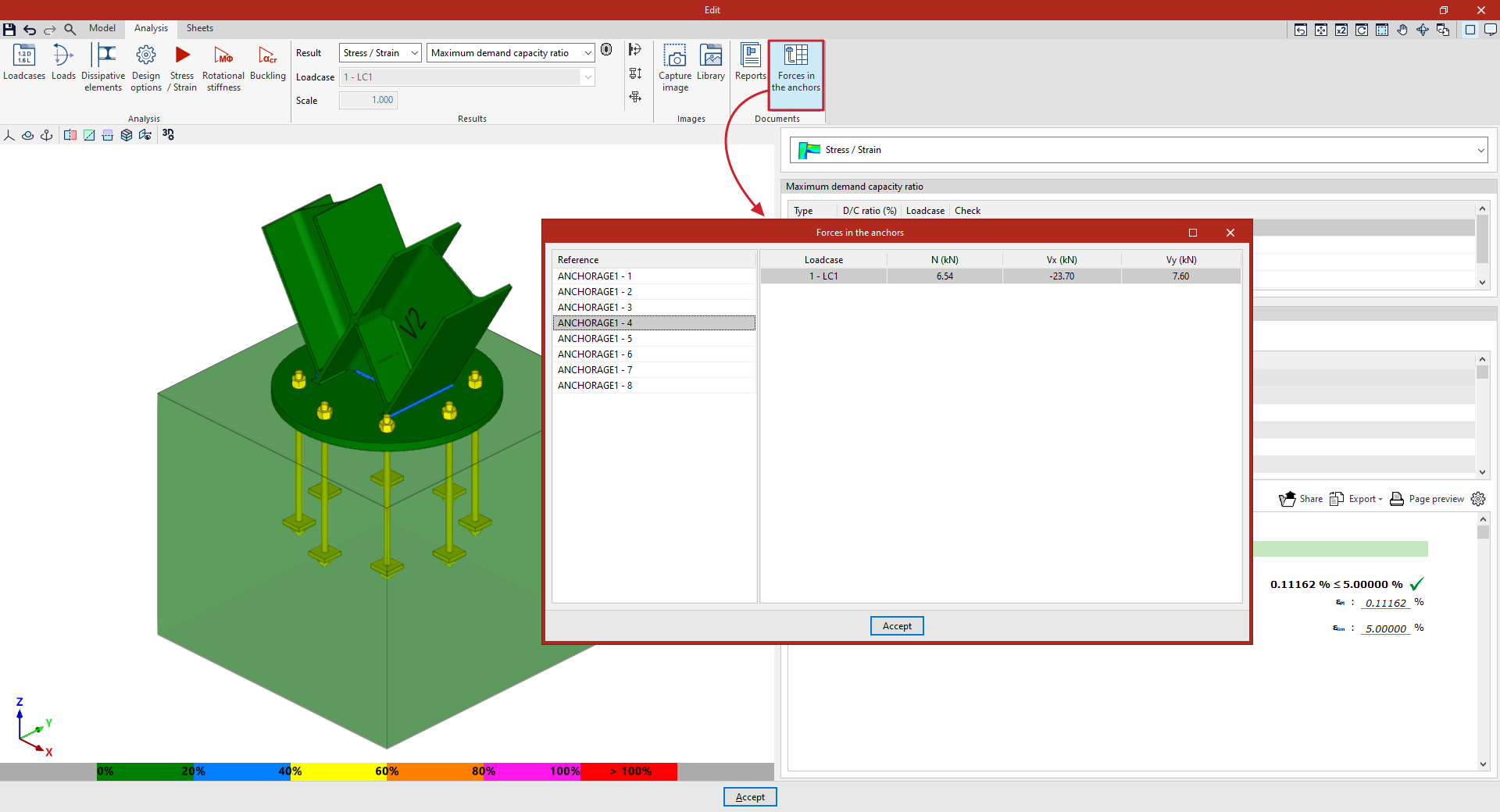
Options in the "Documents" group in the connection editor
Once a connection has been analysed, the following documents can be generated using the options in the "Documents" group in the top toolbar on the "Analysis" tab within the connection editor.

Reports
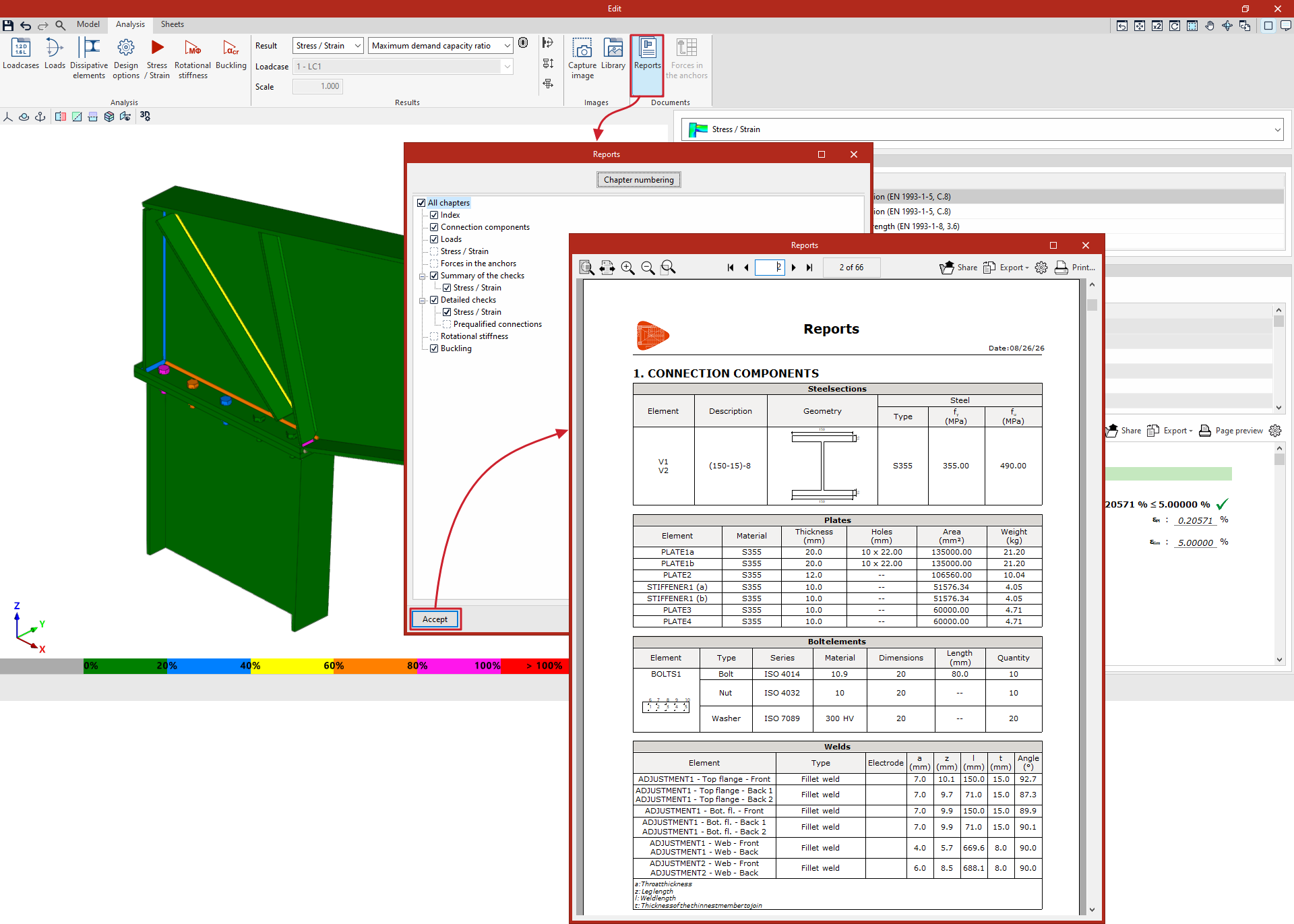
The "Reports" option allows you to view a list of the analysed connections, which includes:
- Index
- Connection components
- Loads
- Summary of checks carried out on the connection components
- Detailed checks. Here, where applicable, the relevant regulatory provision and the parameters involved in each of the checks are specified, and it is also indicated whether or not the requirement has been met.
- The report includes sections containing information on "Forces in the anchors", the checks carried out on "Prequalified connections", as well as the calculations for "Stress / Strain", "Rotational stiffness" and/or "Buckling", where applicable.
In the window that appears, by ticking the relevant boxes, you can print "All chapters" or only the selected chapters, including the "Table of contents", the "Codes" and a "Code check, summary" for each of the sections.
If required, you can change the "Chapter numbering" by clicking on the button at the top. Here, you can change the "Level of chapters to display in the table of contents" and apply "Manual numbering" if you wish.
After clicking "Accept", the program will display a preview of the list on screen.
From here, using the options at the top, you can "Share" and "Export" the information in various formats, as well as "Print" the document directly.
| Note: |
|---|
| To obtain the reports for several joints simultaneously, from the program’s main interface, use the "Reports" option at the top, or open the "File" menu by clicking the program icon in the top-left corner and select "Reports". |
Forces in the anchors
In the case of a connection with anchors, you can click on the last option in the block to open a pop-up window showing the "Forces in the anchors".
In this table, the "Reference" for each of the connection's anchors is shown on the left, and the forces for each "Loadcase" are displayed on the right.