Entering tables
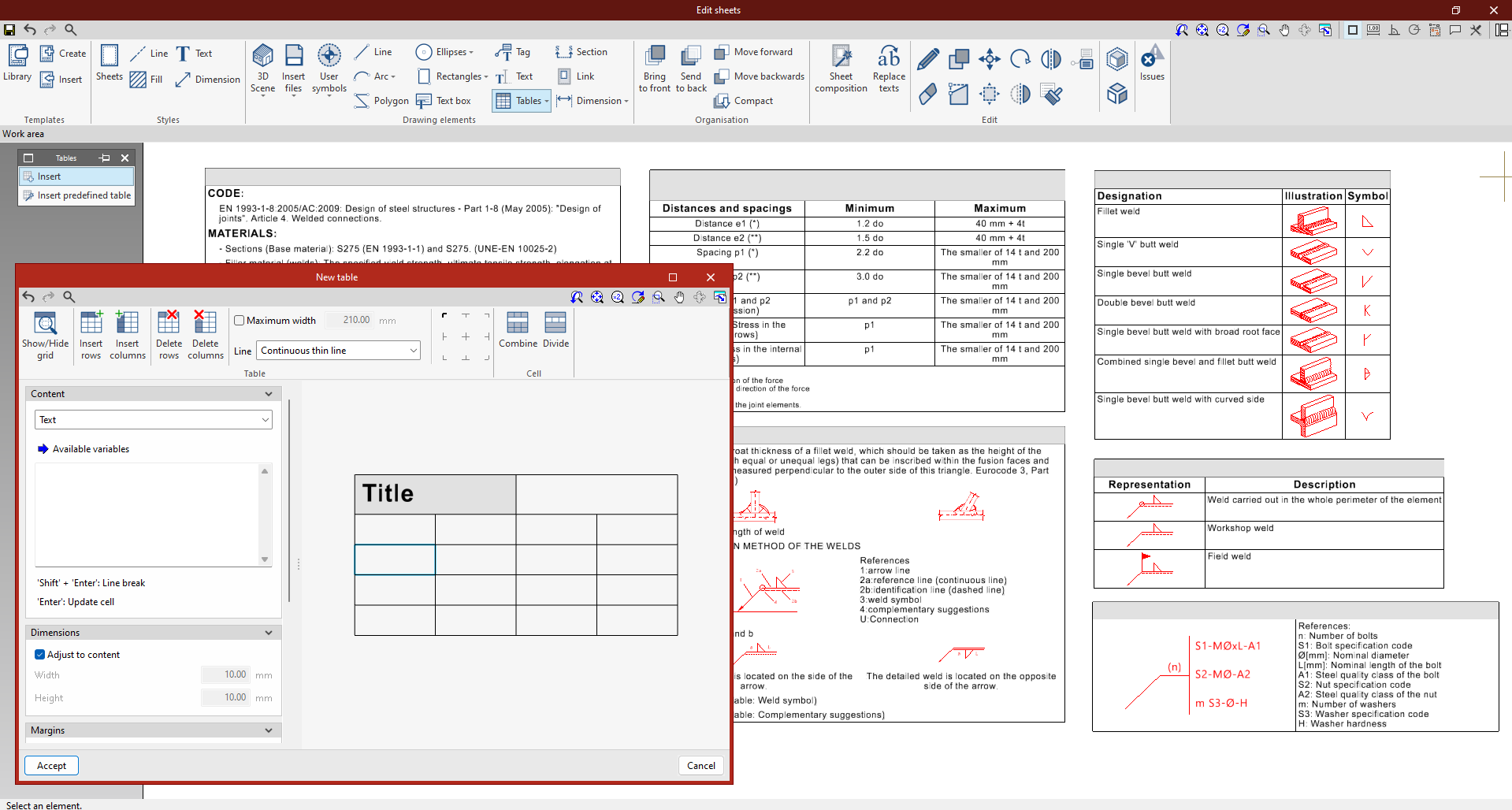
The options in the following menu, available within the "Drawing elements" group on the top toolbar of the sheet editor, let you insert tables into sheets:

Tables
The program allows you to create tables from scratch (using the "Insert" option), as well as to "Insert predefined tables", which depend on the type of sheet being edited. As follows:
- On the parts drawings, a "Table displaying the use of the part in the assemblies" may be included,
- On the assembly drawings, a "Table of assembly parts" can be included.
From the editing panel for each table (accessible via the "Edit" option or when inserting a table from scratch), you can manage the content text, dimensions, margins, paragraph style, and the borders and shading of table cells, as well as the table’s rows and columns and their line styles.