Joint management panel
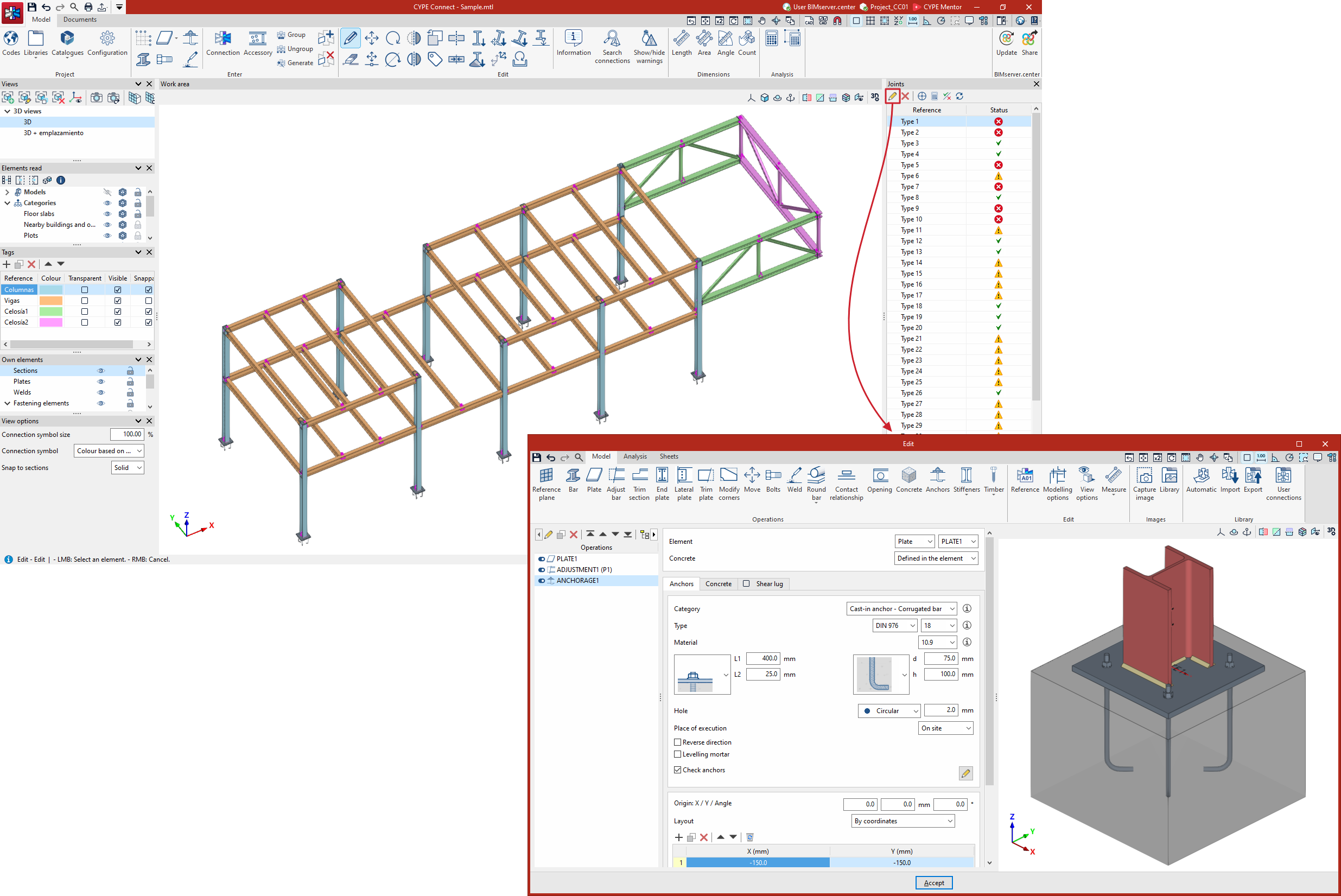
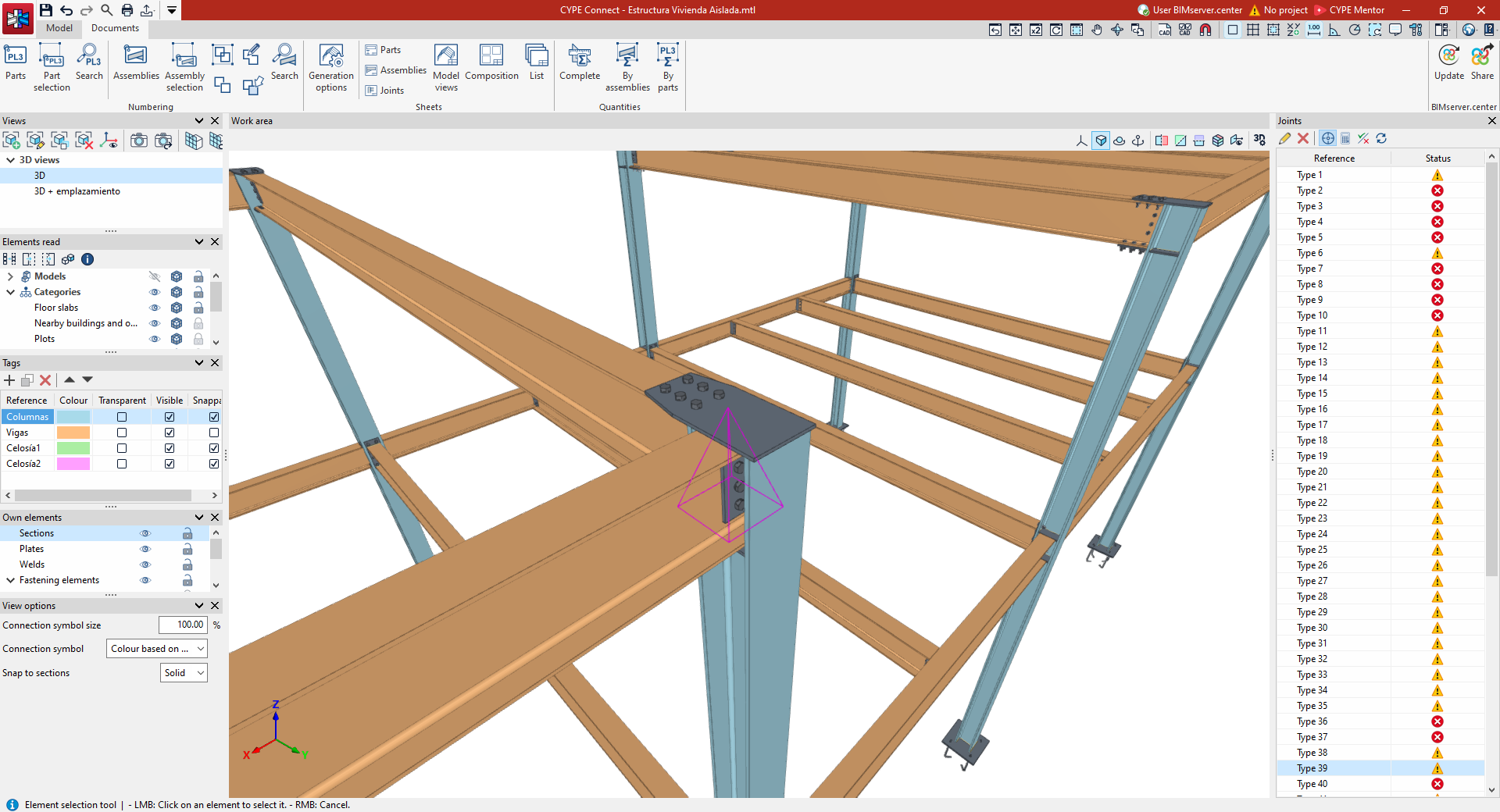
The "Joints" management panel is located by default on the right-hand side of the main interface (in both the "Model" and "Documents" tabs) and displays a list of the joints generated in the structure, grouped by type.
For each link, its "Reference" and a symbol indicating its "Status" are displayed (either passing all checks, with warnings or errors relating to data definition or failure to pass checks, or pending update).
The following controls are also available at the top:

- Edit
Open the edit window for the selected joint. - Delete
Delete the selected joint. - Position the camera at the selected connection
When this button is pressed, selecting a joint from the list will cause the program to adjust the camera view of the work area so that the selected joint is visible on screen. - Analyse
Analyse the selected joint. - Checks
Display a list of the detailed checks carried out on a node. - Refresh
Refresh the status of the joints following the most recent actions carried out.