Managing styles

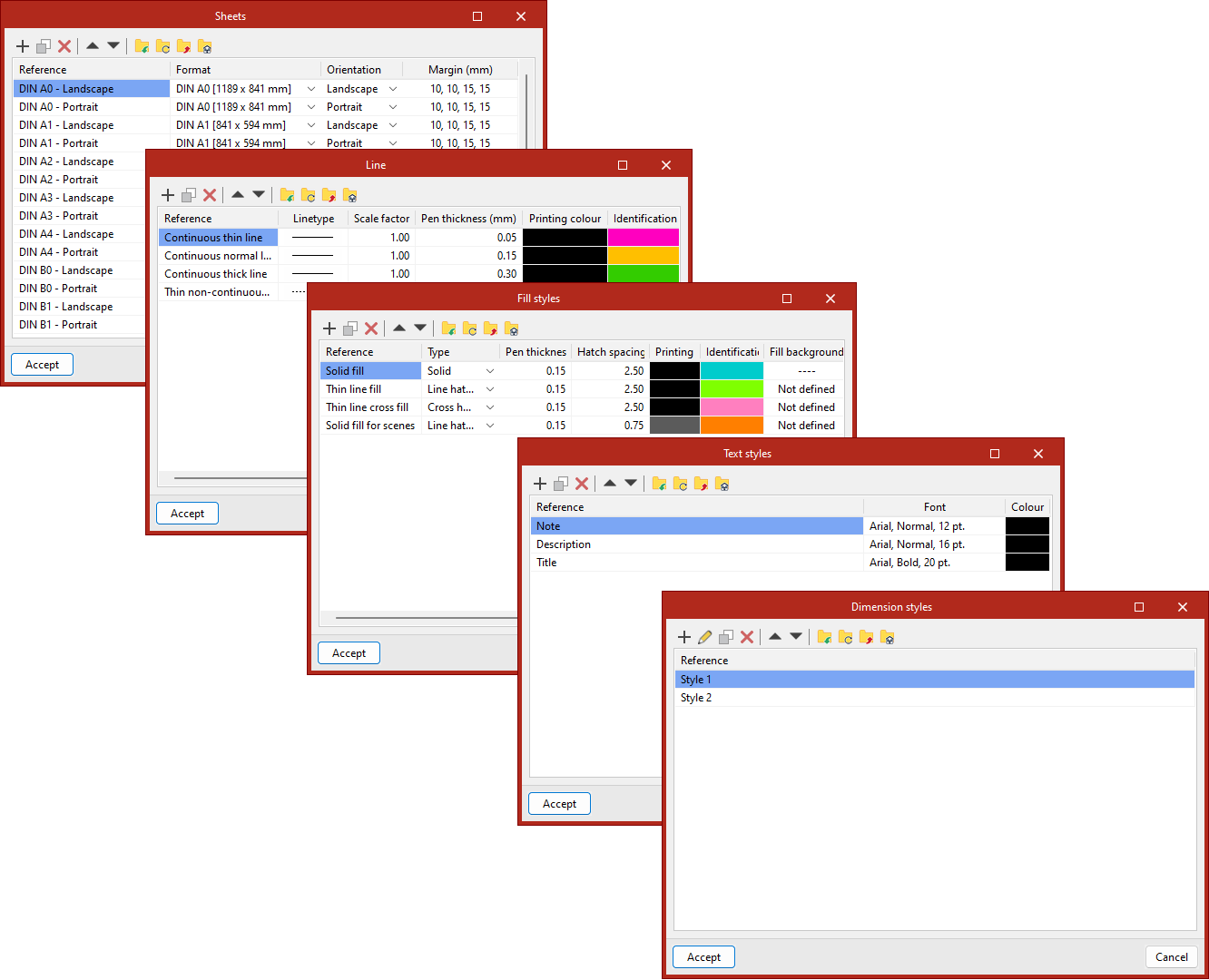
The "Styles" group offers the possibility to create customised libraries of sheets, lines, text, fills and dimensions. New styles can be generated from each pop-up window.
For "Sheets", the format, orientation and margins can be defined.
For "Lines", users can configure the stroke, the scale factor, the pen thickness, the colour for printing and the identifying colour.
For the "Text" style, the font, style, size and colour can be chosen.
Under "Fill", the type (solid, striped screen, inverted striped screen, etc.), the pen thickness, the screen spacing, the colour for printing, the identification colour and, if necessary, the background colour of the fill are selected.
The "Dimensions" section is divided into four sections: text, linear dimensions, areas and angles. In each of the tabs, the desired lines and symbols can be selected, as well as the thickness of the individual parts of the dimensions.
Styles can be exported for use in other projects, as well as imported from other projects. They can also be edited, duplicated, deleted and organised.