

Organisation tools in the sheet editor
The options in the "Organisation" section, located on the top bar of the sheet editor, let you manage the drawing order (or stacking order) of elements. This is useful when elements occupy the same position on the sheet, resulting in visual overlaps.

The available options are as follows:
- Bring to front
Set the selected element to the highest z-index, ensuring it is always visible. - Send to back
Set the selected element to the lowest z-index, so that it is hidden by any other element overlapping it. - Move forward
Each time you click this option, the program moves the selected item up one level in the stacking order. - Move back
Each time this option is pressed, the program moves the selected item down one level in the stacking order. - Compact
Compact the stacking order of the elements, maintaining the relative spacing between the levels occupied by elements and removing empty levels that are not in use, which may have been created by repeatedly selecting the previous options. We recommend using this option if you reach a point where you are repeatedly using the "Move forward" or "Move back" options without seeing any changes.
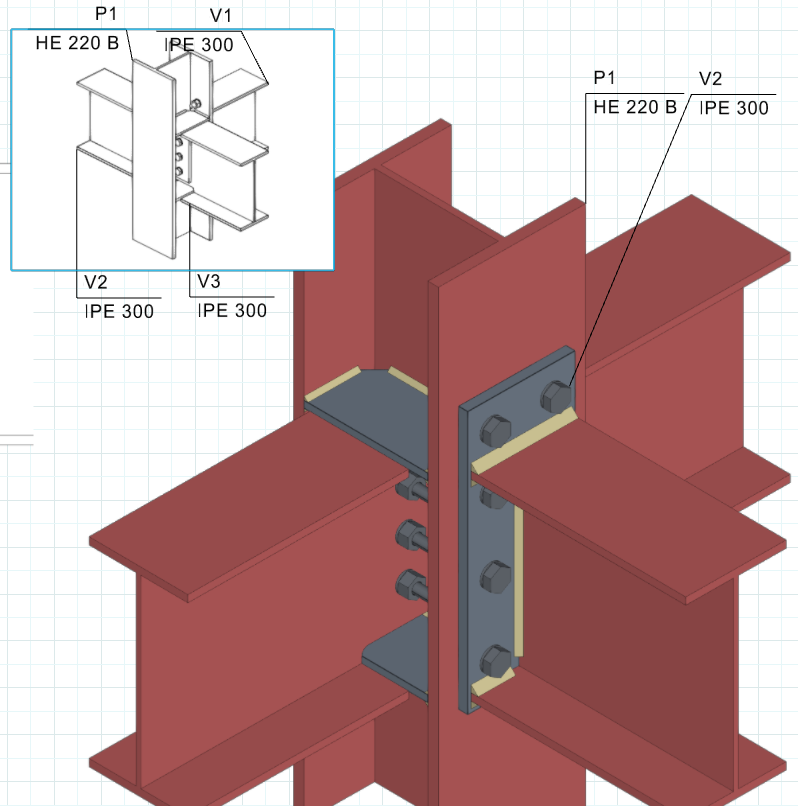
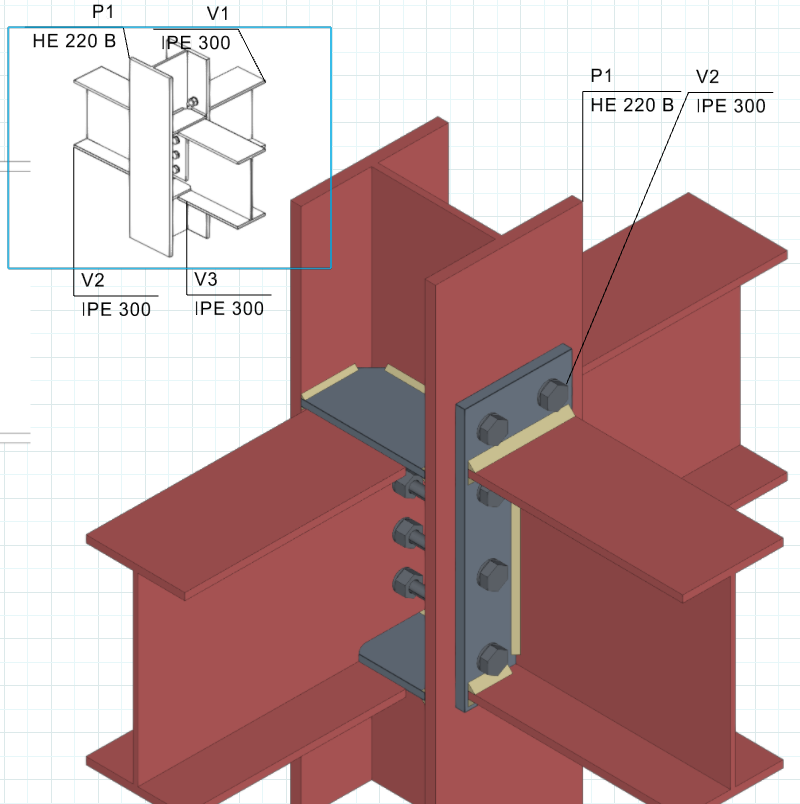
Reorganising two overlapping scenes
