

Tagging elements
The following option, within the "Drawing elements" section of the top toolbar in the sheet editor, lets you insert tags:

Tag
Tags are used to extract information from BIM model elements included in 3D scenes. The information in the tags is linked to the model and gets updated automatically if there are any changes to it.
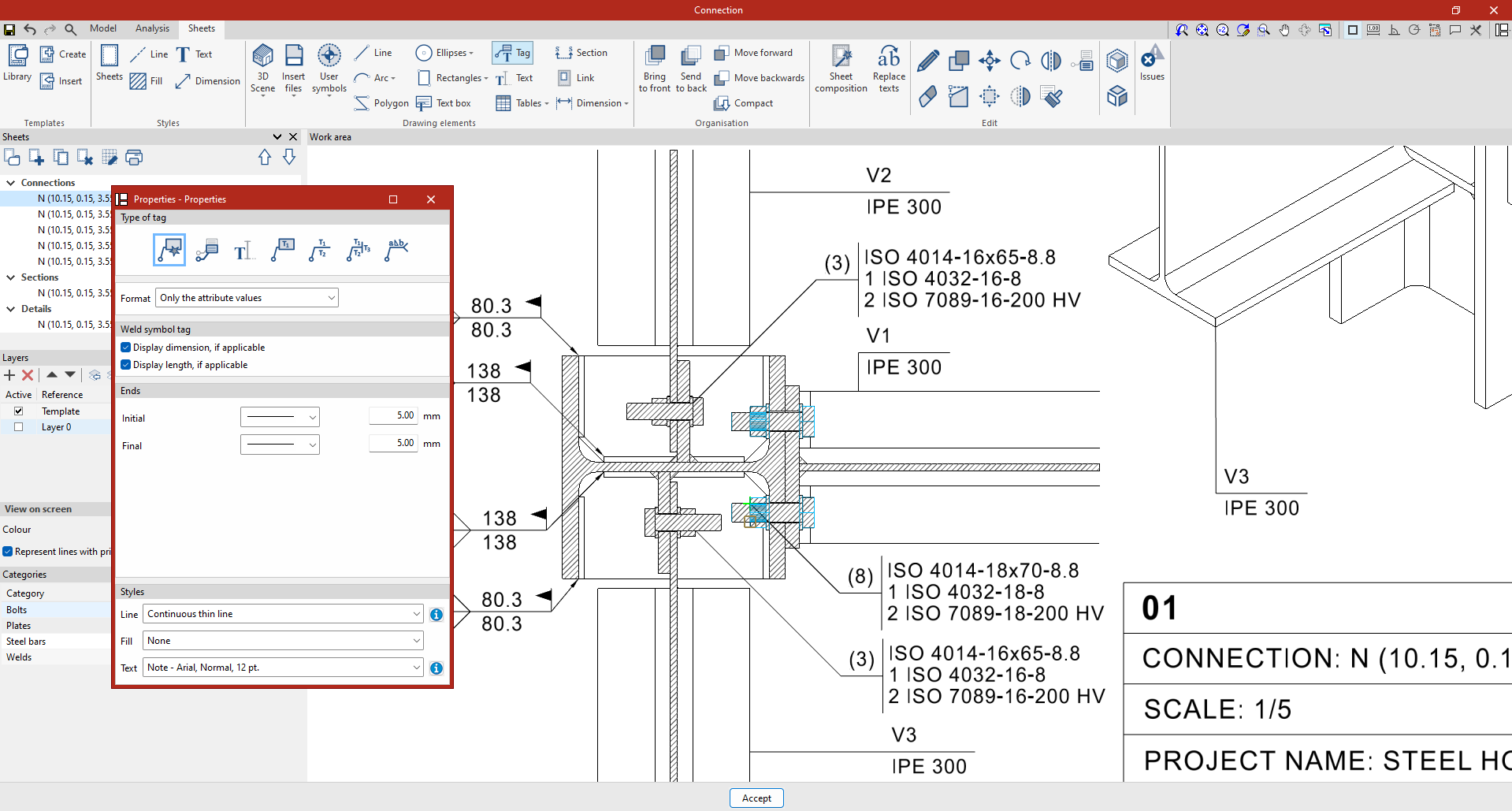
To insert a "Tag", click on this option and then on an element within a 3D scene previously inserted onto the drawing sheet. The program will automatically detect the element and extract the data associated with it to complete the tag information. Then, click anywhere on the work area to position the tag.
The "Properties" window that appears when you select this option allows you to set:
- The "Type of tag", which may be:
- "Automatic" (in which case, the program will select the appropriate tag type based on the selected element)
- From another tag (which must be selected)
- Tag with text
- Tag with two vertical texts
- Tag with three pieces of text: two vertical and one horizontal.
- Weld symbol tag (which has a separate settings panel for the symbols and data relating to the tagged weld).
- The elements to which the specified "Format" applies ("The name and values of the attributes" or "Only the attribute values").
- The "Line", "Fill" and "Text" "Styles".
- In some cases, you will need to specify the symbols for the "Ends" of the line and the "Position and frame" of the text.
| Note: |
|---|
| If you edit a tag (using the "Edit" option in the "Edit" group), you can manually change the tag text so that it is not linked to the data of a specific element. To do so, simply delete the automatically generated text containing variables (the program retrieves the properties of the model element using 'this' variables) and enter your own text freely in the corresponding field. |
