

Work modes
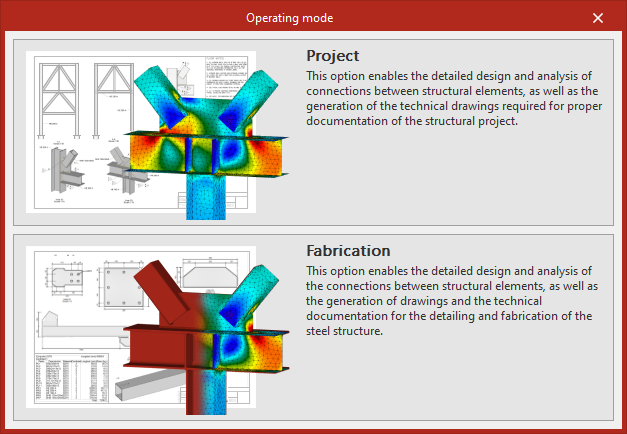
CYPE Connect has two work modes: "Project" and "Fabrication", designed to meet users’ needs at different stages of the structure’s development. Both modes share similar tools and options for structural modelling and connection definition, providing a common working environment.
The main difference between the two modes lies in how documentation is managed and generated. Each work mode organises its tools and graphical outputs according to the intended final deliverable, thereby supporting a more focused workflow tailored to each process.
Project mode
The "Project" mode is intended for the technical documentation required for the structural design project. In this mode, users can generate and manage general drawings of the structure, as well as include connection views and details, producing documentation focused on the overall design, analysis and definition of the project.
Fabrication mode
The "Fabrication" mode is intended for generating technical documentation used in workshop fabrication and on-site assembly processes. In this mode, users can generate and manage part drawings, assembly drawings, connection drawings and general arrangement views of the structure, producing detailed documentation tailored to production and assembly requirements.
For projects created in "Project" mode, the user has the option to "Change the work mode" to "Fabrication". This option is available in the "Model" tab, within the "Project" section.
| Note: |
|---|
| The "SPD – Steel Structure Detailing Drawings" licence is required to generate drawings in "Fabrication" mode, whereas it is not required in "Project" mode. Export tools for plates in DSTV, STEP and DXF formats, or IFC EM.11, are available in "Fabrication" mode. |
