
Starting and creating a new project
Language selection
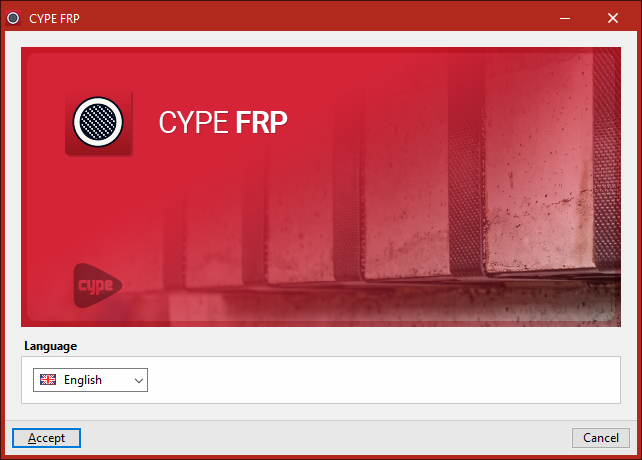
When you launch the app, you must first select the "Language" in which the program interface and the results will be displayed.
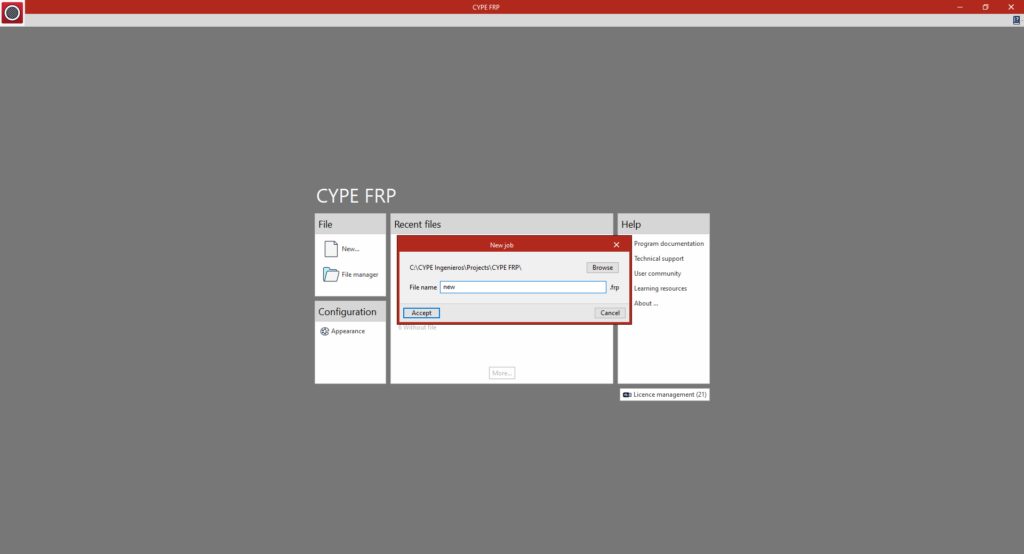
New job
Once you have accepted, the initial interface that is the same as in other CYPE programs opens. When you click on "New", you can create a "New job". In the window that appears, enter the "File name".
The extension of the main file associated with the job is shown on the right; in this case, .frp.
You can change the folder where the work will be saved by clicking the "Browse" button.
Project parameters
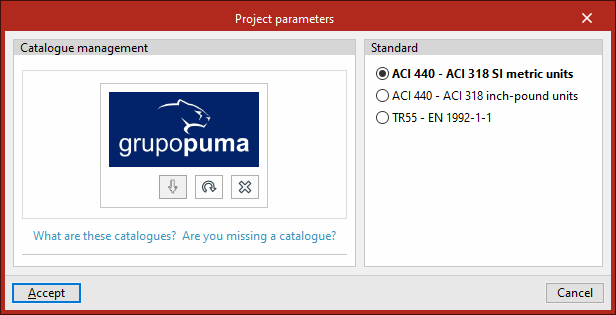
This opens the "Project parameters" window.
Here, in the "Catalogue management" section, you should download the manufacturer’s catalogues you wish to use from those available in the Open BIM Database.
On the right, in the "Standard" section, select one of the available standards (and, where applicable, the system of units):
- ACI 440 – ACI 318 SI metric units
- ACI 440 – ACI 318 inch-pound units
- TR55 - EN 1992-1-1
This will load and open the program with these settings. If you wish to use different settings, you will need to create a new project.
Project settings
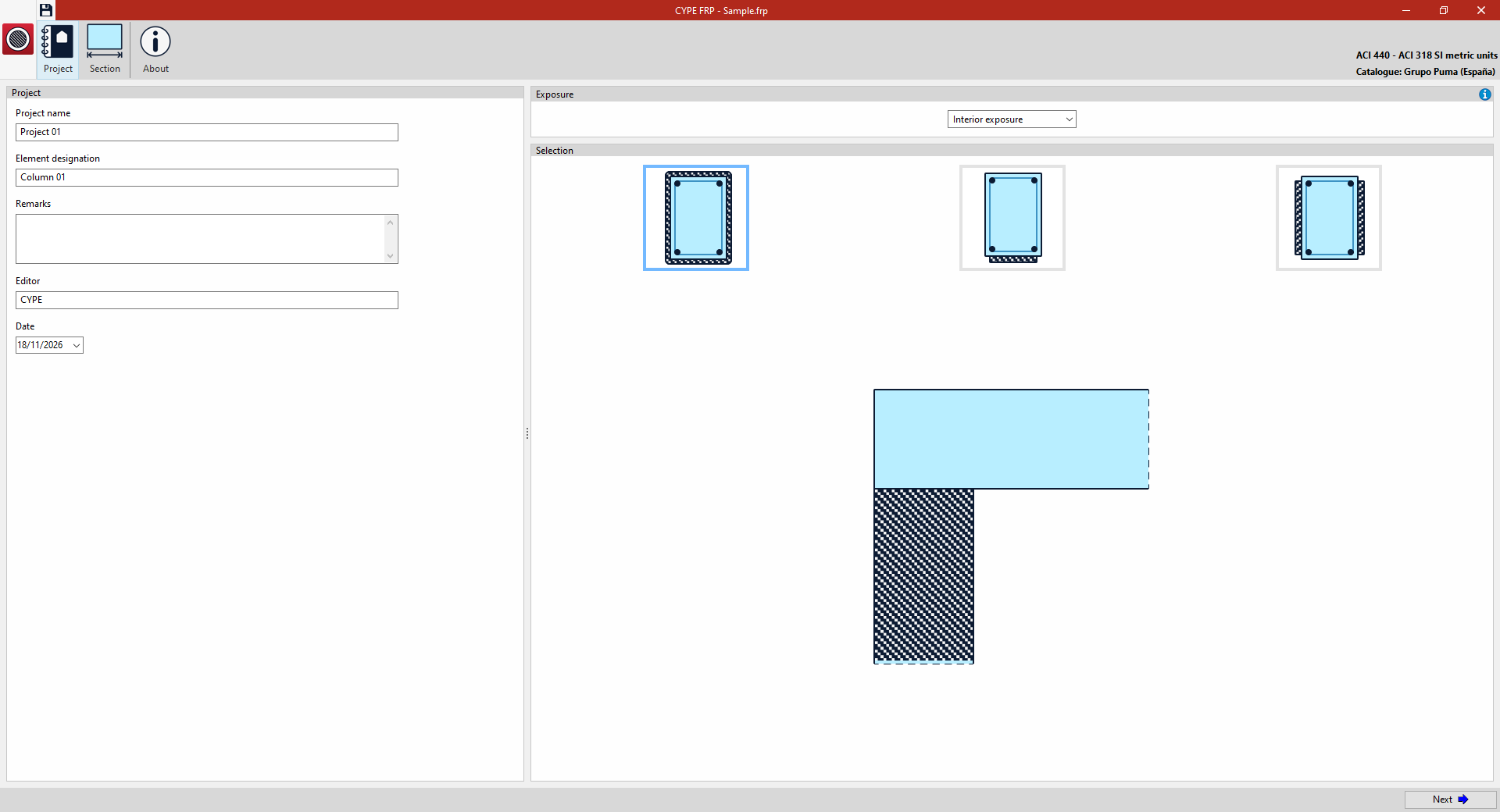
After launching and opening the program with the desired settings, the following must be defined in the "Project" section:
- On the left, the "Project" parameters, including the "Project name", the "Name of the item" to be analysed, any "Notes" to be included, the ‘Editor’ reference and the "Date" of the work.
- f the ACI 440–ACI 318 standards are used, the long-term environmental "Exposure" of the member must be selected in the corresponding field on the right-hand side. This must be taken into account as an initial design assumption, as it will affect the determination of the safety factor applied in the design equations. The available options are:
- Interior exposure
- Exterior exposure
- Aggressive environment
- Finally, the case to be analysed is 'selected' from those available. These are as follows:
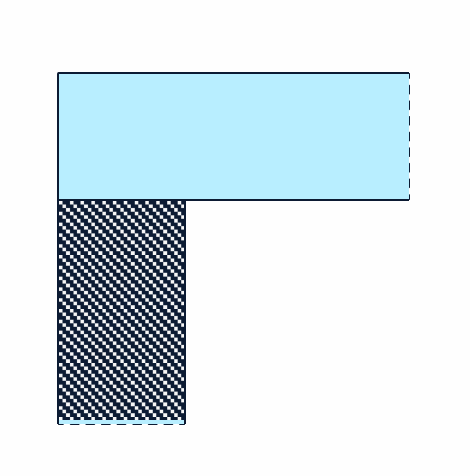
- Column strengthening by means of FRP confinement
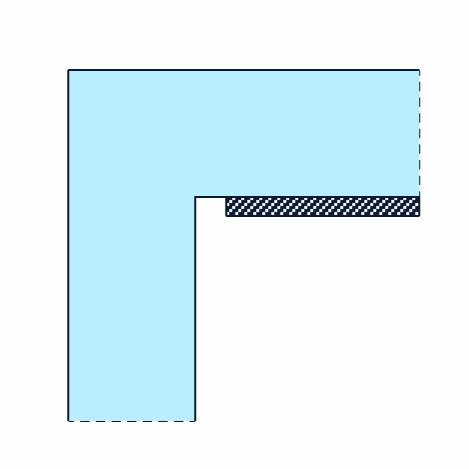
- Flexural strengthening of beam
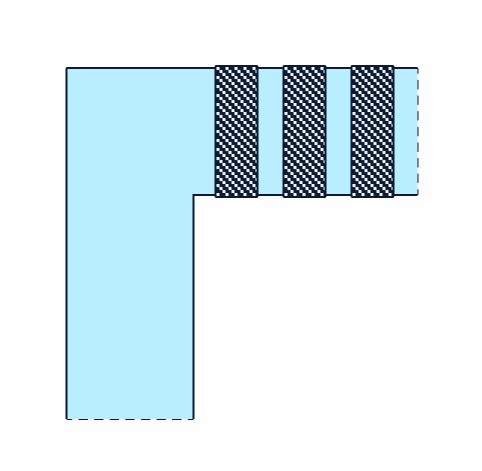
- Shear strengthening of beam/column