


Defining floors and groups of floors and inserting columns, shear walls, and starts
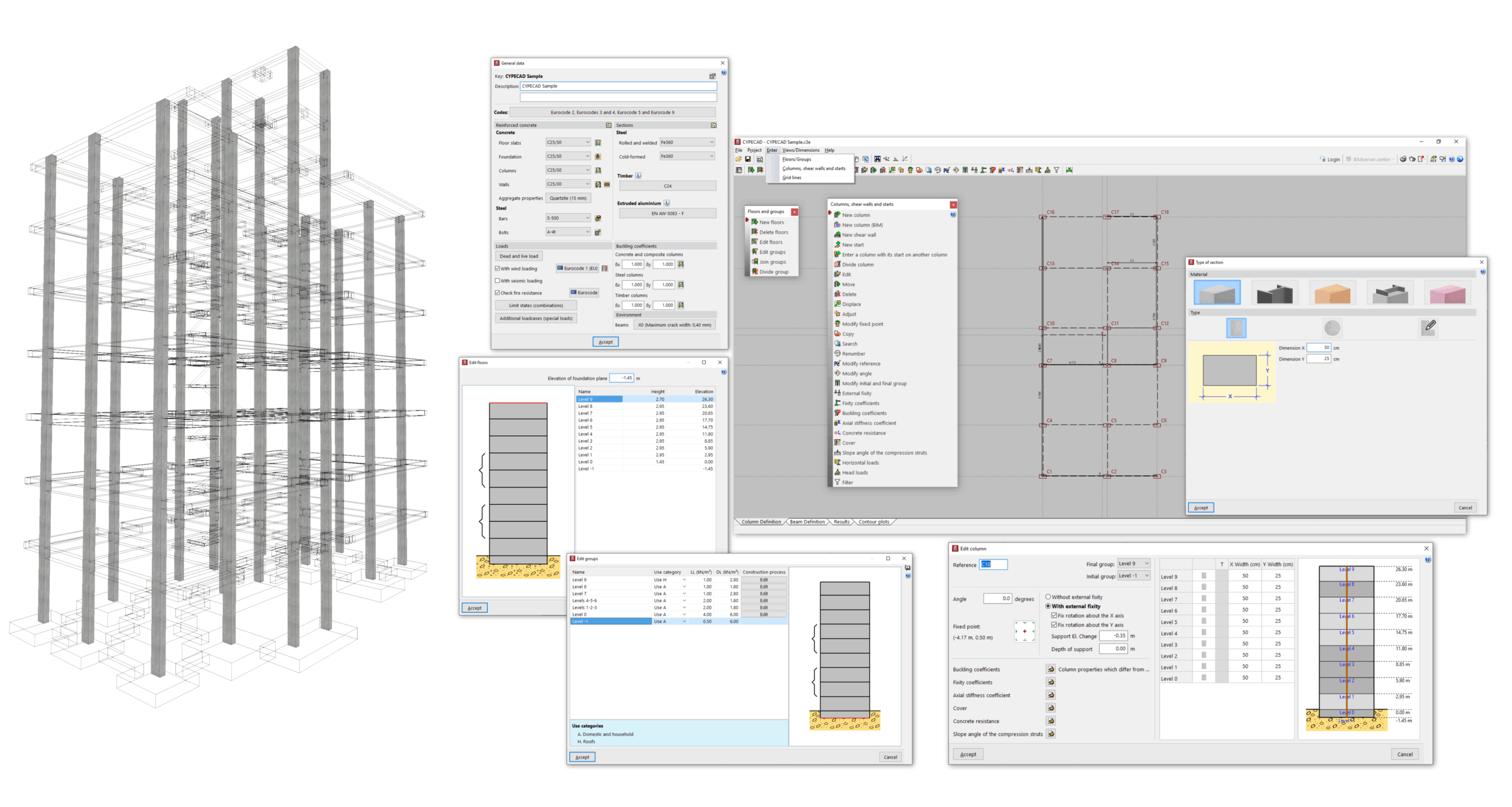
The "Column input" tab is the first tab available when you open the program. The following aspects of the project are configured here:
- The model's floor and group of floors layout is defined, enabling the subsequent insertion of structural elements between floors or on each floor.
- The structural elements available in this tab are inserted and/or edited: columns of different materials (concrete, steel, wood, mixed or generic), shear walls (vertical reinforced concrete elements with a section formed by one or more segments that are discretised into finite elements) and starts (or column foot sections where it is possible to enter loads or define a point for the subsequent insertion of foundation elements).
Furthermore, from this tab, it is also possible to access the general data for the project.
Subsequently, the user must complete and analyse the structure model in the "Beam Input" tab.
The following link provides detailed information on the options that appear in the "Column input" tab:
